
Marked QL
Preview Markdown instantly
Marked QL is a Mac Quick Look extension for when you need to read Markdown files, including technical documentation, without opening an editor.
by Brett Terpstra · 97% positive (73)
What you get
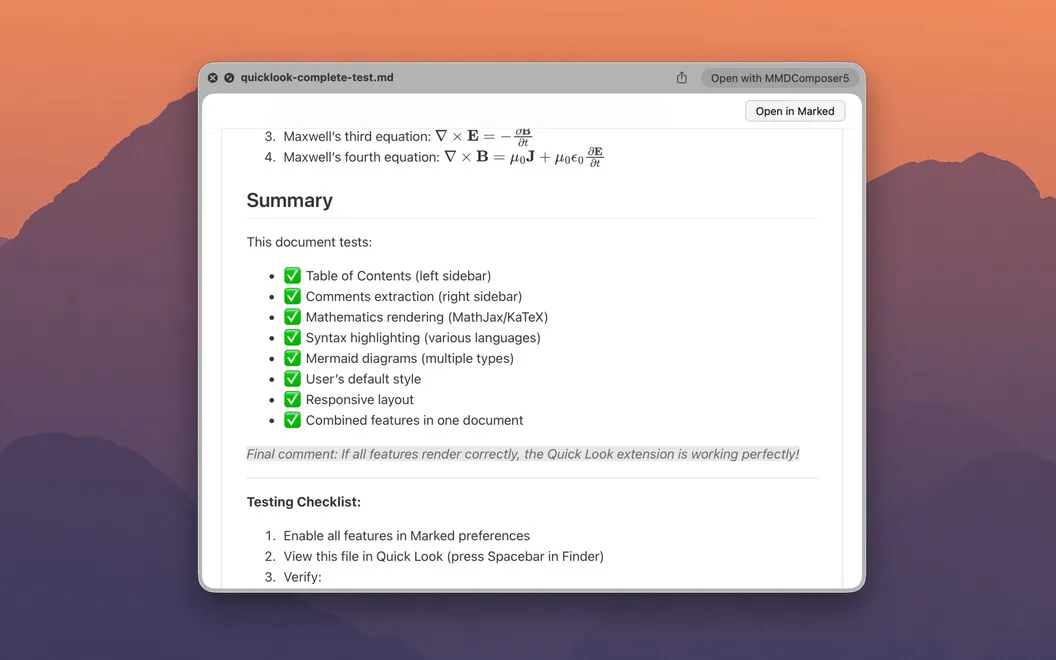
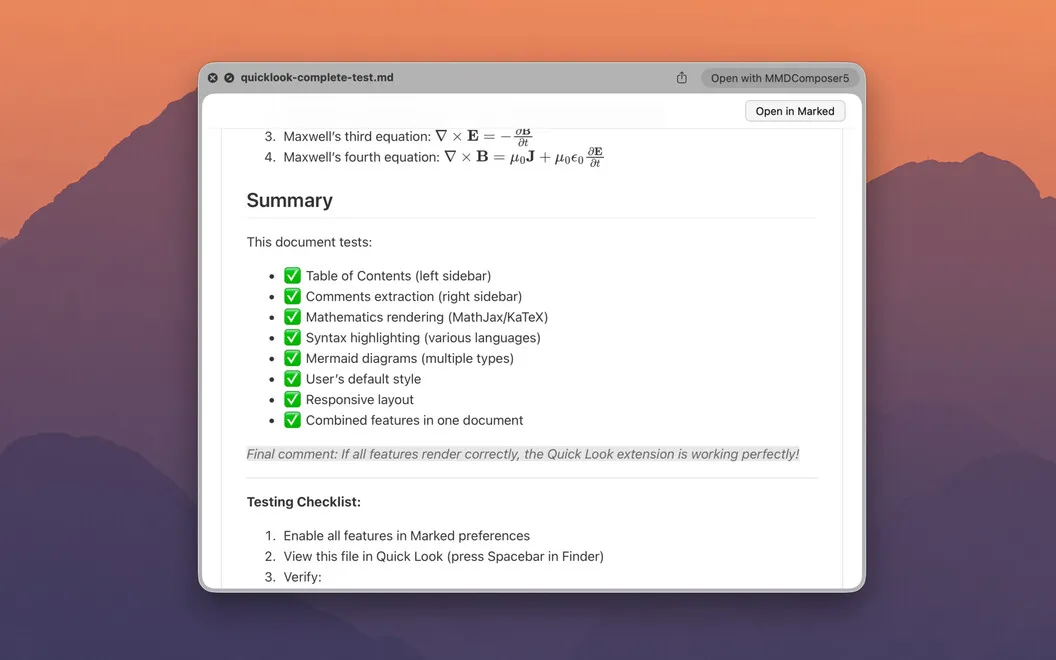
Read your Markdown files in Finder, with equations, diagrams, and code rendered.
You can check what’s inside a Markdown file without launching an editor. Select a .md file in Finder and press Spacebar to read a formatted preview instead of raw markup. You get readable tables, footnotes, task lists, and callouts, including syntax used in CommonMark, GitHub Flavored Markdown, and other Markdown variants.
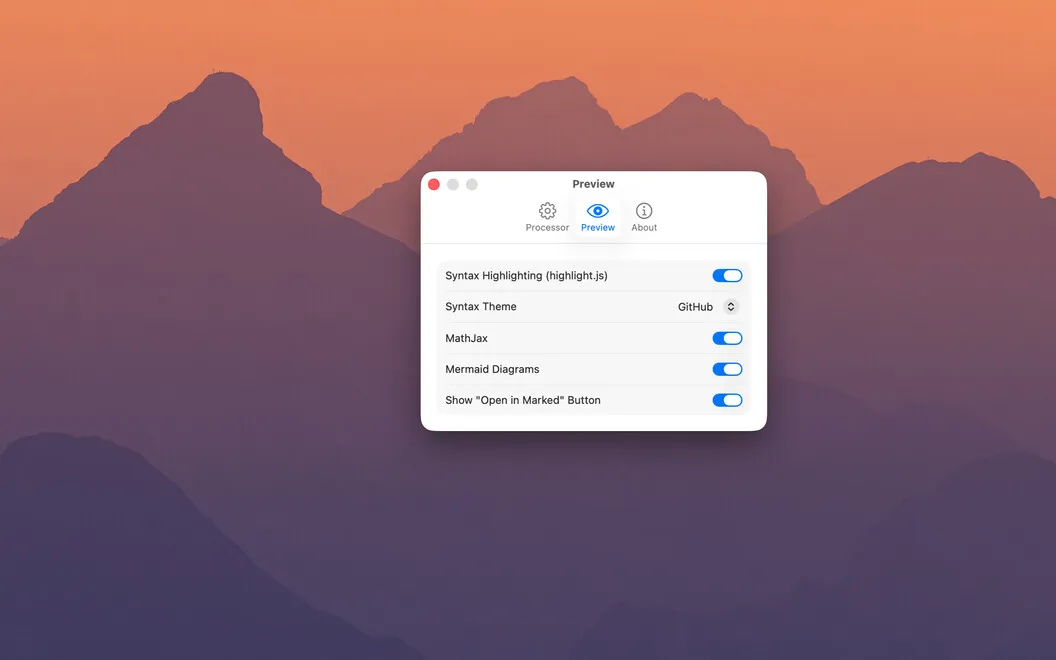
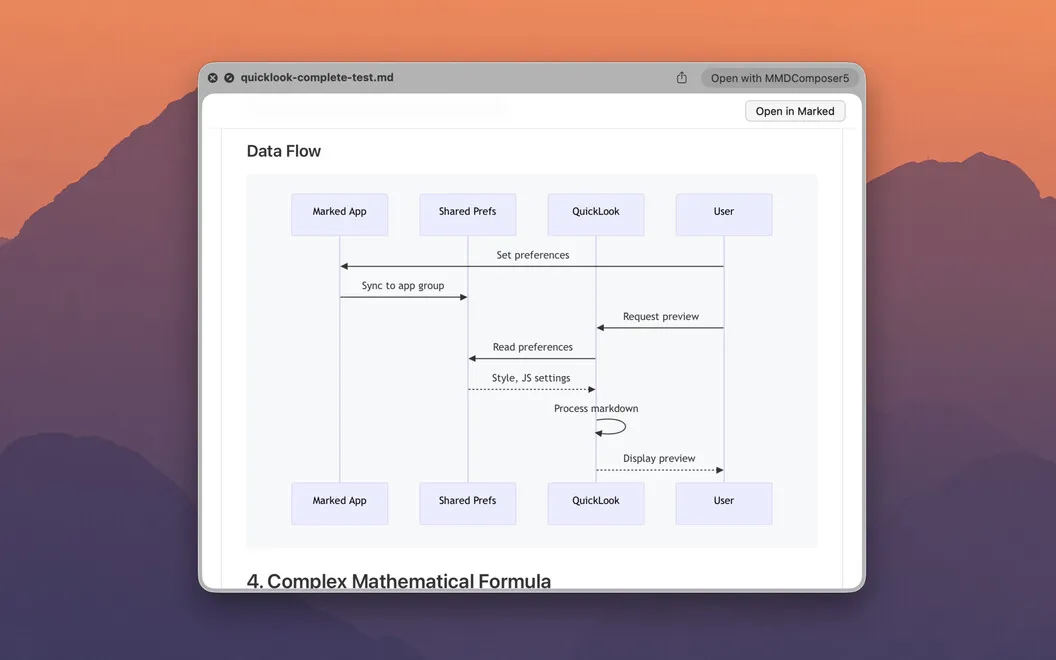
When you review technical documents, you can see LaTeX equations as math, Mermaid definitions as diagrams, and code blocks with syntax highlighting. That lets you inspect a README, follow a flowchart, or read a formula without mentally translating the source text. Math and diagrams work without extra plugins or configuration.
For longer documents, you can jump between headings using a table of contents. Your previews follow your Mac’s light or dark appearance, and you can choose preview styles or apply custom CSS to suit how you prefer to read.
-
Check files from Finder
You can read formatted Markdown with a press of Spacebar, without launching an editor.
-
Understand technical content
You see rendered equations and Mermaid diagrams rather than having to interpret their source syntax.
-
Read code more easily
You get syntax-highlighted code blocks when reviewing READMEs and technical documentation.
-
Navigate longer documents
You can jump straight to a heading through the preview’s table of contents.
Best for
- You regularly check Markdown files in Finder
- You review READMEs and technical documentation
- You read Markdown containing equations or Mermaid diagrams
Skip it if
You don’t need it if you rarely read Markdown files or are happy previewing them in your existing editor.
Screenshots
From the developer
Marked QL — Quick Look extension for Markdown files on Mac. Hit Spacebar on any .md file in Finder and get a fully rendered preview — math, code, diagrams, and all — right then and there. No app to open, no window to juggle.Read the full description
Alternatives to Marked QL
Other apps to write & preview Markdown. See all
 Marked
Live preview and advanced tools for Markdown writers
Setapp
94% · 729 ratings
Marked
Live preview and advanced tools for Markdown writers
Setapp
94% · 729 ratings
 Telescopo Markdown Studio
Markdown & diagrams viewer
Setapp
97% · 90 ratings
Telescopo Markdown Studio
Markdown & diagrams viewer
Setapp
97% · 90 ratings
 MacMD Viewer
Markdown reader for Mac
Sold separately
MacMD Viewer
Markdown reader for Mac
Sold separately
 eBook Creator
Mac App Store
eBook Creator
Mac App Store
 MD-Viewer
Mac App Store
MD-Viewer
Mac App Store
 MDViewer
Markdown Viewer
Mac App Store
MDViewer
Markdown Viewer
Mac App Store