
Monosnap
screenshot editor
Monosnap gives you screenshot capture, annotation, and screen recording tools for explaining problems or demonstrating steps. It suits you if you regularly share visual instructions with colleagues or clients.
by Monosnap. inc
What you get
Show what you mean with annotated screenshots and screen recordings.
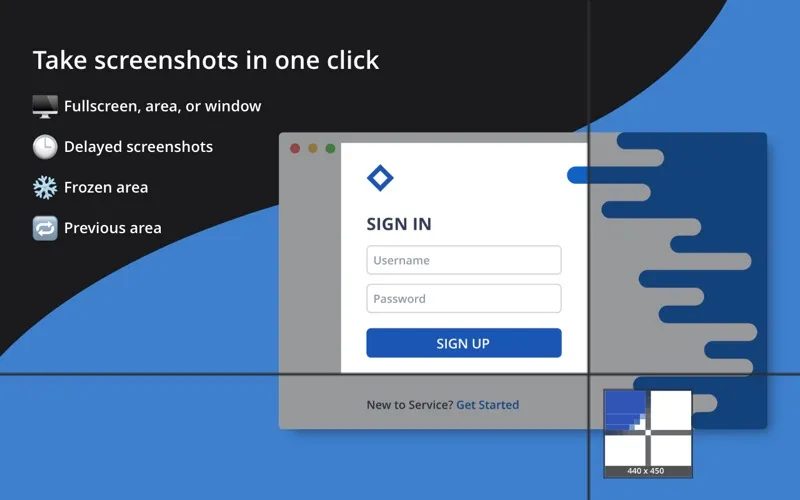
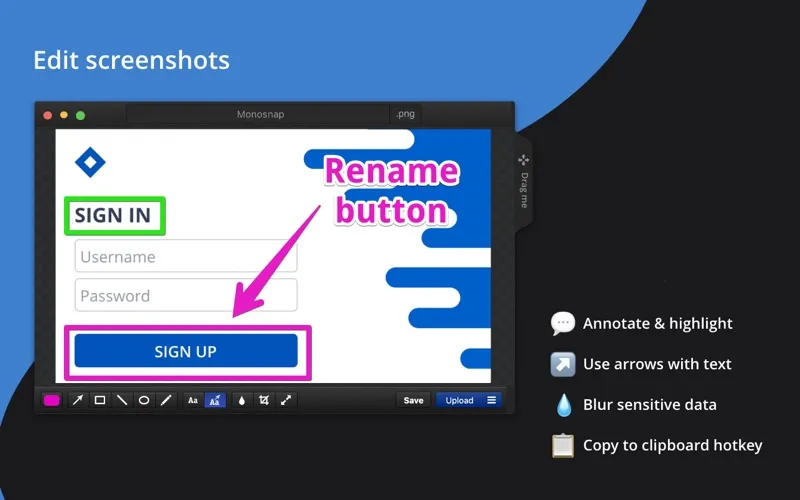
With Monosnap, you can turn something on your screen into a visual explanation. Capture your whole screen, one window, or a precise area, then add arrows, text, shapes, or pen marks so your reader knows where to look. You can also blur private details before sharing and use a delayed capture when you need time to prepare the screen.
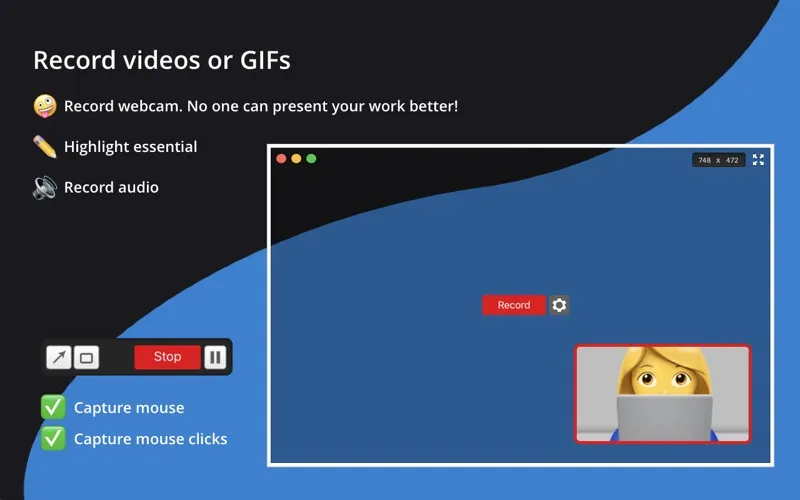
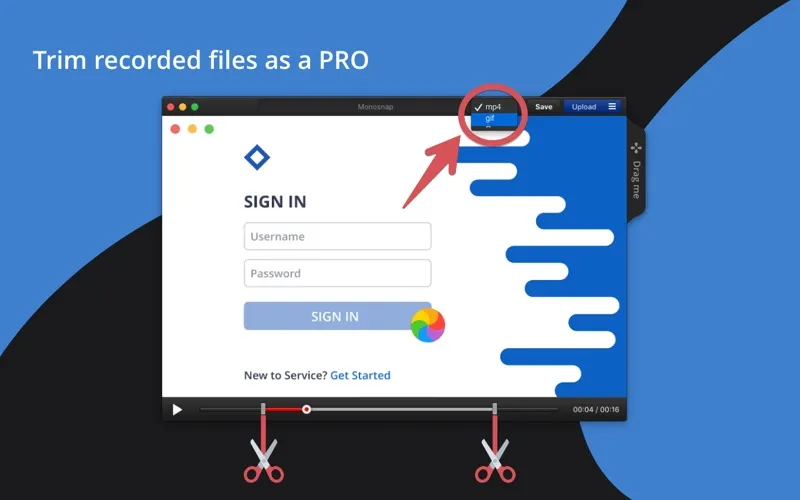
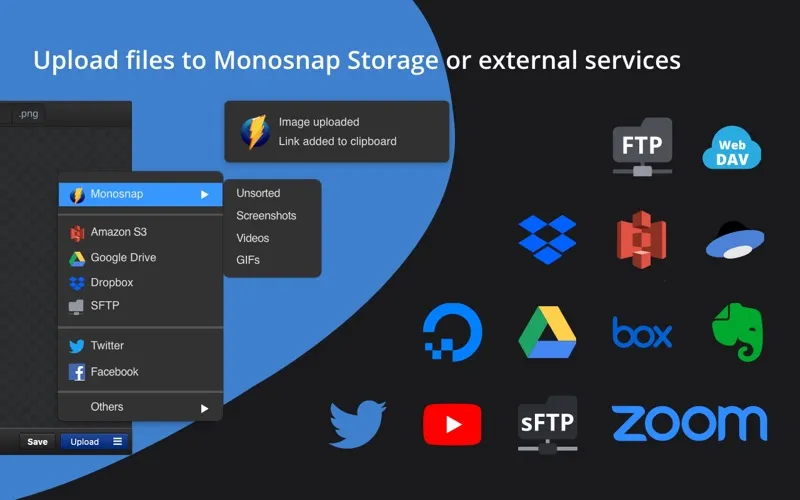
When a still image isn't enough, you can record a screencast or GIF to show a sequence of actions, highlighting details during video recording. After logging in, you can upload captures to Monosnap storage and share short links rather than attach files. You can also upload videos to YouTube.
For personal, non-commercial use, you get a limited free version. You need a paid commercial plan for work use; paid plans also give you larger uploads, more storage, and connections to external storage services.
-
Make your point visible
You can mark the exact detail you mean with arrows, text, shapes, and pen strokes.
-
Keep private details hidden
You can blur sensitive information in screenshots before sending them to someone else.
-
Show steps in motion
You can demonstrate a process with a screencast or GIF instead of describing every action in writing.
-
Send a link instead
After logging in, you can upload captures to Monosnap storage and give recipients a short link.
Best for
- You need to show a colleague exactly where a problem appears.
- You create short visual instructions or product walkthroughs.
- You share screenshots that contain private details.
Skip it if
You only need occasional, unedited screenshots and already have a way to send them.
Screenshots
From the developer
Capture and edit screenshots, upload files, record video and .GIFs! Share a visual explanation with your clients and colleagues.Read the full description
Alternatives to Monosnap
Other apps to take & annotate screenshots. See all
 CleanShot X
Take better screenshots and GIFs
Setapp
99% · 14,421 ratings
CleanShot X
Take better screenshots and GIFs
Setapp
99% · 14,421 ratings
 Xnapper
Create shareable screenshots
Setapp
96% · 865 ratings
Xnapper
Create shareable screenshots
Setapp
96% · 865 ratings
 ScreenFloat
Power up your screenshots
Setapp
94% · 88 ratings
ScreenFloat
Power up your screenshots
Setapp
94% · 88 ratings
 AldooSnap
Capture, annotate, share fast
Sold separately
AldooSnap
Capture, annotate, share fast
Sold separately
 DeskMop
A pristine desktop, on demand
Sold separately
DeskMop
A pristine desktop, on demand
Sold separately
 Tidyshot
Tidy up your screenshots
Sold separately
Tidyshot
Tidy up your screenshots
Sold separately