
MS Authenticator
MFA & OTP
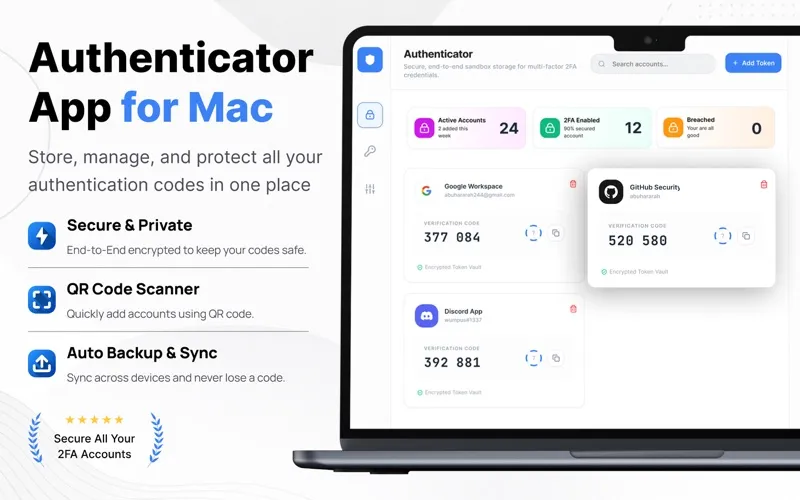
MS Authenticator gives you time-based sign-in codes for accounts that support two-factor authentication. It suits you if you want to manage verification codes for personal or work accounts in one place.
by ghulam ali
What you get
You get an extra sign-in check beyond your password.
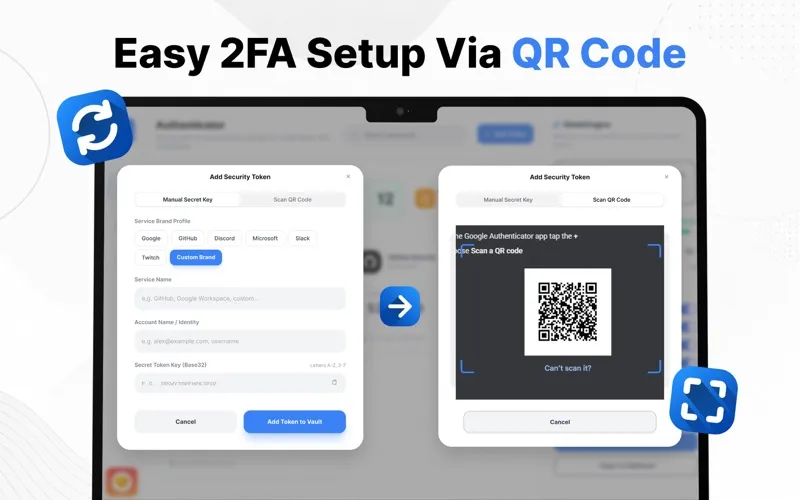
MS Authenticator gives you the temporary codes you need when signing in to accounts with two-factor authentication enabled. You can add a supported account by scanning its QR code or entering its setup key, then use the generated code as an extra verification step alongside your password. This makes a stolen password alone less useful to someone trying to access your account.
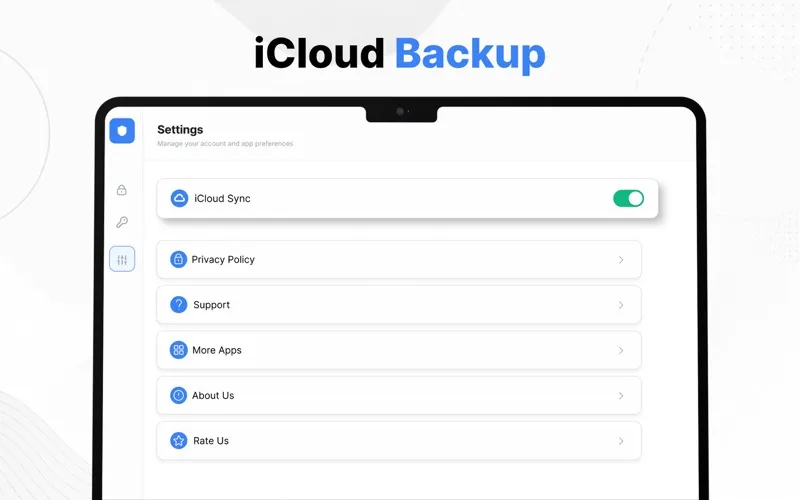
You can keep authentication accounts for email, social media, work services, and other compatible websites together, so you have one place to find the code you need. When you change devices, you can transfer your authentication accounts; backup and synchronization also help you keep that data available across supported devices.
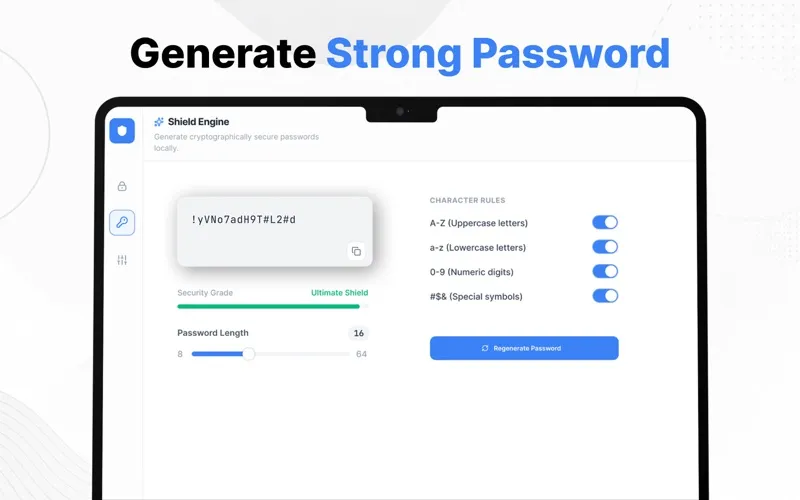
You can also generate strong, unique passwords and get password suggestions when choosing new credentials. Compatibility depends on whether each service supports the standard time-based one-time password method.
-
Add a sign-in safeguard
You get time-based verification codes that add another check beyond your account password.
-
Find your codes together
You can manage multiple authentication accounts in one place instead of keeping track of them separately.
-
Set up supported accounts
You can scan a service’s QR code or enter its setup key to start generating verification codes.
-
Keep accounts when switching devices
You can transfer authentication accounts and use backup and synchronization across supported devices.
-
Choose stronger passwords
You can generate strong, unique passwords rather than coming up with new credentials yourself.
Best for
- You use two-factor authentication across several accounts
- You want verification codes for personal and work services together
- You need to move authentication accounts to a new device
Skip it if
You don't need it if your current authenticator already handles your codes, backups, and device transfers.
Screenshots
From the developer
Secure your online accounts with Authenticator App – the fast, reliable, and easy-to-use two-factor authentication (2FA) solution. Generate one-time passwords (OTP) for your favorite websites and services to add an extra layer of security beyond your password.Read the full description
Alternatives to MS Authenticator
Other apps to store passwords & 2FA codes. See all
 Step Two
Simplify two-step authentication
Setapp
97% · 469 ratings
Step Two
Simplify two-step authentication
Setapp
97% · 469 ratings
 Strongbox
Store your passwords securely
Setapp
92% · 66 ratings
Strongbox
Store your passwords securely
Setapp
92% · 66 ratings
 Secrets 4
Store and manage passwords
Setapp
80% · 200 ratings
Secrets 4
Store and manage passwords
Setapp
80% · 200 ratings
 License Store
All your licenses, one place
Sold separately
License Store
All your licenses, one place
Sold separately
 1Password 7
Password Manager
Mac App Store
1Password 7
Password Manager
Mac App Store
 1Password for Safari
Mac App Store
1Password for Safari
Mac App Store