Nitro PDF Pro
Work with your PDFs
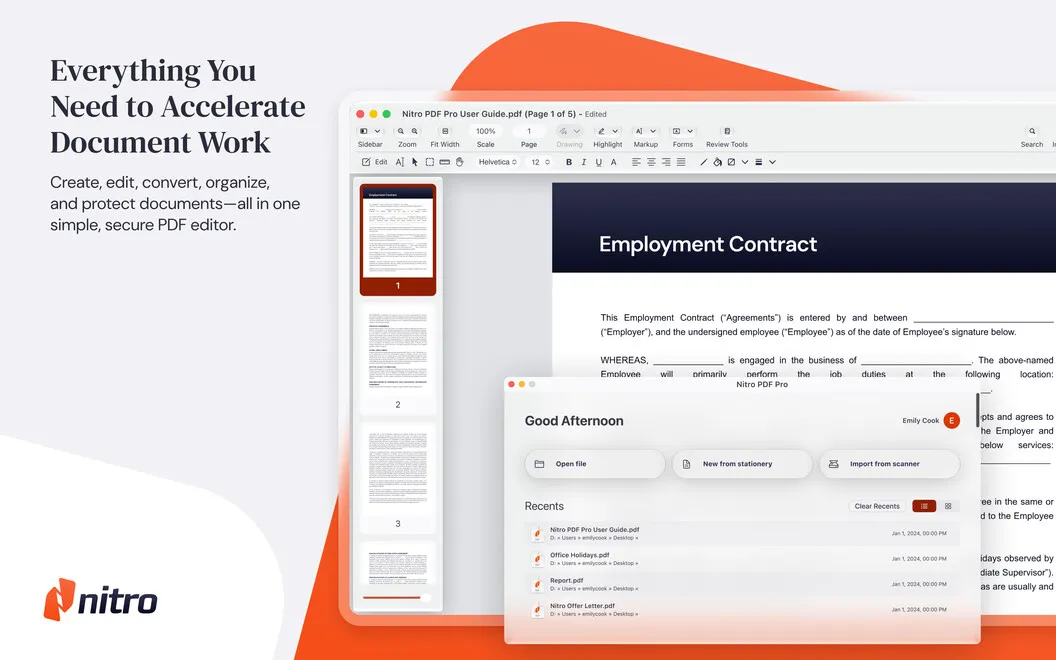
Nitro PDF Pro is a PDF editor for you if you regularly revise documents, review drafts, or handle forms and signatures.
by Nitro Software Inc · 89% positive (3,106)
What you get
You can turn PDFs into editable, signed documents ready to share.
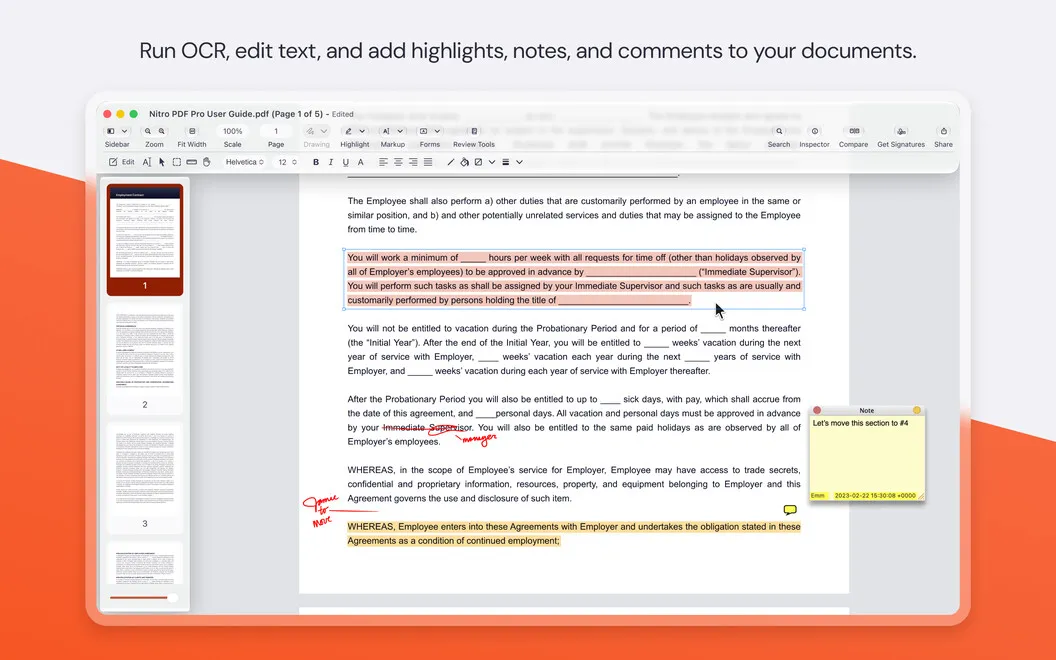
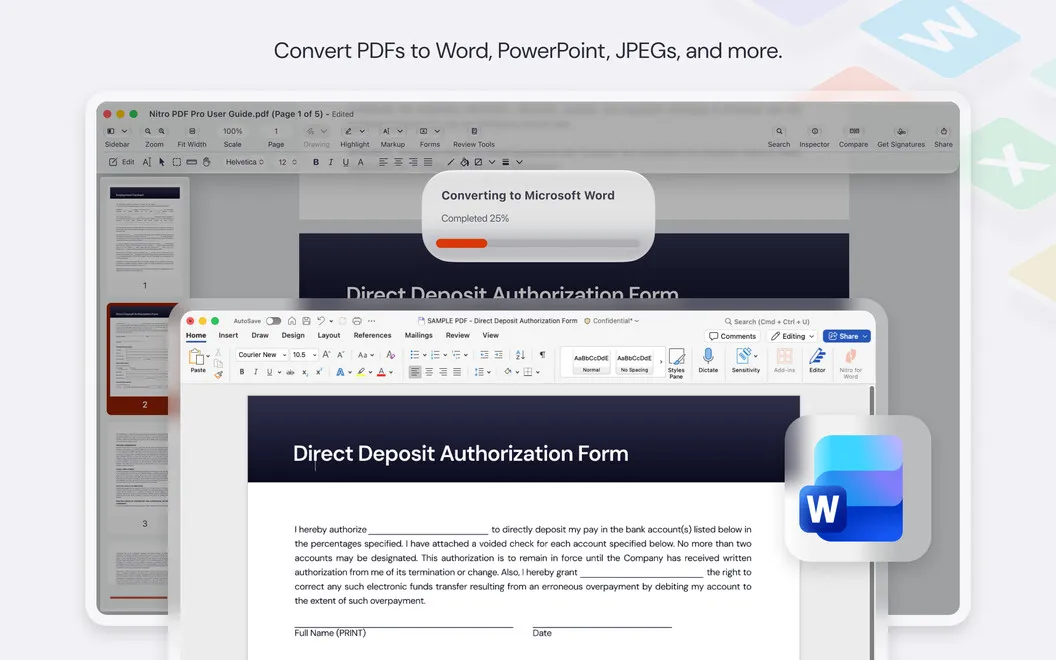
With Nitro PDF Pro, you can revise PDFs rather than recreate them from scratch. You can change text and images, add page numbers, and turn scanned text into editable content using OCR. When you need to work in Microsoft Office, you can convert your PDF while the app aims to preserve its layout, fonts, and images.
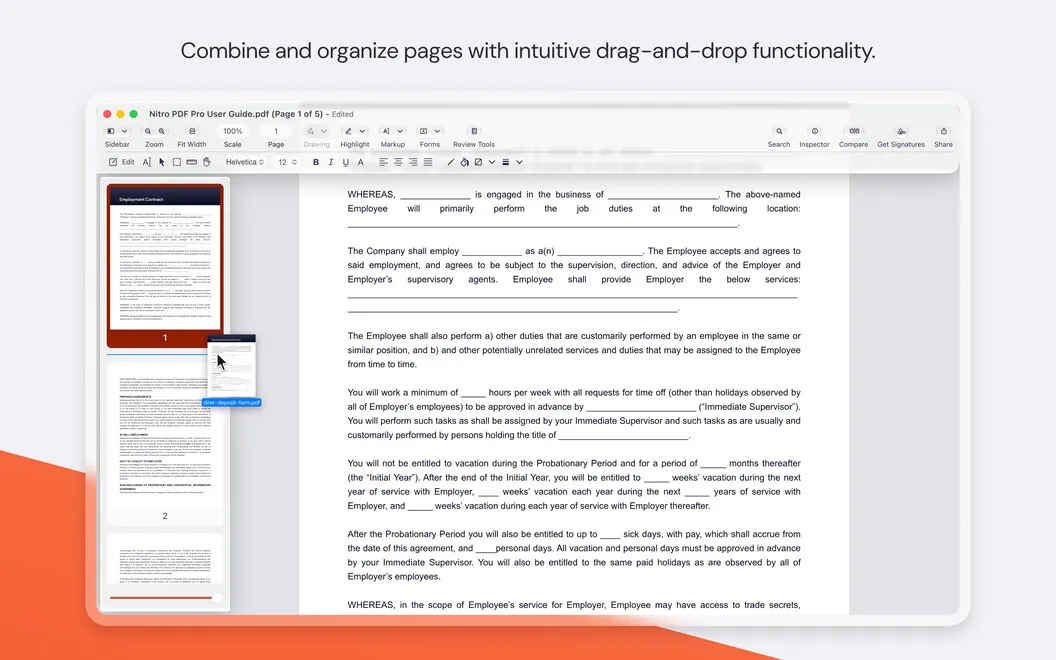
You can assemble separate PDFs into one report, rearrange pages, or extract only the pages you need. For reviews, you can highlight passages, leave comments or audio notes, and compare versions to find changes in text and images. You can also create fillable forms, complete them, and add or request electronic signatures without printing paperwork.
Before sharing, you can redact sensitive information and restrict access with passwords, permissions, or encryption. Digital signature validation lets you check signatures on documents you receive.
-
Reuse scanned text
You can turn scans into editable PDFs instead of retyping their contents.
-
Assemble one complete document
You can combine PDFs, put pages in order, and extract selected pages for a shorter document.
-
Keep reviews clear
You can leave comments, track feedback by author, and compare versions to spot text or image changes.
-
Finish forms without printing
You can fill in forms, add your signature, and request electronic signatures from others.
-
Share with fewer disclosures
You can redact private details and use passwords, permissions, or encryption to limit access.
Best for
- You regularly revise PDFs or combine documents into reports
- You review drafts and exchange feedback with others
- You handle scanned paperwork, forms, or signature requests
Skip it if
You don't need it if you only read PDFs and never edit, combine, sign, or protect them.
Screenshots
From the developer
Discover this all-round tool for all your PDF editing needs. Create and edit PDFs in Nitro PDF Pro, merge multiple files into one document, or convert into popular formats. Use the app to cut down on paper as it helps turn your scans into editable text.Read the full description
Alternatives to Nitro PDF Pro
Other apps to edit, sign & annotate PDFs. See all
 PDF Owl
Build the table of contents using on-device AI. Plus a reader-focused PDF viewer
Sold separately
PDF Owl
Build the table of contents using on-device AI. Plus a reader-focused PDF viewer
Sold separately
 PDF Editor
Fill, Sign & Edit
Mac App Store
PDF Editor
Fill, Sign & Edit
Mac App Store
 PDF Office
Acrobat Pro Expert
Mac App Store
PDF Office
Acrobat Pro Expert
Mac App Store
 PDF Reader
PDF Editor,Convert
Mac App Store
PDF Reader
PDF Editor,Convert
Mac App Store
 PDF Reader for Adobe PDF
Mac App Store
PDF Reader for Adobe PDF
Mac App Store
 PDF Reader Pro
Read & Edit
Mac App Store
PDF Reader Pro
Read & Edit
Mac App Store