Notepad.exe
Code fast. Skip the setup
Notepad.exe is a lightweight Mac code editor for when you want to test ideas, run short programs, and keep reusable snippets without setting up a full project.
by Marcin Krzyżanowski
What you get
You can test code ideas without setting up a project.
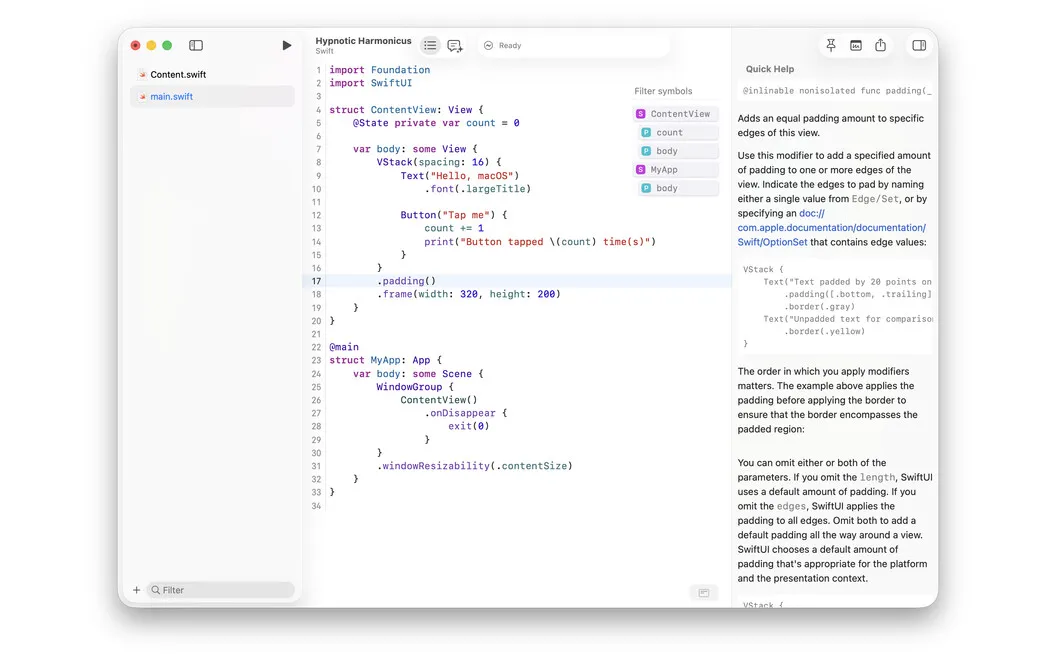
You get a place to try code before committing to a full project. Write Swift, Python, JavaScript, TypeScript, or Go in a note and run it without choosing an interpreter or configuring build settings. You can test a small idea while it is still fresh, rather than spend that time preparing an environment.
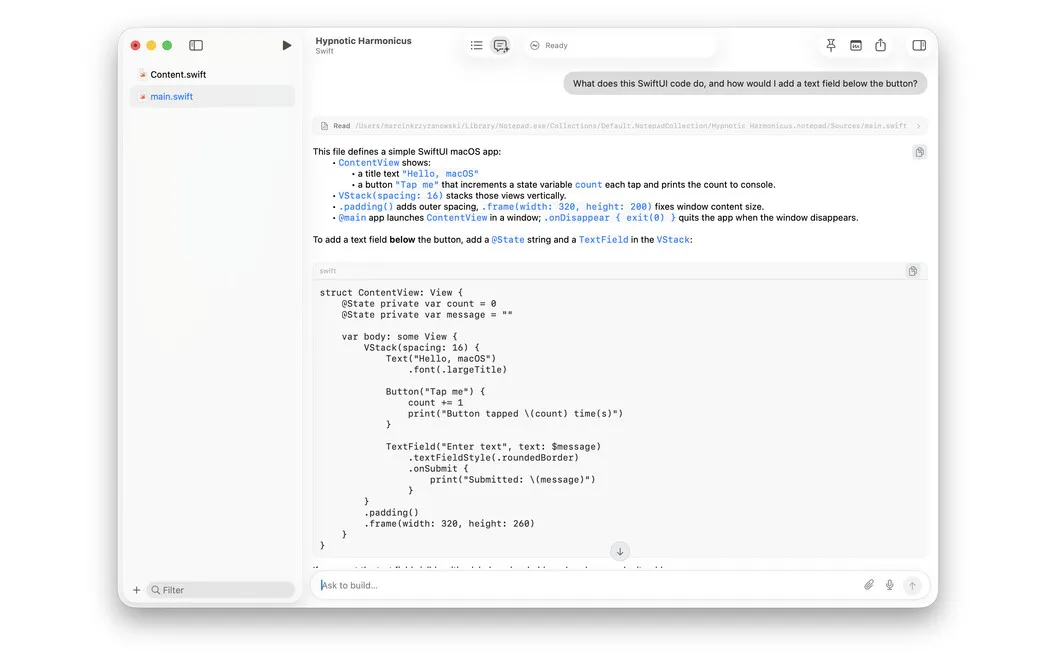
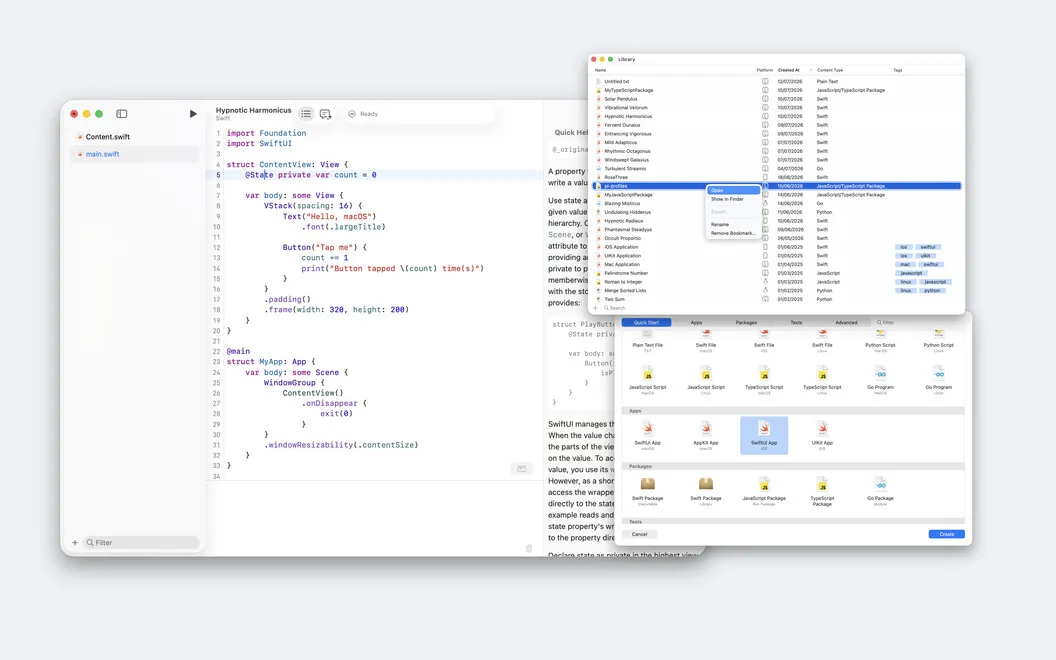
Your experiments stay in a searchable library, where you can filter by language and tag related snippets. You can also keep a note floating above other apps when you need reference code in view. When something fails, you can ask Doctor Marvin, the built-in AI assistant, to run your code, inspect its output, and edit files to address errors.
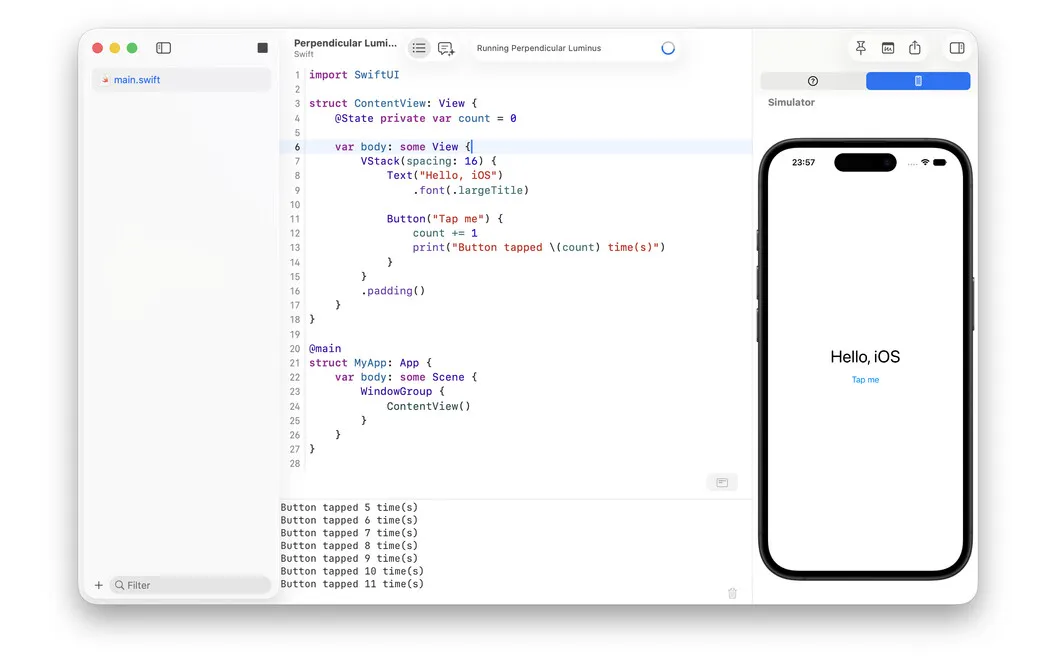
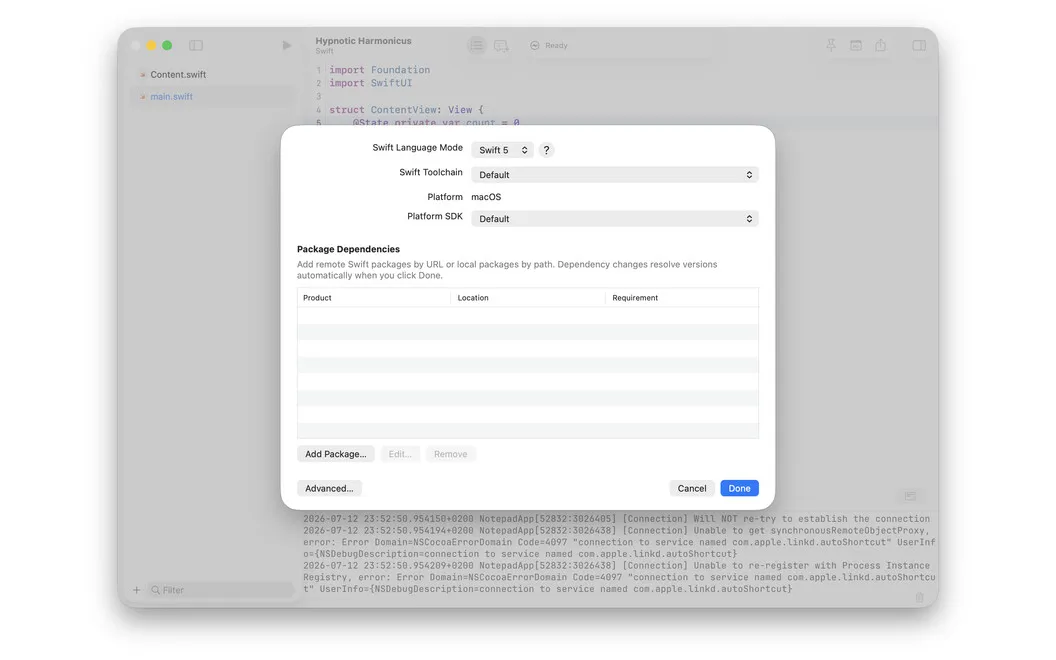
If your experiment grows, you can try SwiftUI or UIKit in the iOS Simulator, work with Swift packages, or export a working macOS app. You can run terminal commands in the editor without opening a separate window.
-
Test ideas sooner
You can run code in five languages without first configuring a project or selecting an interpreter.
-
Find past experiments
You can search your saved notes, filter by language, and use tags to group related snippets.
-
Get help fixing errors
You can ask the AI assistant to run code, read the results, and edit files to address problems.
-
Try Apple app ideas
You can test SwiftUI or UIKit in the iOS Simulator and export a working macOS app when your project grows.
Best for
- You want to test short scripts without project setup
- You need a searchable collection of code experiments
- You want to prototype SwiftUI or UIKit ideas
Skip it if
You probably don't need it if your existing editor already handles quick experiments and snippet storage to your satisfaction.
Screenshots
From the developer
Notepad.exe is a lightweight Mac code editor for Swift, Python, JavaScript, TypeScript, and Go. Most editors want you to set up a project before you write a single line — Notepad.exe doesn't. Open it, write something, hit run.Read the full description
Alternatives to Notepad.exe
Other apps to write & run code quickly. See all