Py Editor for Python
Py Editor for Python gives you a ready-to-run Python workspace on your Mac, suited to learning, data analysis, and short scripts without setting up a separate Python environment.
by Andromeda Corp LTD
What you get
You can run Python scripts without setting up a development environment.
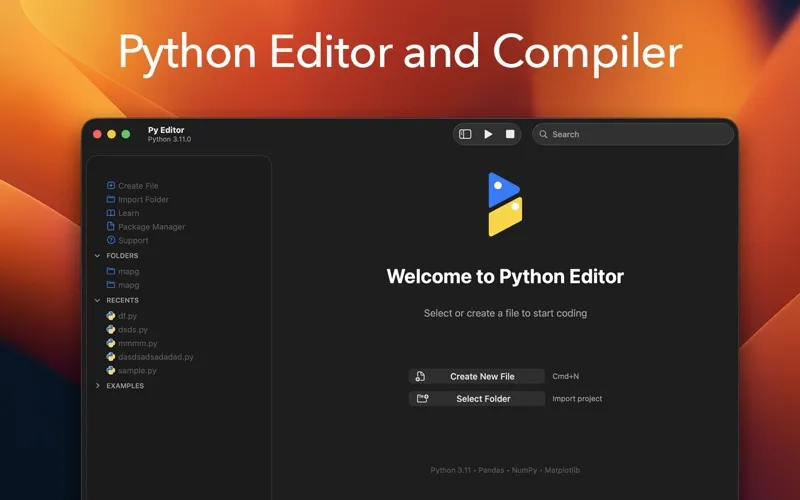
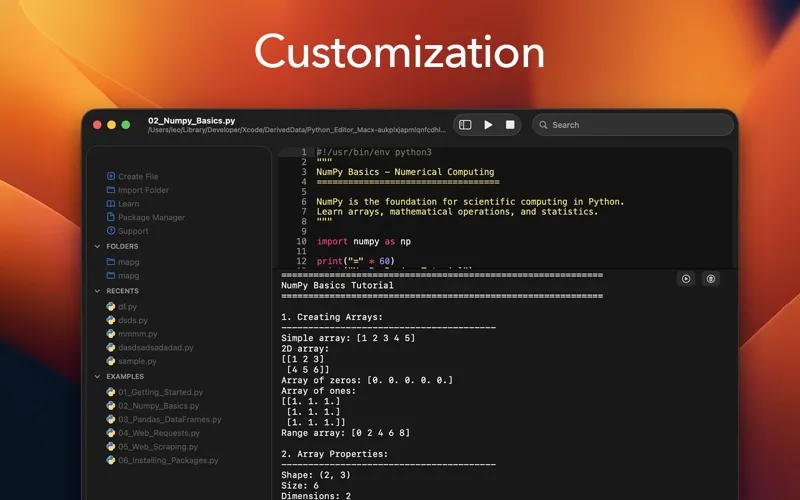
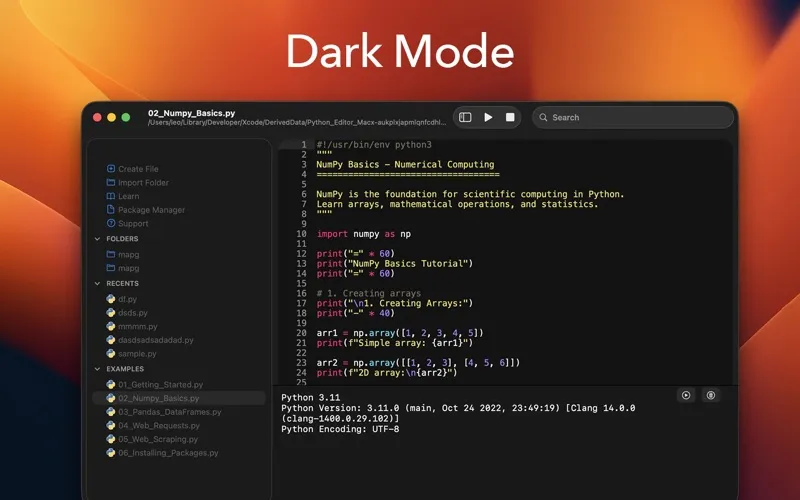
You can start writing and running Python on your Mac without installing Python separately, configuring paths, or managing virtual environments. The app includes Python 3.11, and you can check your script’s output and errors directly below your code.
You can work through CSV data, calculate statistics, draw charts, fetch API responses, and extract information from web pages using the included libraries. When you need something else, you can add pure-Python packages from PyPI without opening Terminal. Your project folders, recent files, and code stay accessible in the same workspace.
If you’re learning, you can follow six included tutorials covering Python basics, data analysis, web requests, scraping, and package installation. You can also preview Markdown, HTML, and SVG beside your work. After a three-day trial, a subscription unlocks customization, themes, the complete guidebook, and learning resources.
-
Start without environment setup
You can run Python code without separately installing Python or configuring paths and virtual environments.
-
Turn data into charts
You can analyze CSV files, perform calculations, and visualize results with the included NumPy, Pandas, and Matplotlib libraries.
-
Learn through working examples
You can practice Python fundamentals, data manipulation, API requests, and web scraping with six built-in tutorials.
-
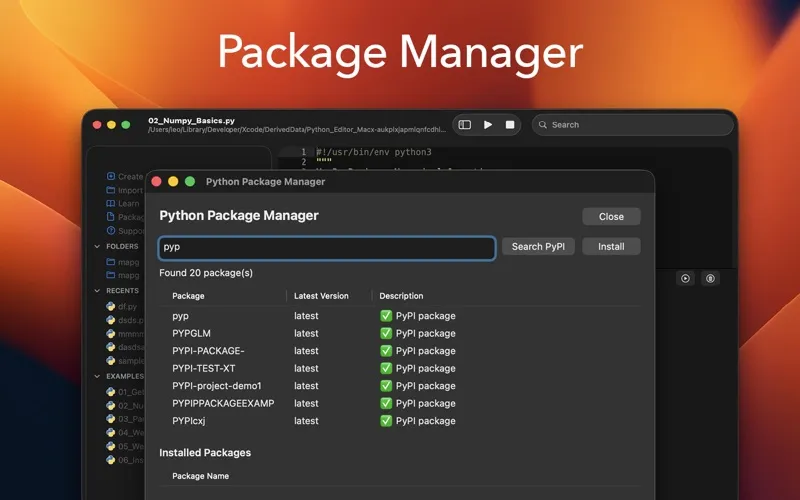
Add packages without Terminal
You can find and install additional pure-Python packages from PyPI inside the app.
Best for
- You’re learning Python on a Mac
- You want to explore CSV data and make charts
- You need a workspace for quick scripts
Skip it if
You probably don’t need it if you already have a Python setup you like and don’t need bundled libraries or tutorials.
Screenshots
From the developer
Python Editor is a native macOS application that lets you write and run Python code instantly, with no installation or configuration required. Python 3.11 is embedded directly in the app, along with essential data science packages.Read the full description
Alternatives to Py Editor for Python
Other apps to write & run code quickly. See all