QuickMD
With QuickMD, you can read and preview Markdown files on your Mac, especially if you work with documentation, notes, or technical writing.
by BARTOSZ MACIEJ SROCZYNSKI
What you get
Read your Markdown clearly and see changes as you save.
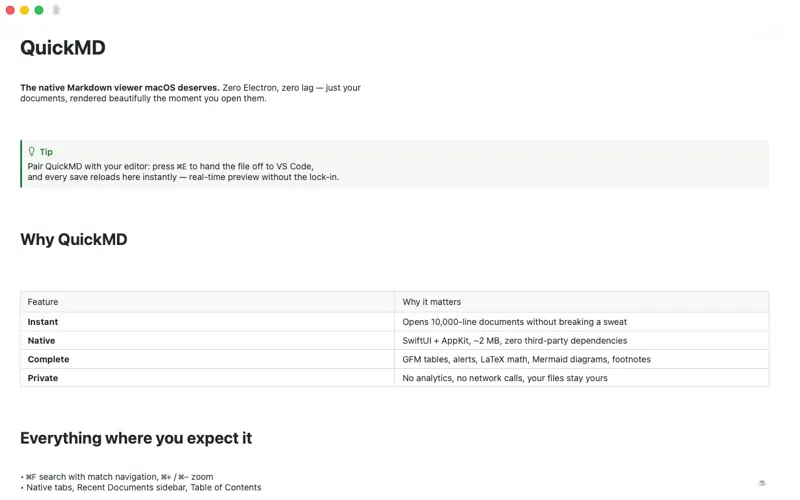
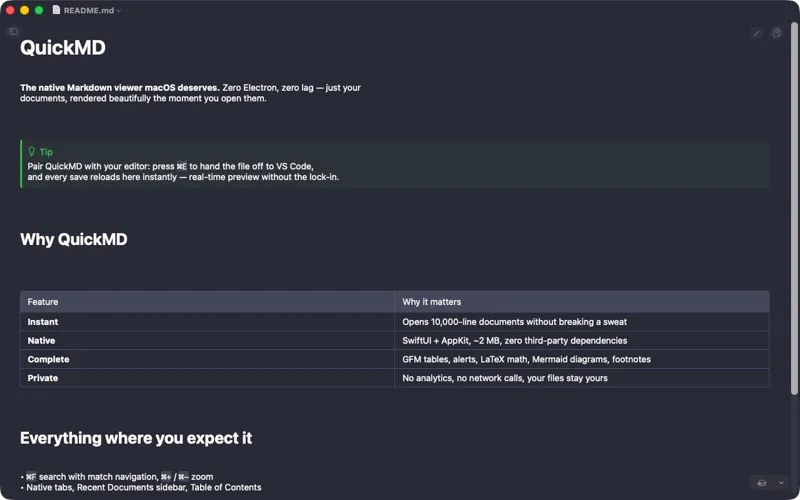
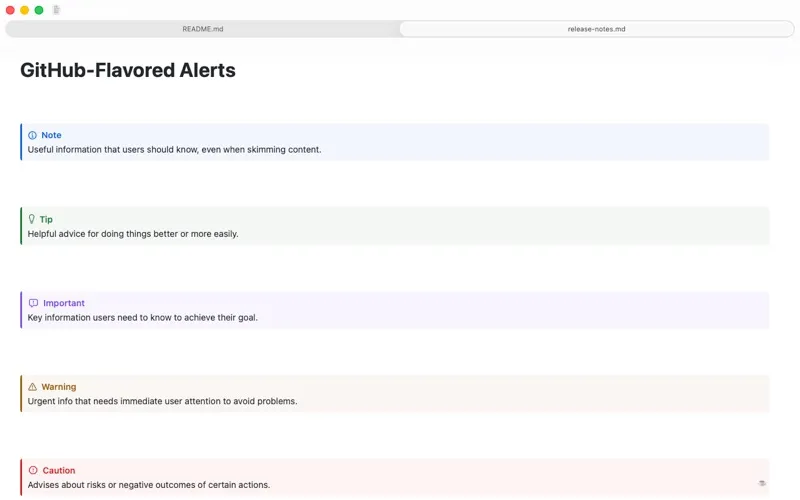
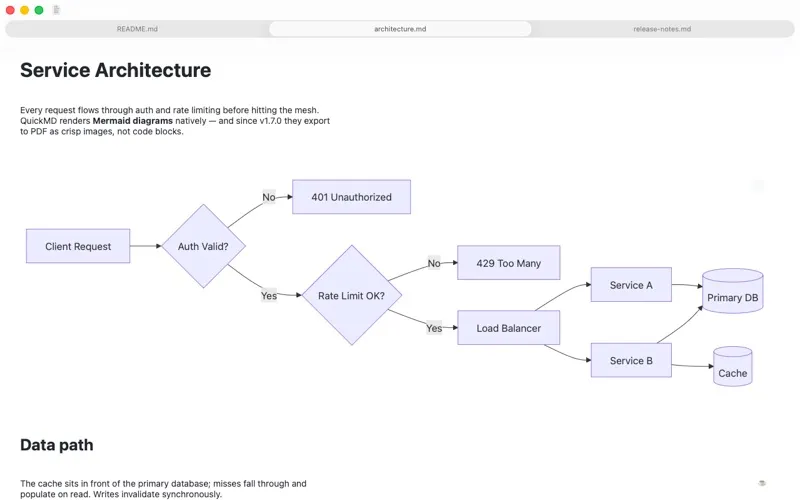
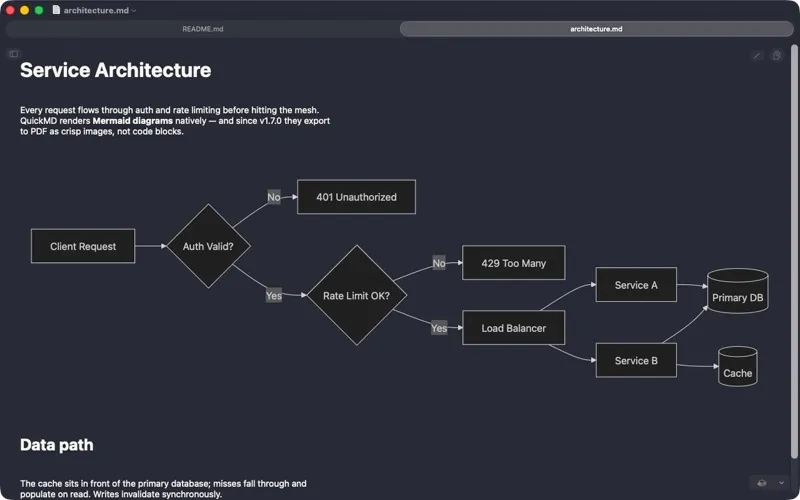
You can double-click a Markdown file to read its formatted content instead of raw markup. Tables, highlighted code, equations, and Mermaid diagrams appear in the document, so you can check technical notes and READMEs without mentally translating the source.
You can keep writing in your preferred editor while the preview updates whenever you save. If you spot a mistake, you can fix the source inside QuickMD or open it in an external editor. For long documents, you can jump between headings, search within the text, and keep your reading position through zooming, resizing, and reloading.
You can copy a code block, a section, or the whole document, then export a PDF with selectable text and rendered diagrams when you need a shareable version. Reading mode clears away controls, and you can work offline without analytics or tracking.
-
Check changes as you write
You see the rendered document update when your editor saves, so you can catch formatting problems while writing.
-
Navigate lengthy documents
You can jump to headings, find text, and retain your reading position when you resize, zoom, or reload.
-
Reuse what you read
You can copy individual code blocks, selected text, entire sections, or the whole document.
-
Share a readable PDF
You can export your Markdown with selectable text, typeset equations, and rendered Mermaid diagrams, or print it.
Best for
- You review Markdown READMEs and technical documentation
- You want a live preview beside your existing editor
- You read notes containing equations, tables, or diagrams
Skip it if
You probably don't need it if your current Markdown editor already gives you the preview, reading, and export tools you need.
Screenshots
From the developer
QuickMD is the fastest, most elegant Markdown viewer for macOS. Double-click any .md file and instantly see beautifully rendered content. COMPANION TO YOUR EDITOR • Auto-reload: the document refreshes the moment your editor saves it.Read the full description
Alternatives to QuickMD
Other apps to write & preview Markdown. See all
 Marked
Live preview and advanced tools for Markdown writers
Setapp
94% · 729 ratings
Marked
Live preview and advanced tools for Markdown writers
Setapp
94% · 729 ratings
 Telescopo Markdown Studio
Markdown & diagrams viewer
Setapp
97% · 90 ratings
Telescopo Markdown Studio
Markdown & diagrams viewer
Setapp
97% · 90 ratings
 Marked QL
Preview Markdown instantly
Setapp
97% · 73 ratings
Marked QL
Preview Markdown instantly
Setapp
97% · 73 ratings
 MacMD Viewer
Markdown reader for Mac
Sold separately
MacMD Viewer
Markdown reader for Mac
Sold separately
 eBook Creator
Mac App Store
eBook Creator
Mac App Store
 MD-Viewer
Mac App Store
MD-Viewer
Mac App Store