Snipit
Snipping Tool
Snipit is a screenshot tool for you if you need to capture screen details, mark up instructions, or document problems for work, study, or everyday use.
by Edusoft Limited
What you get
You get screenshots focused on what you need to show.
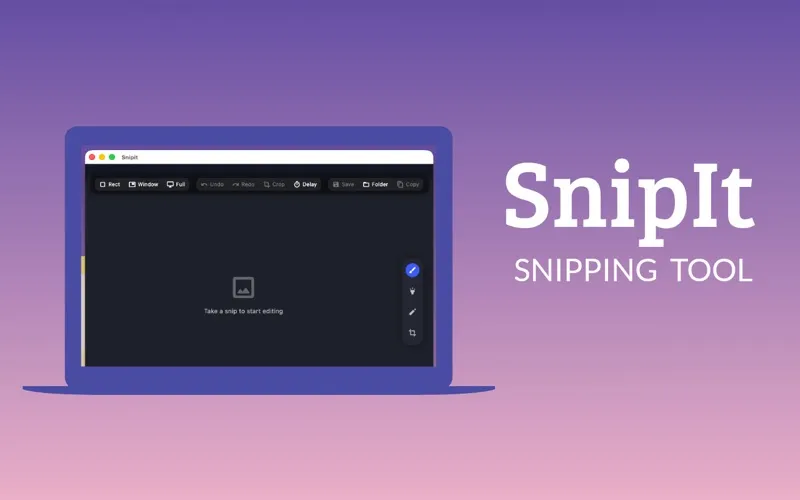
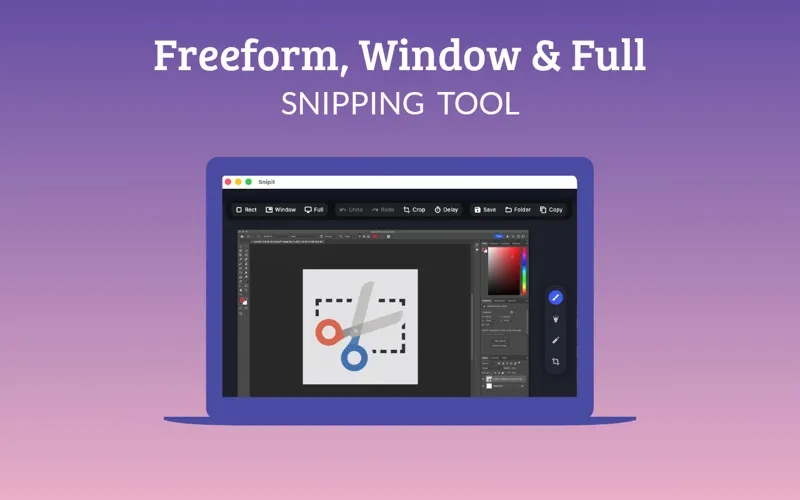
With Snipit, you can turn part of your screen, a single app window, or your entire display into a screenshot. You can isolate a window without including the other windows around it, then crop the result if you captured more than you need. That gives you a focused image for explaining a problem, illustrating instructions, or keeping a visual reference.
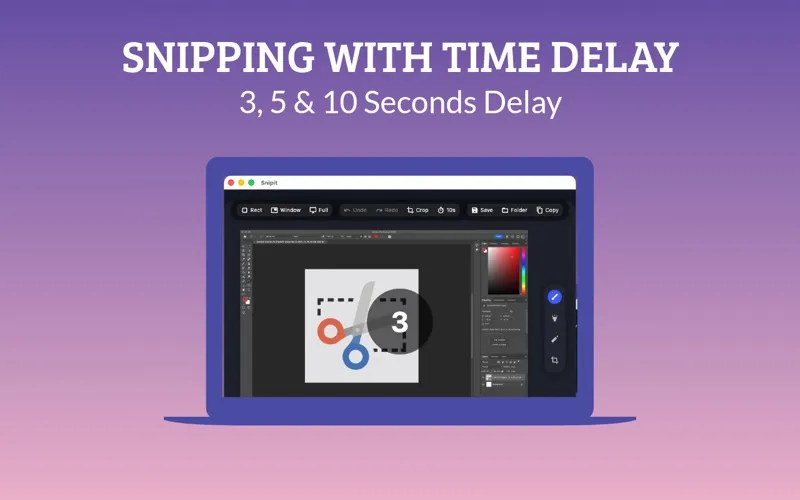
You can draw on your capture or highlight the details you want someone to notice, rather than describing where to look. When you need to capture a dropdown, menu, or hover state, you can set a 3-, 5-, or 10-second delay and use that time to prepare the screen.
You can use a limited set of features for free. Additional features require a monthly subscription, so you should check whether the free version covers your screenshot needs.
-
Show only what matters
You can capture a selected area or one app window without including the rest of your screen.
-
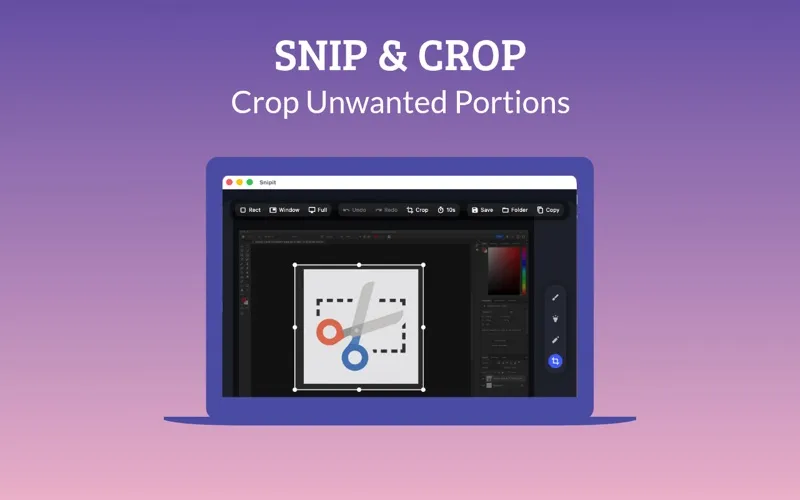
Trim unwanted edges
You can crop after capturing to remove extra content and keep attention on the relevant detail.
-
Make details easier to spot
You can draw and highlight directly on screenshots to show someone where to look.
-
Prepare before the capture
You get up to 10 seconds to open a menu or reveal a hover state before the screenshot is taken.
Best for
- You need screenshots to document software problems
- You explain steps with annotated images
- You capture menus or hover states
Skip it if
You do not need another screenshot app if your existing tools already cover capturing, cropping, markup, and timed shots.
Screenshots
From the developer
The smarter, faster, and more intuitive way to take screenshots on your device. Snipit is a lightweight yet powerful snipping tool designed to help you capture exactly what you need—whether it’s a rectangular selection, a full-screen snap, or a specific app window.Read the full description
Alternatives to Snipit
Other apps to take & annotate screenshots. See all
 CleanShot X
Take better screenshots and GIFs
Setapp
99% · 14,421 ratings
CleanShot X
Take better screenshots and GIFs
Setapp
99% · 14,421 ratings
 Xnapper
Create shareable screenshots
Setapp
96% · 865 ratings
Xnapper
Create shareable screenshots
Setapp
96% · 865 ratings
 ScreenFloat
Power up your screenshots
Setapp
94% · 88 ratings
ScreenFloat
Power up your screenshots
Setapp
94% · 88 ratings
 AldooSnap
Capture, annotate, share fast
Sold separately
AldooSnap
Capture, annotate, share fast
Sold separately
 DeskMop
A pristine desktop, on demand
Sold separately
DeskMop
A pristine desktop, on demand
Sold separately
 Tidyshot
Tidy up your screenshots
Sold separately
Tidyshot
Tidy up your screenshots
Sold separately