SQLiteFlow
SQLite Editor
SQLiteFlow is an SQLite editor for Mac and iOS that lets you inspect, query, and change databases, whether you maintain data or develop apps that use SQLite.
by 晨亮 贾
What you get
You can inspect SQLite data, make changes, and compare databases in one place.
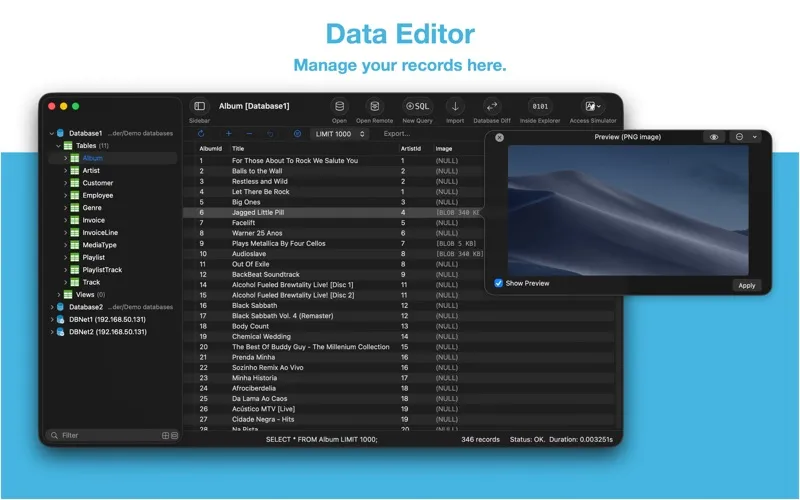
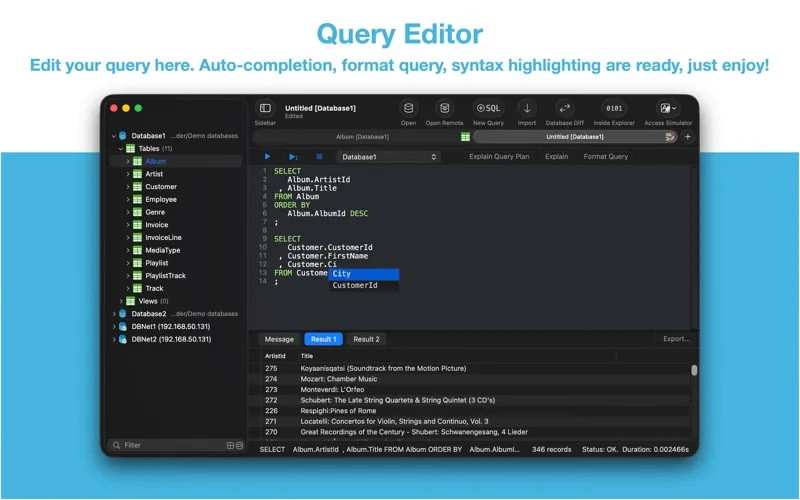
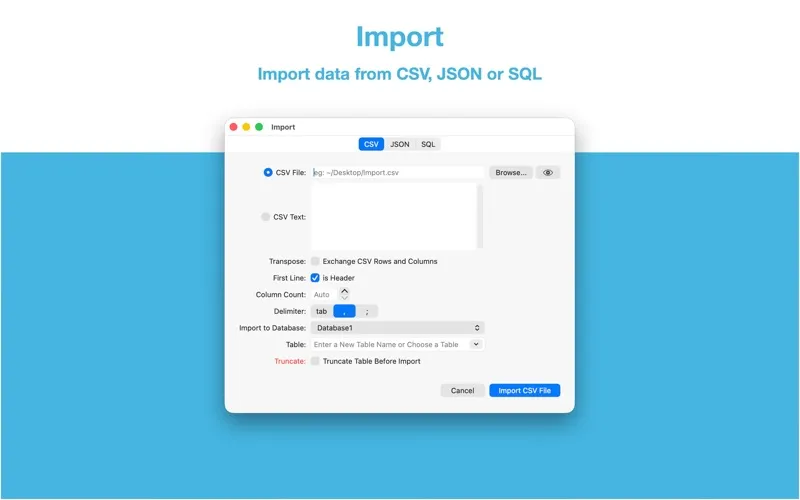
SQLiteFlow gives you a way to work directly with your SQLite databases: find records with filters, correct values, add rows, or remove data you no longer need. When you need answers beyond browsing tables, you can write and run multiple SQL queries with completion and formatting, then export results as CSV, JSON, or Markdown.
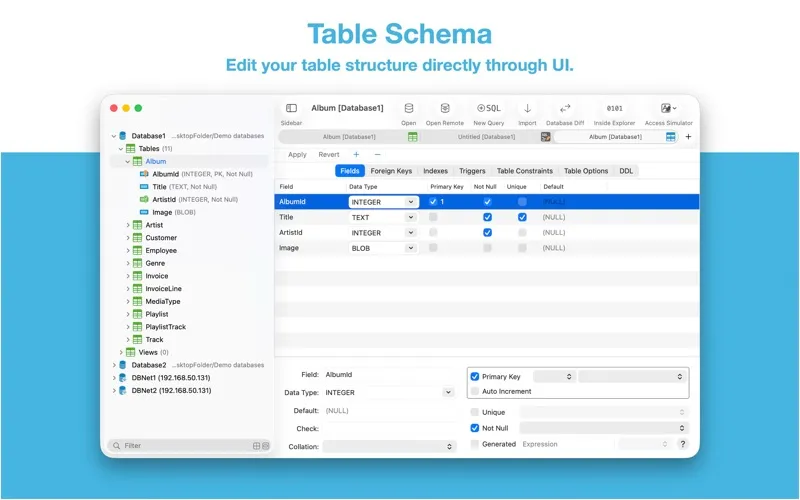
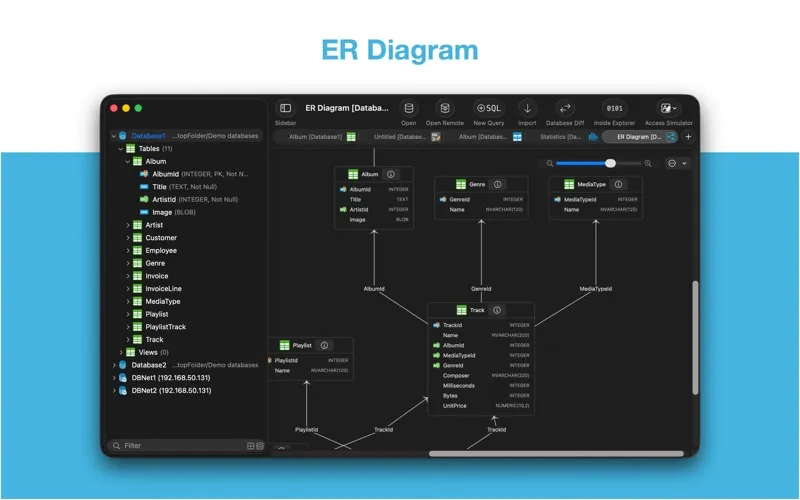
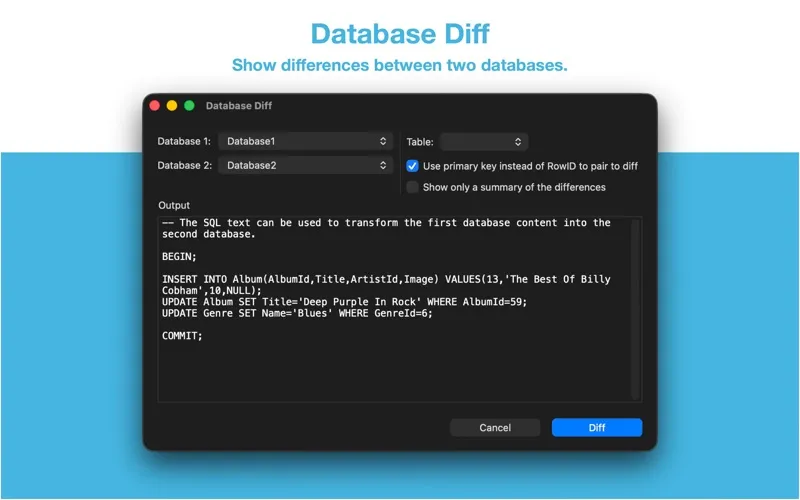
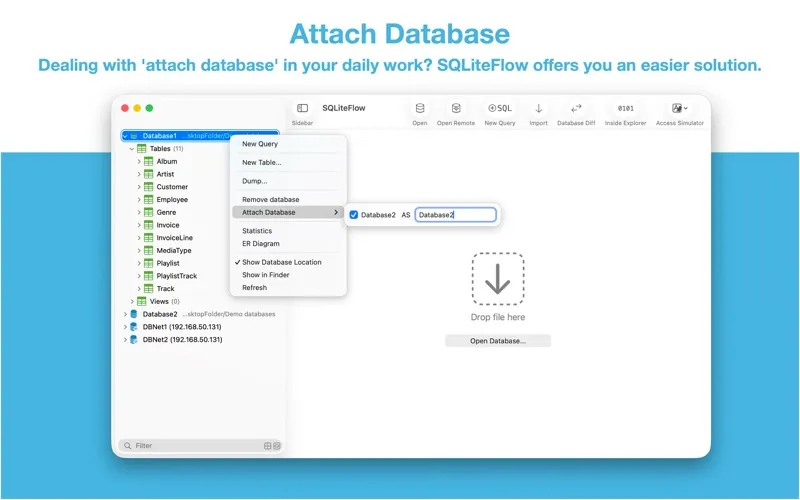
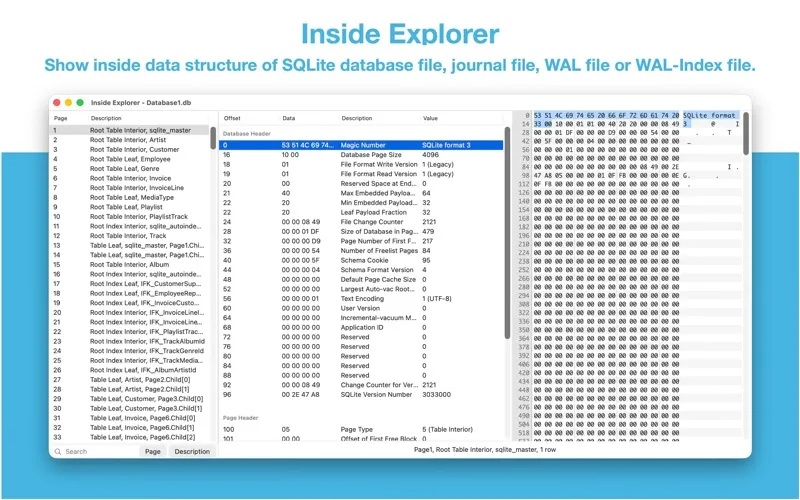
You can understand how a database is organized by viewing table relationships in an ER diagram and checking fields, indexes, and constraints. Before changing a table, you can preview the SQL involved. When two databases differ, you get a summary of those differences and SQL that can transform one into the other.
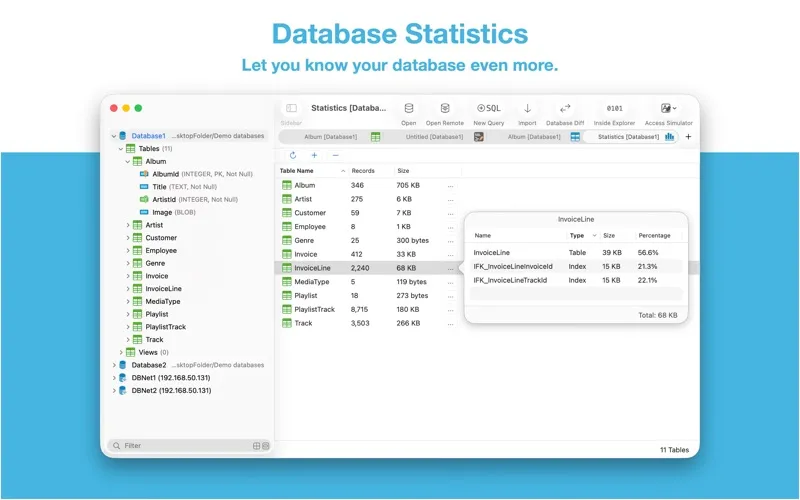
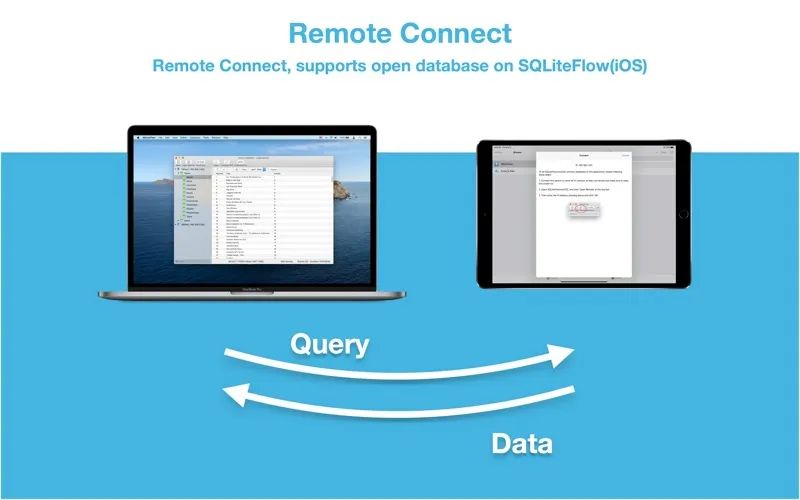
If you develop Apple apps, you can open databases from simulator app folders and use LLDB commands to inspect a copy of a database from a debugged device, then copy it back. You can also check table sizes and record counts to see where your database is growing.
-
Find and fix records
You can filter table data, correct values, and add or delete records without writing a query for every change.
-
Get answers from data
You can run multiple SQL queries and export the results for use elsewhere.
-
Understand your database structure
You can view table relationships, inspect constraints, and preview SQL before altering a table.
-
Compare database versions
You can see differences between two databases and generate SQL to transform one into the other.
-
Inspect app data during development
You can access simulator databases and use LLDB commands to inspect and return a database copy from a debugged device.
Best for
- You develop Apple apps that store data in SQLite
- You regularly inspect or correct SQLite records
- You need to compare two SQLite databases
Skip it if
You don't need it if you never work with SQLite databases or need an editor for a different database system.
Screenshots
From the developer
Two-week free trial! So you can purchase SQLiteFlow after you know you like it! SQLiteFlow is an SQLite editor for Mac & iOS which is intuitive, stable and reliable to use. It includes the following features: Query Editor • Multi-query execution. • Customize syntax highlighting. • SQL auto-completion. • Format query.Read the full description
Alternatives to SQLiteFlow
Other apps to manage databases. See all
 TablePlus
Database Management made easy
Setapp
99% · 2,557 ratings
TablePlus
Database Management made easy
Setapp
99% · 2,557 ratings
 SQLPro Studio
Manage multiple DBMS
Setapp
97% · 650 ratings
SQLPro Studio
Manage multiple DBMS
Setapp
97% · 650 ratings
 SQLPro for SQLite
A simple but powerful SQLite editor.
Setapp
96% · 114 ratings
SQLPro for SQLite
A simple but powerful SQLite editor.
Setapp
96% · 114 ratings
 Base
Simplify SQLite file management
Setapp
98% · 120 ratings
Base
Simplify SQLite file management
Setapp
98% · 120 ratings
 Hydra Dev Studio
One native window for databases, file servers, Git and SSH, plus safe AI agents
Sold separately
Hydra Dev Studio
One native window for databases, file servers, Git and SSH, plus safe AI agents
Sold separately
 Access MDB Viewer
Mac App Store
Access MDB Viewer
Mac App Store