
AnyTrans for iOS
Move files between macOS and iOS
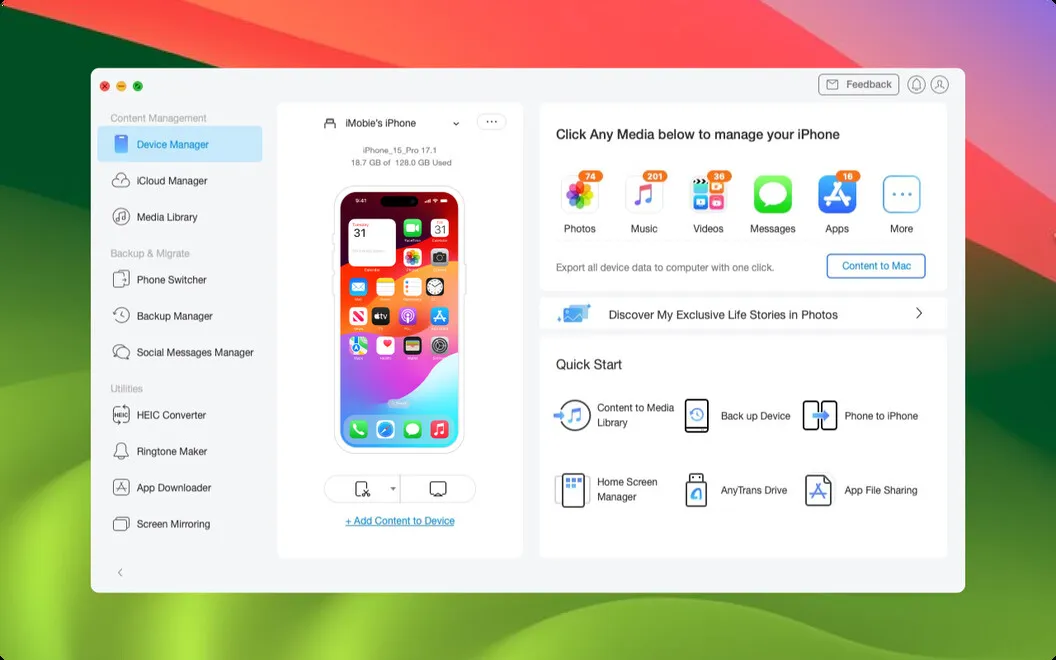
AnyTrans for iOS gives you a way to transfer and back up iPhone, iPad, and iCloud content from your Mac, especially when you’re switching phones or managing files across devices.
by iMobie · 76% positive (562)
What you get
Move your phone’s content where you need it and keep backups current.
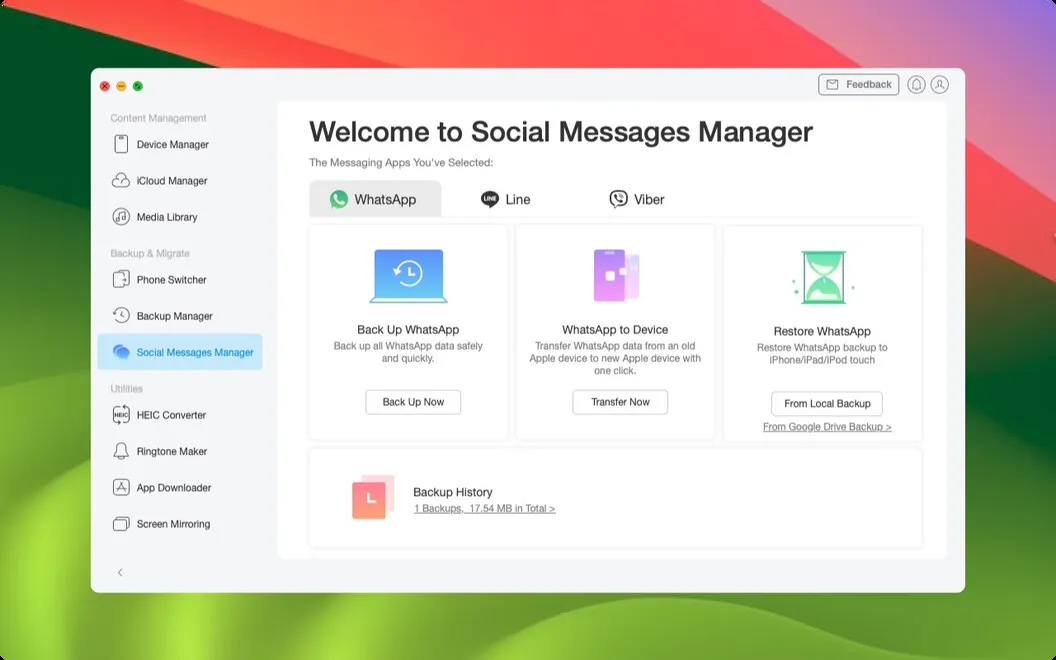
You can move music, playlists, messages, chats, and other iOS content between your devices and Mac without treating everything as one collection. Connect your iPhone or iPad by USB, choose the categories you want, and copy them to your chosen destination. When you replace your phone, you can bring content from an old iPhone or Android phone to your new iPhone.
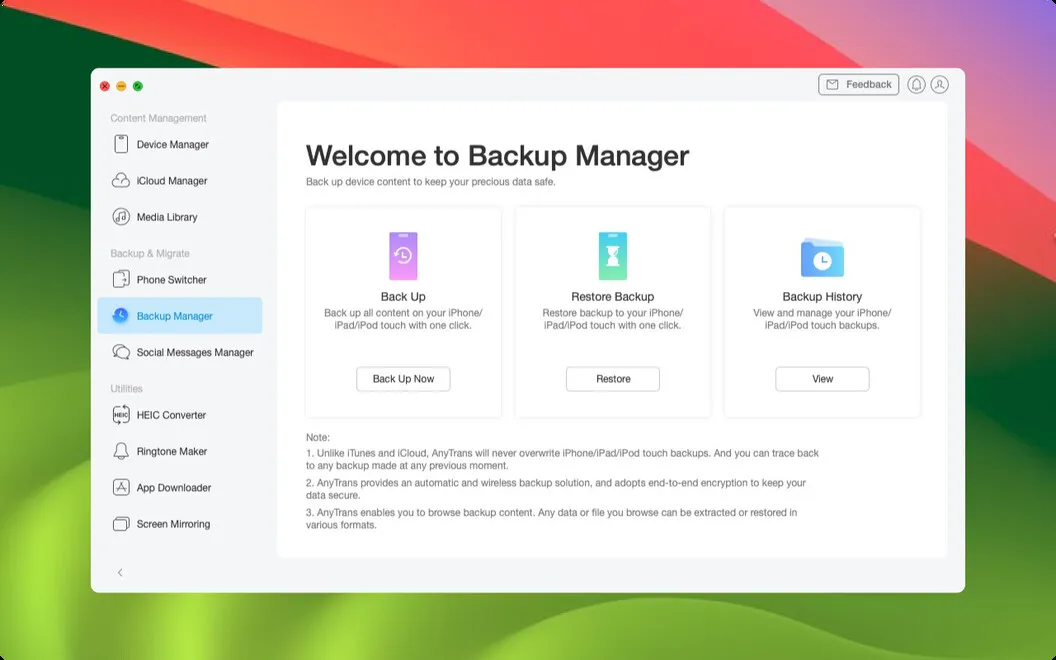
You can also keep backups current without remembering to start each one. Schedule wireless iPhone backups, save only new or changed data with incremental backups, and extract content from existing iTunes or iCloud backups. If your files are spread across iCloud accounts, you can transfer data between accounts or save files to your Mac in batches.
Beyond transfers, you can download media from YouTube and Vimeo, mirror and record your iPhone screen on your computer, and batch-convert HEIC or JXL photos to JPEG or PNG.
-
Copy only what you need
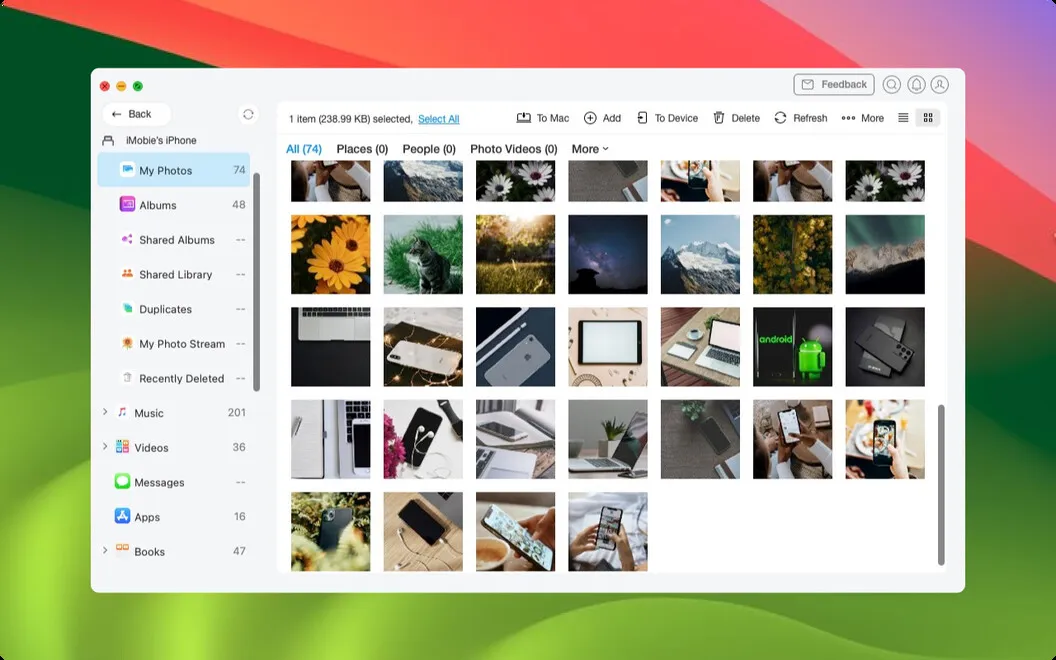
You can transfer selected categories of iPhone or iPad content to your Mac instead of copying everything.
-
Bring content to your iPhone
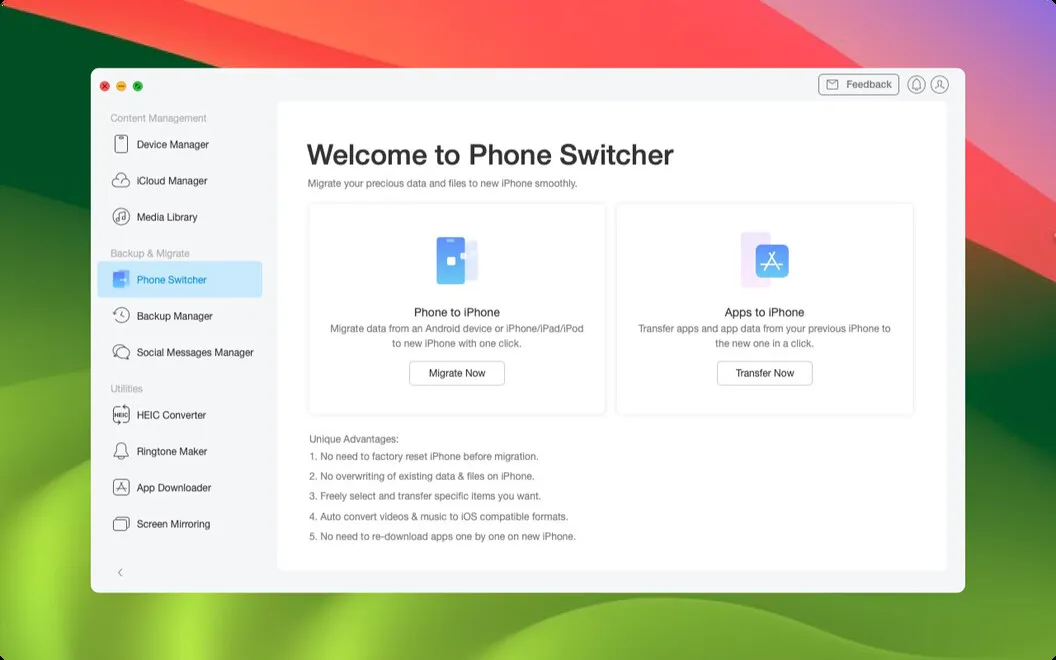
You can move content from your old iPhone or Android phone to your new iPhone.
-
Stop starting every backup
You can schedule wireless iPhone backups and save only changed or added data with incremental backups.
-
Retrieve existing backup content
You can extract data from older iTunes or iCloud backups without relying solely on a new backup.
-
Keep online media locally
You can download media from YouTube, Vimeo, and other supported sites.
Best for
- You’re switching from an old iPhone or Android phone to a new iPhone
- You want scheduled iPhone backups
- You manage content across your Mac, iOS devices, and iCloud accounts
Skip it if
You probably don’t need it if Apple’s built-in transfer and backup tools already cover your needs.
Screenshots
From the developer
Smart alternative to Apple’s iTunes, media downloader, backup manager – AnyTrans is many things, all of which are meant to make file transferring a piece of cake. The app instantly backs up iPhone and copies your iOS data to Mac, as well as transfers data across iOS, iTunes and iCloud.Read the full description
Alternatives to AnyTrans for iOS
Other apps to move files between Mac and phone. See all
 AnyDroid
Move files between Mac and Android
Setapp
85% · 213 ratings
AnyDroid
Move files between Mac and Android
Setapp
85% · 213 ratings
 DroidPort
Your Android on your Mac: messages, notifications, calls, files, clipboard
Sold separately
DroidPort
Your Android on your Mac: messages, notifications, calls, files, clipboard
Sold separately
 SmoothDroid
Move Android files by USB
Sold separately
SmoothDroid
Move Android files by USB
Sold separately
 DroiDrop-Android File Transfer
Mac App Store
DroiDrop-Android File Transfer
Mac App Store
 MacDroid
Manager for Android
Mac App Store
MacDroid
Manager for Android
Mac App Store
 Photo Transfer App
Mac App Store
Photo Transfer App
Mac App Store