
DroidPort
Your Android on your Mac: messages, notifications, calls, files, clipboard
DroidPort connects your Android phone to your Mac over local Wi-Fi, so you can handle texts, notifications, photos, and file transfers without repeatedly reaching for your phone.
by SKJ APPS
What you get
You can handle everyday Android tasks without leaving your Mac.
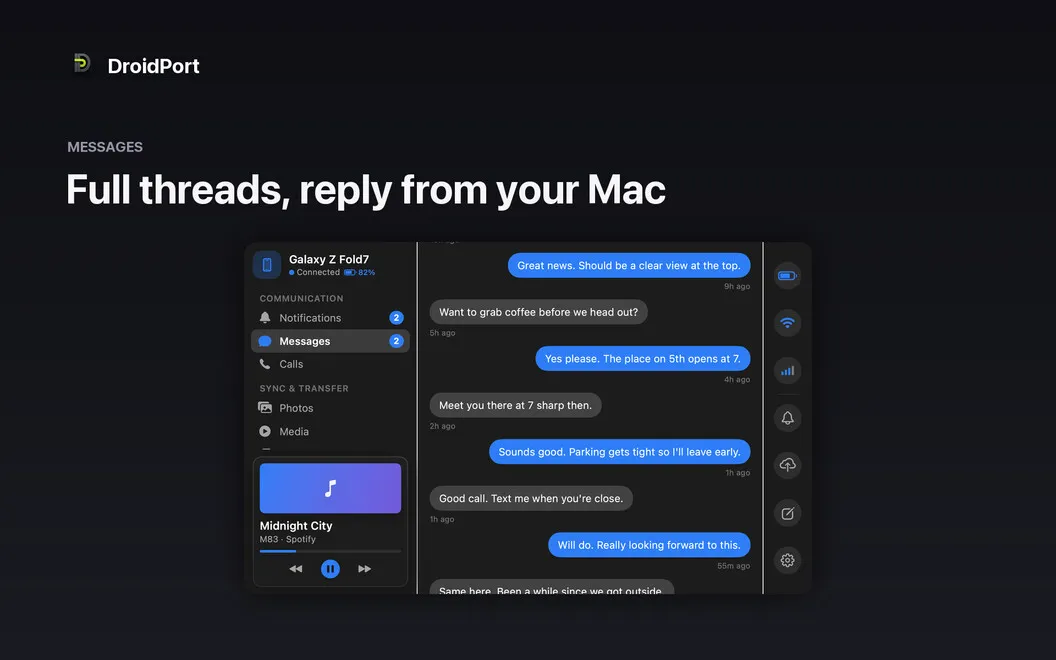
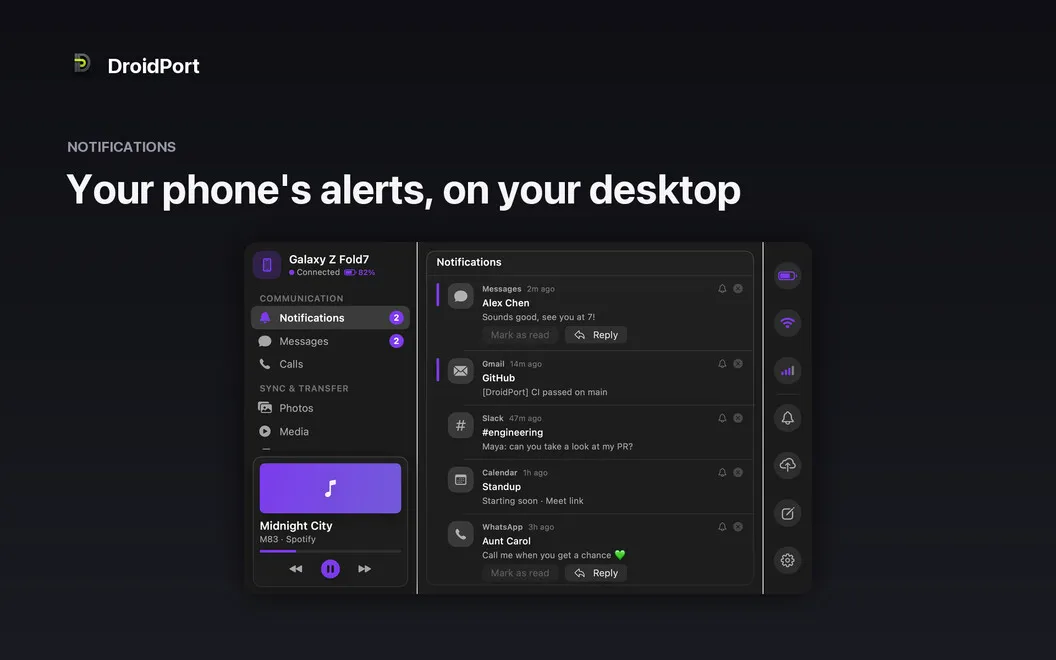
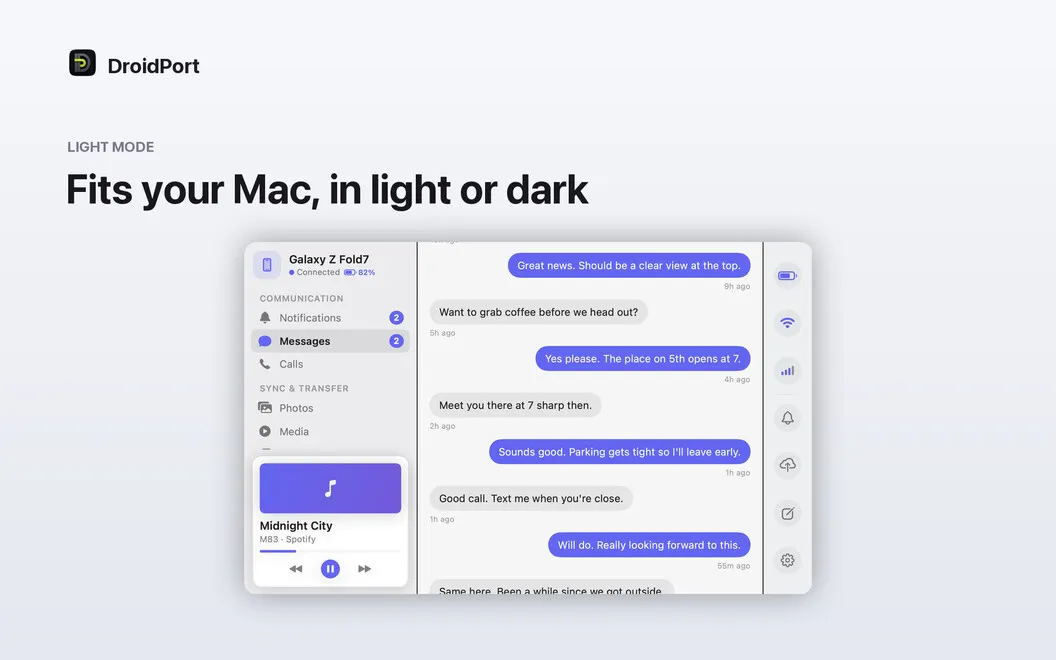
With DroidPort, you can read text conversations, send replies, and act on Android notifications while you work on your Mac. You’ll also see incoming and missed call alerts, so you can keep your phone aside without losing track of who’s trying to reach you.
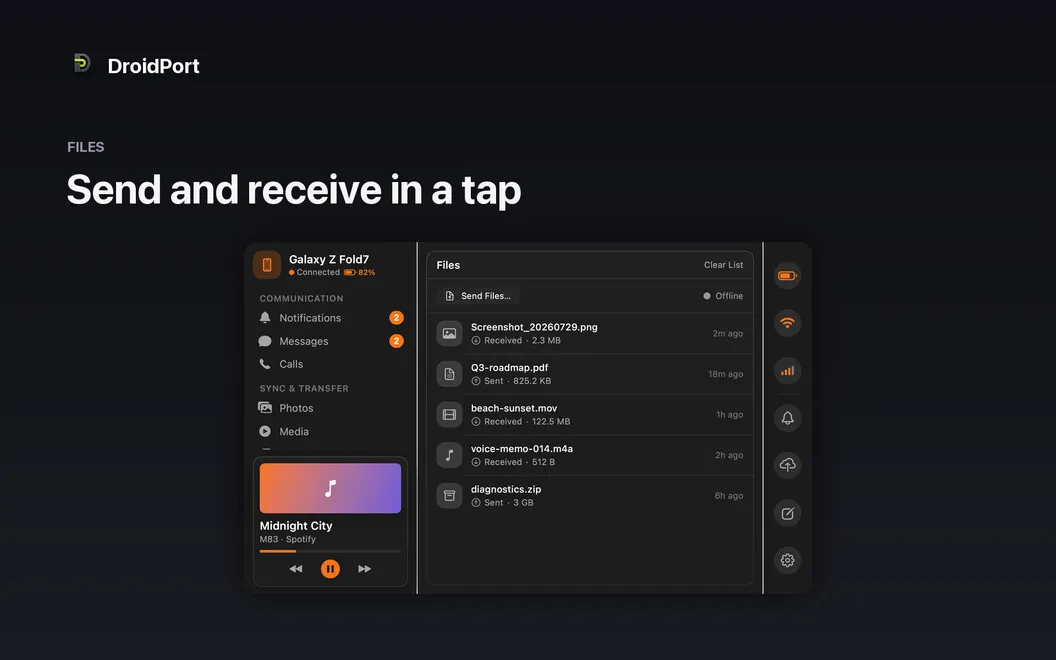
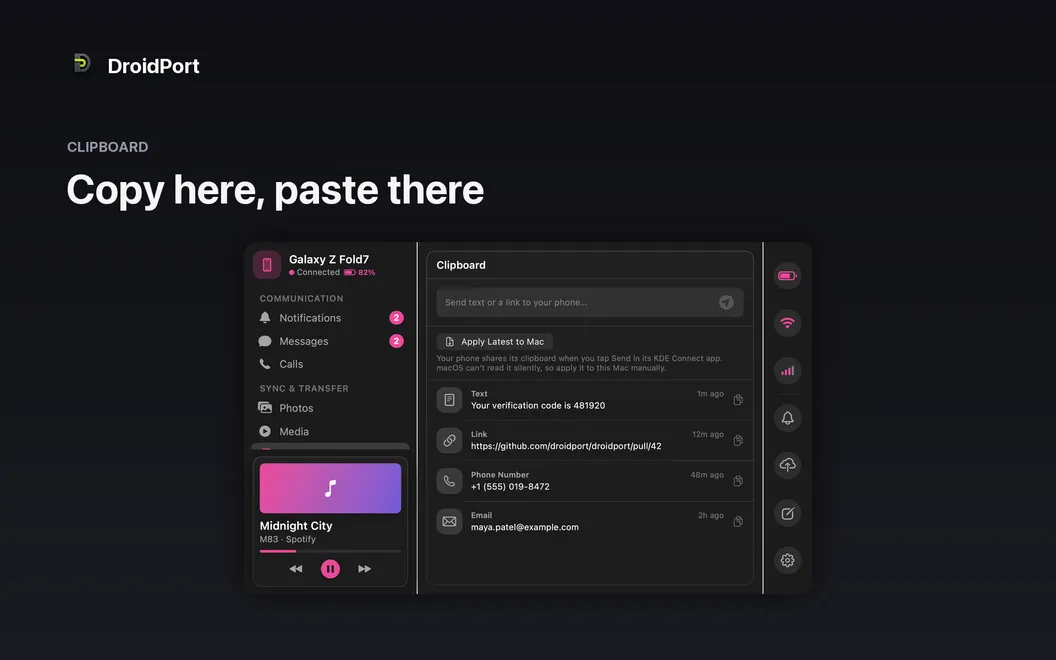
You can browse your phone’s camera roll, open photos at full resolution, and drag the ones you need into Finder. Files move in both directions without a cable, and you can transfer your clipboard contents when you need to copy on one device and paste on the other. You can also control audio playing on your phone from your Mac’s menu bar.
Your devices connect directly over your local Wi-Fi through an encrypted connection you approve on both screens. You don’t need cloud storage, and your data isn’t collected. You can check your phone’s battery, signal, and Wi-Fi status from your Mac, too.
-
Leave your phone aside
You can reply to texts, act on notifications, and see incoming or missed call alerts from your Mac.
-
Get photos onto your Mac
You can browse your Android camera roll and drag full-resolution photos into Finder without connecting a cable.
-
Move content both ways
You can send files between devices and transfer clipboard contents to paste where you need them.
-
Keep transfers off the cloud
Your data travels directly between your devices over encrypted local Wi-Fi, without cloud uploads or data collection.
-
Control your phone’s audio
You can control what’s playing on your Android phone from your Mac’s menu bar.
Best for
- You use an Android phone alongside your Mac
- You want to answer texts while working at your desk
- You regularly move phone photos and files to your Mac
Skip it if
You don’t need it if you don’t use an Android phone with your Mac.
Screenshots
From the developer
DroidPort — Android-to-Mac companion app for Mac. Connect your Android phone to your Mac over your own Wi-Fi and keep both devices in sync — no cloud required, no data collected. Read and reply to texts, catch calls, act on notifications, transfer files, and browse your camera roll right from your Mac.Read the full description
Alternatives to DroidPort
Other apps to move files between Mac and phone. See all
 AnyTrans for iOS
Move files between macOS and iOS
Setapp
76% · 562 ratings
AnyTrans for iOS
Move files between macOS and iOS
Setapp
76% · 562 ratings
 AnyDroid
Move files between Mac and Android
Setapp
85% · 213 ratings
AnyDroid
Move files between Mac and Android
Setapp
85% · 213 ratings
 SmoothDroid
Move Android files by USB
Sold separately
SmoothDroid
Move Android files by USB
Sold separately
 DroiDrop-Android File Transfer
Mac App Store
DroiDrop-Android File Transfer
Mac App Store
 MacDroid
Manager for Android
Mac App Store
MacDroid
Manager for Android
Mac App Store
 Photo Transfer App
Mac App Store
Photo Transfer App
Mac App Store