搜狗输入法切换助手
搜狗输入法切换助手 is a helper for Sogou Input Method users. You can switch directly to Sogou and set your preferred Chinese or English input defaults for each app.
by Beijing Sogou Technology Development Co.,Ltd.
What you get
Switch to Sogou directly and start typing in your preferred mode.
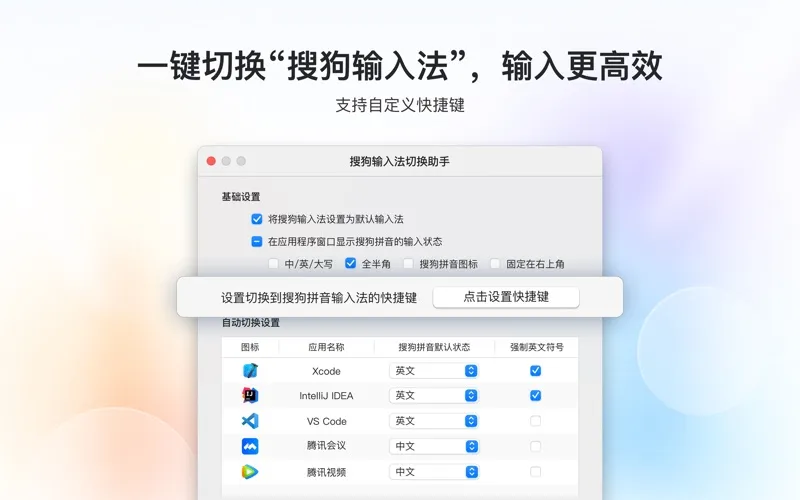
If you use Sogou Input Method, you get a shortcut that takes you straight to it, rather than cycling through your input methods. You choose the shortcut, so switching to Sogou fits the way you already use your keyboard.
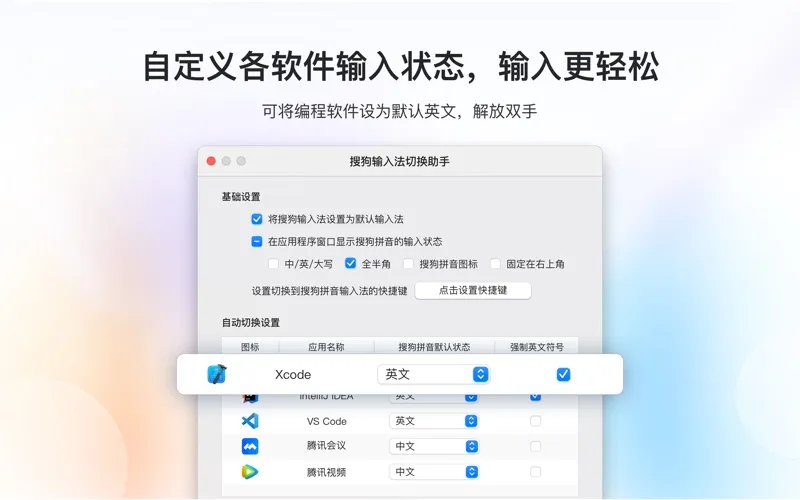
You can also give each app its own default Sogou input settings. Choose Chinese or English input and Chinese or English punctuation for each application. If you usually write Chinese in one app and English in another, you can set those preferences instead of repeatedly adjusting them yourself.
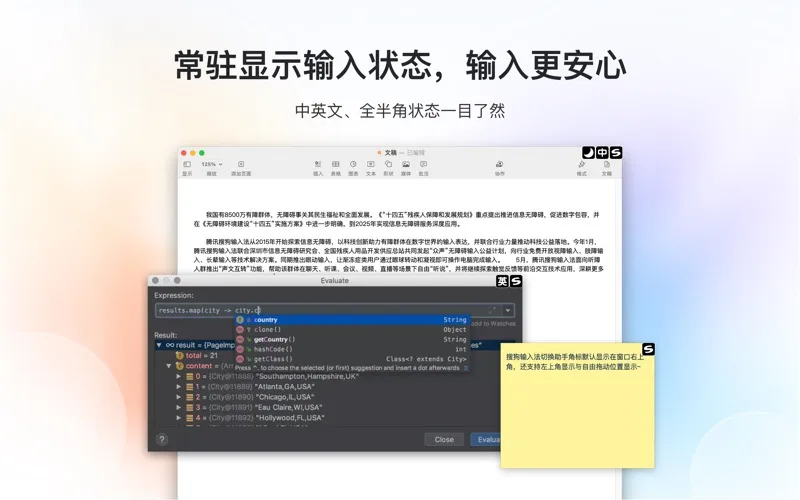
A customizable status toolbar lets you see whether Sogou is in Chinese or English mode and using full-width or half-width characters. You get a clearer view of your current typing state before you enter text.
-
Go straight to Sogou
You can choose a keyboard shortcut that switches directly to Sogou Input Method.
-
Start in the right language
You can set different Chinese or English input defaults for each app.
-
Match punctuation to your work
You can choose Chinese or English punctuation defaults separately for each application.
-
See your typing state
You can customize a toolbar showing your language mode and full-width or half-width character state.
Best for
- You already type with Sogou Input Method
- You use Chinese in some apps and English in others
- You want a dedicated shortcut to switch to Sogou
Skip it if
You do not need it if you do not use Sogou Input Method.
Screenshots
From the developer
【主要功能】 自定义切换到搜狗输入法的快捷键,可以一键切换到搜狗输入法 自定义搜狗输入法的输入状态(中/英文、全/半角)显示工具条 自定义各应用程序中搜狗输入法的默认输入状态(中/英文,中/英文标点) 【问题与建议】 如果您有问题或建议,可以添加QQ群 659935515 联系我们,感谢您的支持~Read the full description
Alternatives to 搜狗输入法切换助手
Other apps to tweak your keyboard. See all