
Captain's Deck
Keyboard-first dual-pane file manager for local, remote, and cloud files
Captain’s Deck gives you a keyboard-first file manager for Mac, suited to development, server administration, and frequent file work across local folders, remote servers, and cloud storage.
by Athanasios Chonias
What you get
You can organize local, remote, and cloud files in one workspace.
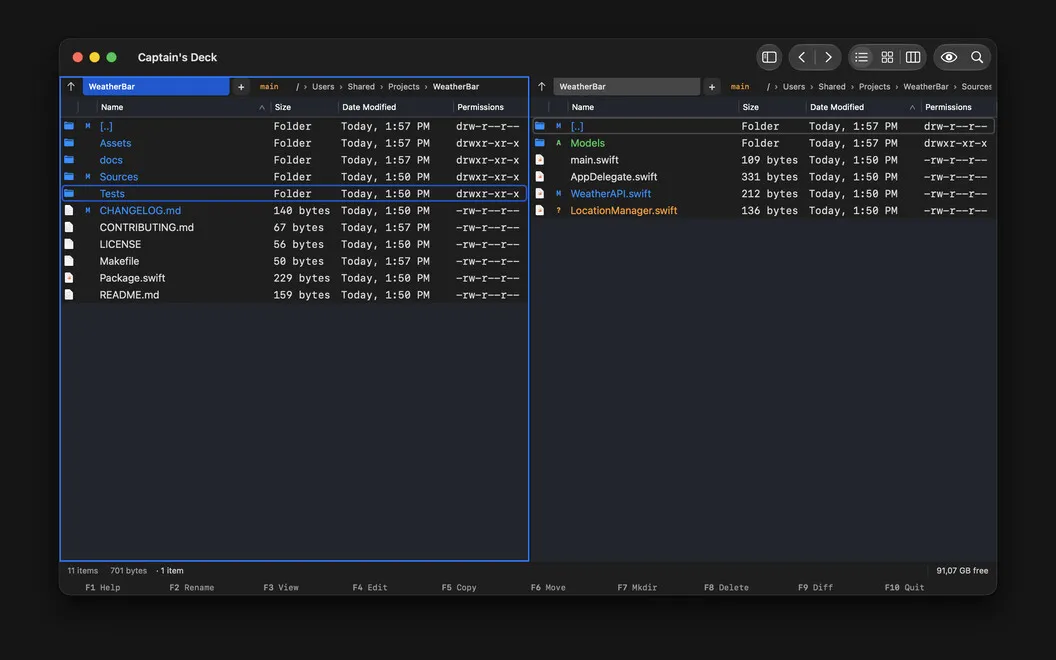
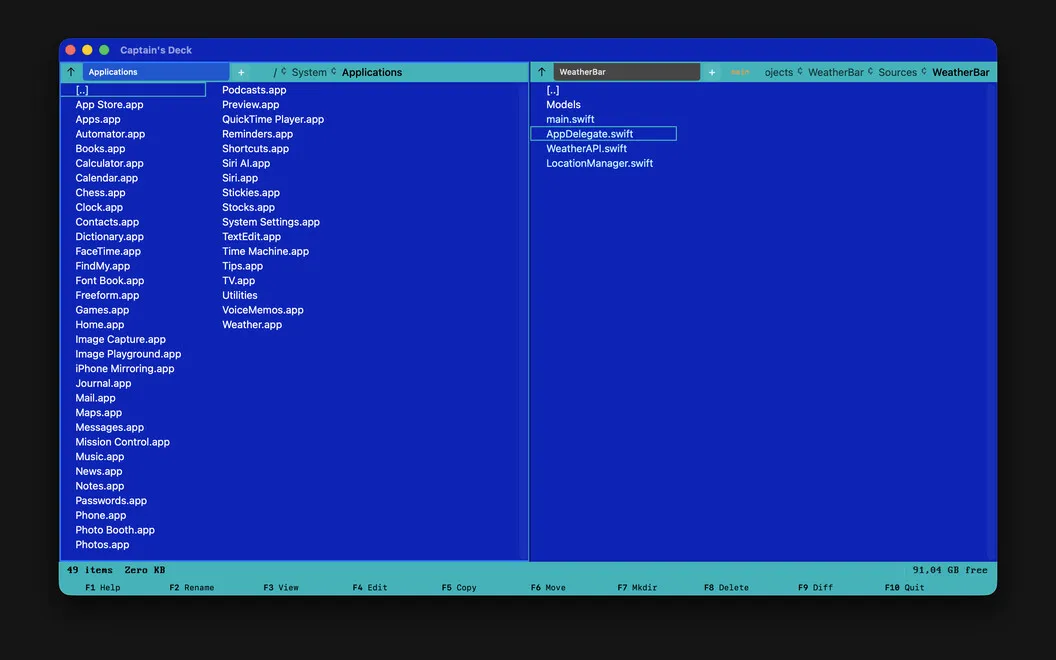
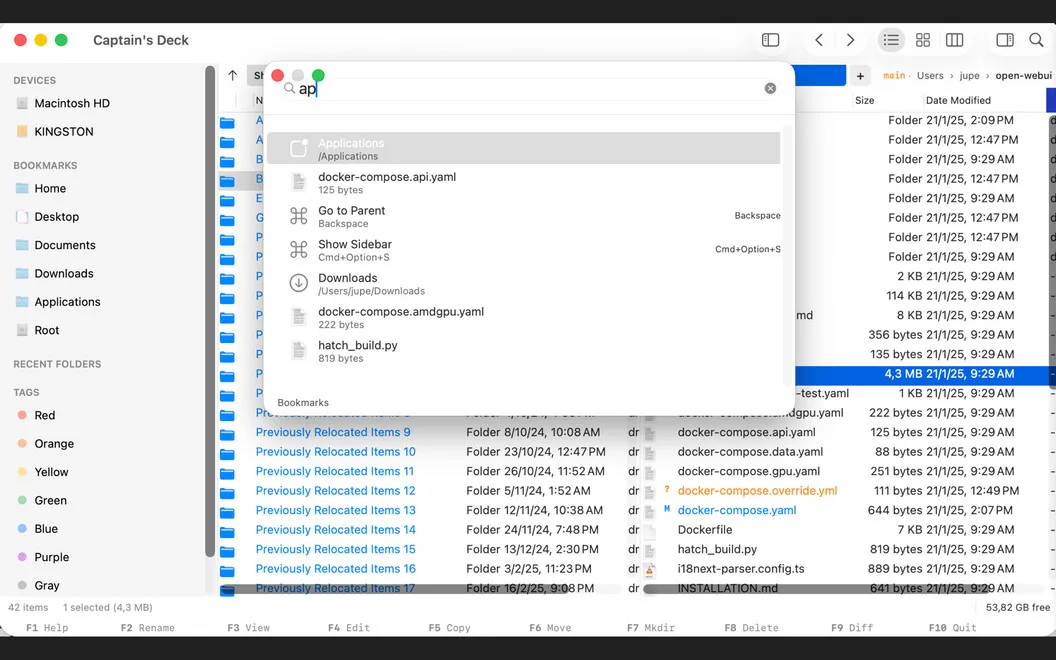
Captain’s Deck gives you two side-by-side file panes, so you can keep source and destination folders visible while you copy, move, compare, and organize files. You can navigate folders, switch tabs, and jump to bookmarked locations from the keyboard instead of repeatedly reaching for your mouse.
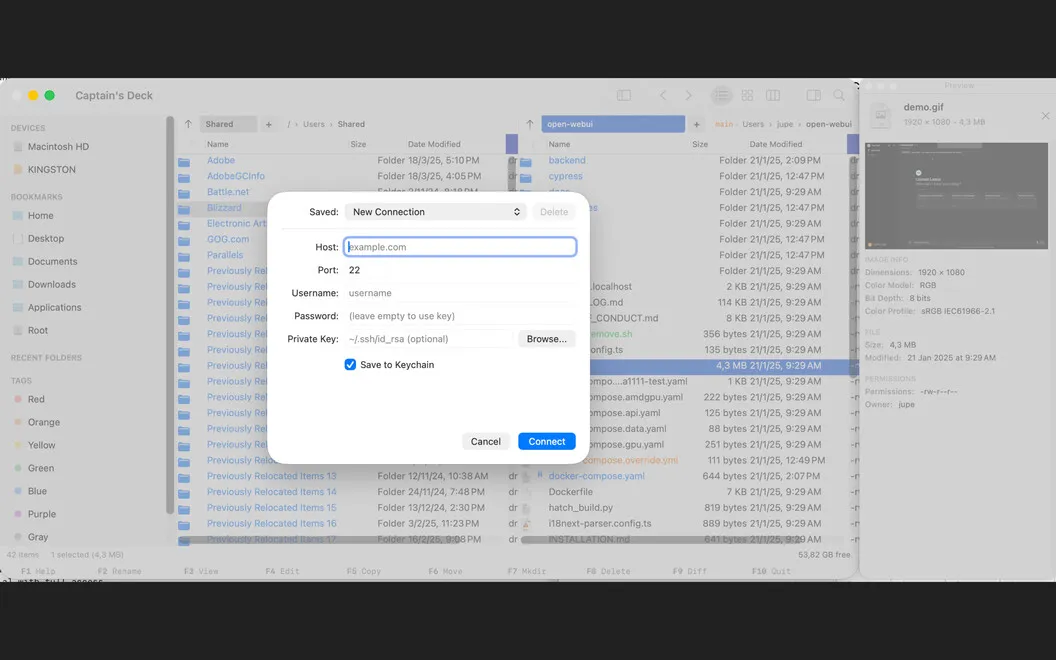
You can work with server and cloud folders in the same workspace as your Mac’s files. Connections include SFTP, FTP, SMB, WebDAV, Amazon S3, Dropbox, Google Drive, and OneDrive. When you need to inspect an archive, you can browse ZIP, RAR, APK, and JAR contents like folders, then extract or compress files without opening another tool.
If you work with Git repositories, you can check branches and file changes, stage or revert edits, and make commits without leaving the file browser. You can also save pane layouts and adjust shortcuts to keep familiar folder arrangements and controls ready for your next session.
-
Keep both folders visible
You can copy, move, and compare files with source and destination folders side by side.
-
Reach folders by keyboard
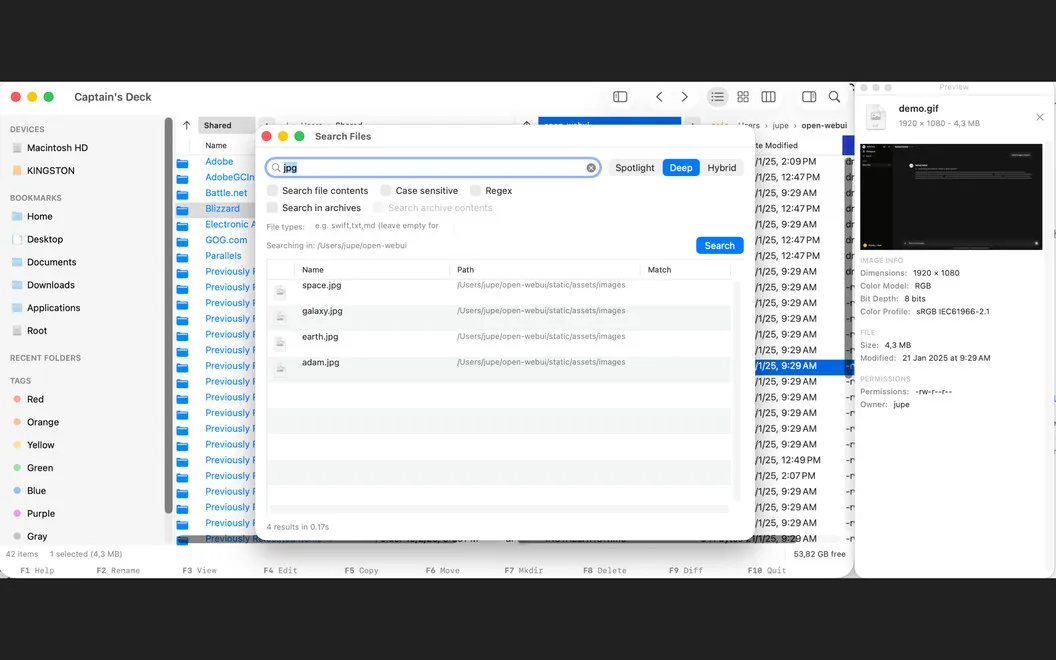
You can use shortcuts, Vim-style navigation, bookmarks, and Quick Open to move around without constantly switching to your mouse.
-
Bring remote files together
You can manage server and cloud folders alongside local files rather than switching between separate workspaces.
-
Inspect archives in place
You can browse archive contents, extract files, and create compressed archives without switching tools.
-
Handle Git alongside files
You can review changes, stage or revert edits, and commit from the same place you browse your repository.
Best for
- You regularly move files between your Mac, servers, and cloud storage.
- You prefer navigating folders with the keyboard.
- You want Git actions alongside your project files.
Skip it if
You probably don’t need it if Finder covers your occasional file tasks and you rarely use remote storage, archives, or Git.
Screenshots
From the developer
Captain's Deck is a high-performance dual-pane file manager for macOS, built for developers, sysadmins, and power users who want to move files faster than Finder. Side-by-side panes, keyboard-first controls, and deep remote-filesystem support keep your hands on the keyboard.Read the full description
Alternatives to Captain's Deck
Other apps to manage files beyond Finder. See all
 ForkLift
Manage files across servers
Setapp
96% · 2,303 ratings
ForkLift
Manage files across servers
Setapp
96% · 2,303 ratings
 Path Finder
Copy, delete, and sync files
Setapp
92% · 1,574 ratings
Path Finder
Copy, delete, and sync files
Setapp
92% · 1,574 ratings
 Commander One
Two-pane file manager
Setapp
95% · 699 ratings
Commander One
Two-pane file manager
Setapp
95% · 699 ratings
 DCommander
Manage files in a dual-pane view
Setapp
83% · 157 ratings
DCommander
Manage files in a dual-pane view
Setapp
83% · 157 ratings
 FinderCraft
Move, rename, compare, and organize files without leaving the Finder
Sold separately
FinderCraft
Move, rename, compare, and organize files without leaving the Finder
Sold separately
 SADFinder
The Finder Mac deserved
Sold separately
SADFinder
The Finder Mac deserved
Sold separately