
SADFinder
The Finder Mac deserved
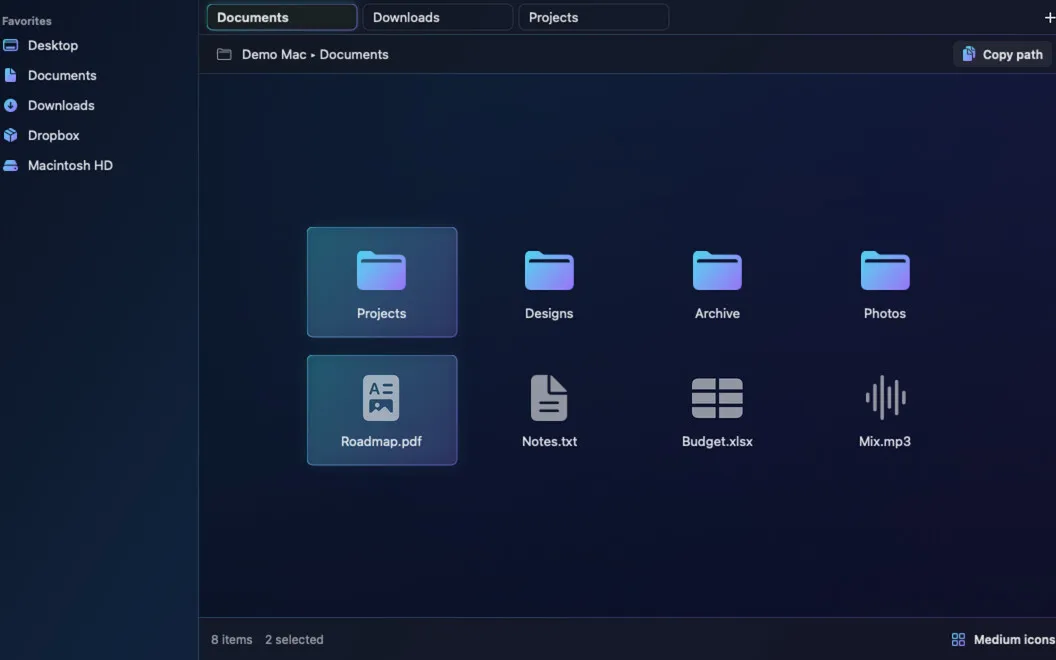
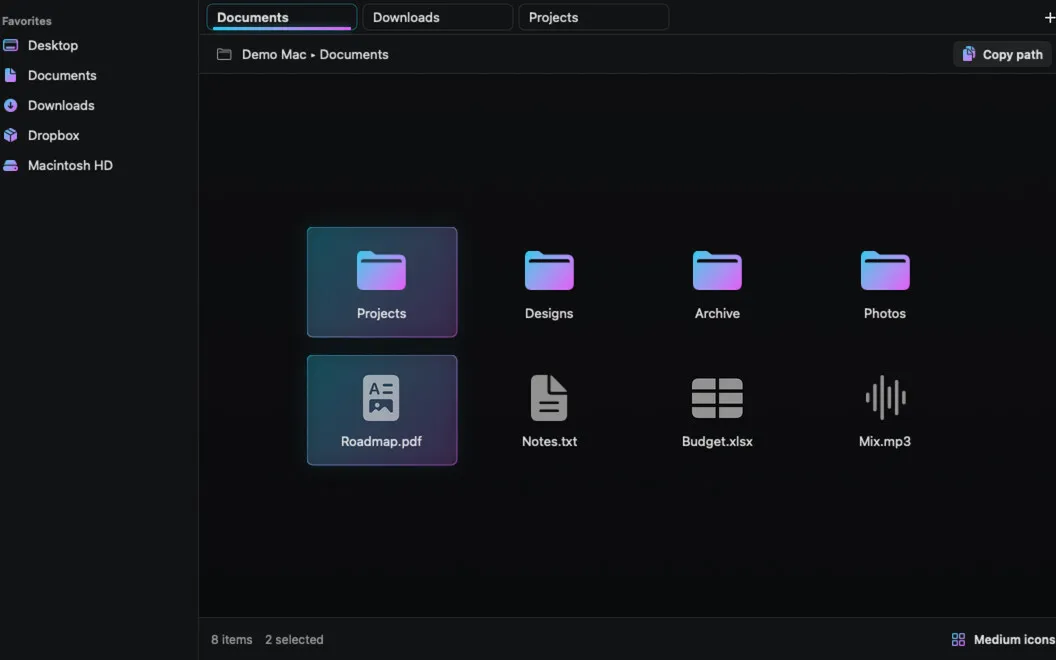
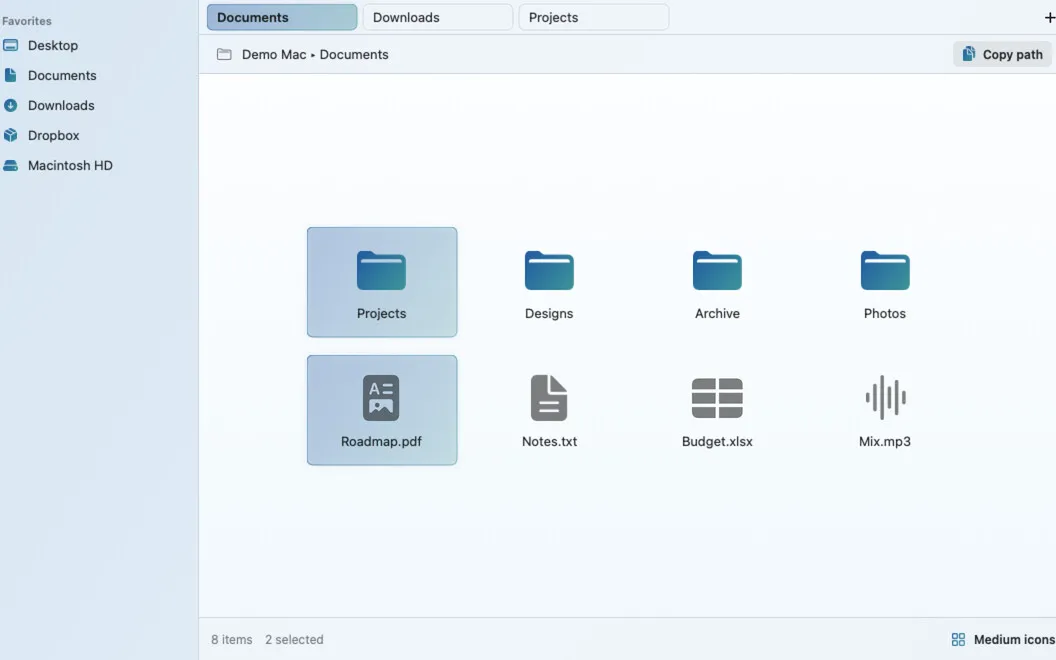
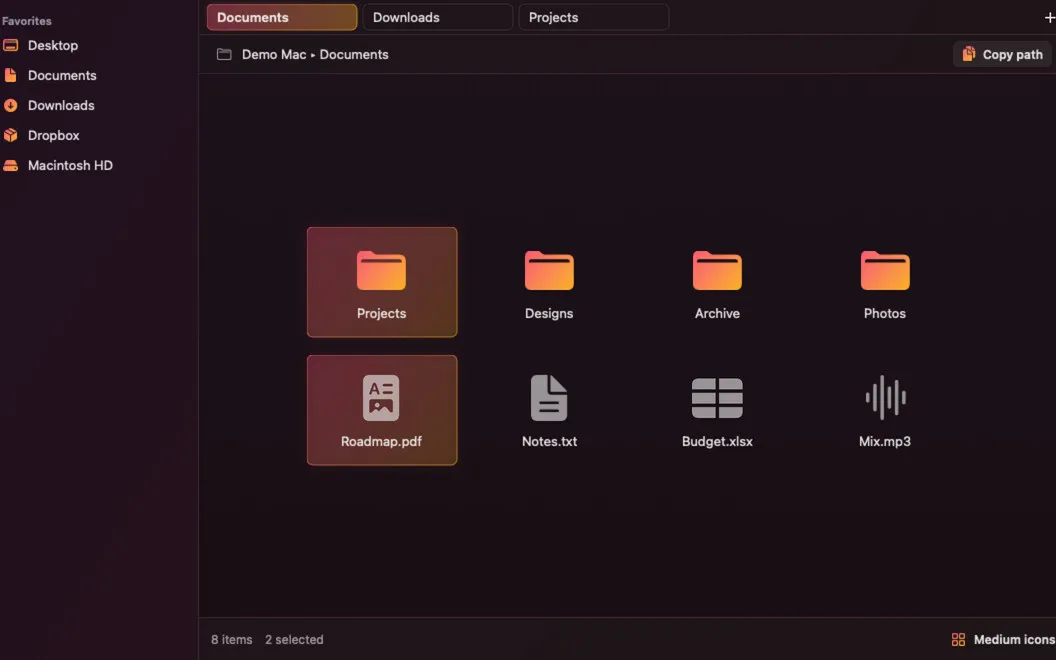
SADFinder is a Mac file manager for you if you prefer keyboard navigation, editable folder paths, and moving files between tabs.
by APLICATII ANDROID PLUS S.R.L.
What you get
You can navigate folders and move files without reaching for menus.
SADFinder gives you a keyboard-first way to handle files on your Mac. You can open a selected folder with Enter, send files to Trash with Delete, and move up a folder with Option–Up. When you already know your destination, you can type or paste its path directly into the path bar instead of opening a separate dialog.
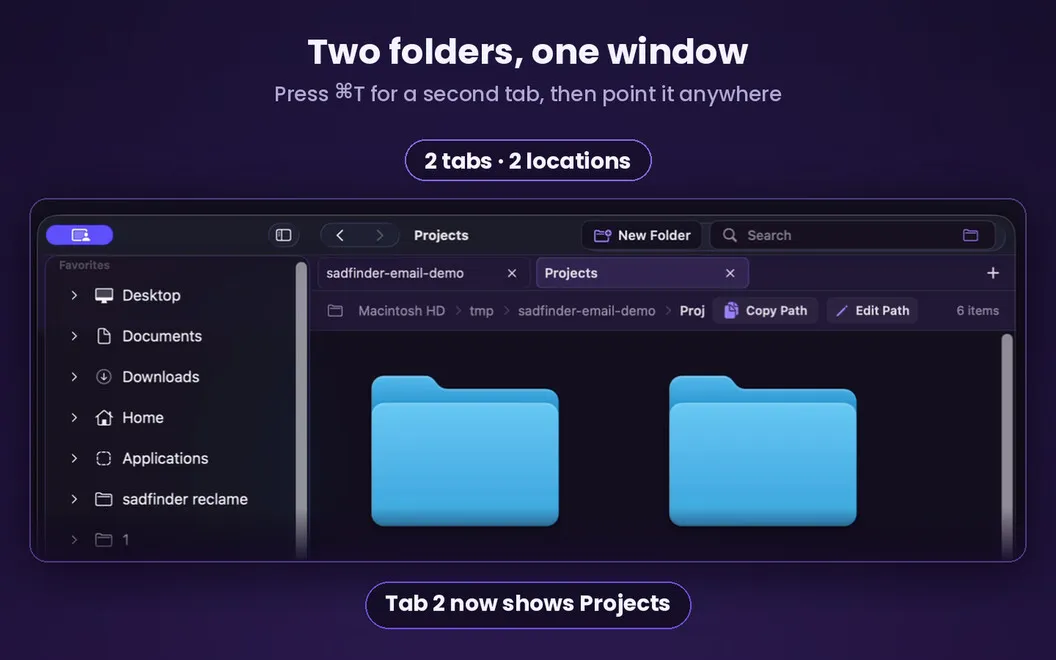
You can keep source and destination folders in separate tabs, then cut files in one and paste them into the other to move them. To locate something in your current folder, you can filter its contents without bringing in results from elsewhere on your Mac.
You also get window snapping without needing a separate utility for it. With a keystroke, you can arrange windows into halves, quarters, or full screen, giving you room to work alongside your files.
-
Keep your hands on keys
You can open folders, trash files, and move up a level using direct keyboard shortcuts.
-
Jump to known locations
You can type or paste a folder path directly into the path bar to go there.
-
Move files between tabs
You can cut files in one folder and paste them into another tab to relocate them.
-
Keep searches in context
You can filter the folder you're viewing without sorting through results from unrelated locations.
-
Arrange your workspace
You can snap windows into halves, quarters, or full screen without a separate window-snapping app.
Best for
- You prefer managing files with the keyboard
- You're moving from Windows and want familiar file shortcuts
- You regularly move files between folders
Skip it if
You don't need it if Finder already suits your file workflow and you have no use for built-in window snapping.
Screenshots
From the developer
SADFinder is a native file manager for Mac. It brings tabs, an editable path bar, built-in window snapping, and keyboard shortcuts that actually work the way you'd expect — Enter opens, Delete trashes, Cmd+X really moves files. It's the file manager macOS should've shipped with from the start.Read the full description
Alternatives to SADFinder
Other apps to manage files beyond Finder. See all
 ForkLift
Manage files across servers
Setapp
96% · 2,303 ratings
ForkLift
Manage files across servers
Setapp
96% · 2,303 ratings
 Path Finder
Copy, delete, and sync files
Setapp
92% · 1,574 ratings
Path Finder
Copy, delete, and sync files
Setapp
92% · 1,574 ratings
 Commander One
Two-pane file manager
Setapp
95% · 699 ratings
Commander One
Two-pane file manager
Setapp
95% · 699 ratings
 DCommander
Manage files in a dual-pane view
Setapp
83% · 157 ratings
DCommander
Manage files in a dual-pane view
Setapp
83% · 157 ratings
 Captain's Deck
Keyboard-first dual-pane file manager for local, remote, and cloud files
Sold separately
Captain's Deck
Keyboard-first dual-pane file manager for local, remote, and cloud files
Sold separately
 FinderCraft
Move, rename, compare, and organize files without leaving the Finder
Sold separately
FinderCraft
Move, rename, compare, and organize files without leaving the Finder
Sold separately