
CursorEffect2
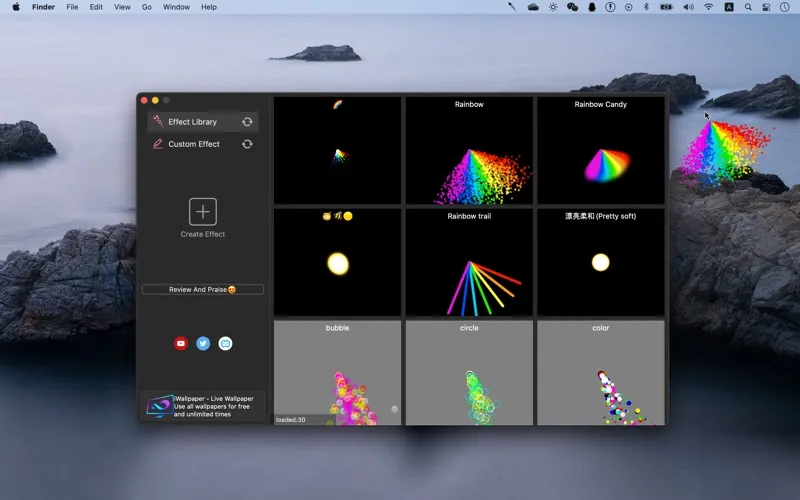
CursorEffect2 lets you personalize your Mac’s cursor with visual effects. It’s for you if you want ready-made choices or prefer to create your own particle effects.
by 晓栋 周
What you get
Give your Mac’s cursor a look of your own.
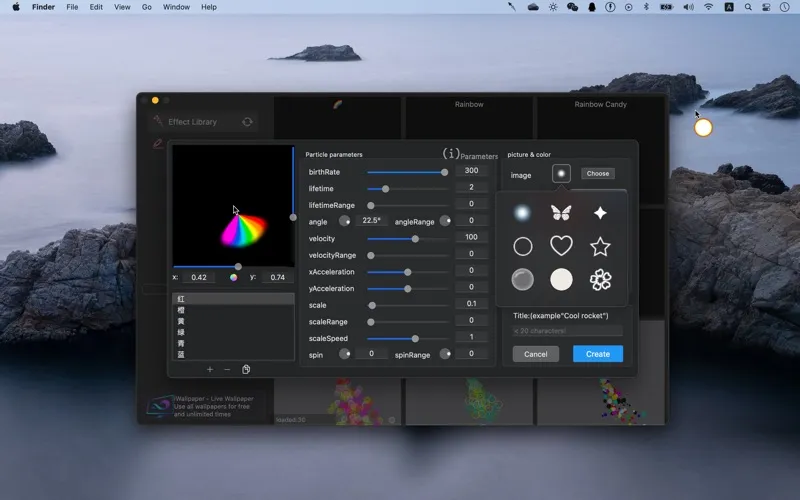
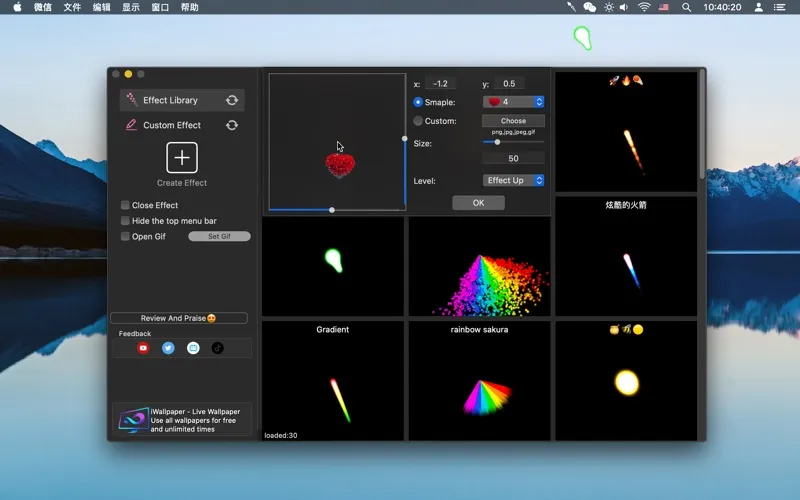
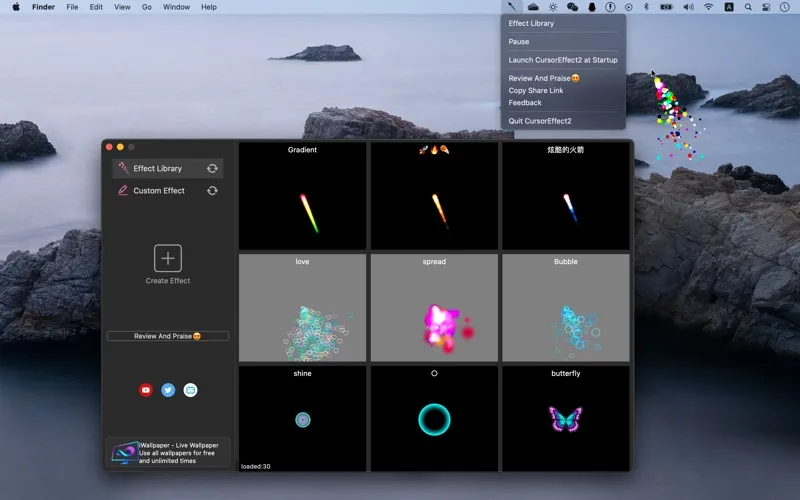
CursorEffect2 gives you a way to personalize your Mac through cursor effects. You can choose from a library of visual effects rather than make everything yourself, or create custom particle effects when you want something more individual. You get both a starting selection and room to make your own designs.
If you like visual customization, you can focus on the cursor rather than changing your whole desktop’s appearance. The app is designed for low CPU usage, so adding decoration is intended to stay light on processing resources. You also get Apple silicon support, with efficiency improvements for compatible Macs.
-
Start with ready-made effects
You can choose from an effects library without having to design your own.
-
Make it your own
You can create custom particle effects instead of sticking to the included selection.
-
Keep customization lightweight
You get cursor effects designed for low CPU usage, with Apple silicon support for improved efficiency on compatible Macs.
Best for
- You enjoy personalizing your Mac’s appearance
- You want ready-made cursor effects
- You want to create your own particle effects
Skip it if
You don’t need it if you prefer your standard cursor without added visual effects.
Screenshots
From the developer
Cursor effects 2 Super multi-special effects selection (special effects library) Rewrite all the code of 1st generation, 2nd generation completely custom particle special effects (self-made special effects) Low CPU usage Advanced Cloudkit technology Adapt to Apple silicon, higher efficiency -contact...Read the full description
Alternatives to CursorEffect2
Other apps to customize how your Mac looks. See all
 24 Hour Wallpaper
100+ dynamic wallpapers
Setapp
97% · 1,409 ratings
24 Hour Wallpaper
100+ dynamic wallpapers
Setapp
97% · 1,409 ratings
 Magic Window Air
Try aerial screen savers
Setapp
96% · 495 ratings
Magic Window Air
Try aerial screen savers
Setapp
96% · 495 ratings
 Hingely
Your MacBook lid, in motion
Setapp
Hingely
Your MacBook lid, in motion
Setapp
 Desktop Composer
Customize & switch macOS looks
Setapp
95% · 37 ratings
Desktop Composer
Customize & switch macOS looks
Setapp
95% · 37 ratings
 Sticktop
Stickers that peel like vinyl
Sold separately
Sticktop
Stickers that peel like vinyl
Sold separately
 Tintd
Auto folder icons for your Mac
Sold separately
Tintd
Auto folder icons for your Mac
Sold separately