effects desktop
effects desktop lets you add animated effects to your Mac desktop. It’s for you if you want moving scenery such as rain, snow, blossoms, or fireworks.
by 海丽 任
What you get
Give your Mac desktop motion with rain, blossoms, fireflies, and more.
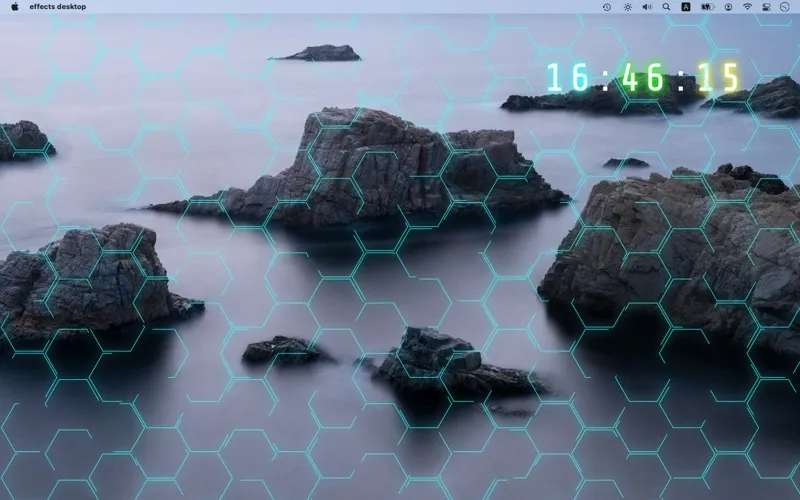
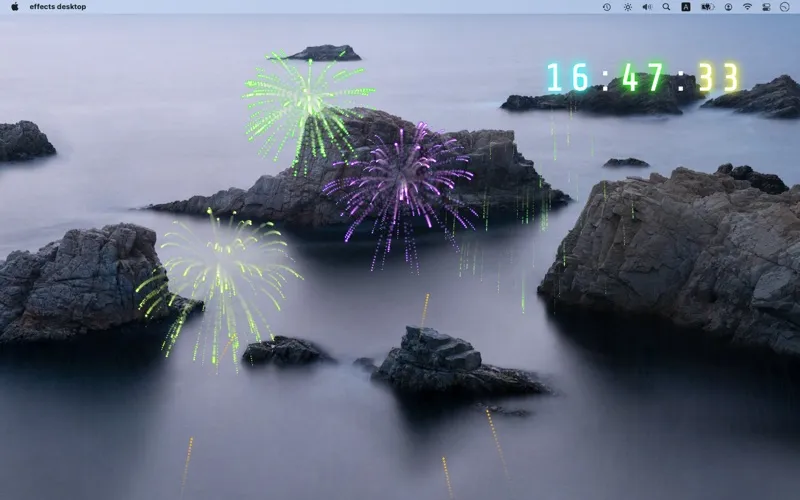
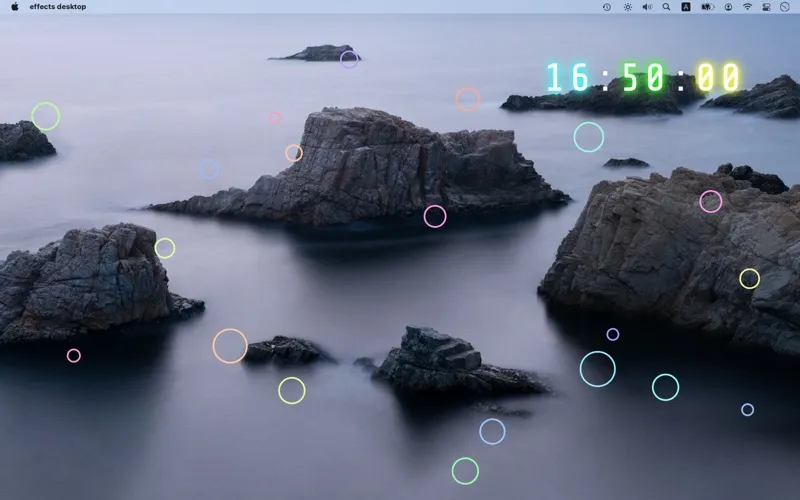
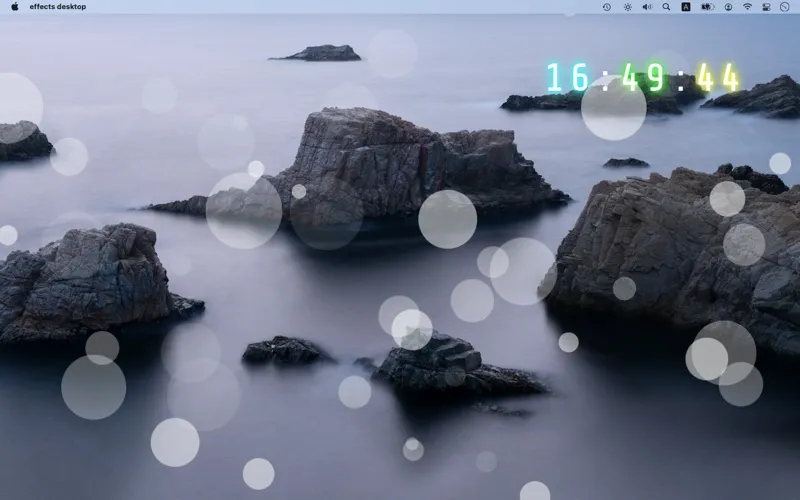
With effects desktop, you can add moving visual effects to your Mac desktop. You can choose rain, snow, cherry blossoms, fireflies, fireworks, or water ripples, depending on the look you want. It gives you a way to decorate your desktop with animation rather than a still image alone.
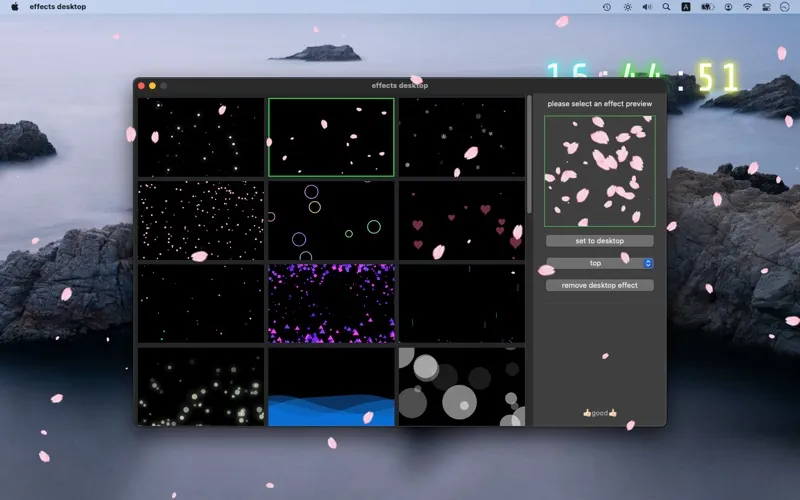
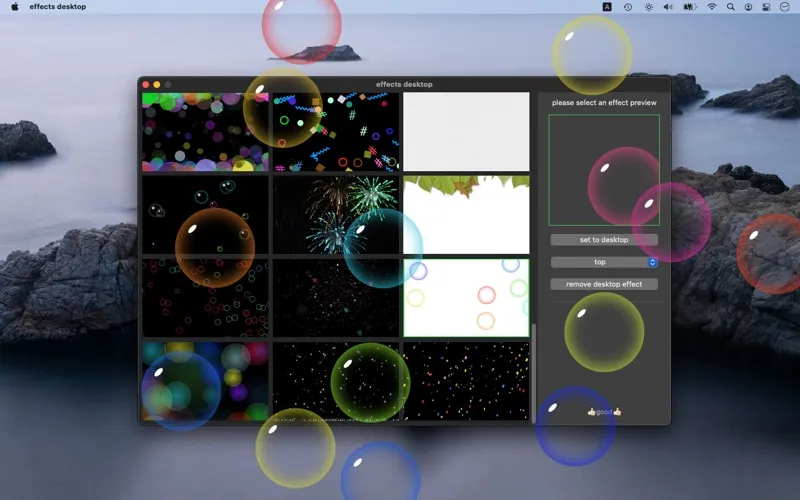
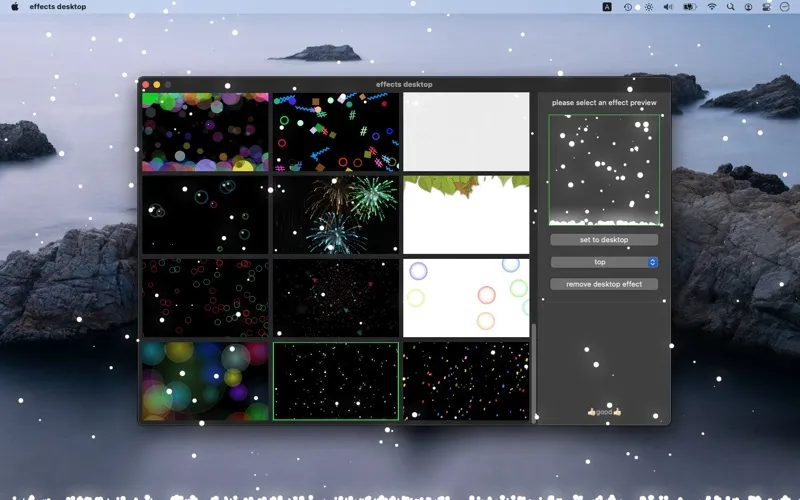
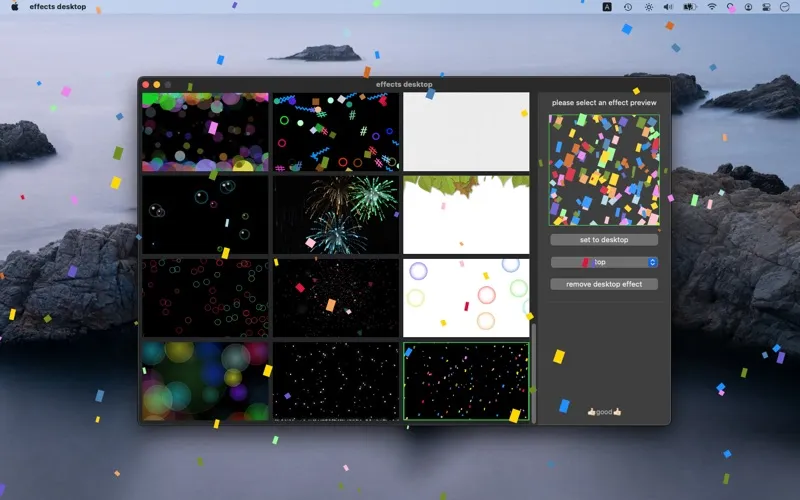
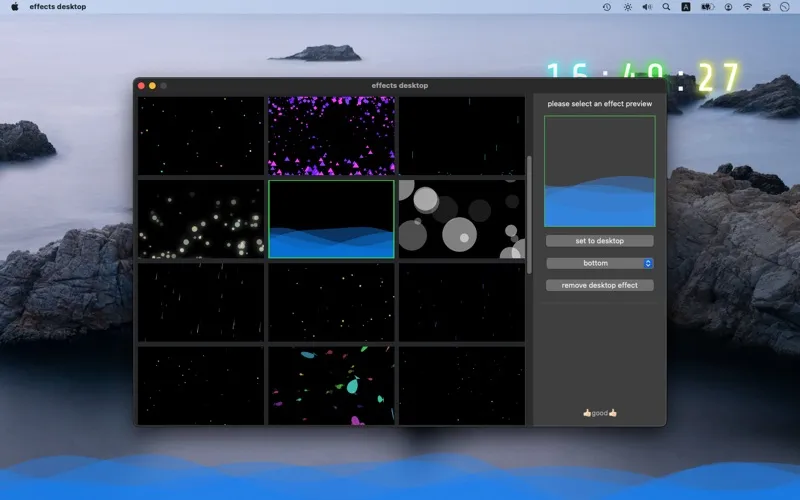
You can preview an effect before applying it, so you don’t have to commit just to see how it looks. Select an option from the list, check the preview on the right, then click “Set to Desktop.”
When applying your choice, you can select “Top” or “Bottom.” The effects collection is also updated over time, giving you more options to try.
-
Add motion to your desktop
You can decorate your desktop with animated rain, snow, blossoms, fireflies, fireworks, or water ripples.
-
Check the look first
You can preview each effect before deciding whether to apply it to your desktop.
-
Try different visual themes
You can choose between weather, nature, and celebratory effects to change your desktop’s appearance.
Best for
- You want animated desktop decoration
- You enjoy seasonal or nature-inspired visuals
- You want to preview effects before applying them
Skip it if
You don’t need it if you prefer a static desktop without decorative motion.
Screenshots

From the developer
effects desktop - very cool dynamic desktop effects, a variety of effects to choose from, constantly updated. Rain, snow, cherry blossoms, fireflies, fireworks, water ripples, etc. Select an effect from the list to preview on the right. Click 'Set to Desktop'. Select 'Top' or 'Bottom'.Read the full description
Alternatives to effects desktop
Other apps to customize how your Mac looks. See all
 24 Hour Wallpaper
100+ dynamic wallpapers
Setapp
97% · 1,409 ratings
24 Hour Wallpaper
100+ dynamic wallpapers
Setapp
97% · 1,409 ratings
 Magic Window Air
Try aerial screen savers
Setapp
96% · 495 ratings
Magic Window Air
Try aerial screen savers
Setapp
96% · 495 ratings
 Hingely
Your MacBook lid, in motion
Setapp
Hingely
Your MacBook lid, in motion
Setapp
 Desktop Composer
Customize & switch macOS looks
Setapp
95% · 37 ratings
Desktop Composer
Customize & switch macOS looks
Setapp
95% · 37 ratings
 Sticktop
Stickers that peel like vinyl
Sold separately
Sticktop
Stickers that peel like vinyl
Sold separately
 Tintd
Auto folder icons for your Mac
Sold separately
Tintd
Auto folder icons for your Mac
Sold separately