
Get Backup Pro
Back up only essential files
Get Backup Pro lets you back up selected Mac files, schedule copies, and clone disks. It suits you if you want control over what you save and how you restore it.
by BeLight Software Ltd. · 86% positive (316)
What you get
Keep copies of your essential files and restore them when you need them.
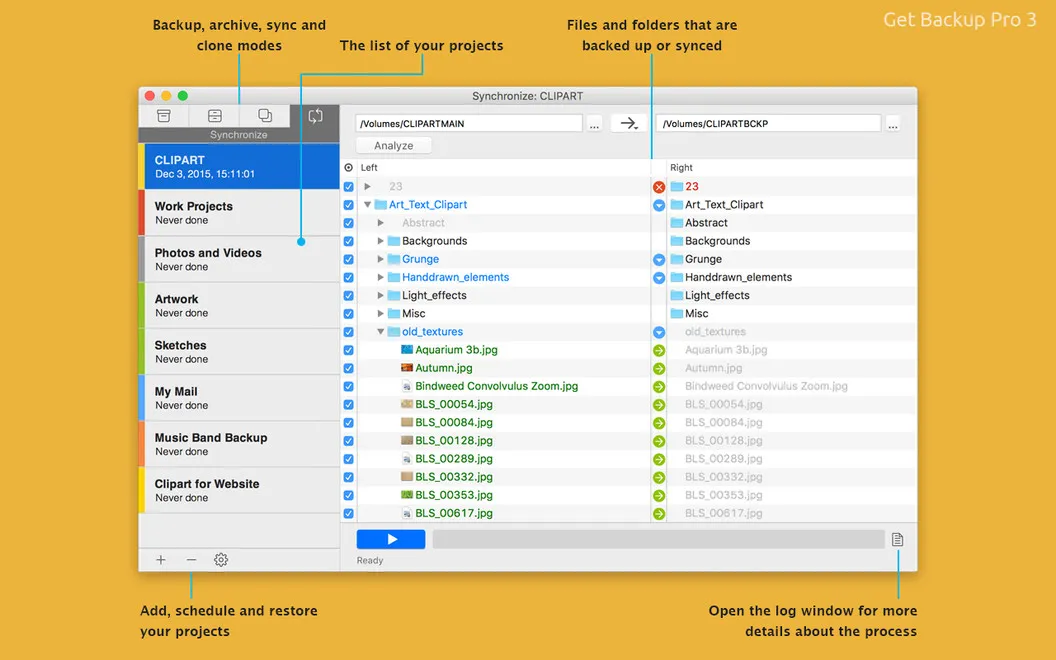
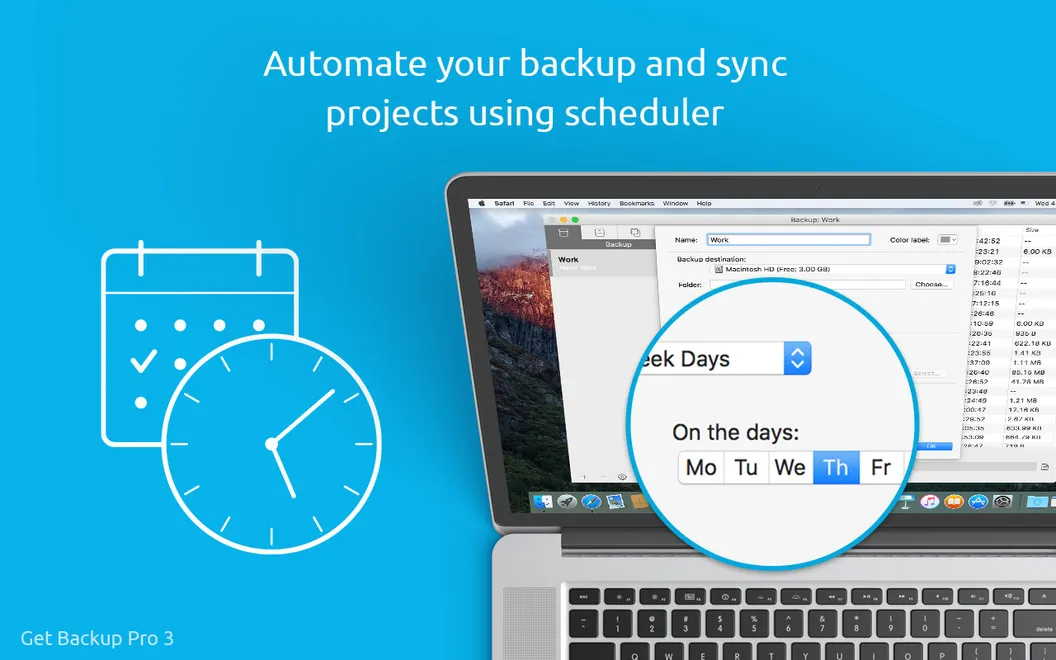
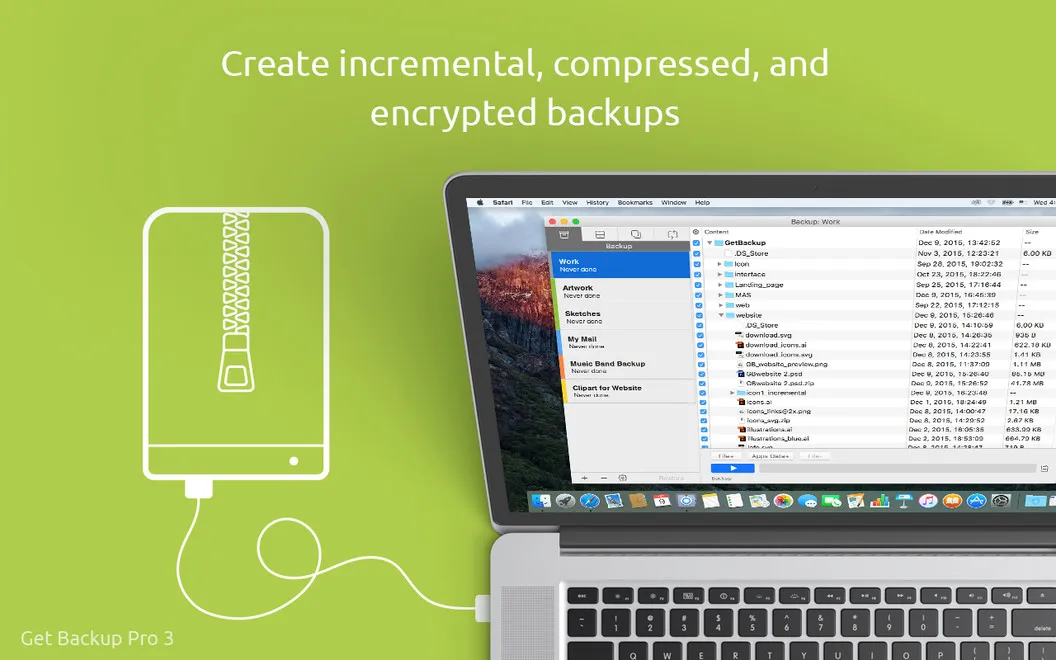
You can protect the files you care about without backing up everything on your Mac. Choose specific files and folders, then keep simple copies, incremental backups, or versioned backups. Compression reduces the space your backup archives take up, while scheduling lets you keep copies current without starting each backup yourself.
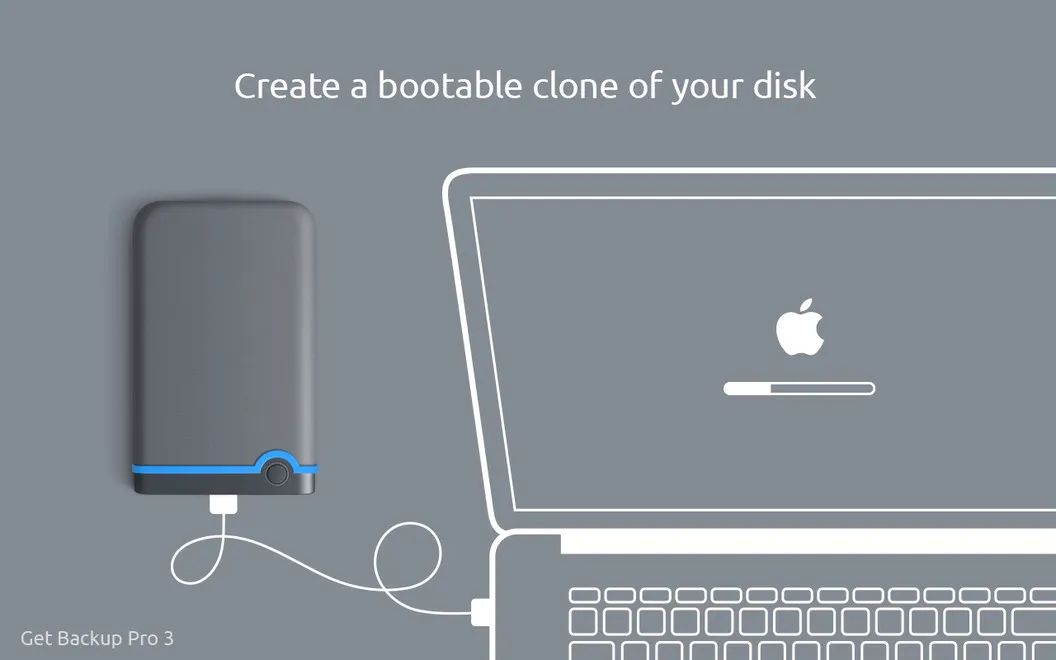
If you accidentally delete something, you can restore it from an existing backup. You can also recover your backups onto another Mac without installing Get Backup Pro there. Before a macOS update or a move to a new disk, you can make a clone of your volume to preserve a copy of your data.
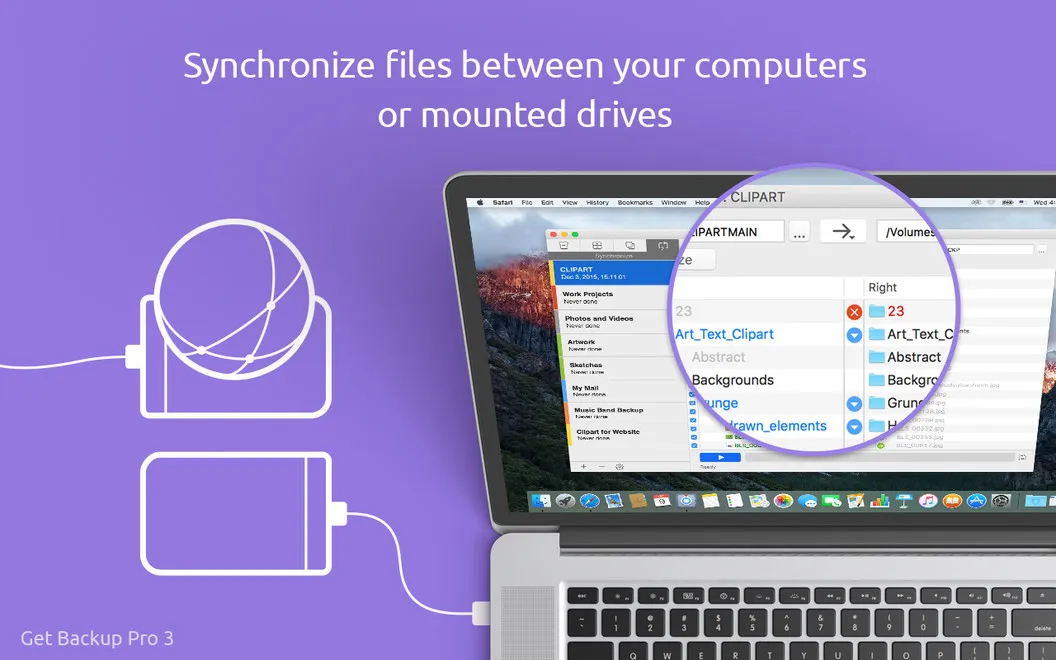
If you work across two Macs, you can keep selected folders in sync. Two-way synchronization updates both locations, so changes aren't left on just one machine.
-
Save only what matters
You choose which files and folders to back up instead of copying everything on your Mac.
-
Keep backups on schedule
You can schedule backups and have the app close automatically when its scheduled work finishes.
-
Use less backup space
You can compress backup archives and use incremental backups rather than making a full copy every time.
-
Restore without another installation
You can recover backed-up files onto another Mac without installing the app on that computer.
-
Prepare for a disk move
You can clone your volume to move your data to a new disk.
Best for
- You want scheduled backups of selected folders
- You're preparing for a macOS update or disk replacement
- You need to keep folders synchronized between two Macs
Skip it if
You probably don't need it if your current backup setup already covers your files, scheduling, and recovery needs.
Screenshots
From the developer
You've got a lot of data stored on your computer, right? How about a reliable backup utility for your Mac to be able to resist any kind of data-loss catastrophes? Try Get Backup Pro. It’s a good mix of backup methods, coming with four varying ways of backups: simple copy, clone, incremental and versioned.Read the full description
Alternatives to Get Backup Pro
Other apps to back up & sync files. See all