GoodTask
Sync to-dos with reminders
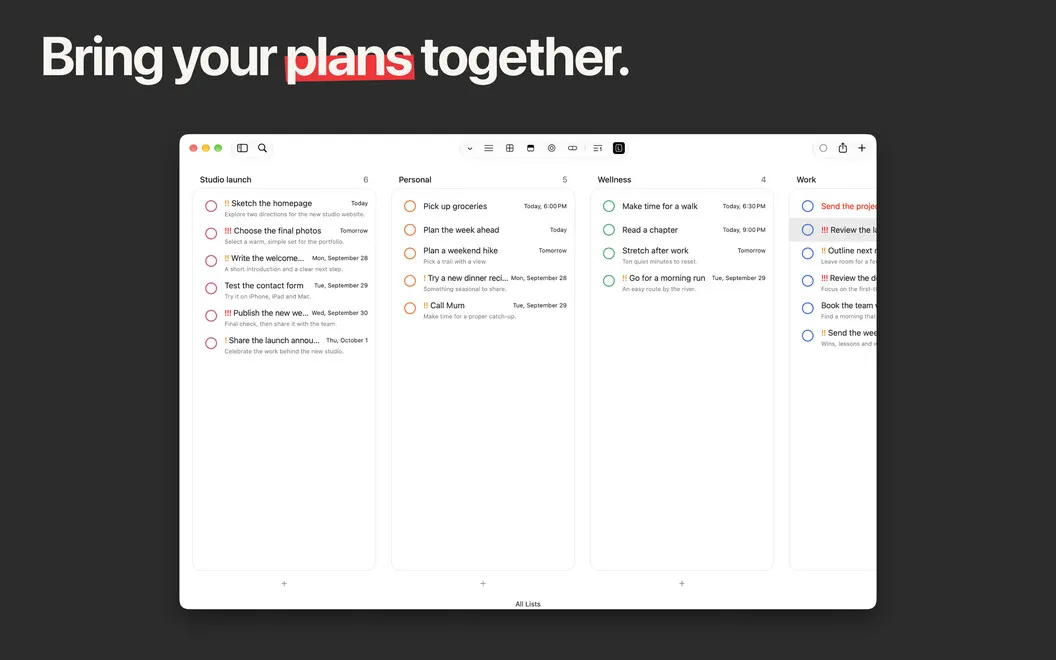
GoodTask gives you a task planner connected to Apple Reminders and Calendar, suited to organizing daily to-dos, recurring responsibilities, and projects with subtasks.
by haha interactive · 94% positive (397)
What you get
You can see what needs doing and keep recurring tasks on schedule.
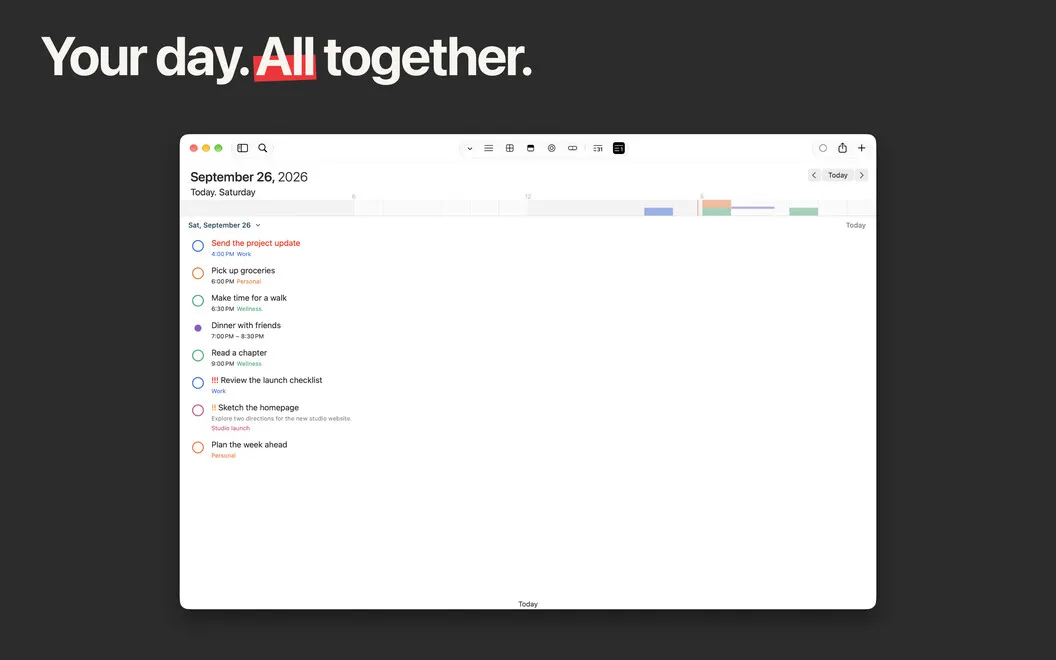
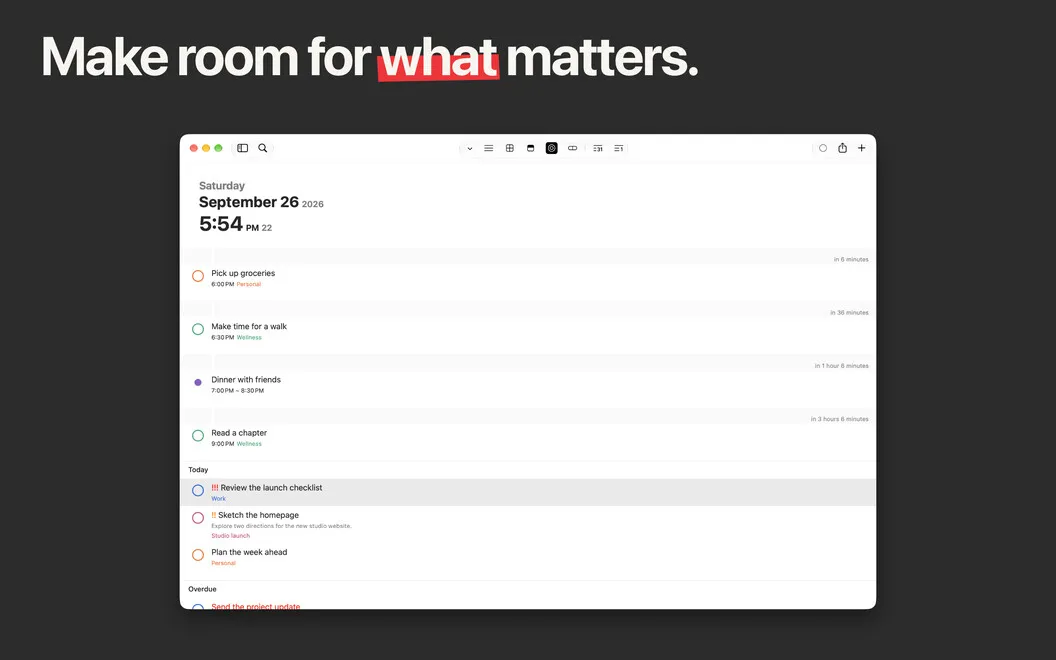
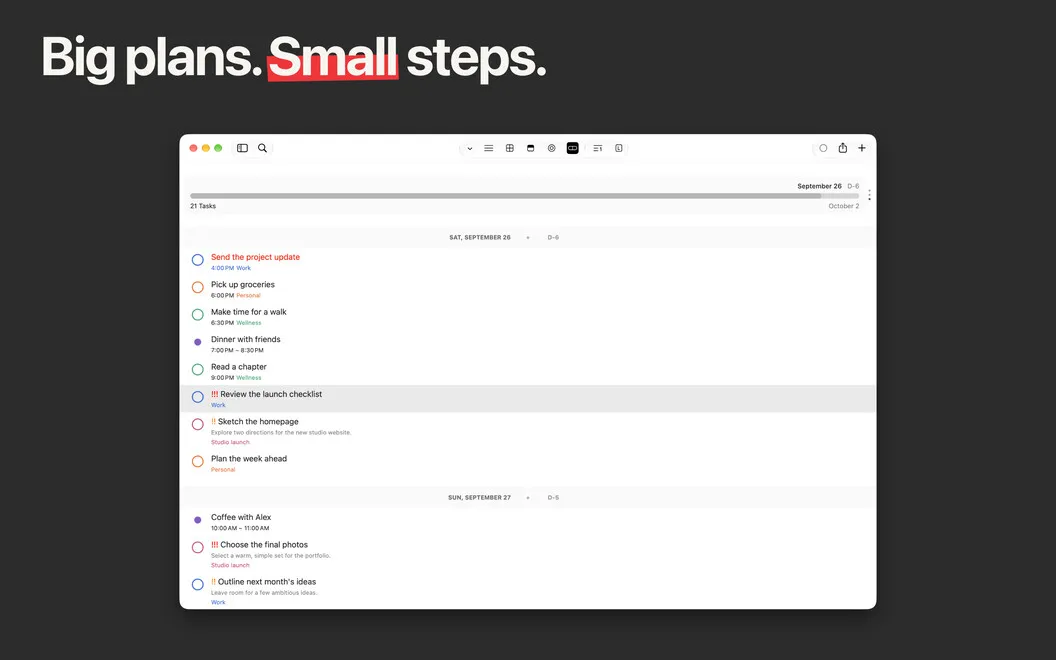
GoodTask gives you one place to review your tasks alongside your calendar plans, using your existing Apple Reminders and Calendar data. You can sync with iCloud or Outlook/Exchange accounts and check what’s planned for today, tomorrow, or later without rebuilding your lists from scratch.
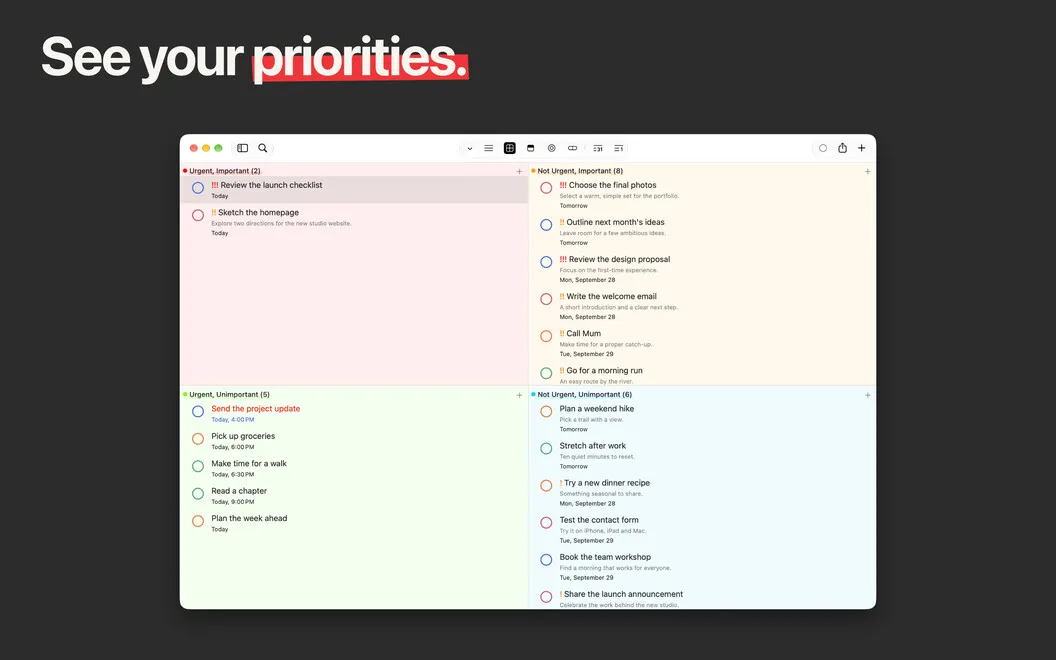
When your list gets crowded, you can filter it to find overdue work, use tags to gather related tasks, and break larger tasks into subtasks. You choose the order—by date, name, creation time, or manually—so your list reflects how you want to work.
You can also spend less time entering the same details. Quick Actions and text snippets help you set up new tasks while typing, while repeating reminders let you schedule regular responsibilities without creating a fresh task each time.
-
Keep your existing lists
You can work with your Apple Reminders and Calendar data through iCloud or Outlook/Exchange sync.
-
Find what needs attention
You can filter for overdue tasks and use tags to bring related work together.
-
Break work into steps
You can add subtasks to larger tasks and arrange your list in the order you need.
-
Enter tasks with less typing
You can use text snippets and Quick Actions to reduce repeated setup when adding tasks.
-
Avoid recreating routine tasks
You can set reminders to repeat automatically for responsibilities that come around regularly.
Best for
- You use Apple Reminders but need more ways to organize tasks
- You juggle recurring responsibilities and daily to-dos
- You need filtered lists and subtasks for personal projects
Skip it if
You probably don’t need it if Apple Reminders already gives you enough control over your task lists.
Screenshots
From the developer
Being integrated with Apple's native Reminders and Calendar, GoodTask is made to expand on the abilities these two apps have to offer. It’s definitely the right calendar planner to focus on your core tasks.Read the full description
Alternatives to GoodTask
Other apps to manage to-dos & tasks. See all
 NotePlan
One space for all your work
Setapp
97% · 1,478 ratings
NotePlan
One space for all your work
Setapp
97% · 1,478 ratings
 2Do
Capture anywhere. Plan in seconds. Find anything. Sync your way. AI ready.
Setapp
93% · 410 ratings
2Do
Capture anywhere. Plan in seconds. Find anything. Sync your way. AI ready.
Setapp
93% · 410 ratings
 Godspeed
Manage tasks faster
Setapp
97% · 198 ratings
Godspeed
Manage tasks faster
Setapp
97% · 198 ratings
 TaskPaper
Plain-text task management
Setapp
98% · 305 ratings
TaskPaper
Plain-text task management
Setapp
98% · 305 ratings
 ByDesign
Organize your work and life
Setapp
84% · 146 ratings
ByDesign
Organize your work and life
Setapp
84% · 146 ratings
 Taskheat
Learn to prioritize tasks
Setapp
76% · 314 ratings
Taskheat
Learn to prioritize tasks
Setapp
76% · 314 ratings