iBoysoft NTFS for Mac
Read/write to NTFS drives
iBoysoft NTFS for Mac gives you read-and-write access to Windows-formatted NTFS drives, so you can use the same storage on your Mac and a Windows PC.
by iBoysoft · 87% positive (772)
What you get
Write to Windows NTFS drives directly from your Mac.
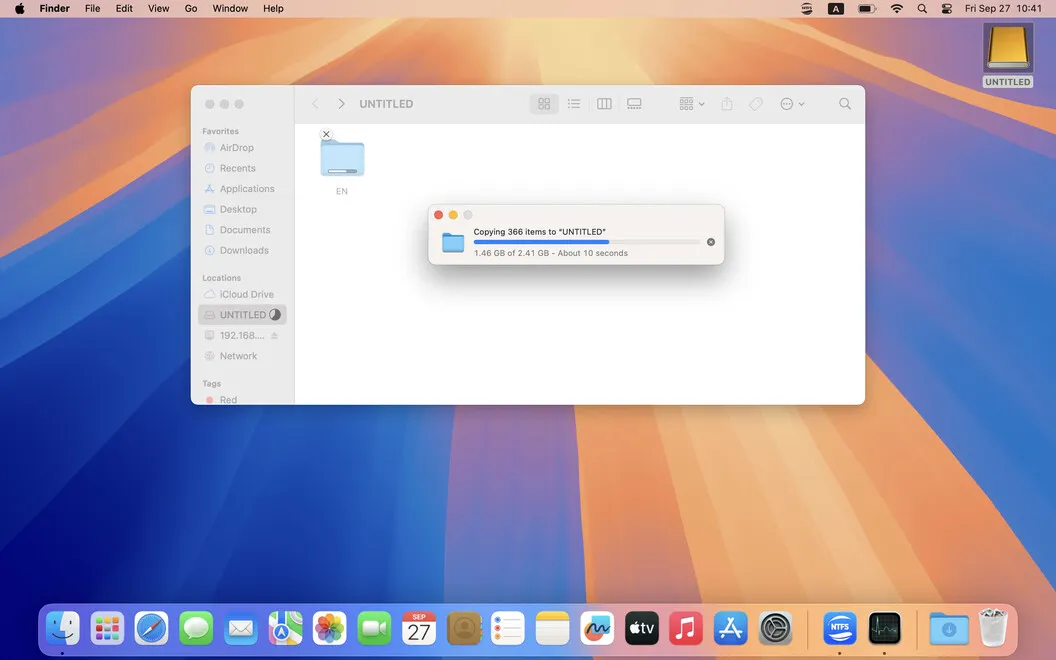
You can add, copy, transfer, and delete files on NTFS drives instead of being limited to reading them on your Mac. If you move an external SSD, hard drive, or USB stick between Windows and macOS, you can keep using its NTFS format while managing its files from either computer.
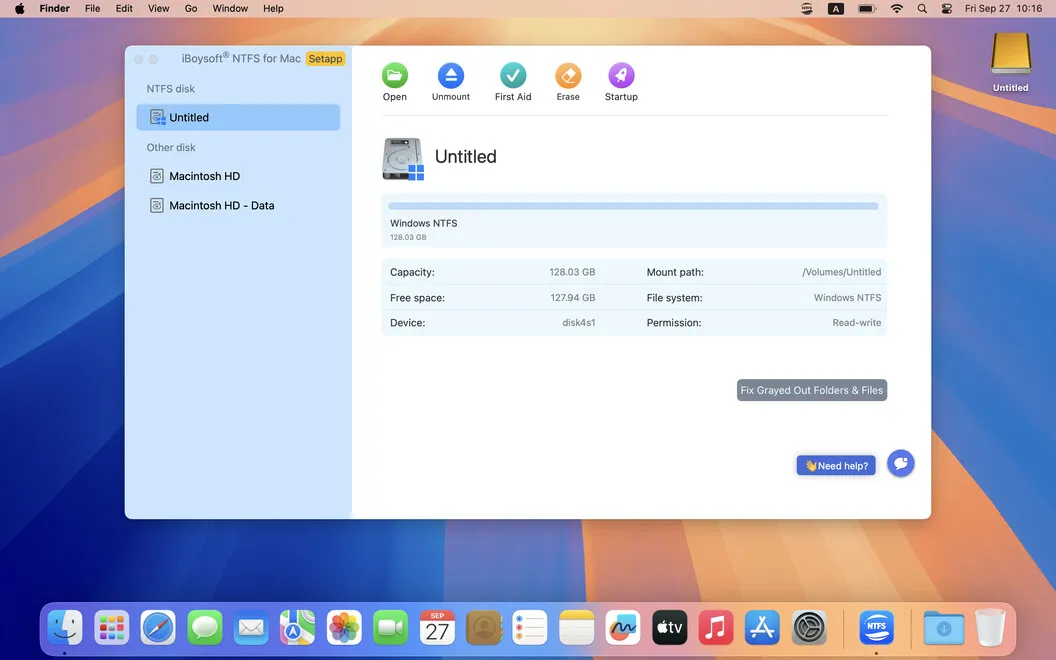
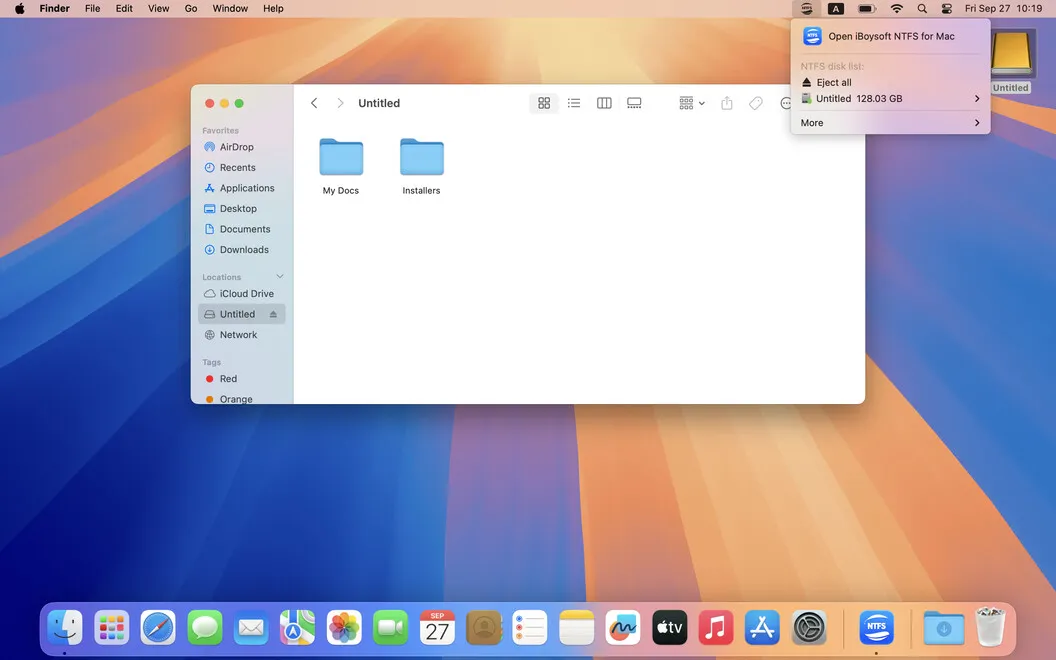
When you connect a drive, you can have it become available automatically with read-and-write access. If you prefer manual control, you can turn automatic mounting off and mount or unmount drives from the menu bar. You can also access your Windows Boot Camp partition.
For disk maintenance, you can check for errors, inspect drive details, erase a disk, or reformat it to NTFS or another format without switching to a PC. Reformatting erases the drive’s contents, so you’ll need to preserve any files you want to keep first.
-
Change files on NTFS drives
You can copy, add, and delete files from your Mac rather than only read what’s already on the drive.
-
Keep one shared drive
You can use the same NTFS storage on Windows and Mac without reformatting it just to write files from macOS.
-
Connect with fewer steps
You can make connected NTFS drives available automatically, or control mounting yourself from the menu bar.
-
Handle disk maintenance locally
You can check disk errors, view drive details, erase disks, and change formats without moving to a Windows PC.
Best for
- You regularly move external drives between Windows and Mac
- You need to add or delete files on NTFS-formatted storage
- You want to access a Windows Boot Camp partition from macOS
Skip it if
You don’t need it if you only read NTFS drives or your storage already supports writing on both Mac and Windows.
Screenshots
From the developer
Microsoft’s NTFS drive is a stranger to your Mac. However, there’s a Mac app that can make them friends. iBoysoft NTFS for Mac is an easy assistant with full read/write support for NTFS drives. The moment you install the app, you’ll instantly get read-write access to Windows NTFS disks.Read the full description
Alternatives to iBoysoft NTFS for Mac
Other apps to work with external drives. See all
 USB Connection Information
Stop guessing. Start knowing.
Sold separately
USB Connection Information
Stop guessing. Start knowing.
Sold separately
 iLove NTFS
Mac App Store
iLove NTFS
Mac App Store
 EaseUS Data Recovery Wizard
Mac App Store
EaseUS Data Recovery Wizard
Mac App Store
 DiskMap
Visual disk map for Mac. Find what's eating your storage in seconds.
Sold separately
DiskMap
Visual disk map for Mac. Find what's eating your storage in seconds.
Sold separately
 Path Finder
Copy, delete, and sync files
Setapp
92% · 1,574 ratings
Path Finder
Copy, delete, and sync files
Setapp
92% · 1,574 ratings