iStat Menus
Track CPU, GPU, sensors, etc.
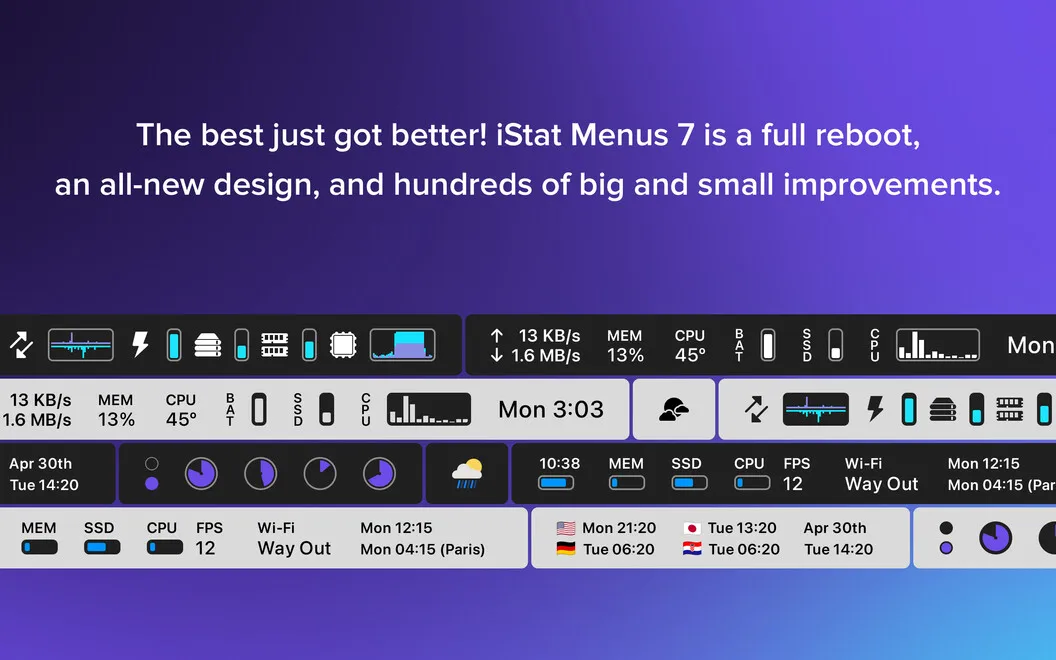
iStat Menus gives you live Mac performance readings in your menu bar, helping you investigate slowdowns, loud fans, memory pressure, and disk activity.
by Bjango Pty Ltd. · 96% positive (5,527)
What you get
See what’s straining your Mac and decide what to address.
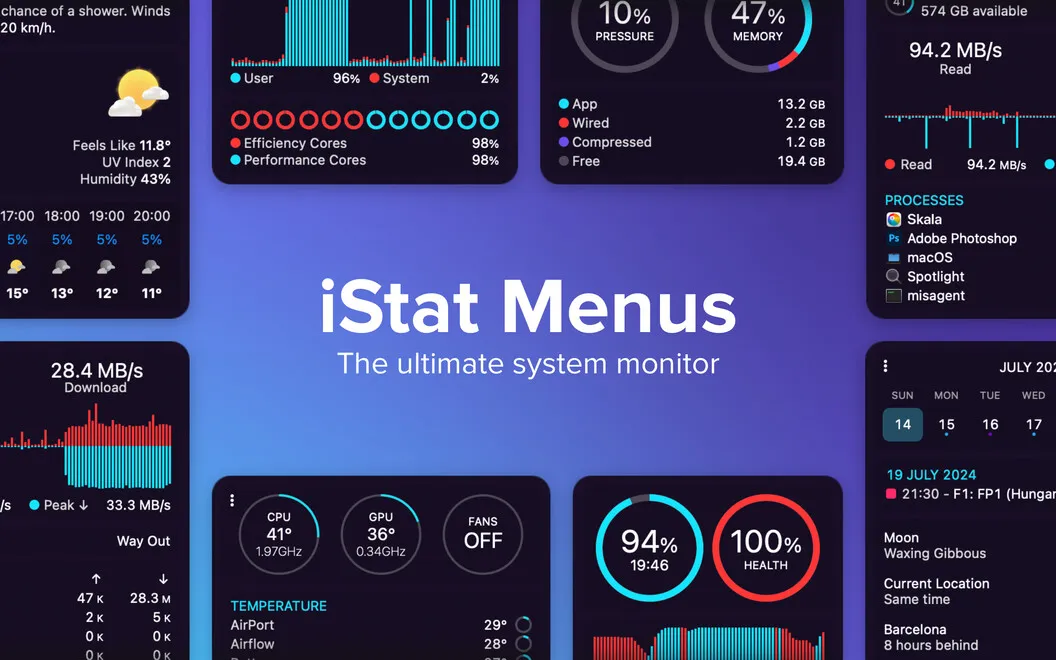
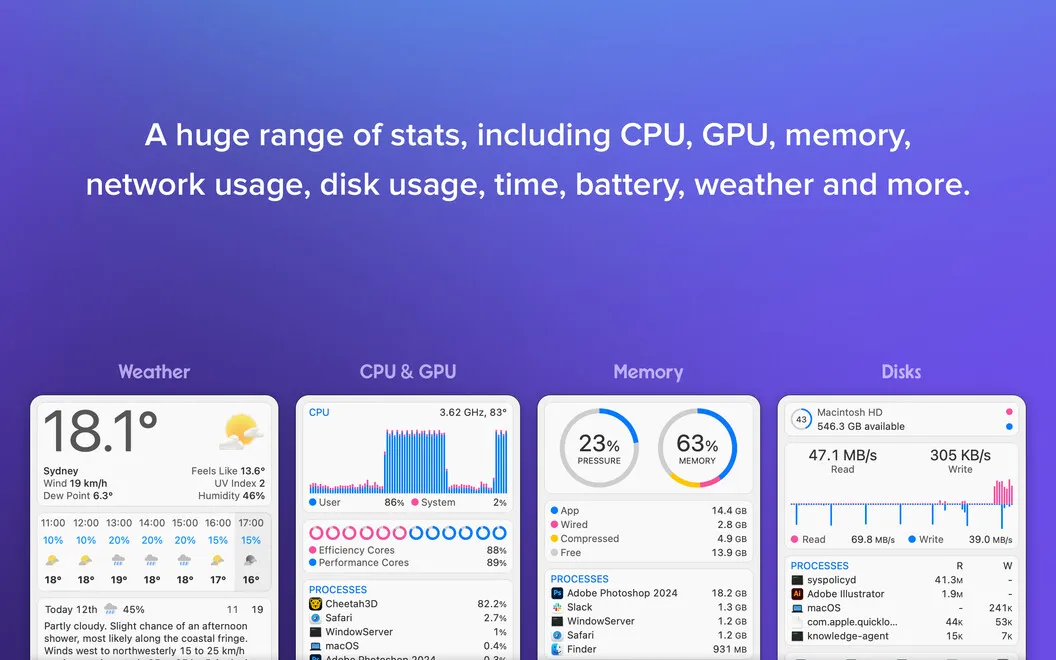
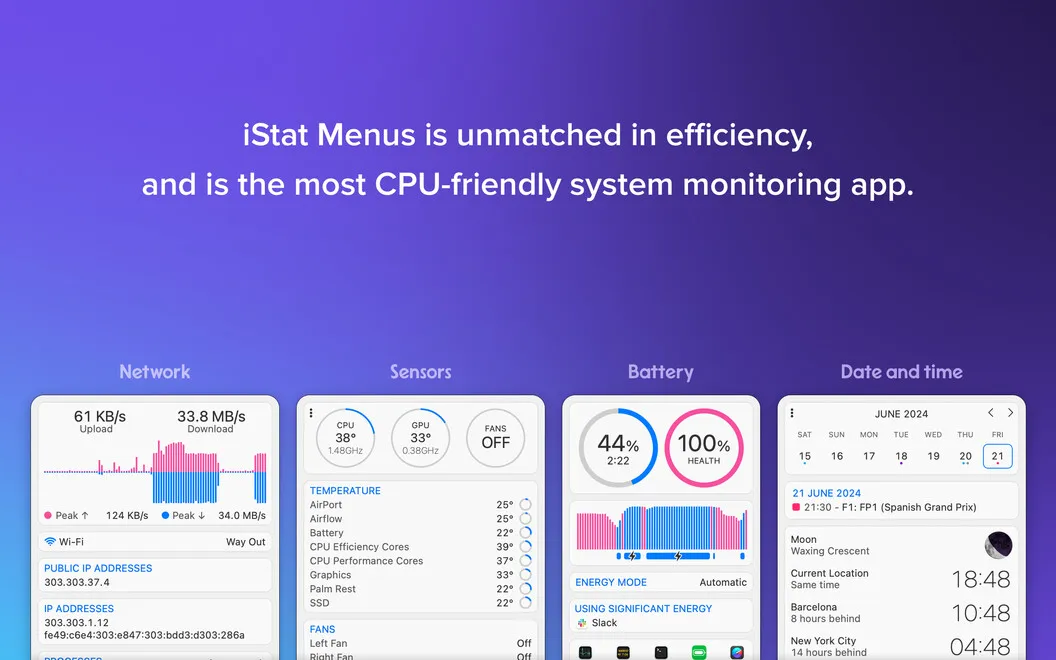
You get a live view of your Mac’s workload without leaving your menu bar. When your Mac slows down, you can check CPU activity and identify demanding processes. Memory readings show which apps are using the most RAM, helping you decide what to quit rather than guessing.
You can investigate loud fans by checking temperatures and fan speeds, then adjust fan controls, including separate rules for battery power. Disk space and read/write activity help you distinguish a nearly full drive from one that’s busy. Network graphs show incoming and outgoing traffic, with bandwidth figures for the five busiest apps.
You also get battery life and cycle readings, weather details, and world clocks. These readings help you understand what’s happening; they don’t automatically remove files or resolve every slowdown.
-
Find demanding apps
You can identify CPU-heavy processes and memory-hungry apps before deciding what to close.
-
Investigate fan noise
You can compare temperatures with fan speeds and adjust fan controls, including separate settings when running on battery.
-
Understand disk activity
You can check available space, read/write activity, and S.M.A.R.T. status to better understand what your drives are doing.
-
See bandwidth use
You can watch traffic across network connections and see which five apps are using the most bandwidth.
-
Check everyday readings
You can keep battery cycles, weather, and times around the world close at hand.
Best for
- You want to investigate recurring Mac slowdowns
- You need to keep an eye on temperatures and fan behavior
- You run demanding apps and want to track resource use
Skip it if
You don’t need ongoing performance readings and are comfortable checking Activity Monitor only when a problem appears.
Screenshots
From the developer
The most comprehensive Mac monitor to date. iStat Menus is a fully-equipped system data collector that lives in your menu bar and provides vital info about the key indicators.Read the full description
Alternatives to iStat Menus
Other apps to monitor CPU, memory & temperature. See all
 Usage
Monitor device performance
Setapp
97% · 224 ratings
Usage
Monitor device performance
Setapp
97% · 224 ratings
 MacPulse
Know what your Mac’s up to
Sold separately
MacPulse
Know what your Mac’s up to
Sold separately
 MenuBarMonitor
Your Mac's vitals, at a glance
Sold separately
MenuBarMonitor
Your Mac's vitals, at a glance
Sold separately
 ProcessSpy
See what your Mac is up to
Sold separately
ProcessSpy
See what your Mac is up to
Sold separately
 Rook Widgets
Your desktop, as a terminal
Sold separately
Rook Widgets
Your desktop, as a terminal
Sold separately
 Shiny
One-tap memory cleanup with a live memory-pressure readout in your menu bar.
Sold separately
Shiny
One-tap memory cleanup with a live memory-pressure readout in your menu bar.
Sold separately