
ProcessSpy
See what your Mac is up to
ProcessSpy is a Mac process monitor for you if you need to investigate slowdowns, debug apps, or understand what’s running in the background without using Terminal.
by Robert Varga
What you get
See which processes are using your Mac’s resources and investigate unexpected activity.
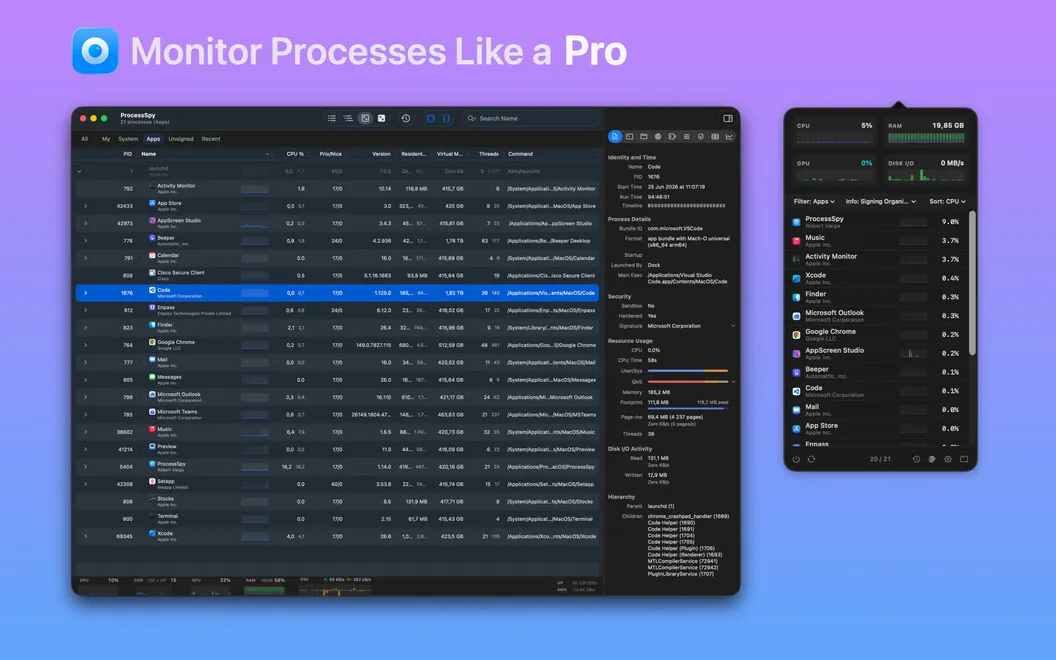
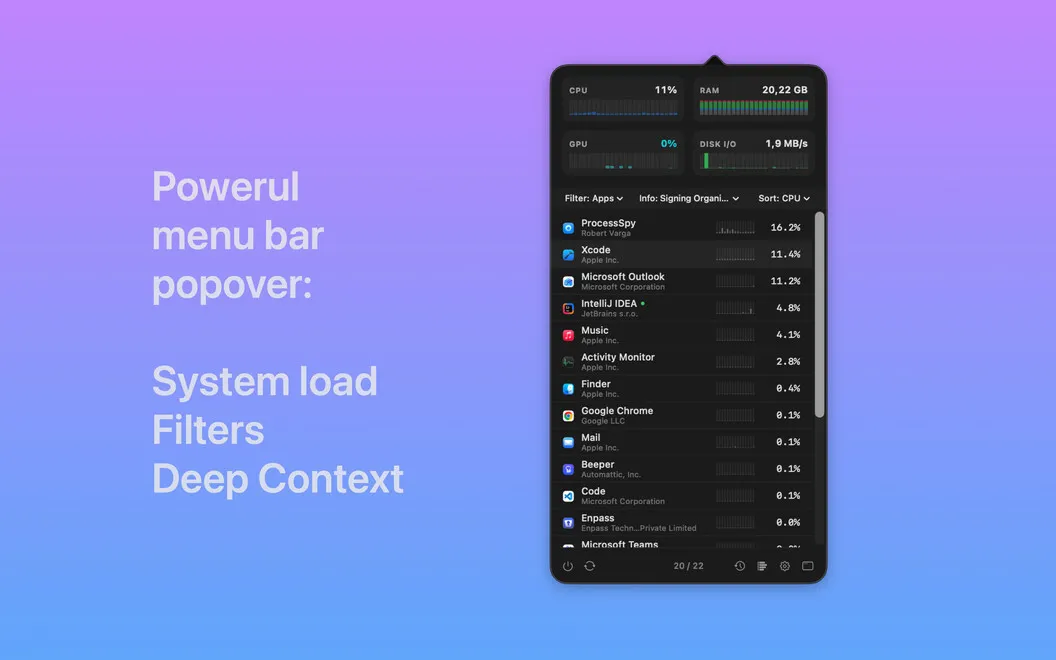
ProcessSpy helps you identify what’s keeping your Mac busy. You can watch CPU use, memory consumption, disk activity, and open network connections as they change, then sort and filter the process list to narrow your investigation. When you only need an overview, you can check aggregate system statistics instead of inspecting individual entries.
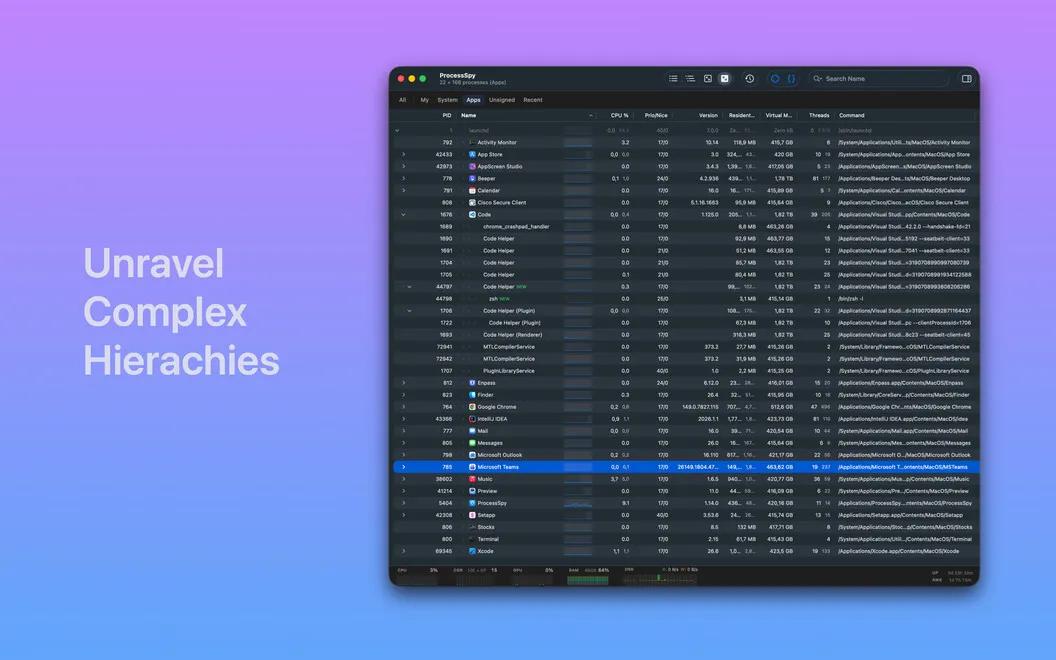
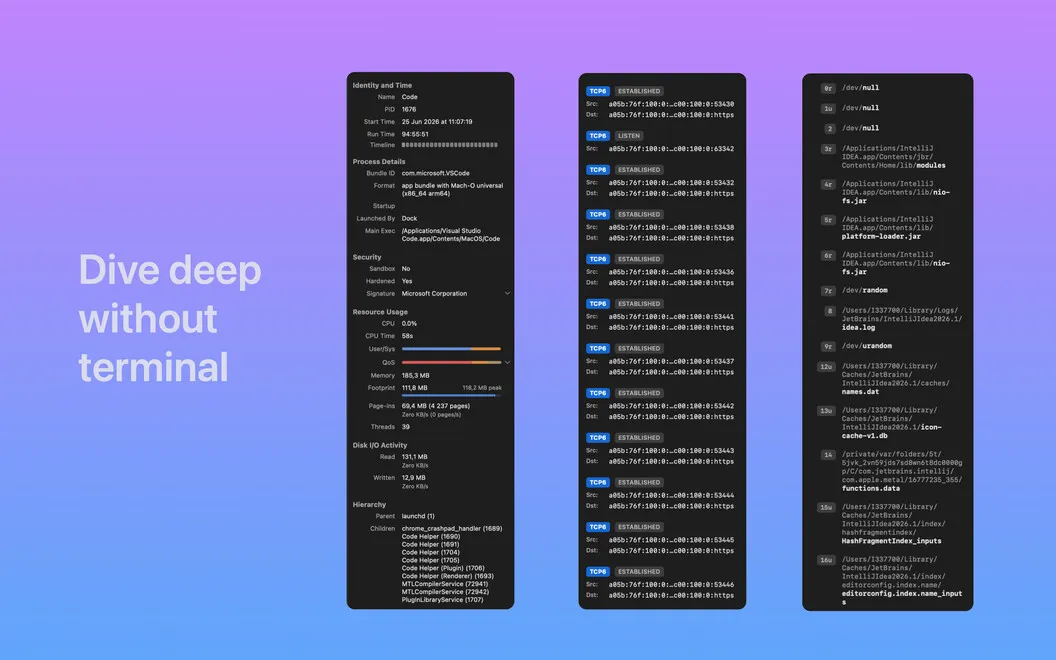
If you’re debugging an app or investigating unfamiliar activity, you can examine process details, thread counts, and parent-child relationships without entering Terminal commands. You can also point at a mystery window to find the process behind it, giving you a starting point for understanding what you’re seeing.
You can review finished processes, too, so a background task doesn’t become untraceable just because it disappeared from the active list. This helps you investigate brief activity that you might otherwise miss.
-
Locate resource-heavy processes
You can narrow down which processes are consuming CPU, memory, or disk activity while you investigate a slowdown.
-
Catch brief background activity
You can review finished processes after they disappear from the active list.
-
Trace unfamiliar windows
You can point at a window to identify its underlying process instead of searching through the entire list.
-
Investigate without Terminal
You can inspect thread counts, process details, and parent-child relationships without running commands.
Best for
- You’re investigating unexplained Mac slowdowns
- You’re debugging an app’s resource use
- You want to identify unfamiliar background processes
Skip it if
You don’t need it if your existing system monitor already gives you enough detail about running processes.
Screenshots
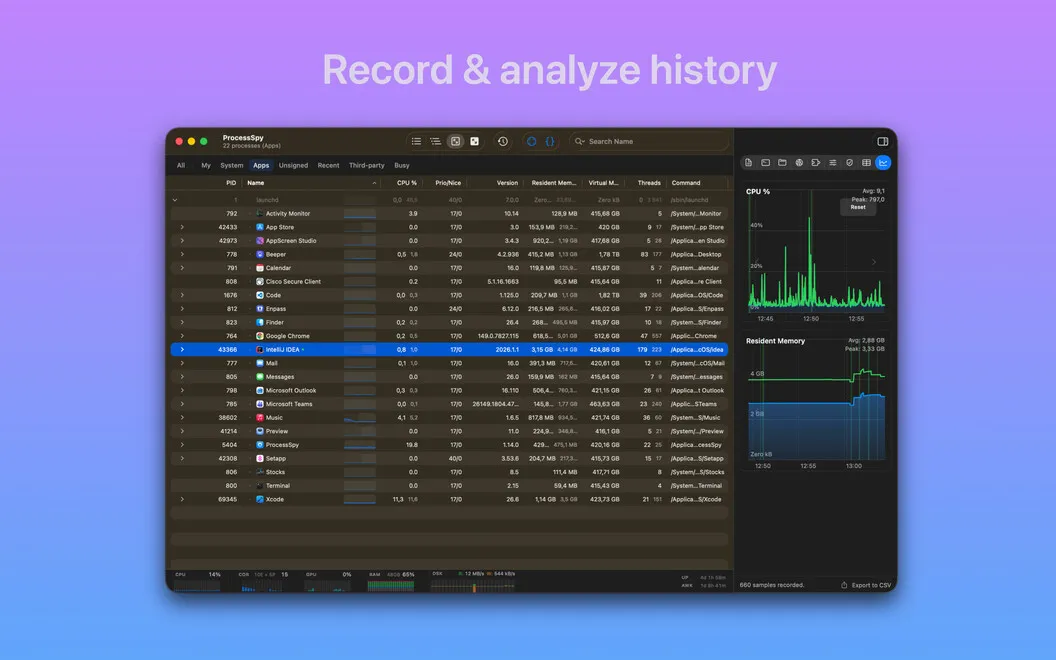
From the developer
ProcessSpy — process monitor for Mac. It shows you everything happening on your system right now: which processes are eating your CPU, what's writing to disk, and where your memory's going — all without opening Terminal.Read the full description
Alternatives to ProcessSpy
Other apps to monitor CPU, memory & temperature. See all
 iStat Menus
Track CPU, GPU, sensors, etc.
Setapp
96% · 5,527 ratings
iStat Menus
Track CPU, GPU, sensors, etc.
Setapp
96% · 5,527 ratings
 Usage
Monitor device performance
Setapp
97% · 224 ratings
Usage
Monitor device performance
Setapp
97% · 224 ratings
 MacPulse
Know what your Mac’s up to
Sold separately
MacPulse
Know what your Mac’s up to
Sold separately
 MenuBarMonitor
Your Mac's vitals, at a glance
Sold separately
MenuBarMonitor
Your Mac's vitals, at a glance
Sold separately
 Rook Widgets
Your desktop, as a terminal
Sold separately
Rook Widgets
Your desktop, as a terminal
Sold separately
 Shiny
One-tap memory cleanup with a live memory-pressure readout in your menu bar.
Sold separately
Shiny
One-tap memory cleanup with a live memory-pressure readout in your menu bar.
Sold separately