MistBar
Tidy menu bar, built-in tools
MistBar is a menu bar manager and utility toolkit for your Mac, aimed at keeping icons tidy while giving you quick access to copied text, notes, mail, and AI usage.
by SKJ APPS
What you get
You get a tidier menu bar and fewer reasons to switch apps.
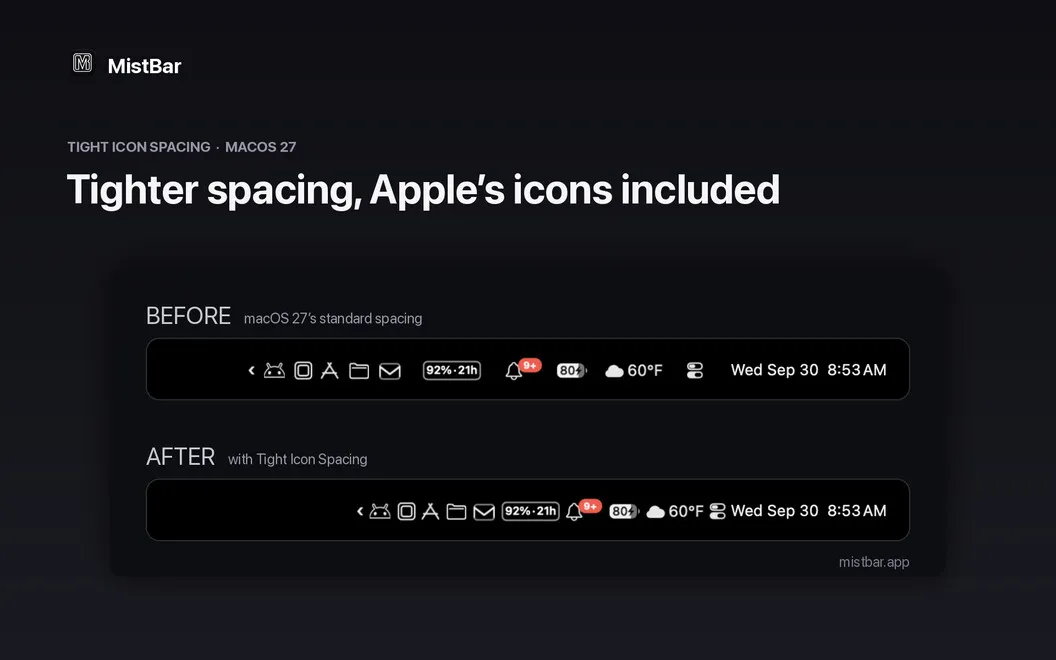
You can keep rarely used icons out of sight without losing access to them. MistBar gathers them behind one menu bar hub, so you can reveal them with a hover, click, or custom shortcut. You don't need to grant screen-recording access or create an account.
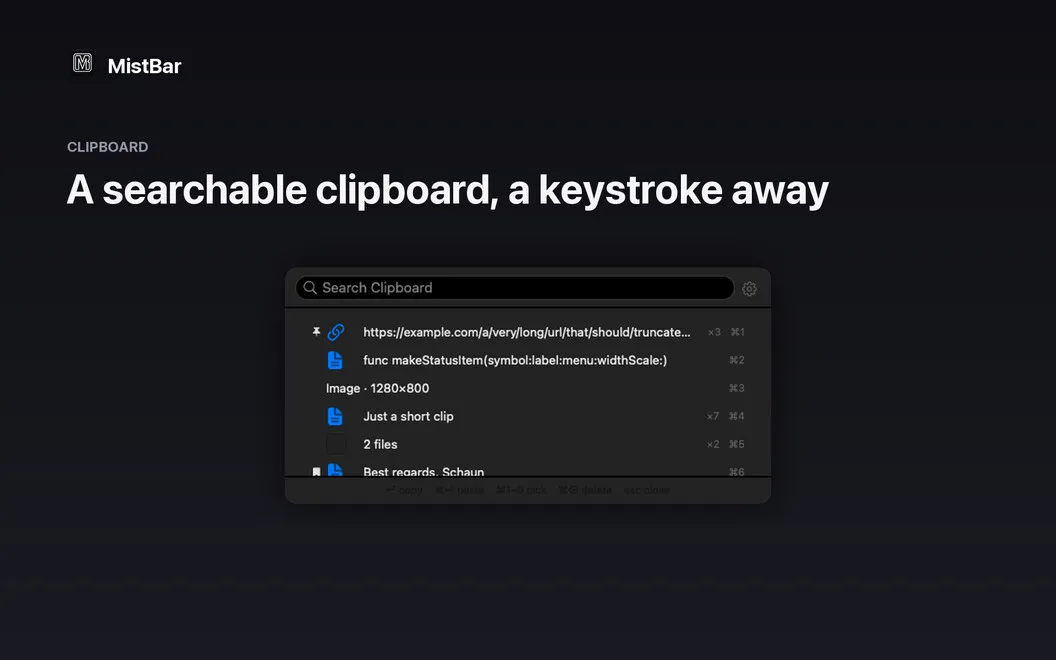
You also get a way to recover something you copied earlier: open your clipboard history with a shortcut, search it, and reuse what you need. When a thought interrupts your work, you can capture it in Apple Notes without switching apps. For repeated phrases, you can define short text shortcuts rather than type everything again.
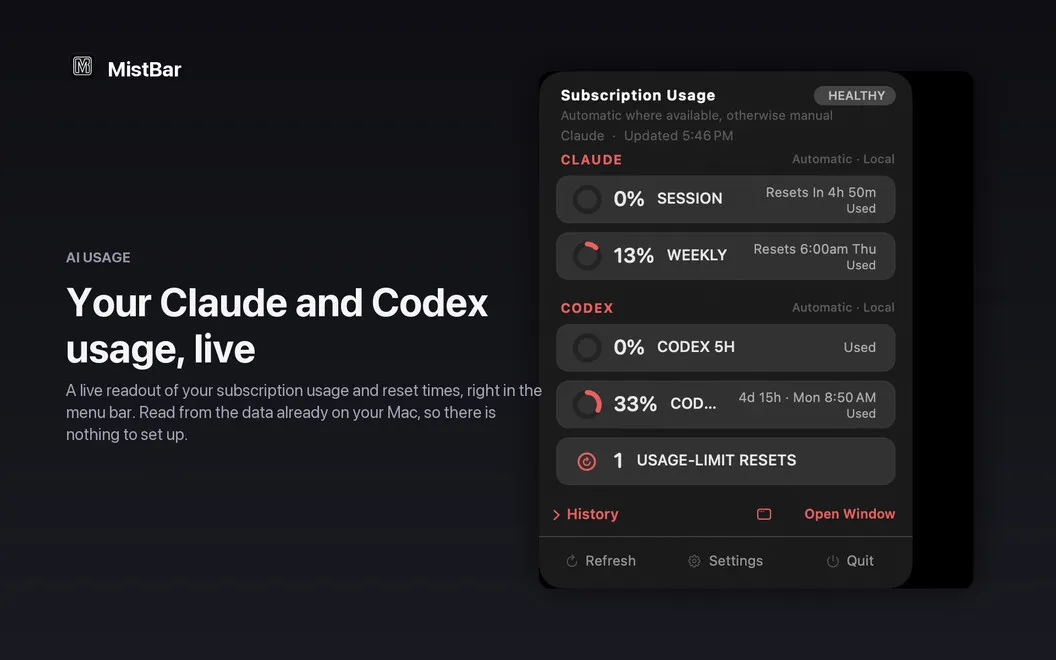
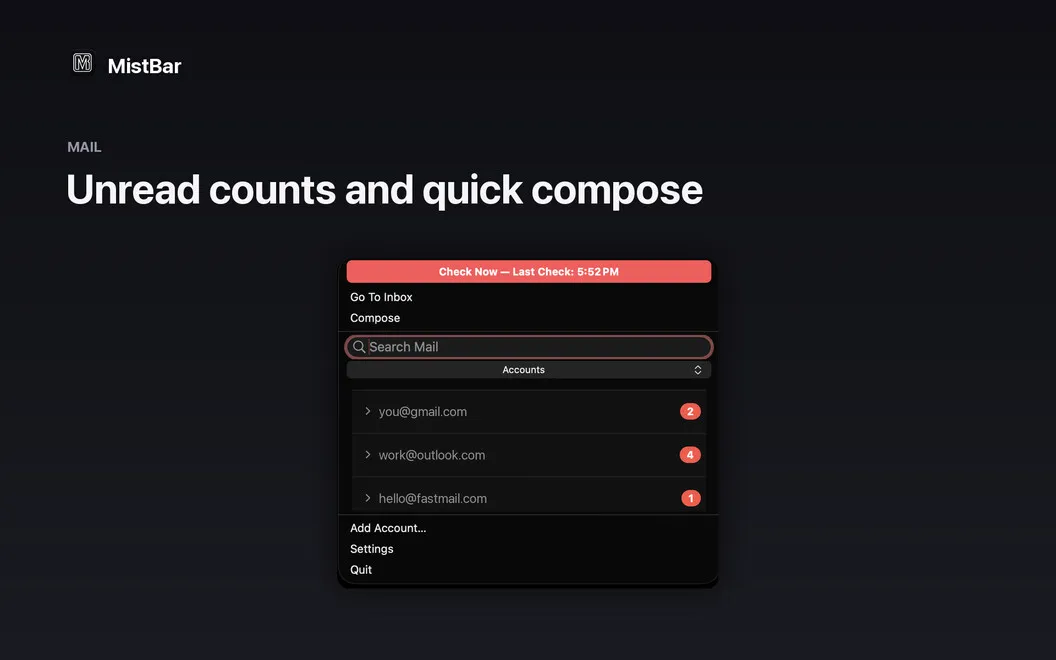
You can check unread mail and send quick replies through Gmail, Outlook, iCloud, or Fastmail without opening a full inbox. If you use Claude, Codex, or Copilot, you can see usage and reset times in the menu bar. MistBar is built for macOS 26 Tahoe and Apple Silicon.
-
Keep icons within reach
You can hide seldom-used menu bar icons and bring them back with a hover, click, or shortcut.
-
Recover earlier copies
You can search your clipboard history instead of returning to the original app or retyping lost text.
-
Capture thoughts in place
You can send a quick note to Apple Notes without switching away from what you're doing.
-
Avoid repetitive typing
You can turn short, predefined shortcuts into the full phrases you use repeatedly.
-
Know your AI limits
You can check Claude, Codex, and Copilot usage and reset times directly from your menu bar.
Best for
- You have a crowded menu bar on an Apple Silicon Mac
- You frequently reuse copied text and capture quick notes
- You want to keep an eye on AI usage limits
Skip it if
You don't need it if your menu bar is already manageable and you have no use for its clipboard, notes, mail, or AI usage tools.
Screenshots
From the developer
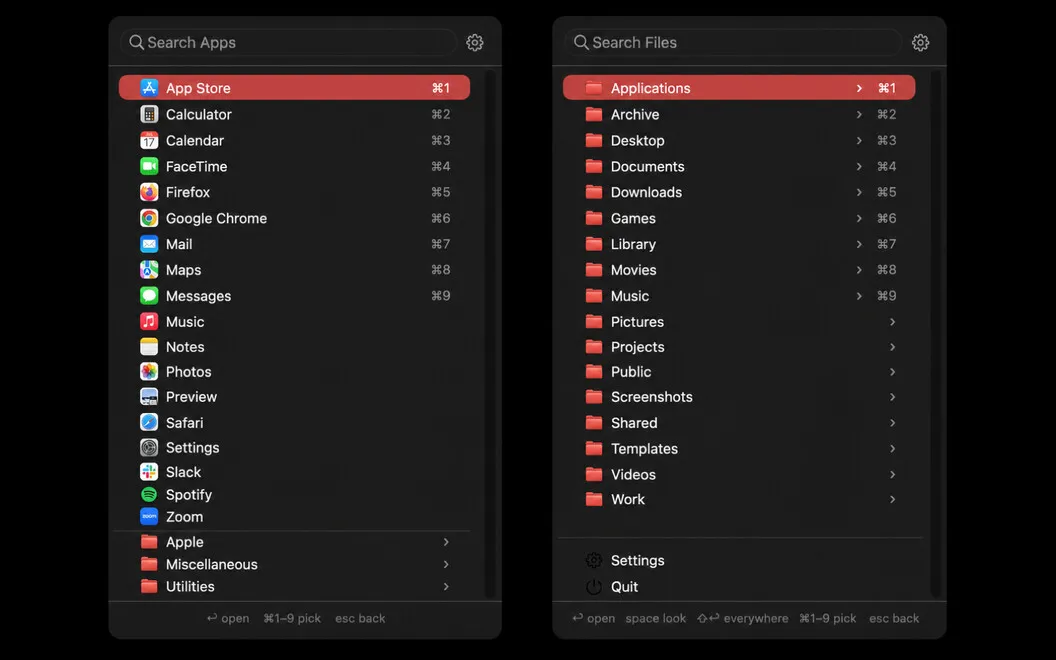
MistBar is a menu bar manager and everyday toolkit for Mac. It hides the icons you never click behind a single hub — bring them back with a hover, click, or hotkey — and folds in the small utilities most people run as separate apps: clipboard history, mail access, quick notes, app launching, text ex...Read the full description
Alternatives to MistBar
Other apps to tidy up your menu bar. See all
 Bartender
Clean up and superpower your menu bar
Setapp
97% · 15,789 ratings
Bartender
Clean up and superpower your menu bar
Setapp
97% · 15,789 ratings
 One Switch
Access macOS features fast
Setapp
98% · 2,026 ratings
One Switch
Access macOS features fast
Setapp
98% · 2,026 ratings
 PeekBar
Rescue your hidden menu bar
Sold separately
PeekBar
Rescue your hidden menu bar
Sold separately
 SaneBar
Private menu bar control
Sold separately
SaneBar
Private menu bar control
Sold separately
 Hidden Bar
Mac App Store
Hidden Bar
Mac App Store
 MenubarX
Browse the web from menu bar
Setapp
94% · 272 ratings
MenubarX
Browse the web from menu bar
Setapp
94% · 272 ratings