
One PC
Run Virtual Machines
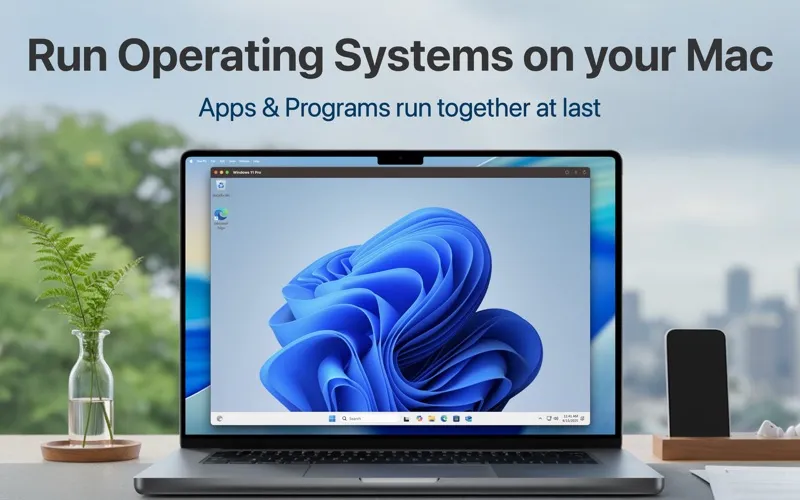
One PC lets you run Windows in a local virtual machine on your Mac. It’s for you if you need Windows-only software while keeping your Mac apps open.
by Drawly
What you get
You can use Windows software on your Mac without rebooting.
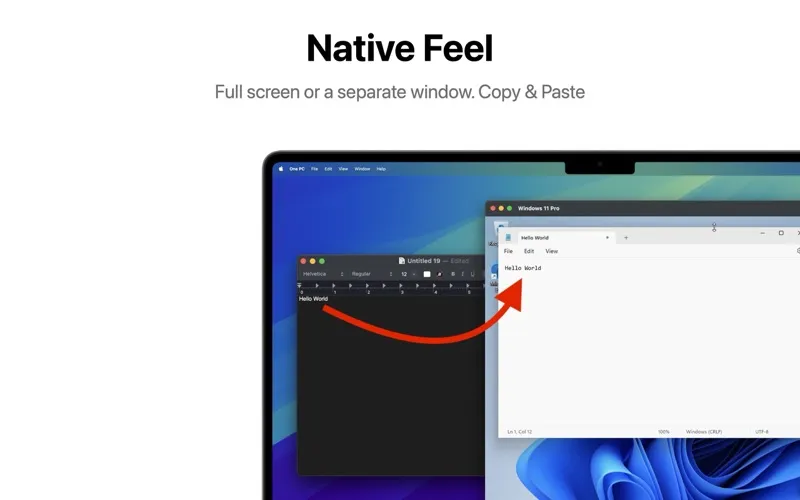
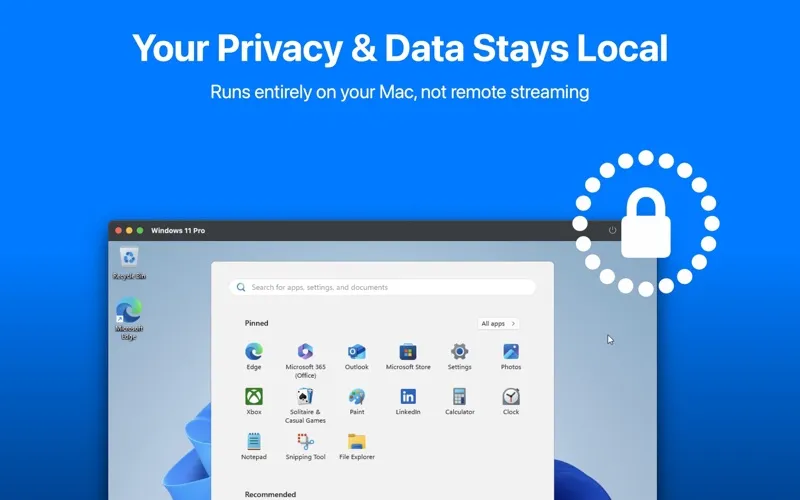
With One PC, you get a Windows environment running locally on your Mac, so you can use Windows-only work tools without restarting into another operating system. You can keep your Mac apps open while working in Windows, rather than connecting to a remote desktop or cloud server.
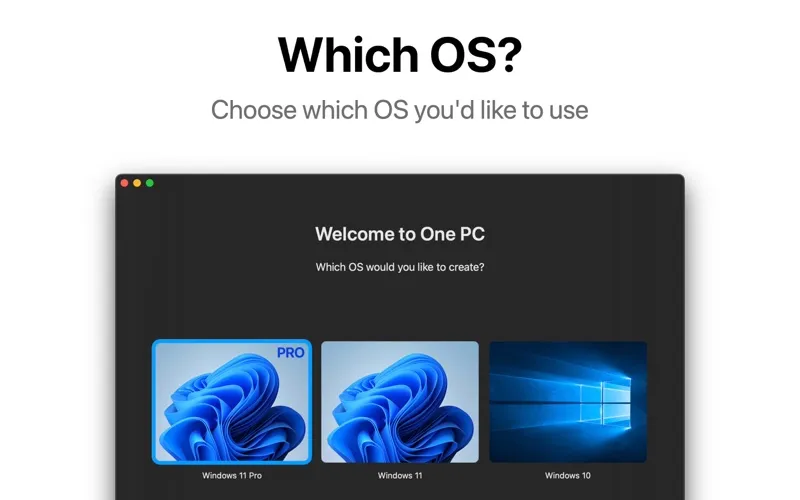
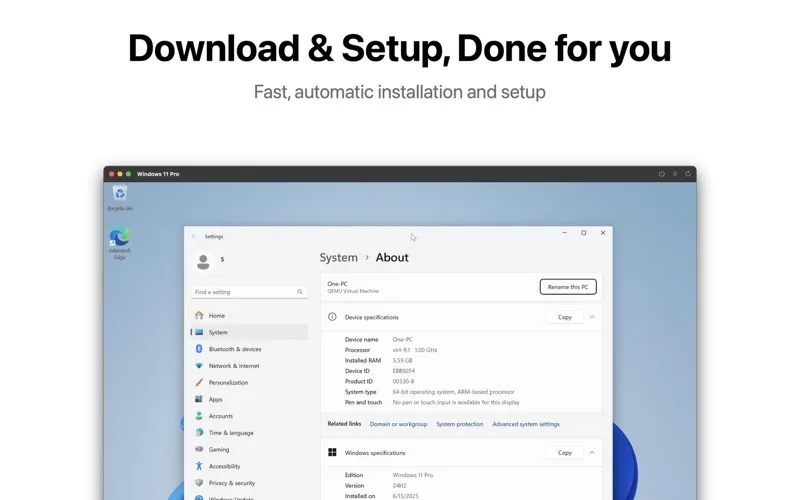
You choose Windows 11 Pro, Windows 11, or Windows 10, and the app handles downloading, configuring, and installing it. Once you’re working, you can copy text between operating systems and share files without setting up network drives. You can use Windows in a window or full-screen, depending on how much space you need.
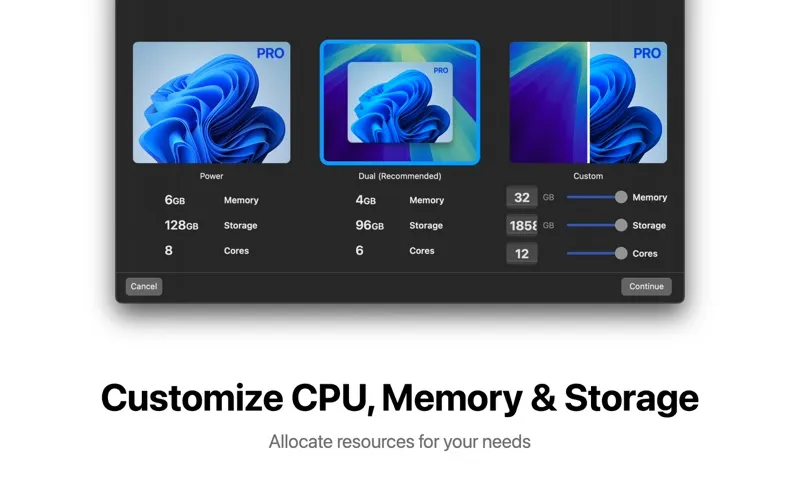
You also decide how many CPU cores, how much memory, and how much storage your virtual machine gets. You can adjust those allocations in its preferences as your workload changes. Full functionality requires an auto-renewing subscription.
-
Keep both systems open
You can work in Windows software alongside your Mac apps without rebooting.
-
Avoid manual Windows setup
You choose a supported Windows version, and One PC handles the download, configuration, and installation.
-
Move work between systems
You can copy and paste text and share files between macOS and Windows without configuring network drives.
-
Control resource allocation
You decide how much CPU, memory, and storage to assign to your Windows environment.
Best for
- You need Windows-only tools for work
- You want Windows running locally rather than remotely
- You regularly switch between Mac and Windows apps
Skip it if
You don’t need it if all your software already runs on macOS.
Screenshots
From the developer
Run Windows on Your Mac Experience native Windows performance directly on macOS—no rebooting, no remote servers, and no compromises. One PC installs Windows locally, giving you seamless dual-OS power with all your PC programs running side by side with your Mac apps.Read the full description
Alternatives to One PC
Other apps to run & manage virtual machines. See all