Parallels Desktop
Parallels Desktop lets you run other operating systems on your Mac in virtual machines. It’s for you if you need Windows software or a Linux environment without a separate computer.
by Parallels International GmbH
What you get
You can use Windows and Linux without leaving your Mac.
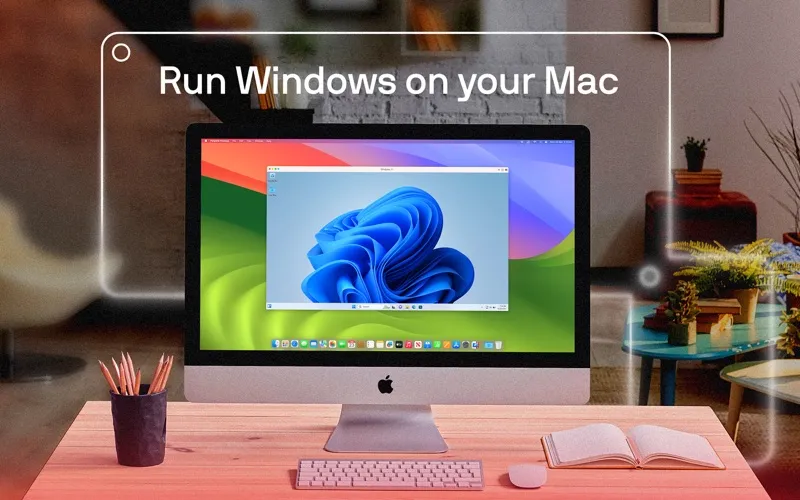
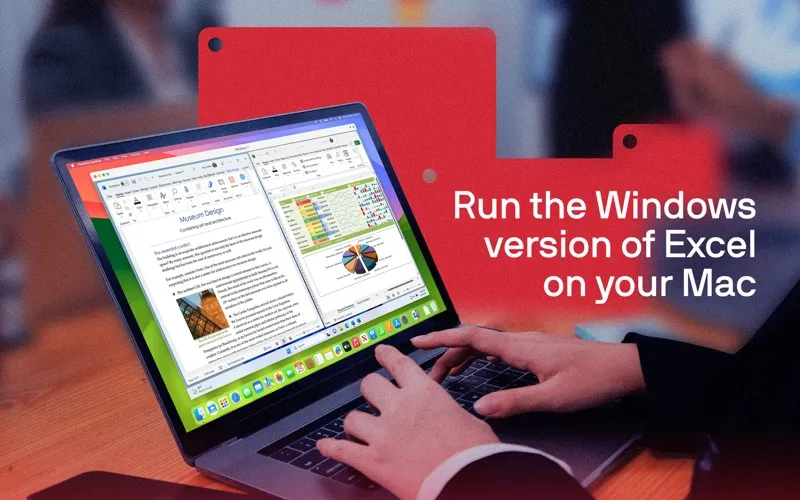
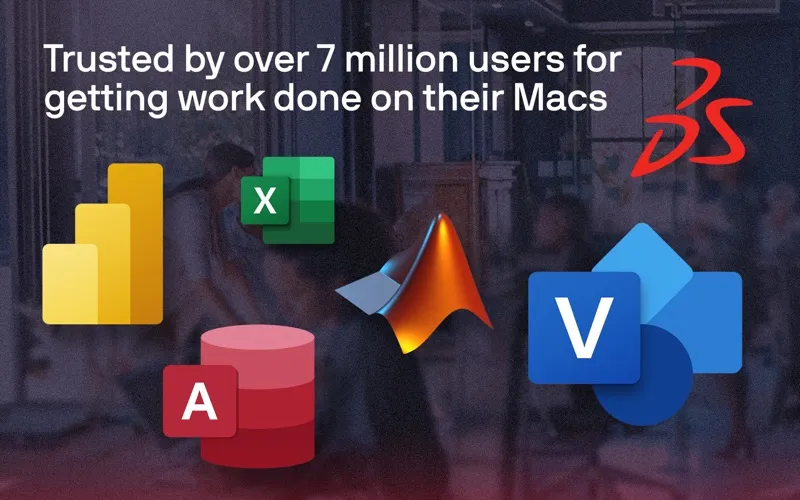
You get a virtual computer inside your Mac, so you can use Windows software without keeping a separate PC. That gives you access to applications such as Access, Power BI, Visio, and Windows development tools while continuing to use your Mac. You can also play supported Windows games, though limitations apply.
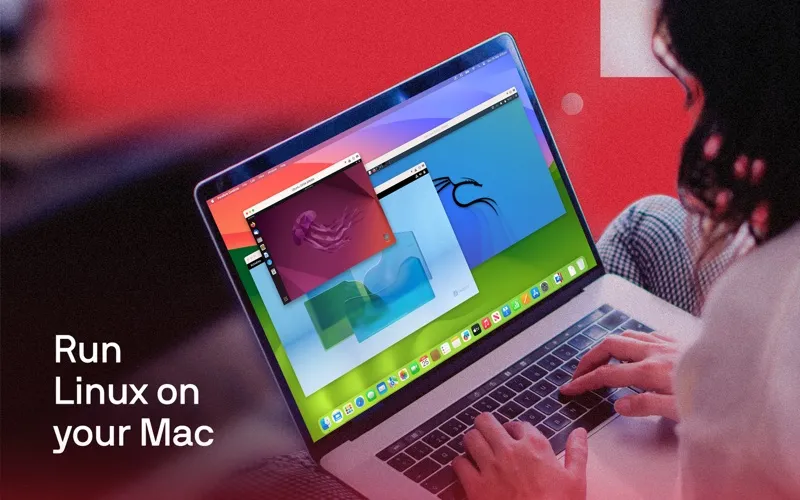
Your choice of operating system depends on your Mac’s processor. On Apple silicon, you can run Arm versions of Windows 11 Pro or Enterprise and supported Linux distributions, including Ubuntu, Fedora, and Debian. On an Intel Mac, you can run most versions of Windows, Linux, and macOS. You can adjust the CPU, graphics, and memory resources assigned to your virtual machine to suit its workload.
If you’re considering the App Store edition, you get a 14-day trial. That edition runs in a sandbox and differs from the Standard and Pro editions, so you should check those differences before choosing.
-
Keep one computer
You can use Windows applications on your Mac rather than keeping a separate PC for them.
-
Work in Linux
You can run supported Linux distributions on the same Mac you use for your everyday work.
-
Match resources to workloads
You can adjust how much CPU, graphics, and memory your virtual machine receives.
-
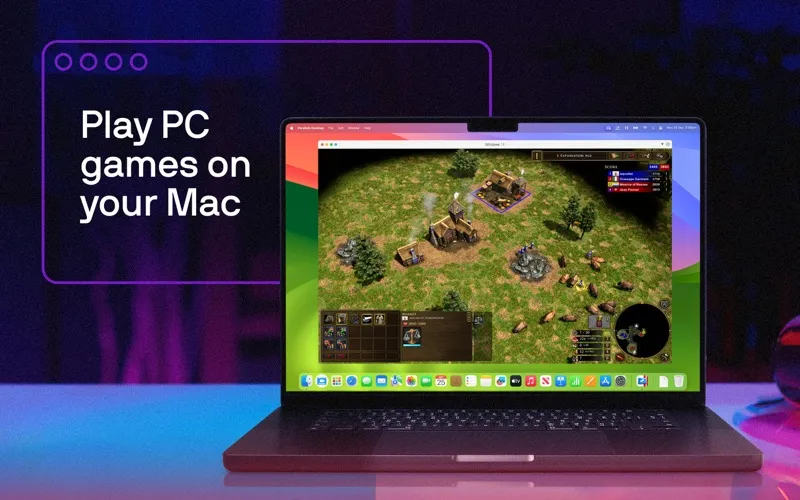
Play supported Windows games
You can play some Windows games on your Mac, with compatibility limitations.
Best for
- You need Windows-only software for work
- You want a Linux environment on your Mac
- You need multiple operating systems on one computer
Skip it if
You don’t need it if all your work and games already run in macOS and you have no need for another operating system.
Screenshots
From the developer
Parallels Desktop enables you to run Windows and other OSs on Mac seamlessly. With Parallels Desktop, you get the advantages of macOS, Windows, and Linux on the same physical machine.Read the full description
Alternatives to Parallels Desktop
Other apps to run & manage virtual machines. See all