Open Link for Chrome & Firefox
Open Link for Chrome & Firefox lets you choose where web links open on your Mac. It suits you if you use different browsers for work, personal browsing, or specific websites.
by Cristian Gav
What you get
Open your links in the right browser or app.
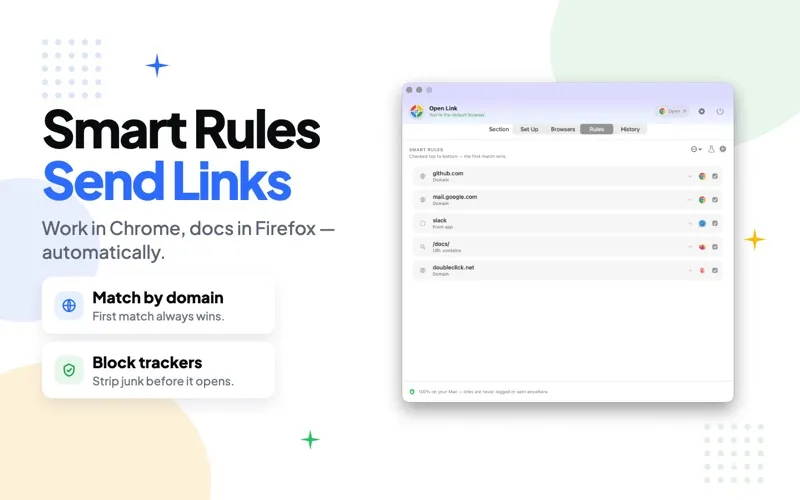
You can stop sending every link to the same default browser. With Open Link for Chrome & Firefox, you choose an installed browser when you open a link, or set rules so work sites go to Chrome and personal sites go to Safari. Rules can use the website, a keyword, or the app the link came from, so you spend less time moving pages between browsers.
You also get cleaner links: tracking parameters and affiliate tags can be removed before a page opens, and you can copy a cleaned-up URL to share. Links for services such as Zoom, Slack, Figma, and Spotify can open in their own apps rather than browser tabs.
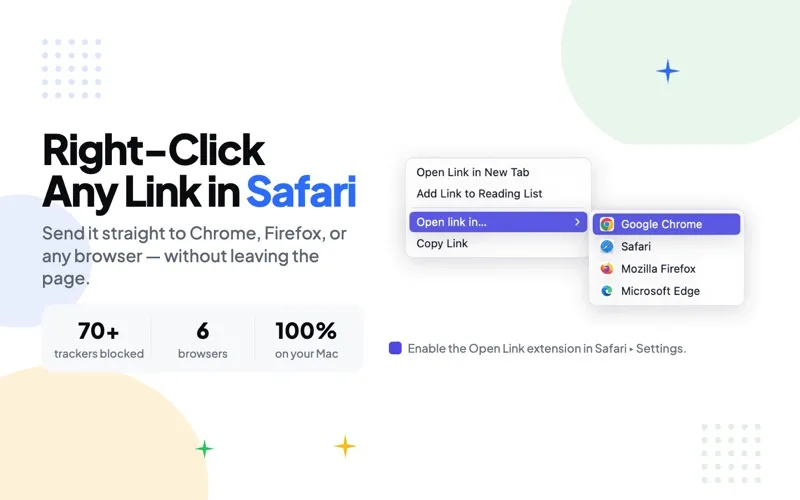
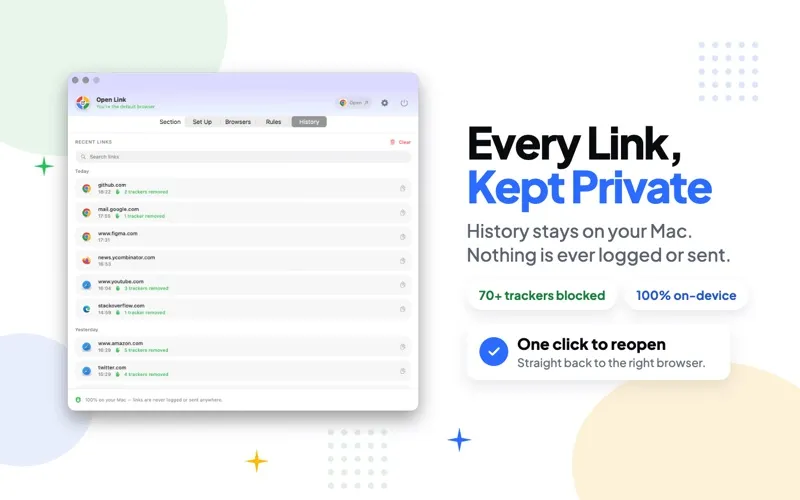
When you need a different destination, you can pick a browser with a number key or send a link from Safari to another browser. Your links are processed locally without an account. You need macOS 14 or later, and an in-app purchase is required to unlock the app.
-
Keep browsing contexts separate
You can send work and personal links to different browsers automatically instead of moving pages yourself.
-
Choose for each link
You can pick an installed browser when needed, including by pressing a number key.
-
Share cleaner URLs
You can remove tracking parameters and affiliate tags before opening or copying links.
-
Avoid unnecessary browser tabs
You can open supported service links directly in apps such as Zoom, Slack, Figma, and Spotify.
Best for
- You use separate browsers for work and personal browsing
- You regularly open certain websites in a specific browser
- You want to remove tracking parameters from links
Skip it if
You probably don't need it if you use one browser for everything and don't need link cleanup or routing rules.
Screenshots
From the developer
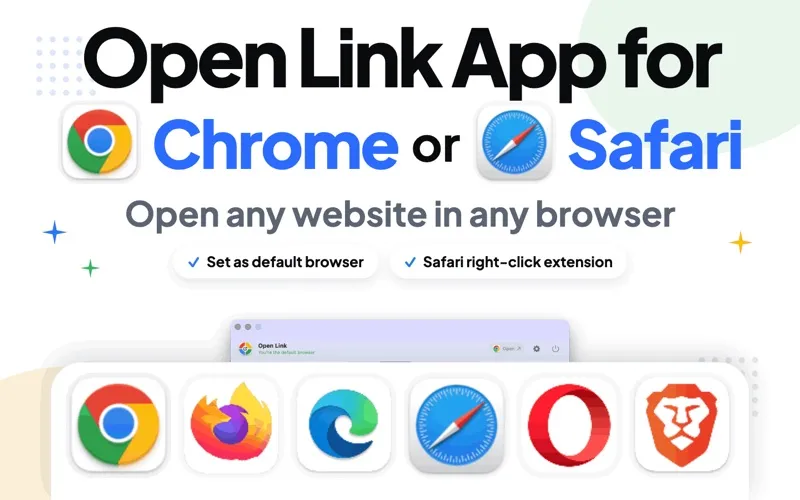
Open Link Pro - Browser Picker (Open Link for Chrome & Firefox) is the best macOS app that lets you choose between browsers like Safari, Chrome, Firefox, Opera, Brave or even Edge when you try to open a web page / web link. Usually, a link opens with your default browser.Read the full description
Alternatives to Open Link for Chrome & Firefox
Other apps to choose which app opens what. See all