Screenshot Blur
Blur screenshots on Mac
Screenshot Blur helps you hide sensitive details in Mac screenshots before sharing them. It suits you if you regularly capture screens for documentation, support replies, or posts.
by Bruno Škvorc
What you get
You can share screenshots with private details blurred or pixelated.
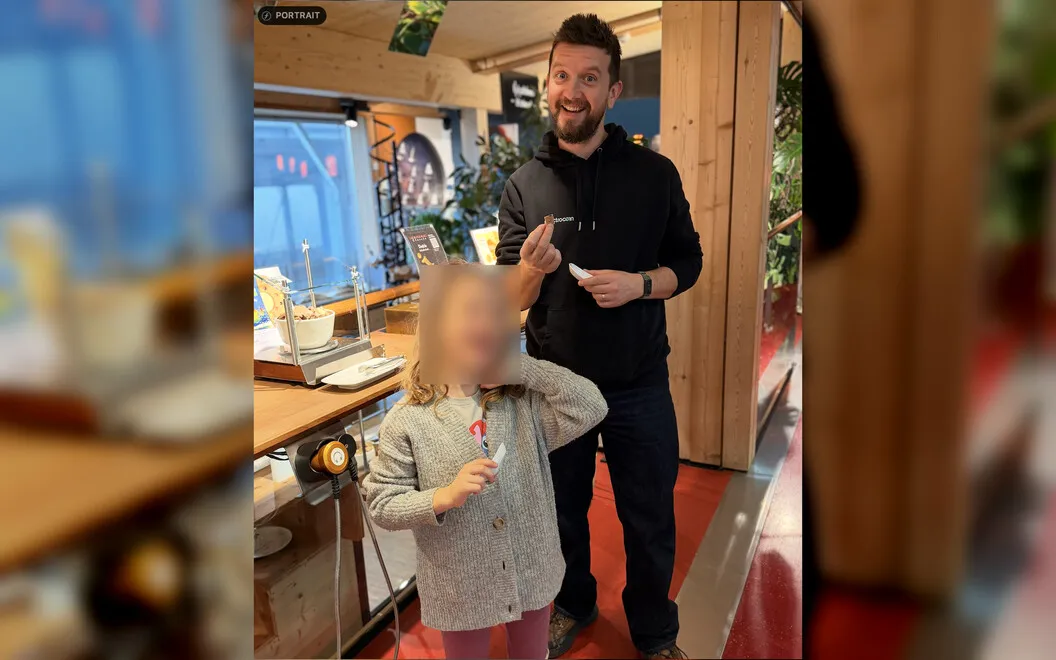
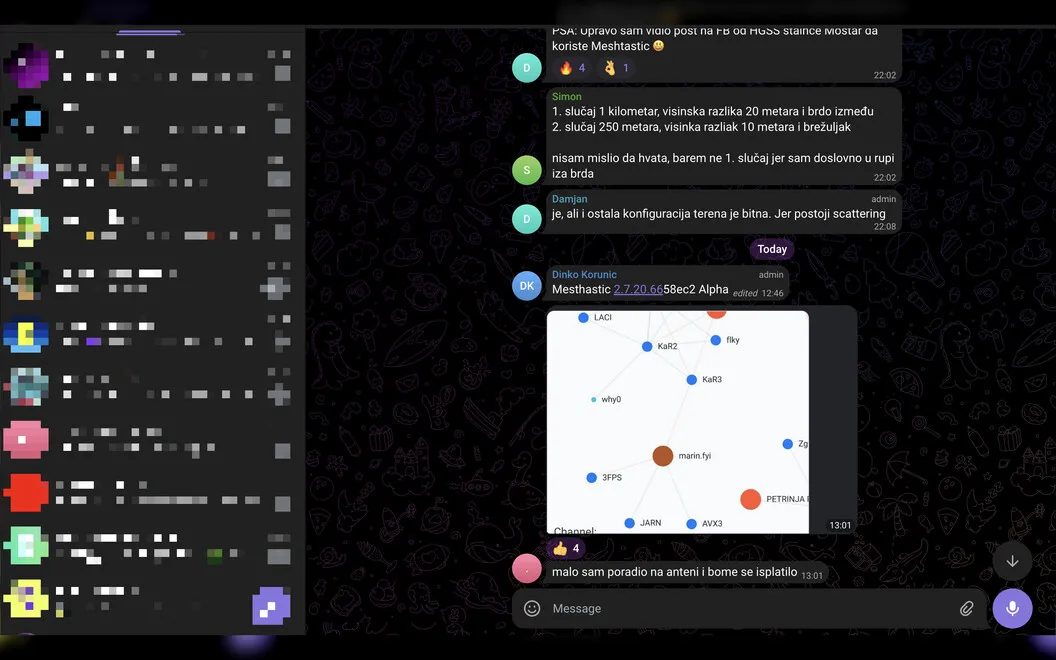
Screenshot Blur gives you a quick way to hide sensitive details before you send a screenshot to someone else. You can blur or pixelate passwords, API tokens, email addresses, wallet addresses, customer data, and internal URLs while leaving the rest of the image visible.
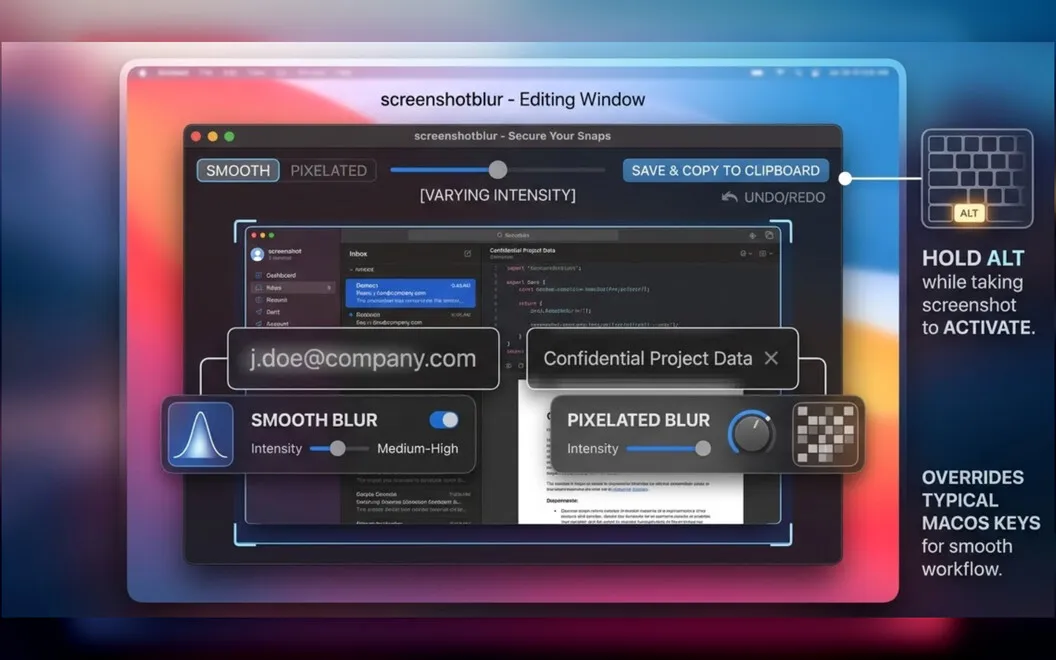
You keep using the built-in macOS screenshot shortcut. Hold Option during capture, and you can edit the image immediately rather than find and reopen the saved file. That makes it easier to prepare screenshots for documentation, support replies, internal chats, or social posts without switching to a different capture tool.
Your edits stay on your Mac, so you don’t need to upload screenshots to an online editor or create an account. When you’re finished, you can save the cleaned-up image, copy it for pasting, or do both in one step.
-
Hide sensitive details
You can blur or pixelate private information while keeping the useful parts of your screenshot visible.
-
Edit straight after capture
You can open your screenshot for cleanup immediately by holding Option during the native macOS capture flow.
-
Keep screenshots local
You can edit sensitive screenshots without uploading them to a cloud editor or creating an account.
-
Save and paste faster
You can save your edited screenshot, copy it, or do both in one step.
Best for
- You share screenshots containing customer or account details
- You write documentation with screenshots of internal tools
- You prepare screenshots for support replies or social posts
Skip it if
You don’t need it if your screenshots rarely contain private information or your existing editor already handles this task.
Screenshots
From the developer
Screenshot Blur is a screenshot privacy tool for Mac. It plugs into the native macOS screenshot flow, so you can jump straight from capture to cleanup without breaking your rhythm. Blur or pixelate passwords, tokens, emails, wallet addresses, and other sensitive details before anything gets shared.Read the full description
Alternatives to Screenshot Blur
Other apps to hide private info before sharing. See all
 Deckname
AI help, minus the oversharing
Sold separately
Deckname
AI help, minus the oversharing
Sold separately
 RedactSense
Redact sensitive data offline
Sold separately
RedactSense
Redact sensitive data offline
Sold separately
 TopSecret
Hide it so it stays hidden
Sold separately
TopSecret
Hide it so it stays hidden
Sold separately
 Xnapper
Create shareable screenshots
Setapp
96% · 865 ratings
Xnapper
Create shareable screenshots
Setapp
96% · 865 ratings
 Bee DICOM Viewer
Mac App Store
Bee DICOM Viewer
Mac App Store
 dcmage
DICOM Viewer & Editor
Mac App Store
dcmage
DICOM Viewer & Editor
Mac App Store