
Slidepad
Keep most used apps at hand
Slidepad gives you a slide-out browser for the websites and web apps you check often, so you can handle quick tasks on your Mac with less window switching.
by Slidepad · 92% positive (520)
What you get
You can answer messages and check web apps without rearranging your windows.
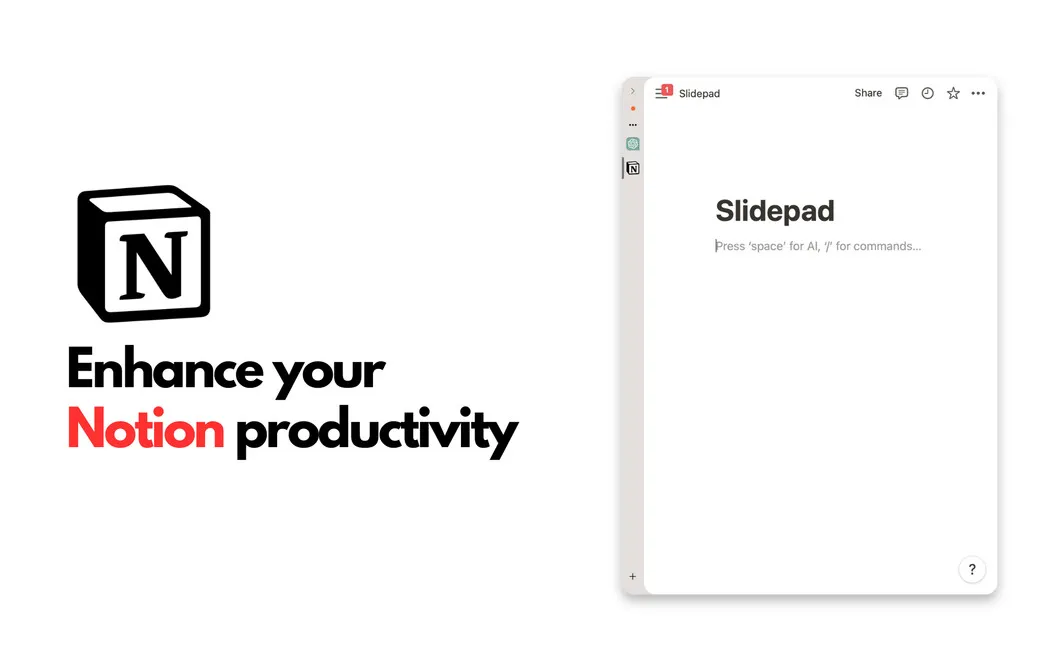
You get a slide-out space for the websites and web apps you use throughout the day. Move your pointer to either edge of your screen to bring up Slack, Gmail, your calendar, or another site, then slide it away when you’re done. You can reply to a message without opening the separate Slack app or hunting through browser tabs.
When an email needs details from your calendar and a recent conversation, you can check both without rearranging your main workspace. Add sites by entering a URL or search terms, with no fixed limit on how many you keep available.
You can also keep a video visible in a floating picture-in-picture window. Notification badges and live notifications help you spot updates, while audio preferences let you adjust sounds and automatic muting.
-
Less window switching
You can check frequently used web apps from the screen edge instead of bringing separate windows forward.
-
Quicker message replies
You can answer Slack messages in the slide-out browser without opening the separate app.
-
Your sites within reach
You can add the websites you rely on without a fixed limit on your collection.
-
Keep videos visible
You can watch a video in a floating picture-in-picture window while using other windows.
Best for
- You frequently check Slack, email, and calendars while working.
- You want quick access to web apps without keeping their windows spread across your screen.
Skip it if
You probably don’t need it if your browser tabs or separate app windows already make your frequently used sites easy to reach.
Screenshots



From the developer
Slidepad is a lightweight browser that brings the flexibility of iPad multitasking to your Mac’s screen. Slide in and out to get access to all websites or web apps you use, instantly.Read the full description
Alternatives to Slidepad
Other apps to manage windows & spaces. See all
 Supercharge
 your Mac
Setapp
100% · 842 ratings
Supercharge
Supercharge your Mac
Setapp
100% · 842 ratings
 Mosaic
Automatically organize windows
Setapp
92% · 2,600 ratings
Mosaic
Automatically organize windows
Setapp
92% · 2,600 ratings
 Swish
Set up quick trackpad actions
Setapp
97% · 1,040 ratings
Swish
Set up quick trackpad actions
Setapp
97% · 1,040 ratings
 Lasso
Manage windows on macOS
Setapp
98% · 176 ratings
Lasso
Manage windows on macOS
Setapp
98% · 176 ratings
 Mission Control Plus
Close windows from Mission Control
Setapp
97% · 1,077 ratings
Mission Control Plus
Close windows from Mission Control
Setapp
97% · 1,077 ratings
 Contain
Bring your Mac windows together in tabs
Sold separately
Contain
Bring your Mac windows together in tabs
Sold separately