
TransLite
Translate anywhere. Instantly.
TransLite is a Mac menu bar translator for you if you work across languages and want to translate text or improve your writing without leaving your current app.
by David García Lozano
What you get
You can translate and polish text without switching apps.
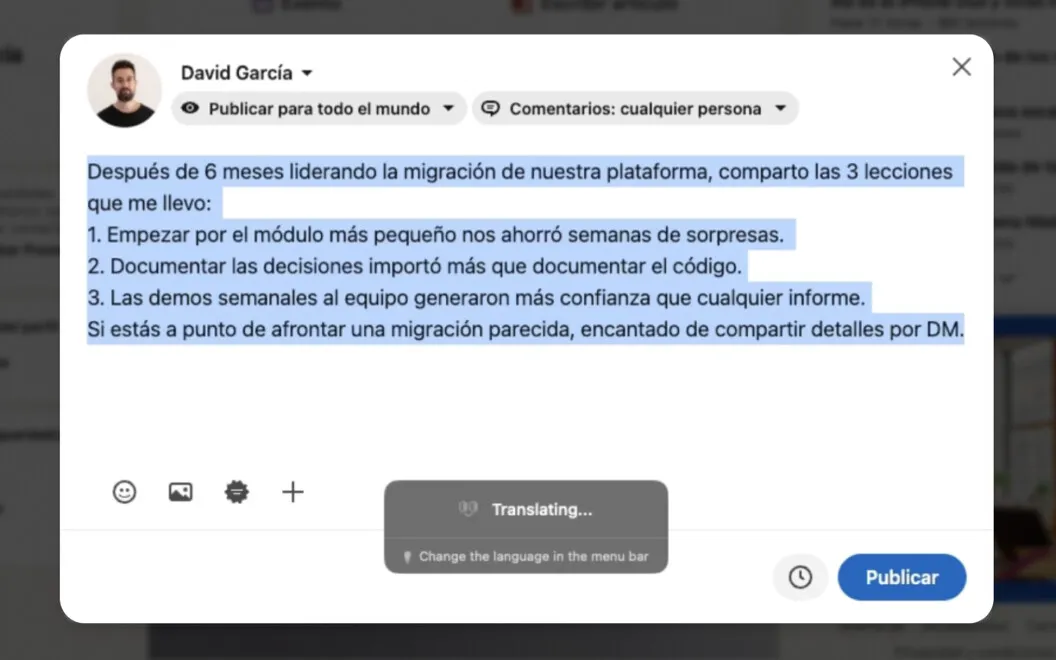
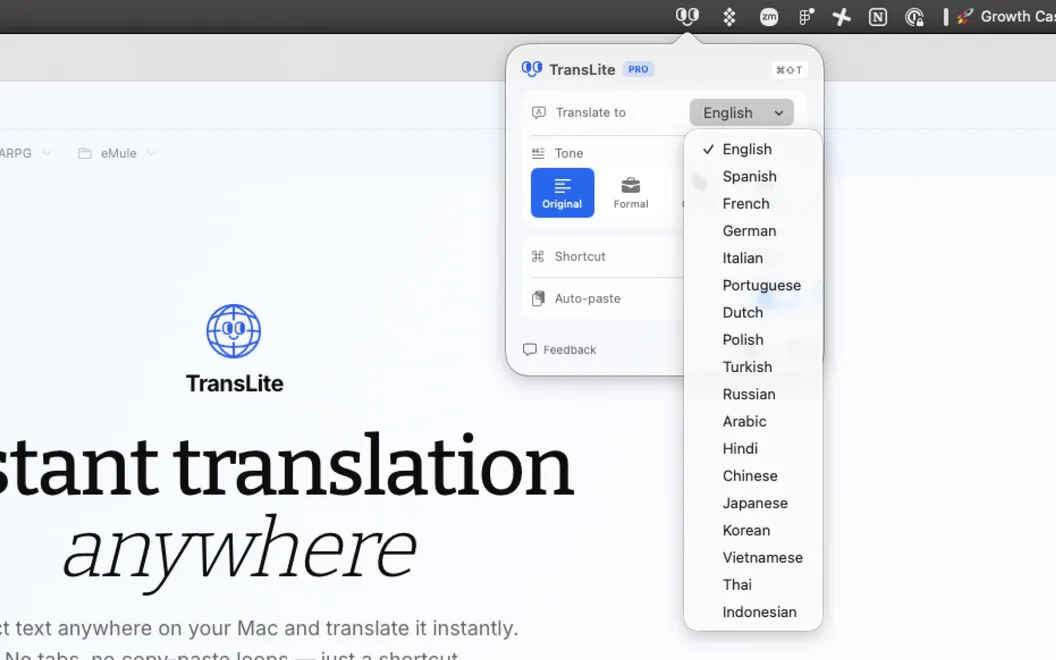
TransLite lets you read and reply across languages without moving text into a separate translation tab. You select text in your Mac app, press ⌘⇧T, and get a translation in place of the selection. That means you can translate an email in Gmail or prepare a Slack reply while staying where you’re working. You can choose from 18 target languages, including English, Spanish, Japanese, and Arabic.
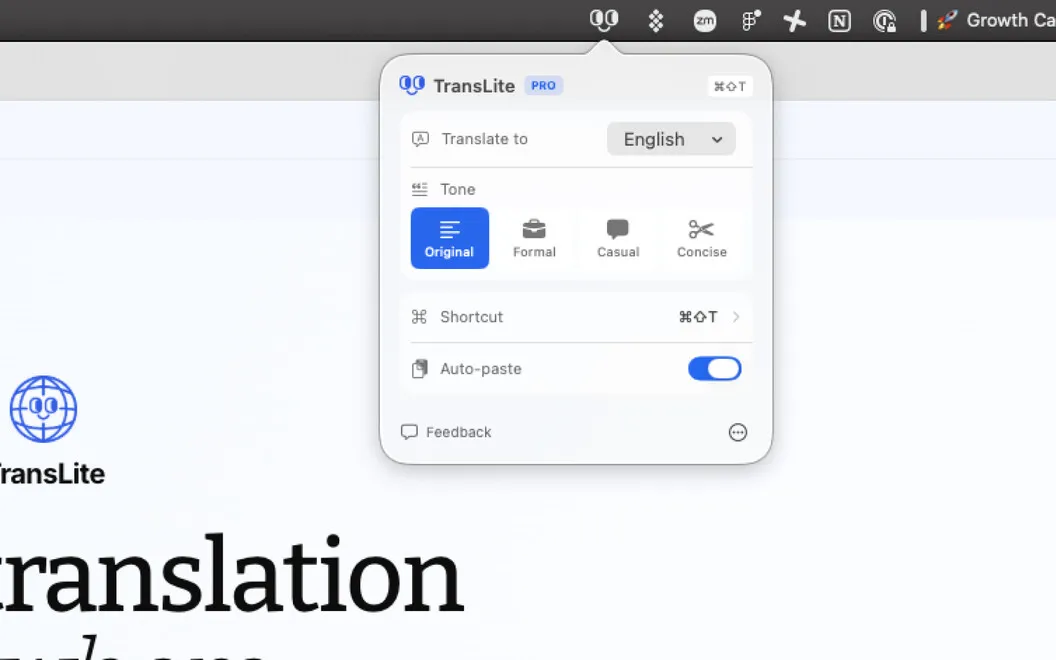
When your draft is already in the right language, you can double-press the shortcut to correct grammar and spelling and adjust its tone instead. You can keep your original tone or make the wording formal, casual, or concise, depending on who you’re writing to.
You don’t need to create an account or supply API keys to get started. You can also change the shortcut if the default doesn’t fit your habits.
-
Stay in your app
You can replace selected text with a translation without copying it into another tab.
-
Clean up your drafts
You can correct grammar and spelling without translating text that’s already in the language you need.
-
Match your reader’s expectations
You can make your wording formal, casual, or concise, or preserve its original tone.
-
Start without account setup
You can begin translating without creating an account or configuring API keys.
Best for
- You work in a language that isn’t your first
- You exchange messages with multilingual colleagues
- You regularly translate emails and polish replies
Skip it if
You probably don’t need it if you rarely translate text and your existing spelling and grammar tools cover your writing needs.
Screenshots

From the developer
TransLite is a lightweight menu bar translator that removes the copy → new tab → translate → paste loop. Select text in any Mac app — Slack, Gmail, LinkedIn, your code editor — press ⌘⇧T, and the translation is pasted right where the original text was.Read the full description
Alternatives to TransLite
Other apps to translate text & speech. See all