App for YouTube! »
You get a YouTube player for macOS that skips ads, links your notes to video timestamps, and keeps videos visible while you work in other apps.
by VITTORIO FERRANDES
What you get
You can revisit key video moments directly from your notes.
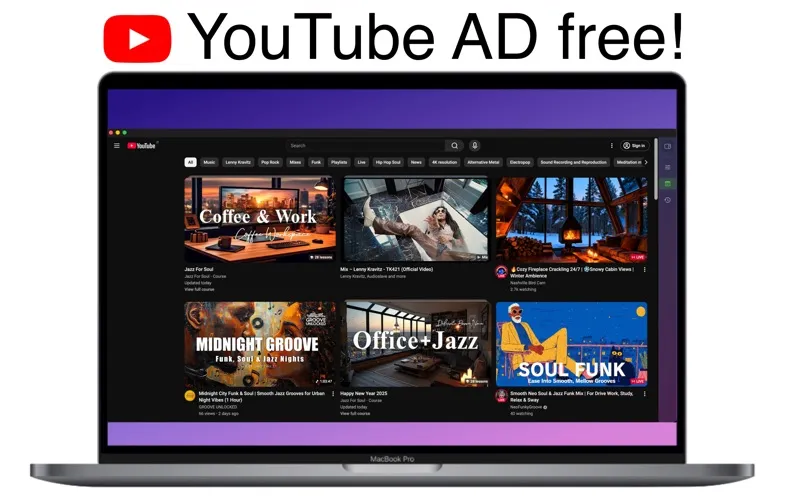
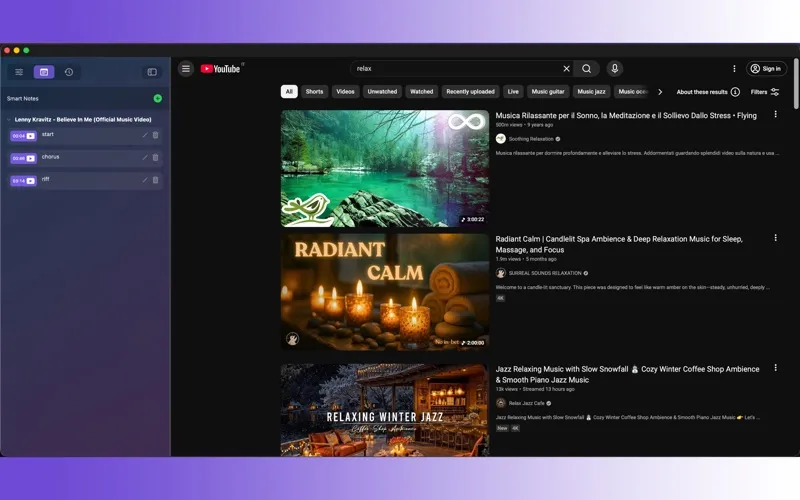
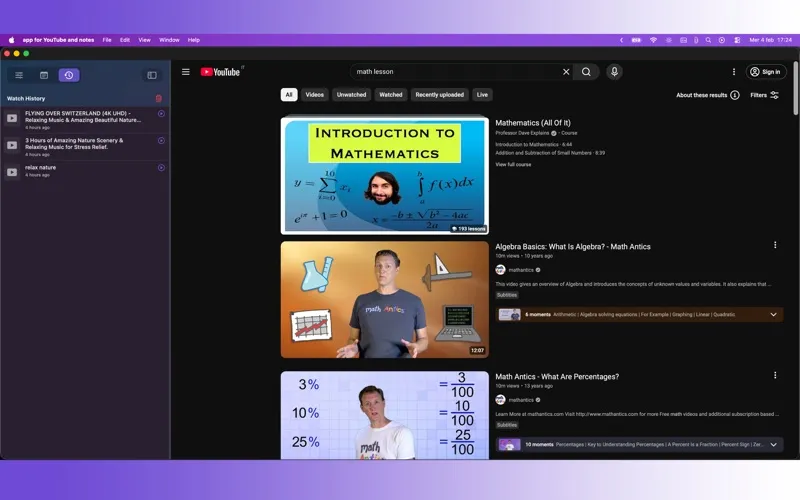
You can watch YouTube on your Mac with automatic ad skipping and take notes as you follow a lesson or tutorial. Each note is saved with its video timestamp, so you can click it later to return to the explanation you wanted to remember instead of searching through the timeline.
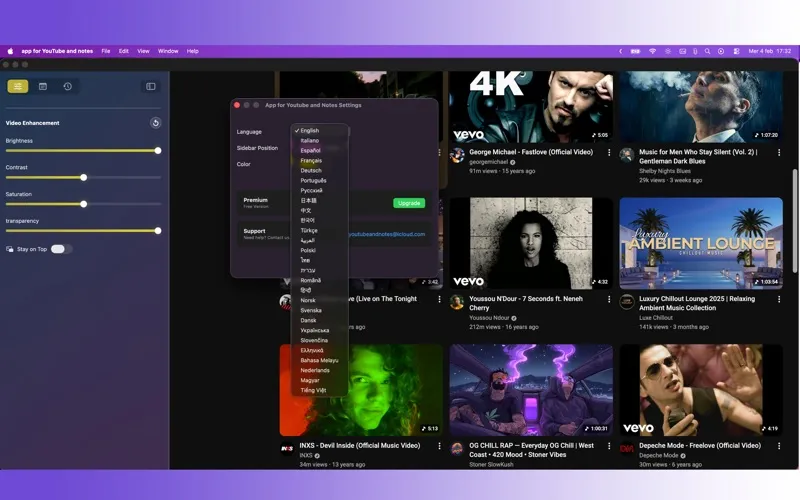
You can also keep a video visible in a floating, always-on-top window while you work in another app. That lets you follow a demonstration alongside your own work or keep something playing without switching back to the player.
You get one day of full access to try it. After that, continued use requires a monthly or yearly subscription, or a lifetime purchase.
-
Return to key explanations
You can click a timestamped note to jump back to the relevant moment without manually searching the video.
-
Follow along while working
You can keep a tutorial visible above other apps while you carry out its steps.
-
Spend less time on ads
You get automatic ad skipping while watching YouTube videos.
Best for
- You study with YouTube lessons and want timestamped notes
- You follow tutorials while working in another app
- You want automatic ad skipping in a Mac YouTube player
Skip it if
You probably don't need it if watching YouTube in your browser already meets your needs and you won't use timestamped notes or a floating player.
Screenshots
From the developer
Discover the ultimate AD free YouTube player for macOS, designed for those who want to learn, work, or simply enjoy videos without interruptions. Forget endless distractions. Our app turns YouTube into a tool for productivity and pure relaxation.Read the full description
Alternatives to App for YouTube! »
Other apps to play any video format. See all