
Blackmagic RAW Player
Blackmagic RAW Player lets you watch .braw video clips. It’s for you if you shoot in Blackmagic RAW or receive footage recorded in that format.
by Blackmagic Design Inc
What you get
You can watch Blackmagic RAW footage directly in its recorded format.
You get a dedicated way to open and watch video recorded in Blackmagic RAW, including files with the .braw extension. If you receive a clip in this format, you can view the footage without first turning it into a different video format. That makes it useful when your immediate task is simply to see what a recording contains.
You can use it to review your own recordings or watch footage someone else has sent you. Blackmagic RAW is designed for high-resolution, high-frame-rate, and high-dynamic-range workflows; this player gives you a way to view clips in that format. Its focus is Blackmagic RAW playback, rather than general-purpose video work.
-
Watch .braw files
You can open and play clips recorded in Blackmagic RAW.
-
Skip conversion for viewing
You can watch your footage in its recorded format without first creating a different video file.
-
Review received footage
You can see what’s in a Blackmagic RAW clip someone sends you.
Best for
- You shoot footage in Blackmagic RAW
- You receive .braw clips to review
- You need playback rather than editing
Skip it if
You don’t need it if you never shoot or receive Blackmagic RAW files.
Screenshots
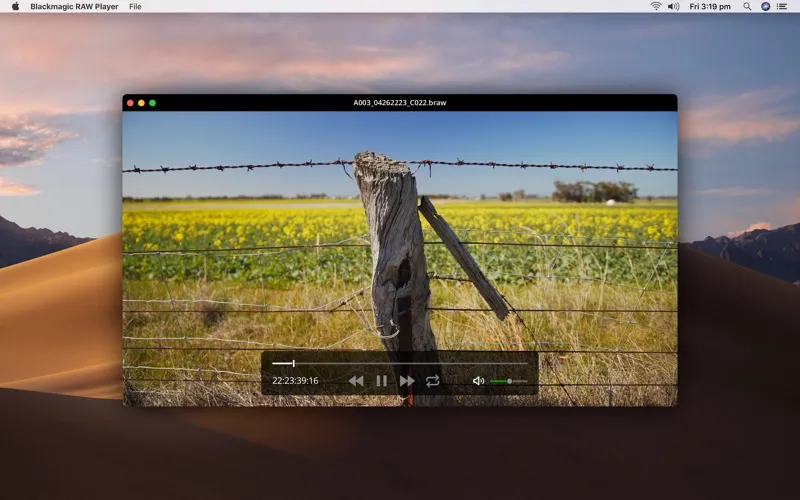
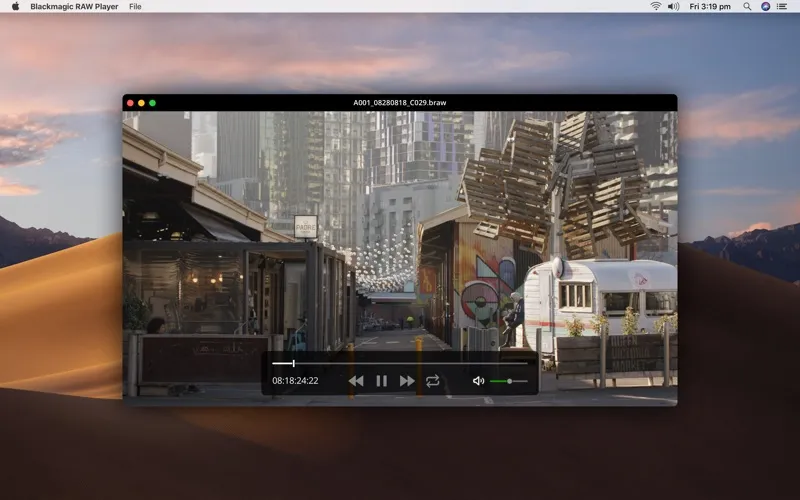
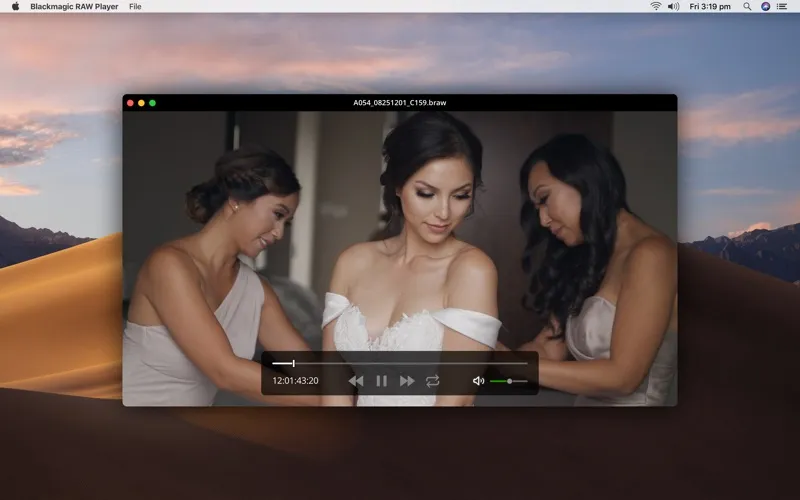
From the developer
The Blackmagic RAW Player is perfect for viewing clips in Blackmagic RAW format. Blackmagic RAW Player can playback media in the Blackmagic RAW format or media with the .braw file extension.Read the full description
Alternatives to Blackmagic RAW Player
Other apps to play any video format. See all