Boom
Record and present like a pro
Boom helps you present live and record your screen alongside your camera, whether you teach, demonstrate products, pitch ideas, or make YouTube videos.
by Boom Vision Company Inc. · 83% positive (217)
What you get
Keep your camera and content clear in live presentations and recordings.
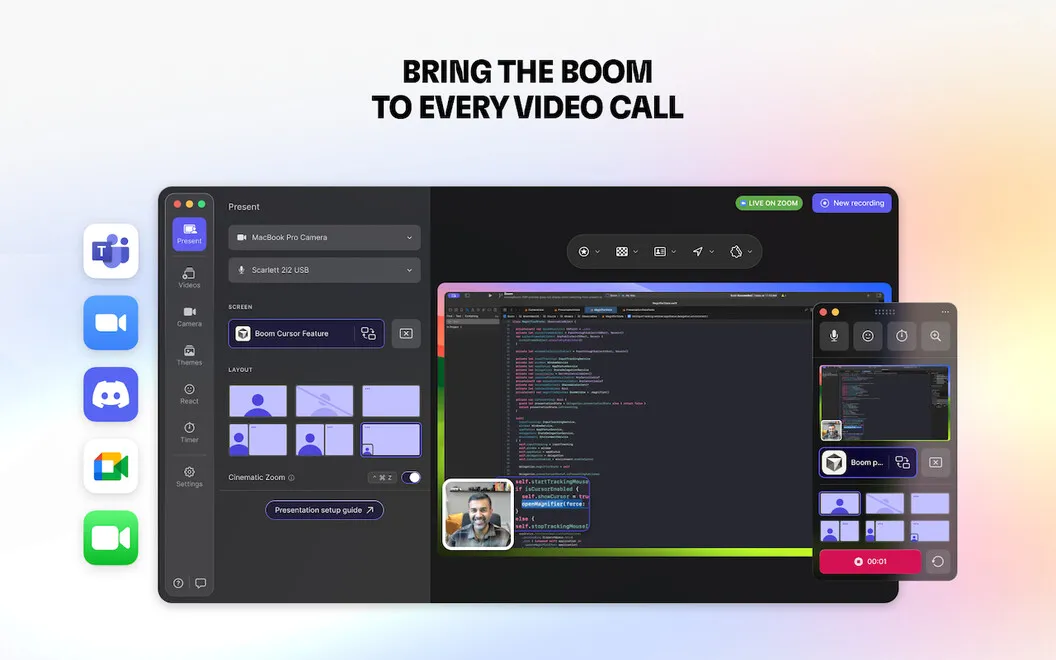
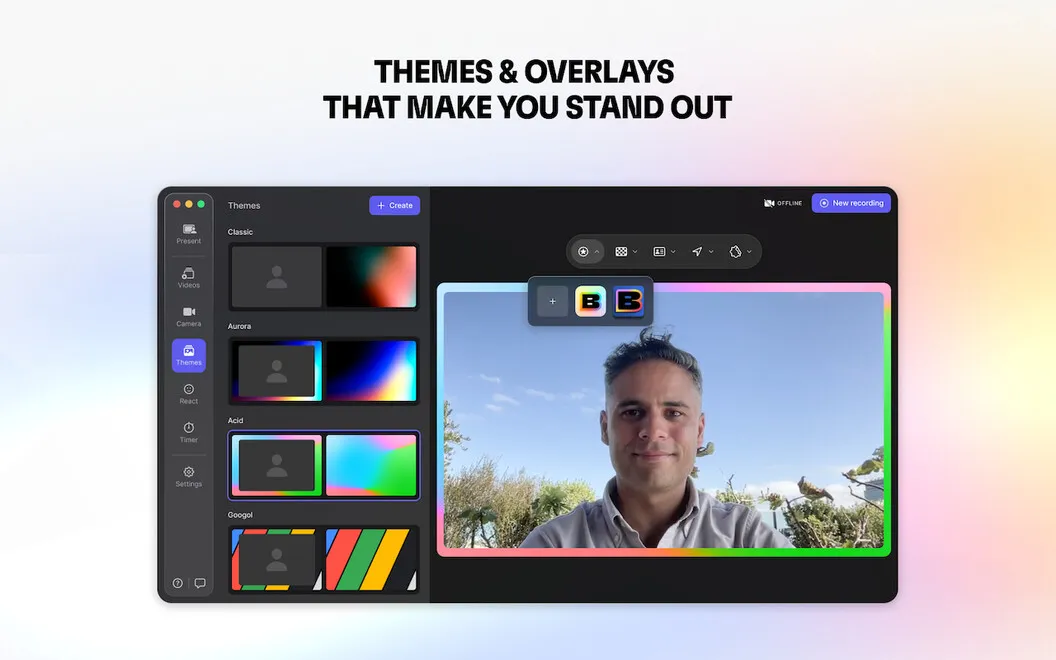
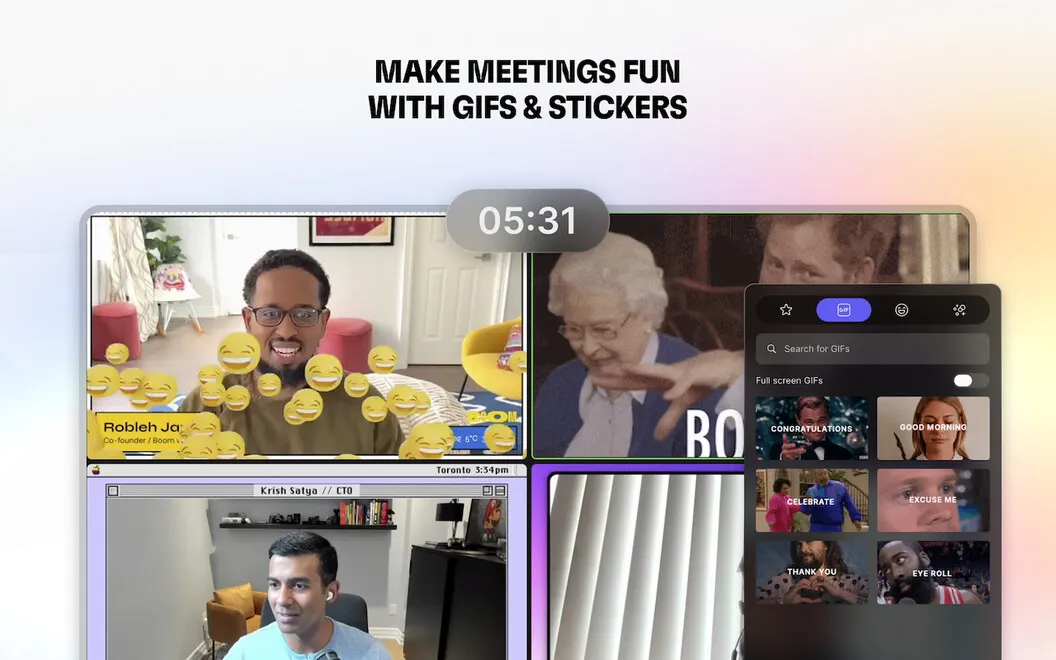
With Boom, you can show yourself alongside your slides or screen in live calls and recorded videos. You can switch between six layouts as you present, zoom in on details, and add backgrounds, timers, or overlays. For live sessions, you connect it to a calling app such as Zoom, Google Meet, or Teams.
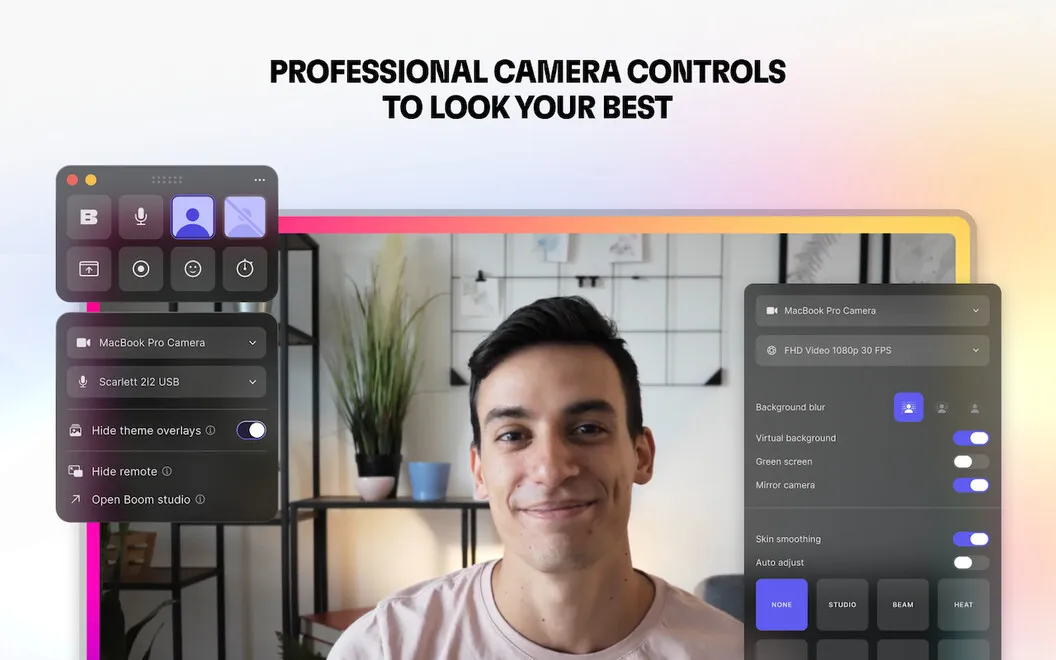
You can adjust your webcam image to suit your lighting, changing exposure, brightness, color, and other settings rather than relying on the default picture. Virtual backgrounds and subtle skin smoothing give you more control over how you appear. If you’re demonstrating an iPhone or iPad app, you can include its screen inside a device frame.
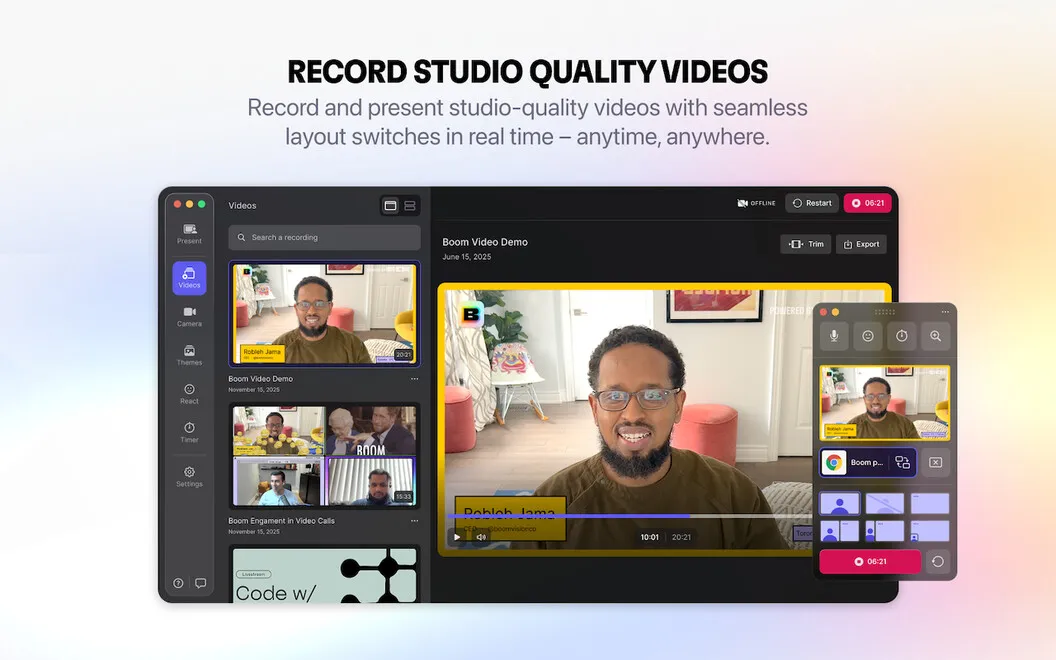
After recording, you can trim the beginning and end, restart a take, or duplicate a recording to make another version. You can then export in full HD or choose output suited to social media, the web, or smaller email attachments without opening another app.
-
Direct attention while presenting
You can switch layouts and zoom in on details during a live call or recording.
-
Adjust your camera image
You can correct brightness, exposure, and color to better suit your existing lighting.
-
Show mobile app steps
You can include your iPhone or iPad screen in a device frame when demonstrating an app.
-
Finish recordings in one place
You can trim unwanted starts and endings, then export for YouTube, the web, social media, or email.
Best for
- You teach courses or record tutorials
- You present product demos or pitches on video calls
- You make YouTube videos with screen and camera footage
Skip it if
You probably don’t need Boom if basic screen sharing and your calling app’s default camera controls already meet your needs.
Screenshots
From the developer
Boom is the app you open when you need to teach, pitch, demo, or record something that must look professional. Use it for live meetings, recorded lessons, product demos, or quick updates. Boom gives you the layout, camera controls, and recording tools so your message comes across clearly.Read the full description
Alternatives to Boom
Other apps to record your screen. See all
 Capto
Create screen recordings
Setapp
86% · 1,047 ratings
Capto
Create screen recordings
Setapp
86% · 1,047 ratings
 FocuSee
Record screen and polish video
Setapp
92% · 181 ratings
FocuSee
Record screen and polish video
Setapp
92% · 181 ratings
 iShowU
Record screen on Mac
Setapp
78% · 124 ratings
iShowU
Record screen on Mac
Setapp
78% · 124 ratings
 Hustl
Create timelapses of your screen
Setapp
84% · 103 ratings
Hustl
Create timelapses of your screen
Setapp
84% · 103 ratings
 CueClip
Record freely. Publish fast
Sold separately
CueClip
Record freely. Publish fast
Sold separately
 Device Demo
Record iPhone & iPad on Mac
Sold separately
Device Demo
Record iPhone & iPad on Mac
Sold separately