
Hustl
Create timelapses of your screen
Hustl turns your Mac screen activity into time-lapse videos, helping you show how your artwork, writing, or other creative work takes shape.
by Rameerez, LLC · 84% positive (103)
What you get
Turn hours of your creative process into a short time-lapse video.
With Hustl, you can show how your work develops rather than sharing only the finished result. Turn a painting session, a writing project, or another on-screen workflow into a time-lapse that viewers can watch in a fraction of the original time. You choose the final pace, so a long session can become a short video.
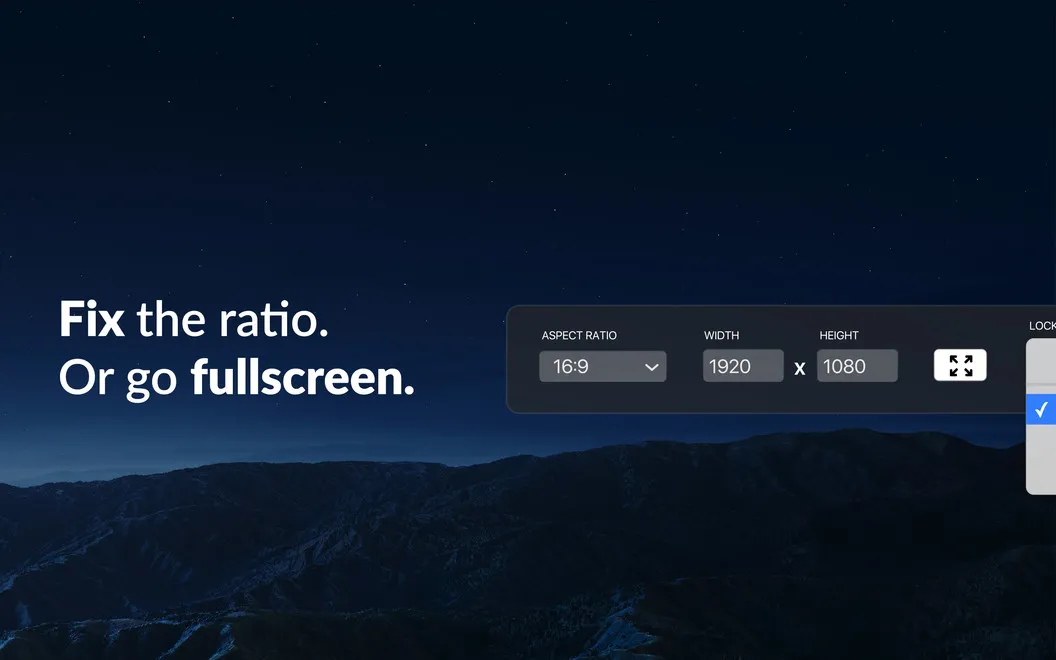
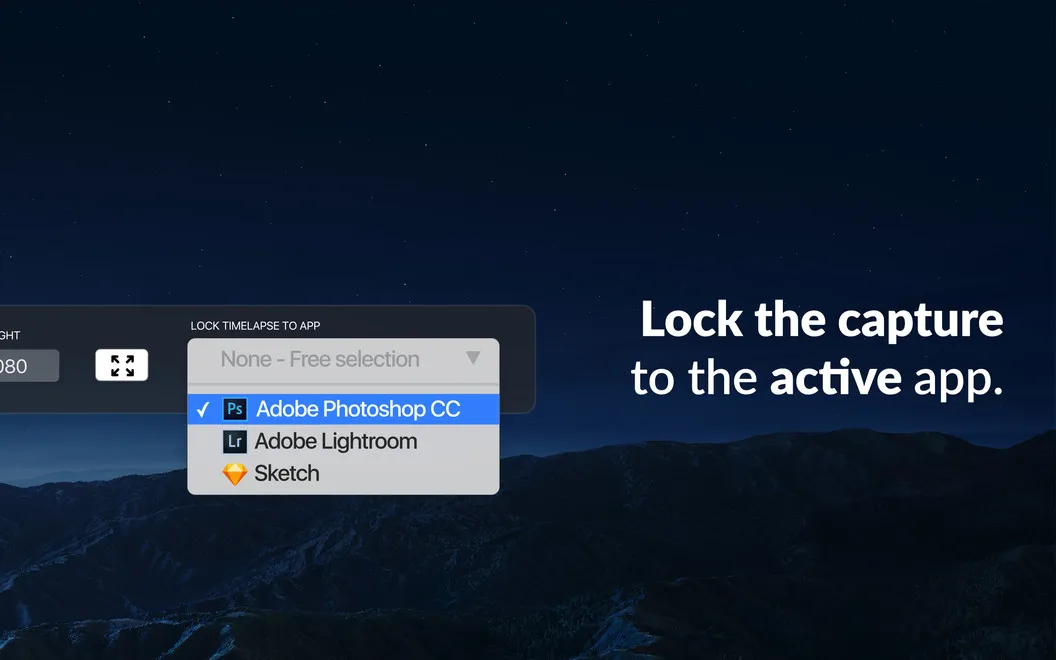
You can keep the recording focused on one app, leaving out activity elsewhere when you switch tasks. Capture your full screen or a specific area, and adjust the dimensions or lock the aspect ratio to frame the work you want people to see. When you need a break, you can pause and resume recording instead of including the interruption.
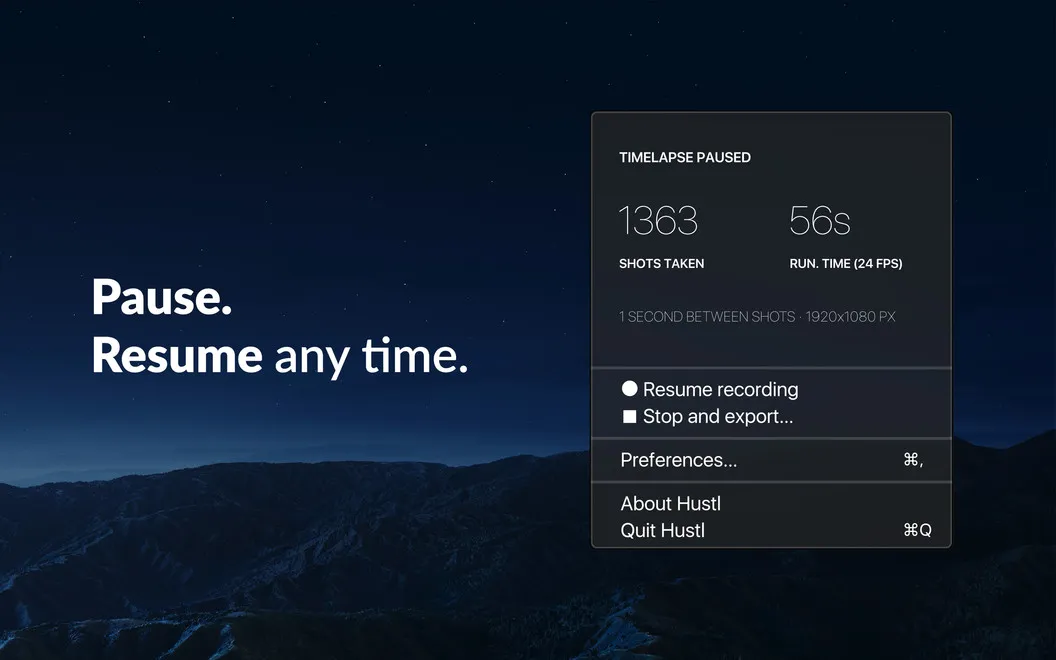
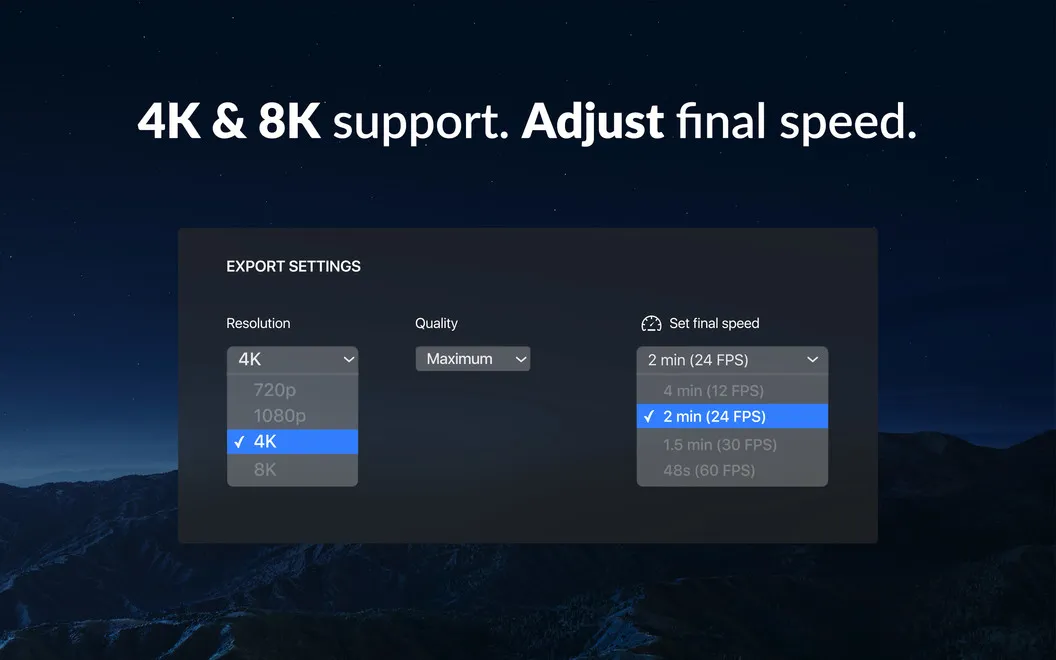
You can check the captured shot count and current video length while paused, then adjust the output frame rate to control the finished duration. Exports up to 8K let you share your process at high resolution.
-
Show your work developing
You can turn a long creative session into a short video that shows the steps behind your finished work.
-
Leave other apps out
You can record only your chosen app, so switching elsewhere doesn't add unrelated activity to your time-lapse.
-
Frame what matters
You can capture a specific screen area and set its proportions to keep attention on your work.
-
Choose the viewing pace
You can adjust the output frame rate to make your recording fit the duration you want.
-
Share high-resolution results
You can export your time-lapse at resolutions up to 8K.
Best for
- You want to share a speedpaint of your digital artwork
- You want to document how a creative project develops
- You want to condense a long workflow into a short video
Skip it if
You don't need Hustl if you only want normal-speed screen recordings rather than time-lapse videos.
Screenshots
From the developer
Let people join in on your creative process with Hustl, an app that records your Mac’s screen and turns the recording into a high-quality time lapse. Use Hustl to show off your art, share your work in progress, or document your workflow.Read the full description
Alternatives to Hustl
Other apps to record your screen. See all
 Boom
Record and present like a pro
Setapp
83% · 217 ratings
Boom
Record and present like a pro
Setapp
83% · 217 ratings
 Capto
Create screen recordings
Setapp
86% · 1,047 ratings
Capto
Create screen recordings
Setapp
86% · 1,047 ratings
 FocuSee
Record screen and polish video
Setapp
92% · 181 ratings
FocuSee
Record screen and polish video
Setapp
92% · 181 ratings
 iShowU
Record screen on Mac
Setapp
78% · 124 ratings
iShowU
Record screen on Mac
Setapp
78% · 124 ratings
 CueClip
Record freely. Publish fast
Sold separately
CueClip
Record freely. Publish fast
Sold separately
 Device Demo
Record iPhone & iPad on Mac
Sold separately
Device Demo
Record iPhone & iPad on Mac
Sold separately