Capto
Create screen recordings
Capto is a Mac screen recorder and screenshot editor for you if you create tutorials, workshops, or product demos and need basic editing in the same app.
by Global Delight · 86% positive (1,047)
What you get
Turn your screen activity into annotated tutorials and demos.
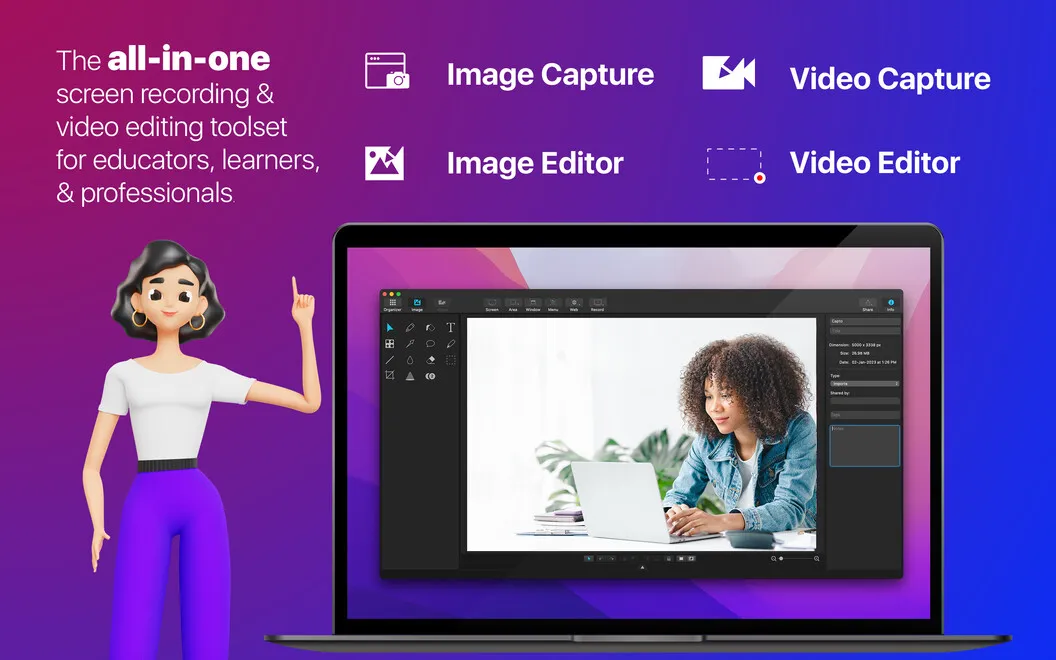
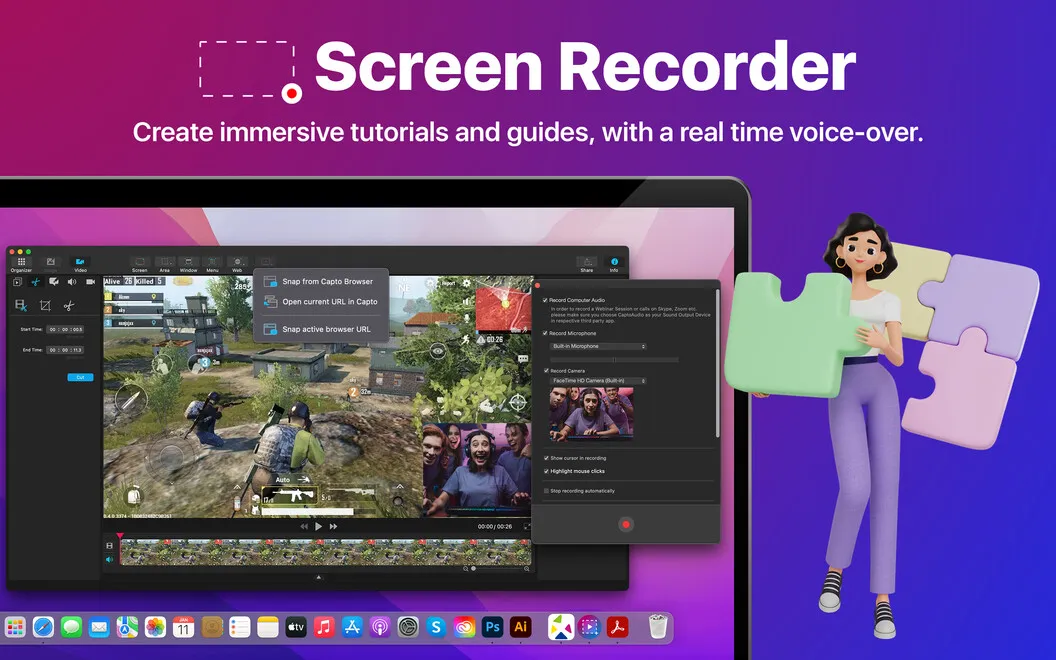
With Capto, you can turn what you do on your Mac into a tutorial, workshop recording, or product demo. Capture your entire screen or just the area you want viewers to see, include your camera feed, and make mouse clicks visible so your audience can follow your actions.
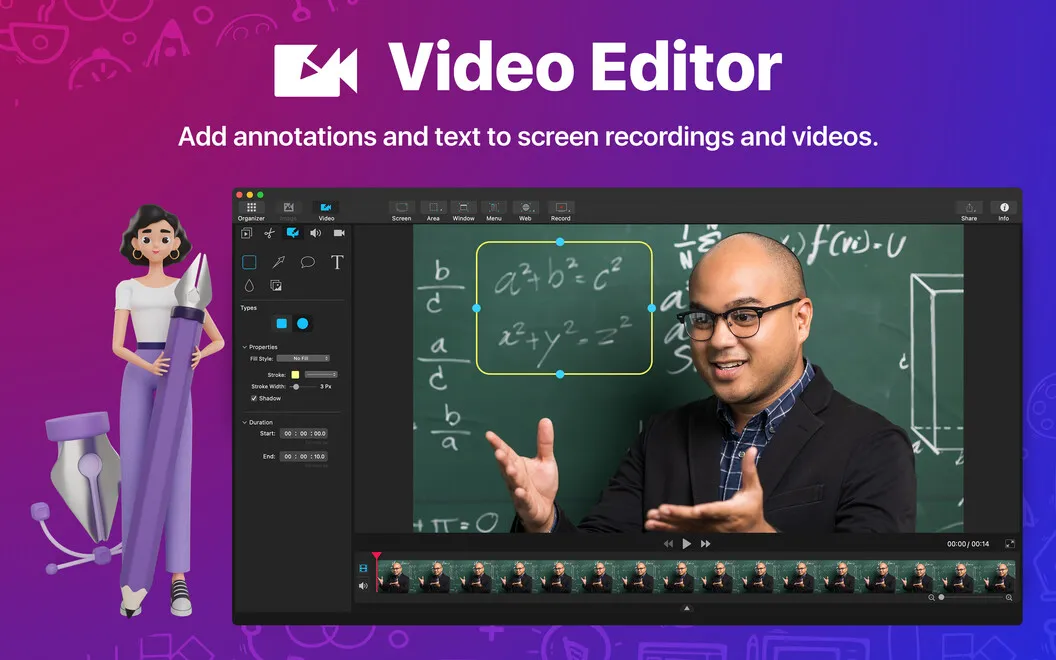
You can cut unwanted sections, add voiceover and annotations, and fade audio in or out without moving a simple recording into another editor. When recording your desktop, you can hide icons or replace the background to keep clutter and sensitive file names out of view.
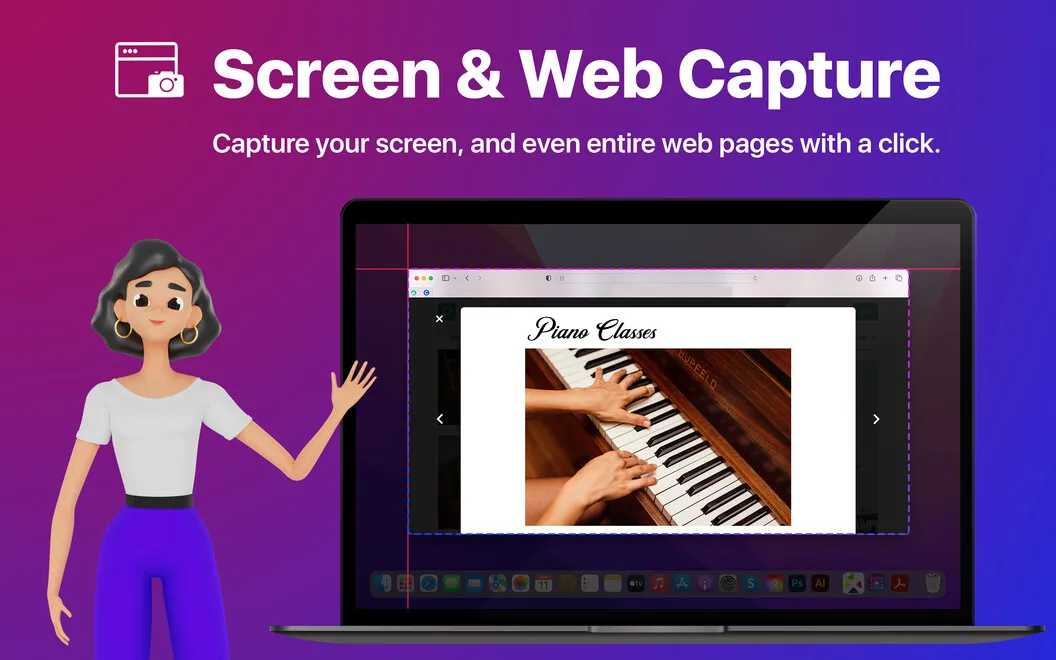
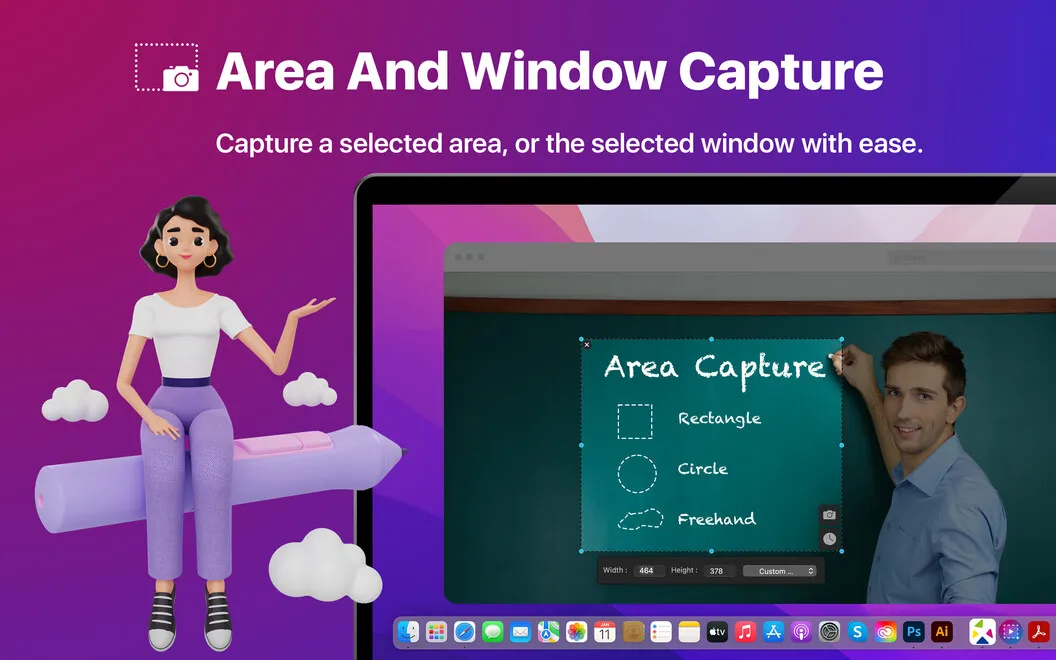
You also get screenshots you can prepare for presentations, blog posts, or instructions. Capture a window, menu, browser, selected area, or the whole screen, then crop the image and add text, shapes, or highlights to point out what matters.
-
Make steps easier to follow
You can show mouse clicks, add annotations, and explain your actions with a voiceover or camera overlay.
-
Finish simple recordings
You can cut unwanted footage and adjust audio fades without using a separate video editor.
-
Keep desktop details hidden
You can hide desktop icons and replace the background while recording, keeping clutter and sensitive file names out of view.
-
Create illustrated instructions
You can capture screenshots and add text, shapes, or highlights to make specific details easier to understand.
Best for
- You teach software workflows through recorded tutorials
- You create product demos with narration
- You need annotated screenshots for guides or presentations
Skip it if
You don't need Capto if you only take occasional screenshots and don't need annotations or edited screen recordings.
Screenshots
From the developer
Capto is one of the simplest ways to record screen video on your Mac. If you’re working on a tutorial or need to add annotations or a voiceover to your screen recording, look no further. Capto provides a streamlined way to record your screen, edit your recording, manage audio, and more.Read the full description
Alternatives to Capto
Other apps to record your screen. See all
 Boom
Record and present like a pro
Setapp
83% · 217 ratings
Boom
Record and present like a pro
Setapp
83% · 217 ratings
 FocuSee
Record screen and polish video
Setapp
92% · 181 ratings
FocuSee
Record screen and polish video
Setapp
92% · 181 ratings
 iShowU
Record screen on Mac
Setapp
78% · 124 ratings
iShowU
Record screen on Mac
Setapp
78% · 124 ratings
 Hustl
Create timelapses of your screen
Setapp
84% · 103 ratings
Hustl
Create timelapses of your screen
Setapp
84% · 103 ratings
 CueClip
Record freely. Publish fast
Sold separately
CueClip
Record freely. Publish fast
Sold separately
 Device Demo
Record iPhone & iPad on Mac
Sold separately
Device Demo
Record iPhone & iPad on Mac
Sold separately