
CueClip
Record freely. Publish fast
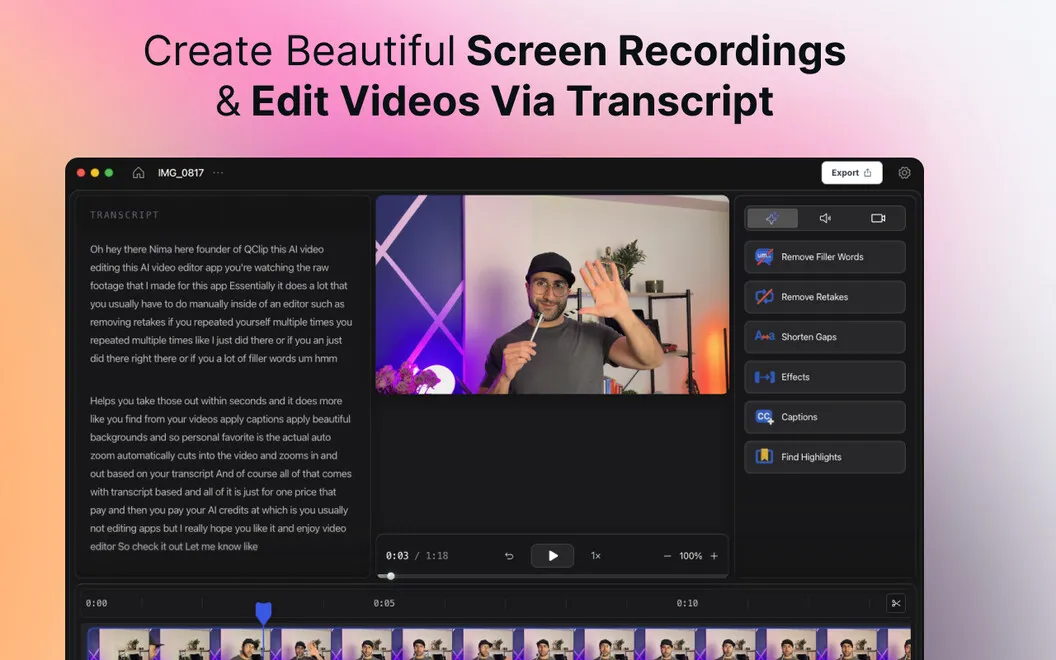
CueClip gives you screen and camera recording with transcript-based video editing on Mac, suited to creating lessons, product demos, YouTube videos, and client walkthroughs.
by Mokline
What you get
Turn your recordings into shareable videos with less manual cleanup.
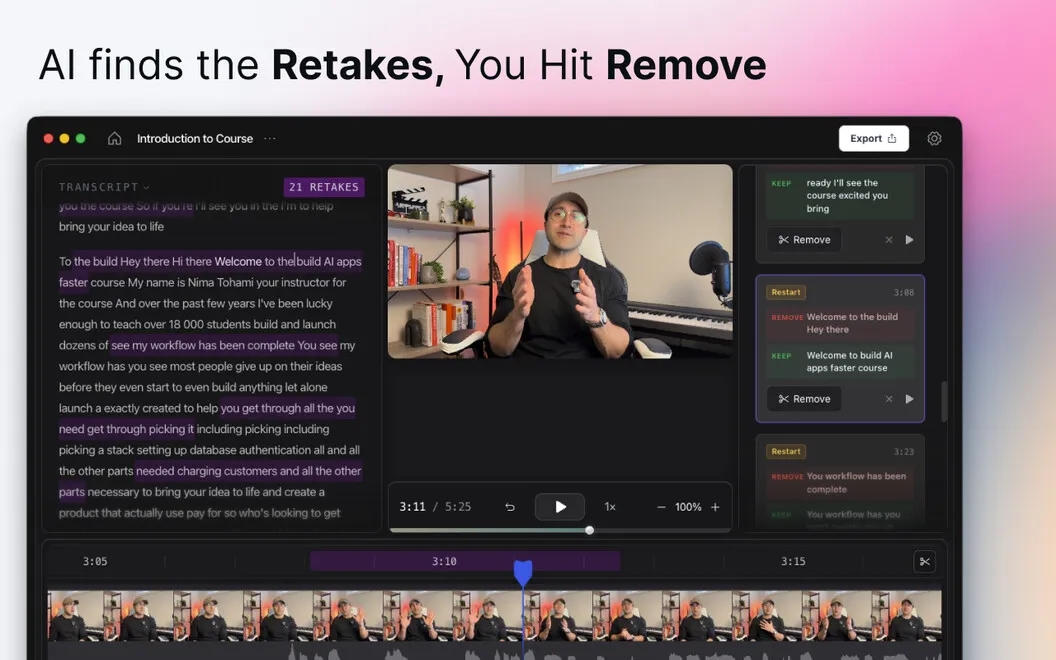
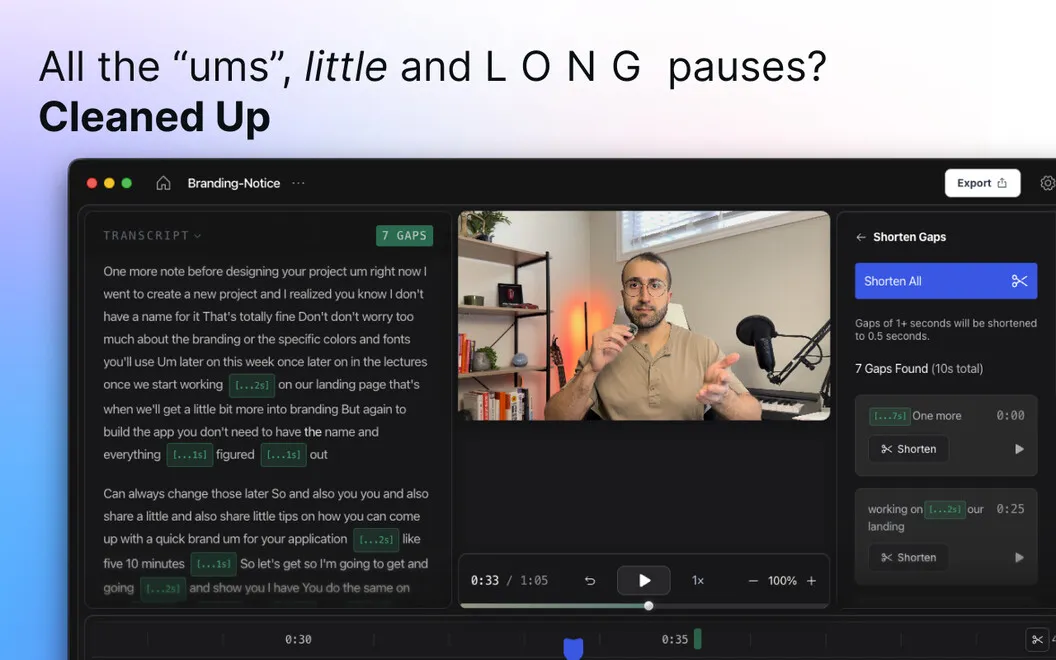
You can record a lesson, demo, or walkthrough without starting over whenever you stumble. Capture your screen, camera, or both, then use AI cleanup to remove filler words, failed takes, and long pauses in one click. You spend less time finding and cutting those interruptions yourself.
When you want to change what you said, you can work through a transcript rather than hunt through a timeline. Delete a sentence from the text, and the matching section leaves your video. Automatic zooms and visual adjustments help draw your viewers’ attention to relevant details without manual keyframing.
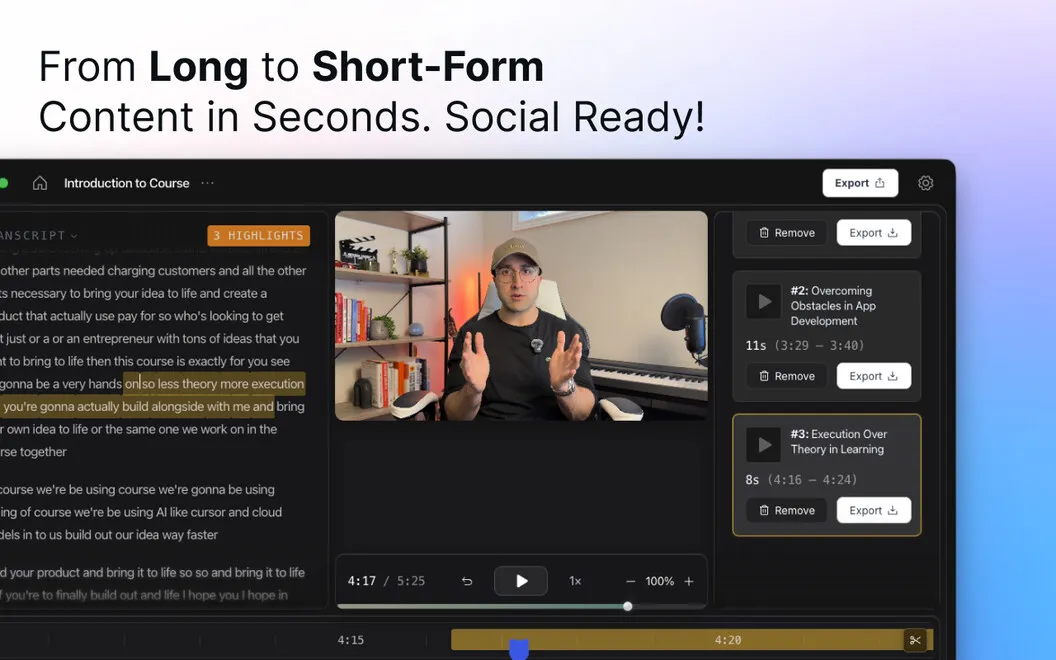
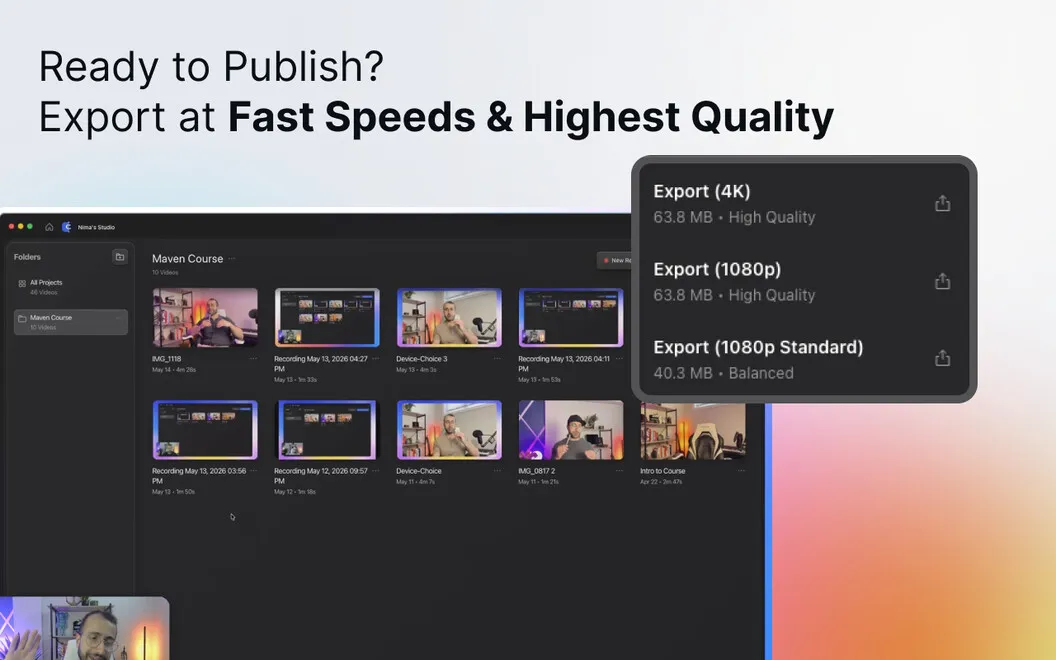
You can add generated captions and adjust their style, or turn moments from a longer recording into short highlight clips. Once you’ve finished editing, you can export a video for your course, YouTube channel, or client email.
-
Keep recording through mistakes
You can remove filler words, retakes, and long silences afterward with one-click AI cleanup.
-
Cut by reading
You delete unwanted sentences in the transcript to remove the matching video sections.
-
Make speech easier to follow
You can add automatically generated captions and adjust them to suit your video.
-
Reuse your longer recordings
You can turn selected moments into short highlight clips without a separate editing session.
-
Guide your viewers’ attention
You get automatic zooms and visual adjustments without manually setting keyframes.
Best for
- You’re recording online lessons or coaching material
- You’re making product demos or client walkthroughs
- You’re turning longer YouTube recordings into shorter clips
Skip it if
You don’t need it if you only want to capture your screen and have no use for editing, captions, or highlight clips.
Screenshots
From the developer
CueClip is an AI-powered screen recorder and video editor for Mac that helps creators, educators, coaches, and professionals turn raw recordings into polished videos faster. Record your screen, camera, or both, then automatically remove filler words, retakes, long pauses, and other distractions.Read the full description
Alternatives to CueClip
Other apps to record your screen. See all
 Boom
Record and present like a pro
Setapp
83% · 217 ratings
Boom
Record and present like a pro
Setapp
83% · 217 ratings
 Capto
Create screen recordings
Setapp
86% · 1,047 ratings
Capto
Create screen recordings
Setapp
86% · 1,047 ratings
 FocuSee
Record screen and polish video
Setapp
92% · 181 ratings
FocuSee
Record screen and polish video
Setapp
92% · 181 ratings
 iShowU
Record screen on Mac
Setapp
78% · 124 ratings
iShowU
Record screen on Mac
Setapp
78% · 124 ratings
 Hustl
Create timelapses of your screen
Setapp
84% · 103 ratings
Hustl
Create timelapses of your screen
Setapp
84% · 103 ratings
 Device Demo
Record iPhone & iPad on Mac
Sold separately
Device Demo
Record iPhone & iPad on Mac
Sold separately