Calendar for Google Calendar
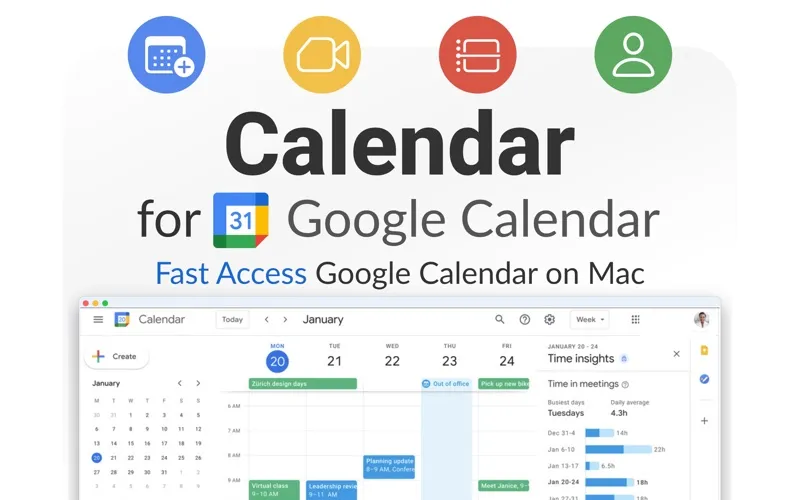
Calendar for Google Calendar gives you a Mac app for managing your Google calendars, including multiple accounts. It suits you if you keep your schedule in Google Calendar.
by Fokusek Enterprise
What you get
Keep your Google calendars and meeting reminders together on your Mac.
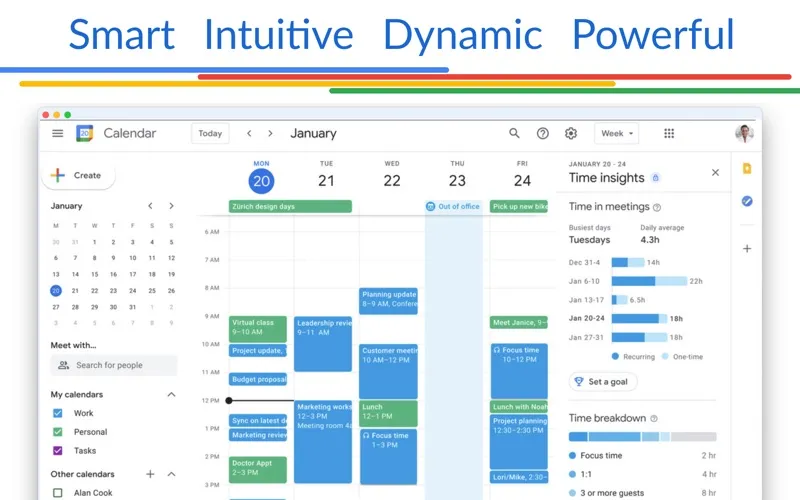
You can manage your Google Calendar schedule from a dedicated Mac app, with support for more than one Google account. If you use separate accounts for work and personal plans, you can access both through the same application rather than relying on a separate app for each.
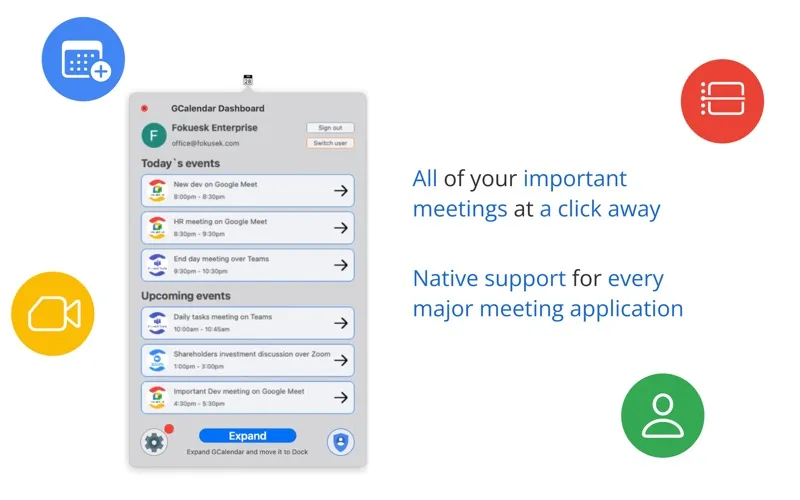
You get interactive macOS notifications to help you notice upcoming meetings. You also get integration with Zoom, Skype, Microsoft Teams, and Webex, so the app can fit a schedule that includes calls across different meeting services.
You’ll need a paid license to use it, with one-time purchase and subscription options available. You’re getting a third-party way to work with Google Calendar, not an app made by Google.
-
Manage separate schedules together
You can access multiple Google Calendar accounts in one Mac app.
-
Notice upcoming meetings
You get interactive macOS notifications to help you keep track of meeting times.
-
Support your meeting routine
You get calendar integration with Zoom, Skype, Microsoft Teams, and Webex.
Best for
- You manage work and personal Google Calendar accounts
- You want a dedicated Mac app for your Google schedule
- You attend meetings across several video-call services
Skip it if
You don't need it if you're happy managing Google Calendar in your browser and don't want a paid Mac app.
Screenshots
From the developer
Calendar for Google Calendar is your best choice when you want to perform operations with your Google Calendar account. Using the Calendar for Google Calendar you will unleash the full power of the Google Calendar in no time.Read the full description
Alternatives to Calendar for Google Calendar
Other apps to manage your calendar. See all
 BusyCal
Sync your tasks with calendar
Setapp
96% · 2,120 ratings
BusyCal
Sync your tasks with calendar
Setapp
96% · 2,120 ratings
 Dato
Stay on top of your schedule
Setapp
99% · 875 ratings
Dato
Stay on top of your schedule
Setapp
99% · 875 ratings
 Calendars
Track tasks, events, and plans
Setapp
85% · 373 ratings
Calendars
Track tasks, events, and plans
Setapp
85% · 373 ratings
 hora Calendar
Google Calendar, made for Mac
Setapp
88% · 24 ratings
hora Calendar
Google Calendar, made for Mac
Setapp
88% · 24 ratings
 WallCal
Pin clear calendar to desktop
Setapp
89% · 207 ratings
WallCal
Pin clear calendar to desktop
Setapp
89% · 207 ratings
 Chunk
Time-block your whole day
Sold separately
Chunk
Time-block your whole day
Sold separately