WallCal
Pin clear calendar to desktop
WallCal gives you a desktop view of your existing calendars and to-do list. It suits you if you want to check your schedule without switching to a calendar app.
by Hoang Minh Nguyen · 89% positive (207)
What you get
Keep your schedule and daily to-dos in view on your desktop.
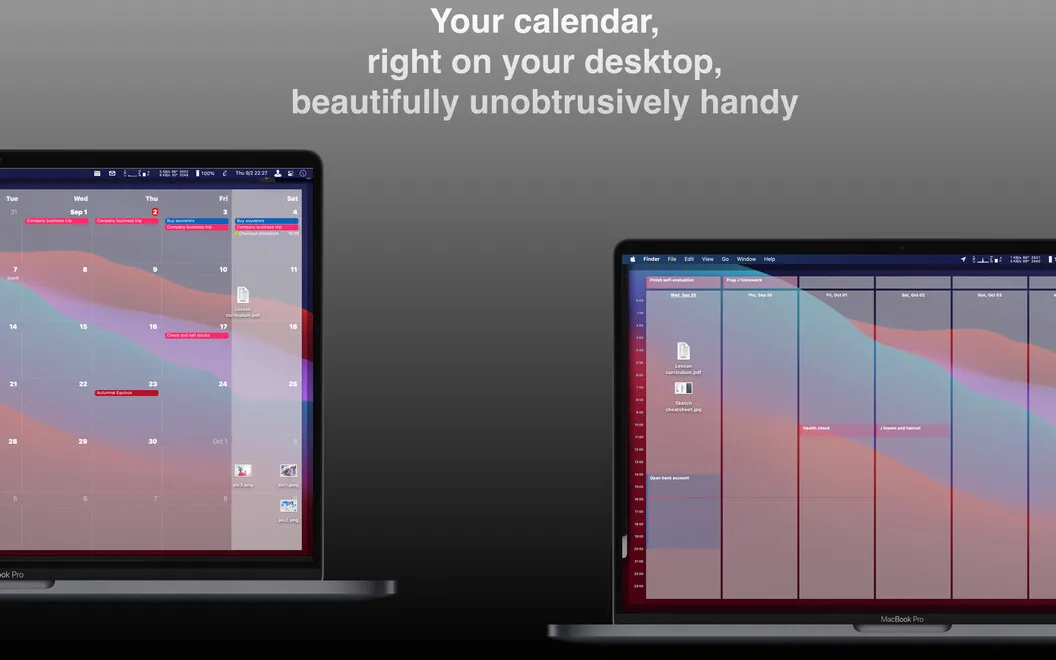
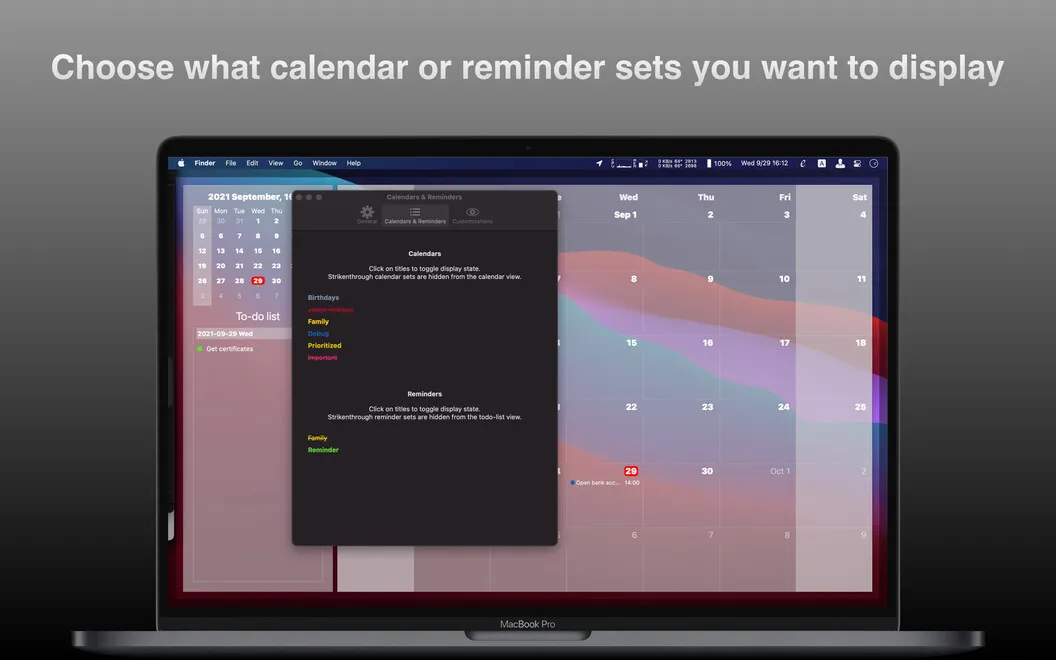
With WallCal, you can see appointments from your existing calendars right on your desktop. You can check today’s agenda, look across the month, or display a chosen number of days. You decide which calendars appear and which hours are visible, so the view shows the parts of your schedule you need.
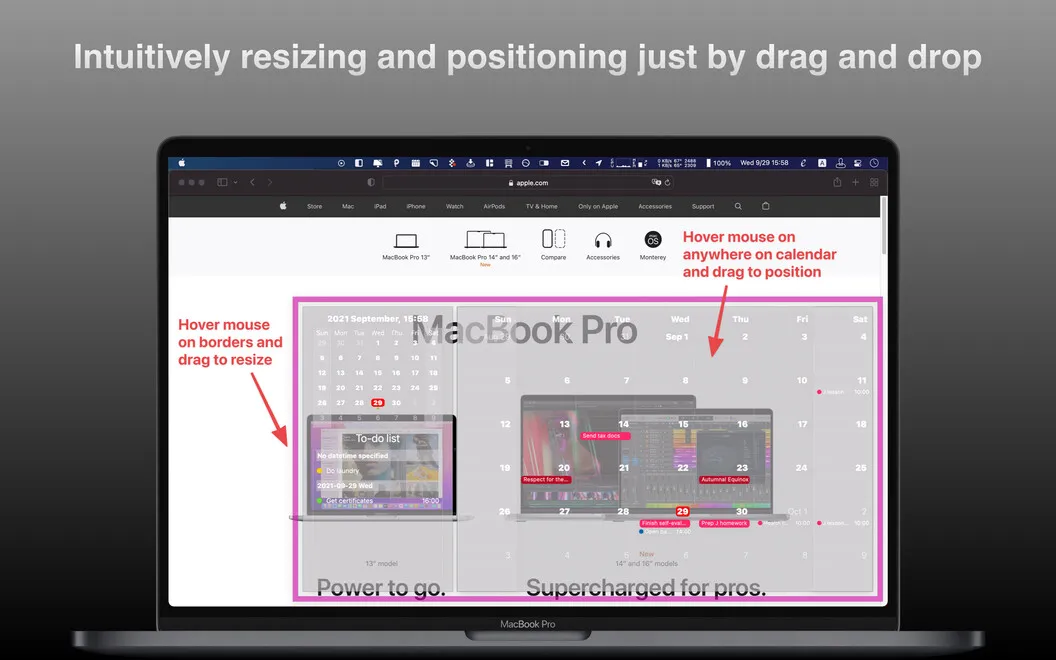
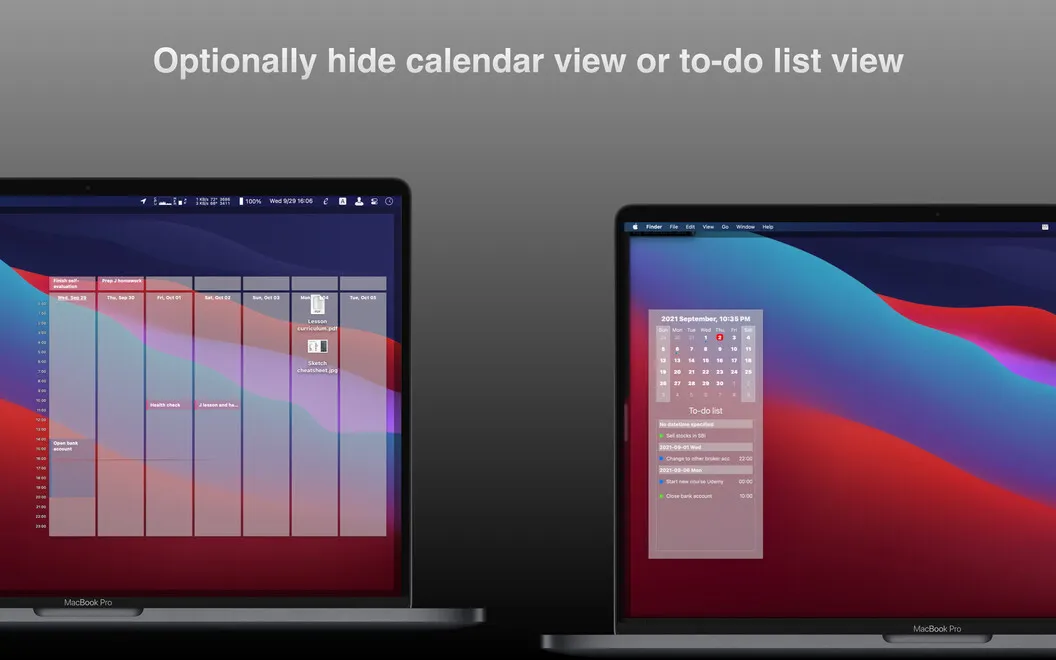
You can also display your to-do list to keep tasks without a time slot in sight. Adjust the calendar’s size, colors, and transparency to fit your desktop, or place it on a second monitor. When other windows cover it, you can bring it forward with a click or keyboard shortcut.
You get a way to consult your plans, not a replacement for your calendar editor. WallCal displays existing events and reminders; you’ll still need your usual app to change them.
-
Check plans at a glance
You can read your existing calendar events on your desktop without switching to your calendar app.
-
See the days that matter
You choose a daily, monthly, or custom-day view and limit the visible hours.
-
Keep relevant calendars visible
You can hide individual calendars to show only the schedules you want to consult.
-
Keep tasks in sight
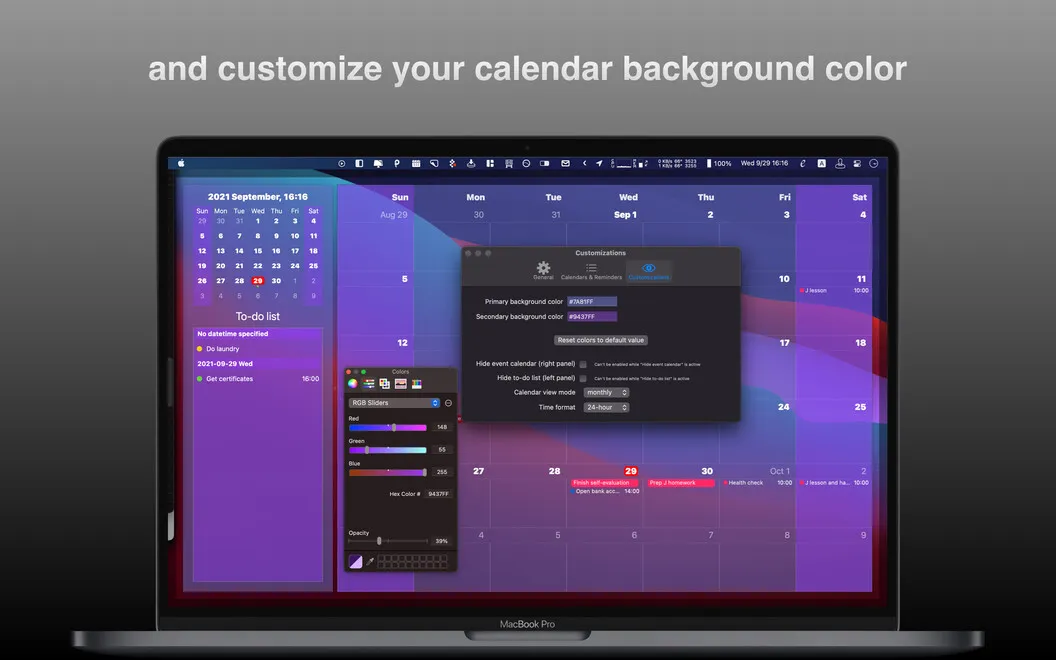
You can display your to-do list alongside your schedule, including tasks that have no assigned time.
-
Fit your desktop
You can adjust size, colors, and transparency, place the calendar on another monitor, and bring it forward with a shortcut.
Best for
- You want your daily agenda visible while you work
- You check several calendars throughout the day
- You have a second monitor for keeping plans in view
Skip it if
You need to create or edit events and reminders in the same app, rather than just view them.
Screenshots
From the developer
Practicality can be beautiful, and WallCal is proof. This handy app takes data from your existing calendars and pins an aesthetic see-through calendar to your desktop. Choose to view your day's agenda, set the calendar to show your whole month, or customize to display set number of days.Read the full description
Alternatives to WallCal
Other apps to manage your calendar. See all
 BusyCal
Sync your tasks with calendar
Setapp
96% · 2,120 ratings
BusyCal
Sync your tasks with calendar
Setapp
96% · 2,120 ratings
 Dato
Stay on top of your schedule
Setapp
99% · 875 ratings
Dato
Stay on top of your schedule
Setapp
99% · 875 ratings
 Calendars
Track tasks, events, and plans
Setapp
85% · 373 ratings
Calendars
Track tasks, events, and plans
Setapp
85% · 373 ratings
 hora Calendar
Google Calendar, made for Mac
Setapp
88% · 24 ratings
hora Calendar
Google Calendar, made for Mac
Setapp
88% · 24 ratings
 Chunk
Time-block your whole day
Sold separately
Chunk
Time-block your whole day
Sold separately
 Calendar for Google Calendar
Mac App Store
Calendar for Google Calendar
Mac App Store