Cam.On
Webcam Video Recorder
Cam.On lets you record webcam and screen videos on your Mac, with basic editing for tutorials, reaction clips, and on-camera recordings.
by Villow
What you get
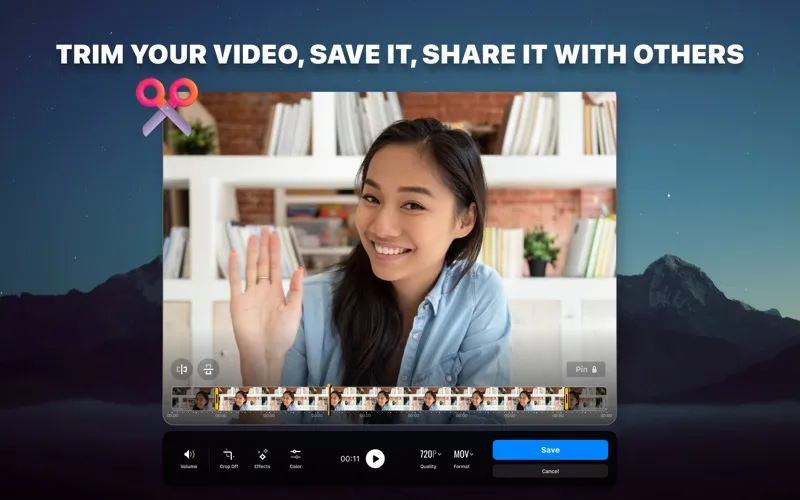
Turn your webcam and screen recordings into trimmed, shareable videos.
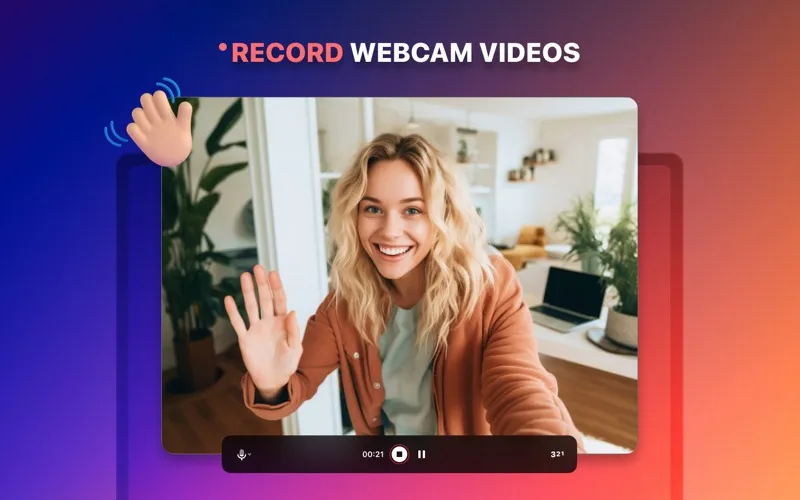
With Cam.On, you can record yourself using your Mac’s built-in camera or an external webcam, capture your screen, and create picture-in-picture reaction videos. You can use these recordings to explain a process, demonstrate something on your Mac, or add your on-camera response to what you’re showing.
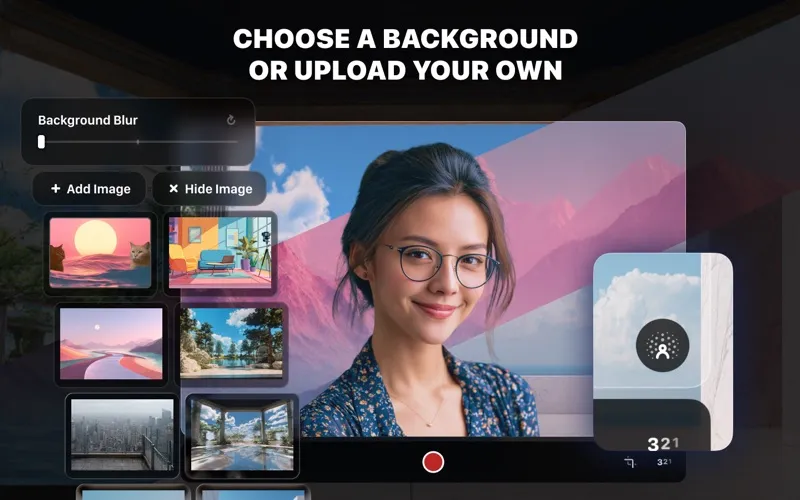
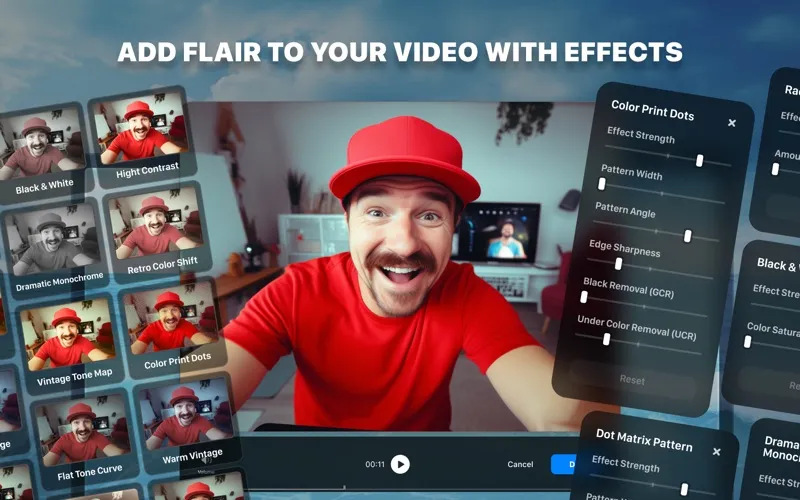
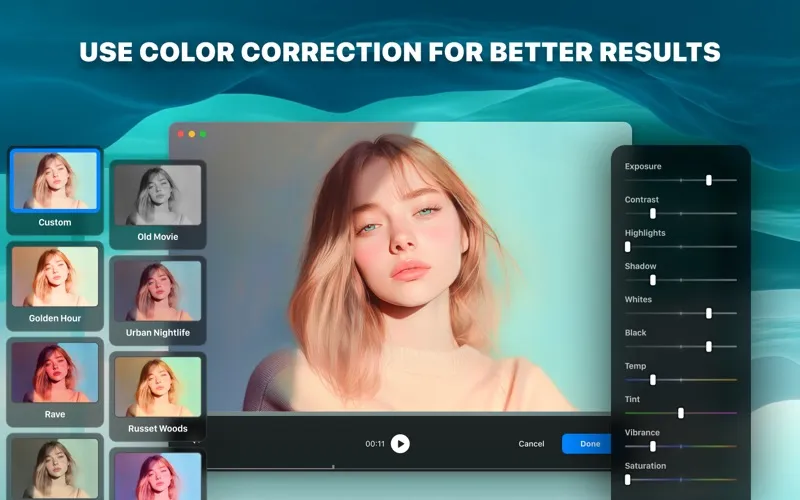
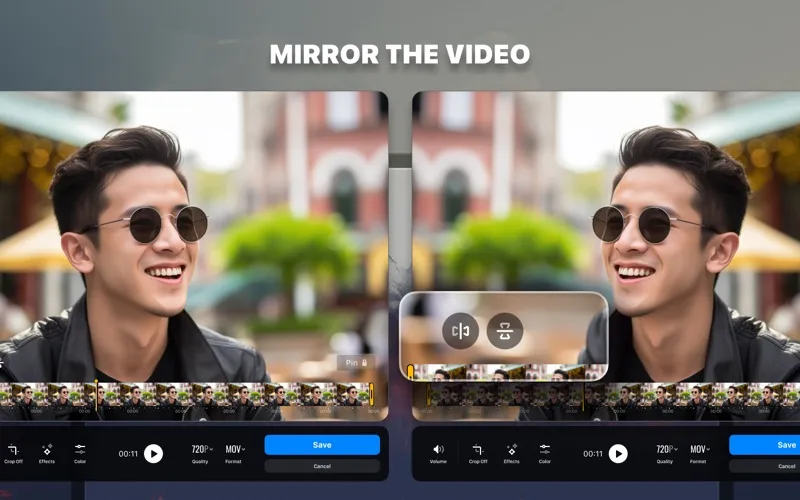
You can keep your surroundings out of focus with adjustable background blur, or replace them with a preset or your own image. Before sharing, you can trim unwanted footage, adjust colors, apply filters and effects, and mirror the image. Sound-level monitoring and correction help you manage recording volume.
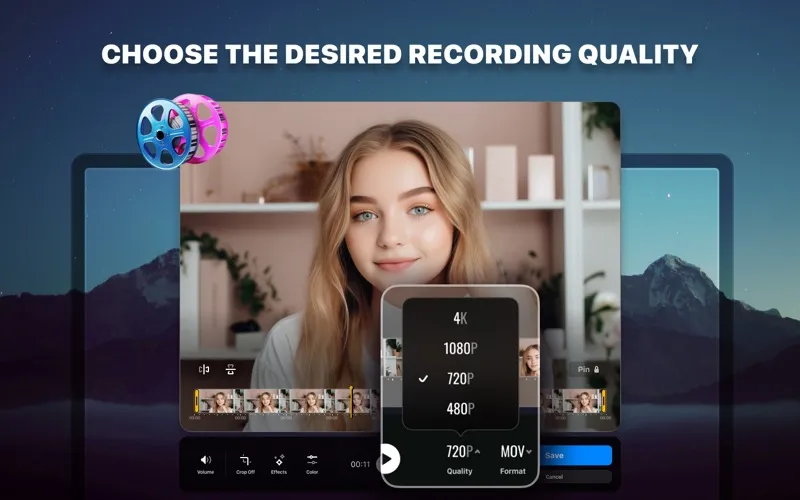
You also choose the video’s size and quality, then save it as MP4, MOV, AVI, or MKV. That gives you control over the finished recording’s appearance and file format.
-
Show and explain
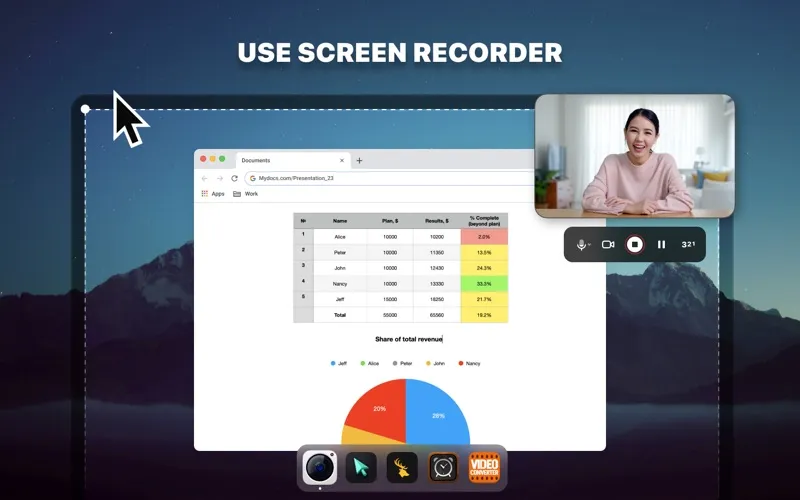
You can capture your screen and create picture-in-picture videos with your on-camera reactions.
-
Hide distracting surroundings
You can blur your background or replace it with a preset or an image of your own.
-
Clean up your recording
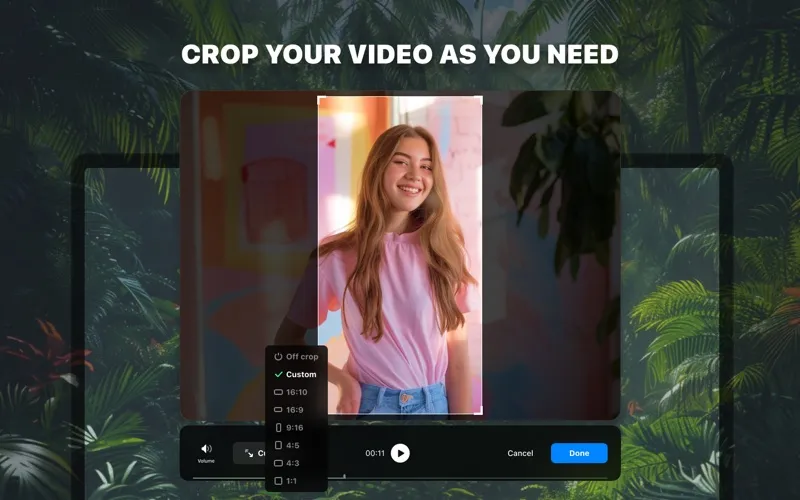
You can trim unwanted footage, correct colors, and adjust the image before sharing.
-
Control your finished file
You can choose video size and quality, then save in MP4, MOV, AVI, or MKV.
Best for
- You’re recording tutorials or product walkthroughs
- You’re creating picture-in-picture reaction videos
- You need webcam recordings with basic cleanup
Skip it if
You don’t need it if you’re looking only for advanced video editing rather than webcam and screen recording with basic adjustments.
Screenshots

From the developer
Record your videos with Mac built-in or any external webcams, capture and record your screen, create reaction videos. Sound level monitoring and correction; Built-in trimmer; Save your videos in Mp4, Mov, Avi, MKV and share them; Choose the size and quality of your video; «Picture-in-picture» mode -...Read the full description
Alternatives to Cam.On
Other apps to record your screen. See all
 Boom
Record and present like a pro
Setapp
83% · 217 ratings
Boom
Record and present like a pro
Setapp
83% · 217 ratings
 Capto
Create screen recordings
Setapp
86% · 1,047 ratings
Capto
Create screen recordings
Setapp
86% · 1,047 ratings
 FocuSee
Record screen and polish video
Setapp
92% · 181 ratings
FocuSee
Record screen and polish video
Setapp
92% · 181 ratings
 iShowU
Record screen on Mac
Setapp
78% · 124 ratings
iShowU
Record screen on Mac
Setapp
78% · 124 ratings
 Hustl
Create timelapses of your screen
Setapp
84% · 103 ratings
Hustl
Create timelapses of your screen
Setapp
84% · 103 ratings
 CueClip
Record freely. Publish fast
Sold separately
CueClip
Record freely. Publish fast
Sold separately