CamPhoto
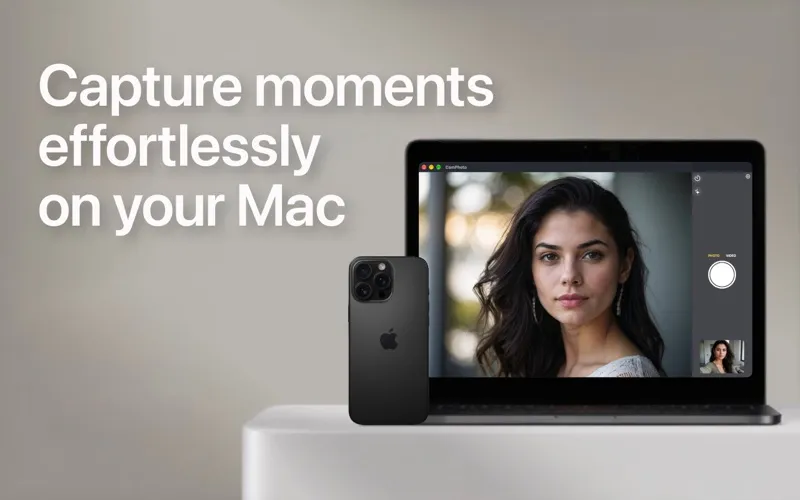
CamPhoto lets you take photos and record videos on your Mac using a webcam or iPhone, with options for creators, musicians, and anyone who wants to check their camera before calls.
by Alvaro Neira
What you get
Capture yourself with your preferred camera and microphone.
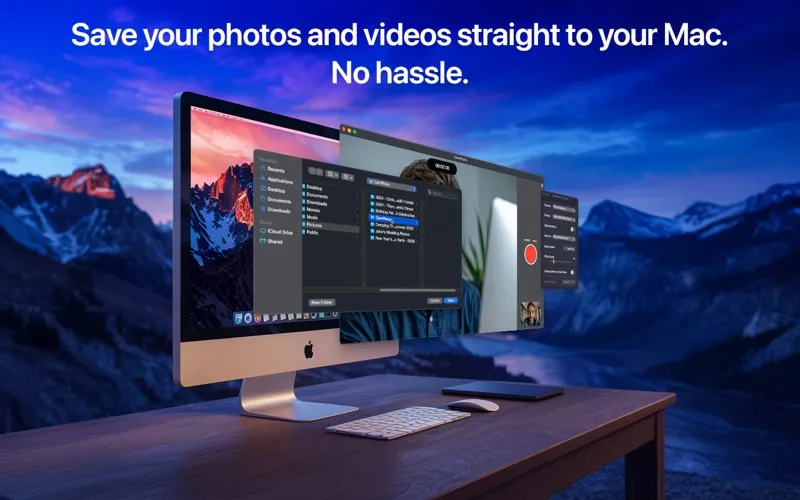
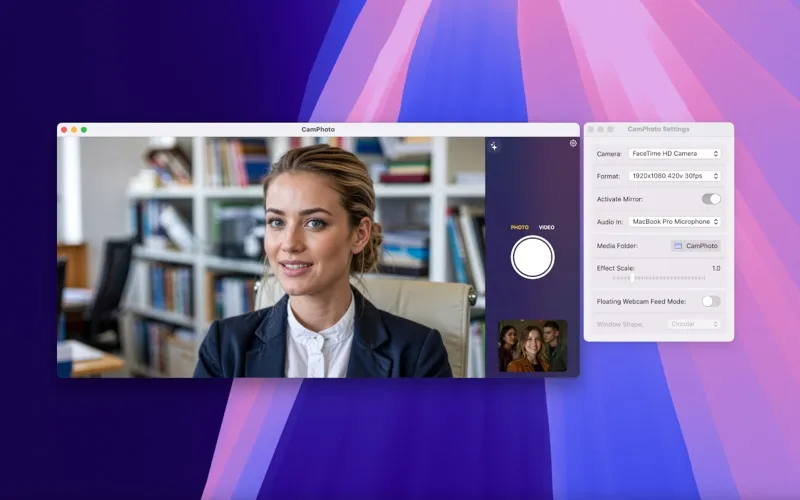
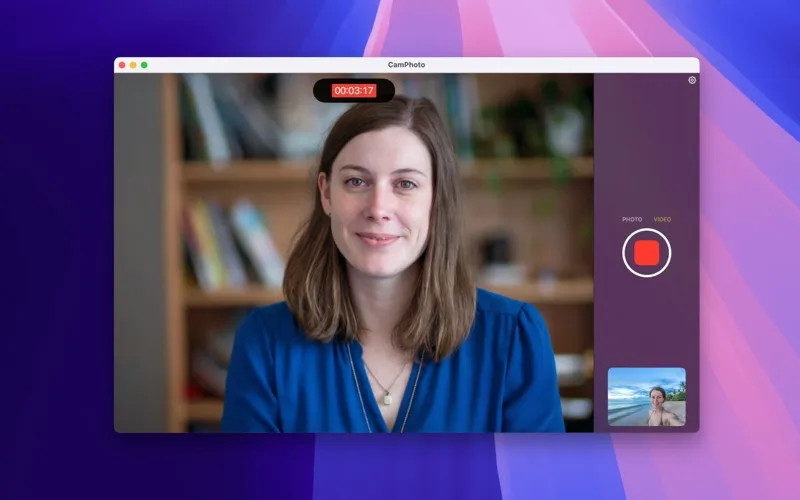
With CamPhoto, you can take photos and record videos using your Mac-compatible USB webcam or your iPhone through Apple’s Continuity Camera. You can pair that camera with any audio input your Mac supports, so your video can use your iPhone’s camera while your sound comes from a separate microphone. You choose the resolution, frame rate, and save folder.
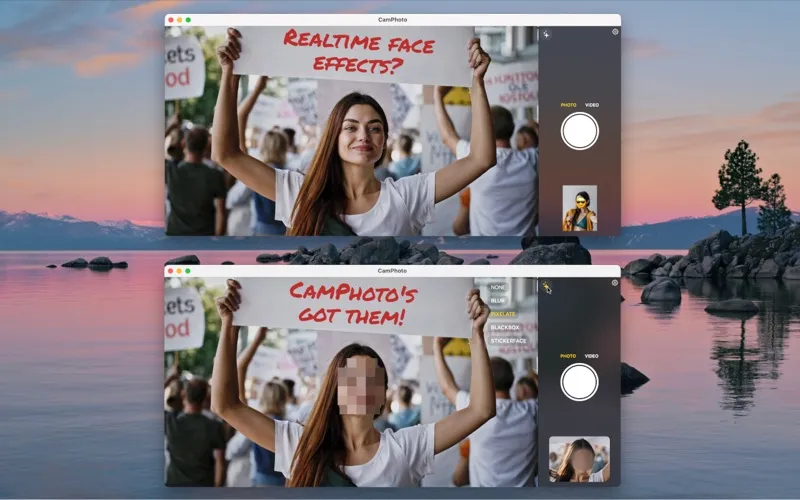
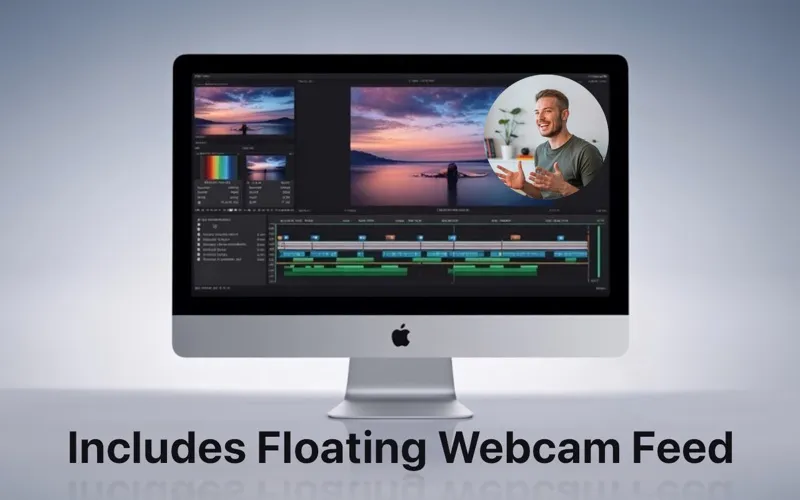
You can keep a movable camera preview above other apps, including fullscreen windows, to check your framing before a call or show yourself alongside tutorial content. For photos, you can obscure up to four faces with blur, pixelation, black rectangles, or emoji. These face effects do not currently apply to video.
A countdown timer lets you get into position before a capture. Standard captures are watermark-free; face effects and the floating preview carry watermarks in the free version. A one-time Pro purchase removes them without a subscription.
-
Choose your recording setup
You can record with a webcam or iPhone while capturing sound from a separate Mac-supported microphone.
-
Check yourself before calls
You can keep your camera preview visible above other apps to check your appearance and framing.
-
Hide faces in photos
You can obscure up to four faces with adjustable blur, pixelation, black rectangles, or emoji before taking a photo.
-
Get into position
You can use a 3-, 5-, or 10-second countdown rather than reaching for the shutter at the last moment.
Best for
- You record camera videos with a separate microphone
- You want a floating camera preview while making tutorials
- You need webcam photos with faces obscured
Skip it if
You need to record your screen rather than capture camera photos or videos.
Screenshots

From the developer
CamPhoto is the complete webcam solution for your Mac. Take photos and videos with your webcam or your iPhone — fast, in top quality, and with no subscriptions.Read the full description
Alternatives to CamPhoto
Other apps to record your screen. See all
 Boom
Record and present like a pro
Setapp
83% · 217 ratings
Boom
Record and present like a pro
Setapp
83% · 217 ratings
 Capto
Create screen recordings
Setapp
86% · 1,047 ratings
Capto
Create screen recordings
Setapp
86% · 1,047 ratings
 FocuSee
Record screen and polish video
Setapp
92% · 181 ratings
FocuSee
Record screen and polish video
Setapp
92% · 181 ratings
 iShowU
Record screen on Mac
Setapp
78% · 124 ratings
iShowU
Record screen on Mac
Setapp
78% · 124 ratings
 Hustl
Create timelapses of your screen
Setapp
84% · 103 ratings
Hustl
Create timelapses of your screen
Setapp
84% · 103 ratings
 CueClip
Record freely. Publish fast
Sold separately
CueClip
Record freely. Publish fast
Sold separately