Classic Paint for mac
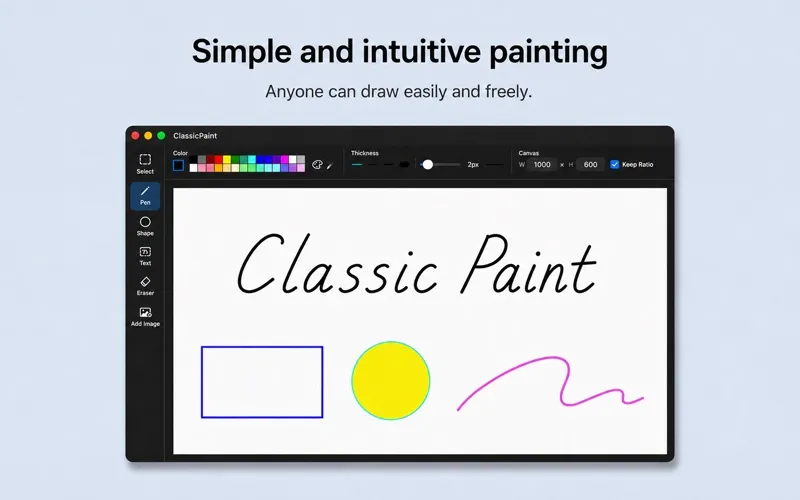
You get a straightforward Mac drawing app with a Windows Paint-style approach, suited to quick sketches, simple illustrations, and basic image edits.
by Lyrevoice LTD.
What you get
You can sketch, label, and edit images without a complex drawing workspace.
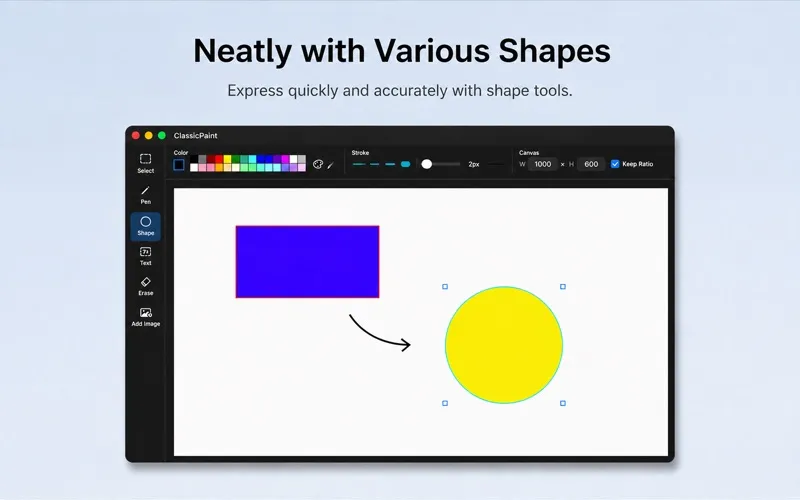
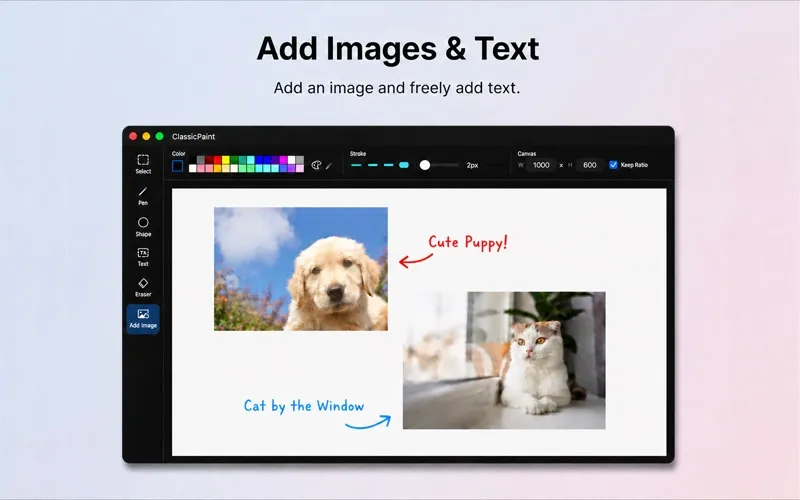
You get a place to make quick drawings and simple image edits on your Mac, with an approach familiar to Windows Paint users. You can sketch freehand, add arrows and filled shapes, or put text onto an image to explain an idea or label a detail.
You can open an existing image by dragging it in, then select areas to move, resize, copy, or cut. When combining pieces, you can paste with a transparent background. You can also sample a color from your image, adjust your pencil width, and zoom in to work on smaller details.
You can change the canvas size to fit your drawing and undo or redo edits without a fixed limit. When you're finished, you can save your work as PNG, JPEG, or TIFF.
-
Explain ideas visually
You can combine sketches, arrows, shapes, and text to make a simple visual explanation.
-
Rework parts of images
You can select and reposition individual areas rather than redraw the whole image.
-
Match existing colors
You can sample a color directly from your image instead of guessing a close match.
-
Revisit your edits
You can undo and redo without a fixed limit as you try different changes.
Best for
- You want a Windows Paint-style drawing app on your Mac
- You need quick sketches or labeled images
- You make simple edits to existing images
Skip it if
You don't need it if your current image editor already covers your quick drawing and labeling tasks.
Screenshots
From the developer
ClassicPaint on Mac — the drawing app everyone remembers. ClassicPaint brings the familiar feel of Windows Paint to macOS. Draw, edit, and save quickly, without the clutter of complex features.Read the full description
Alternatives to Classic Paint for mac
Other apps to draw & paint illustrations. See all