MCPaint
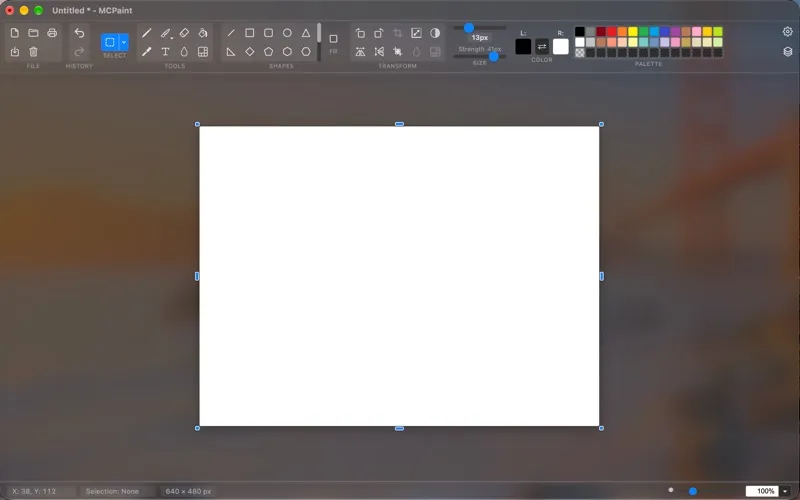
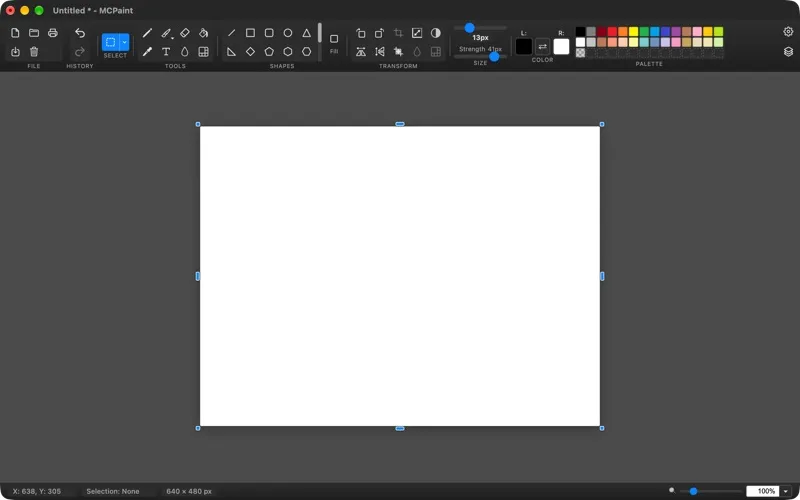
MCPaint is a classic-style painting app for macOS when you want to sketch, add text and shapes, or make basic changes to images.
by Katsuaki Takahashi
What you get
You can sketch, label, and adjust images with familiar painting tools.
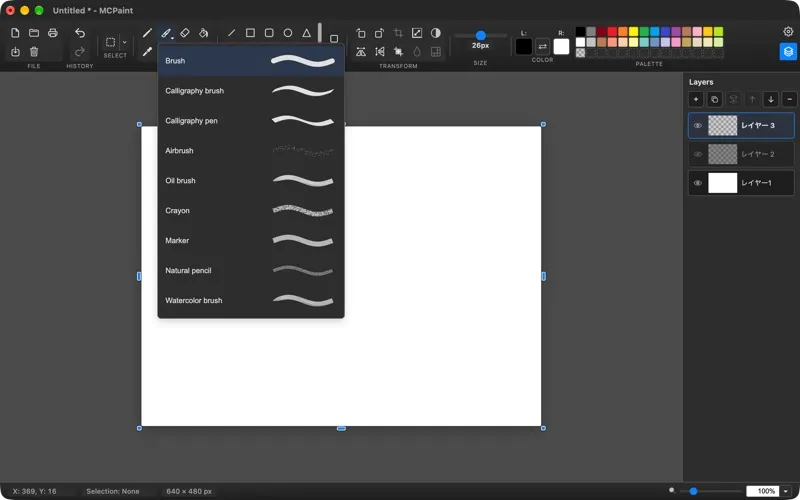
With MCPaint, you can turn a blank canvas into a drawing or open an existing image to make basic edits. You can sketch with a pencil or brush, fill areas with color, erase mistakes, and add text, arrows, or shapes to explain an idea visually.
You can select rectangular, elliptical, or freehand areas, rotate or flip an image, and zoom in for closer work. An eyedropper lets you reuse a color already in your image, while clipboard support lets you copy and paste image content.
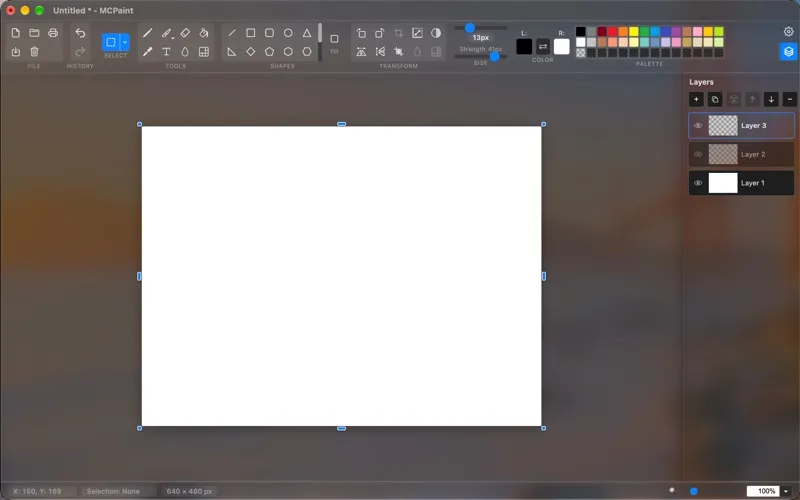
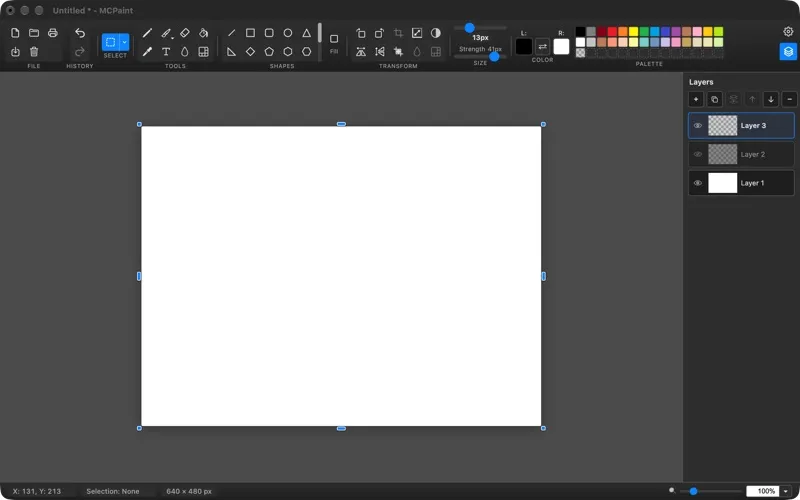
You also get support for layers, though the free version limits layer access, canvas size, and undo history. You need Pro to remove those limits.
-
Put ideas on canvas
You can sketch freely, fill areas with color, and erase parts you want to change.
-
Make images more explanatory
You can add text, arrows, and shapes to label parts of an image or illustrate an idea.
-
Work on specific areas
You can isolate parts of your image with rectangular, elliptical, or freehand selections and zoom in for closer work.
-
Reuse colors already present
You can sample a color from your image with the eyedropper instead of choosing a new one by eye.
Best for
- You want a classic paint app for casual drawing
- You need to add labels, arrows, or shapes to an image
- You want to make basic image edits on your Mac
Skip it if
You don't need it if your current image editor already covers your basic drawing and labeling needs.
Screenshots
From the developer
MCPaint is a paint app for macOS designed around a classic, intuitive experience. It supports layers and includes pencil, brush, eraser, fill, eyedropper, and text tools, along with tools for drawing lines, shapes, arrows, stars, and more.Read the full description
Alternatives to MCPaint
Other apps to draw & paint illustrations. See all