Paint X
Paint, Draw and Edit
Paint X gives you a digital sketchpad for simple drawings, coloring, and basic picture edits. It suits you if you want to sketch or add text and designs to existing images.
by 洪 陈
What you get
You can turn a blank canvas or photo into a simple illustrated picture.
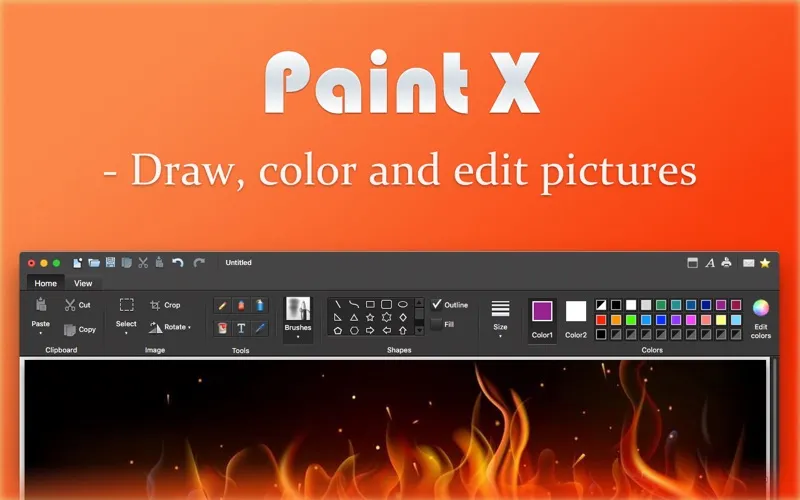
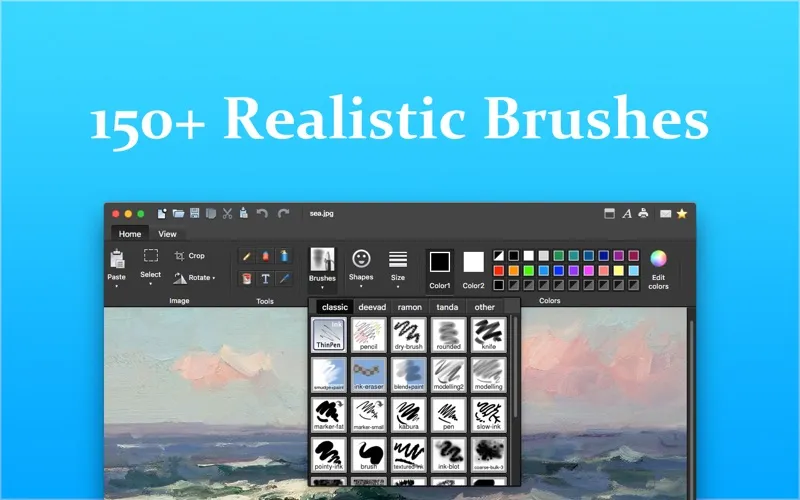
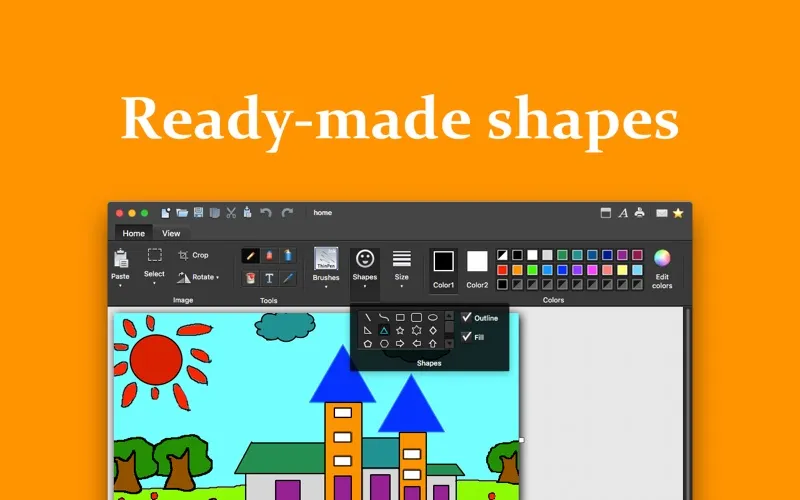
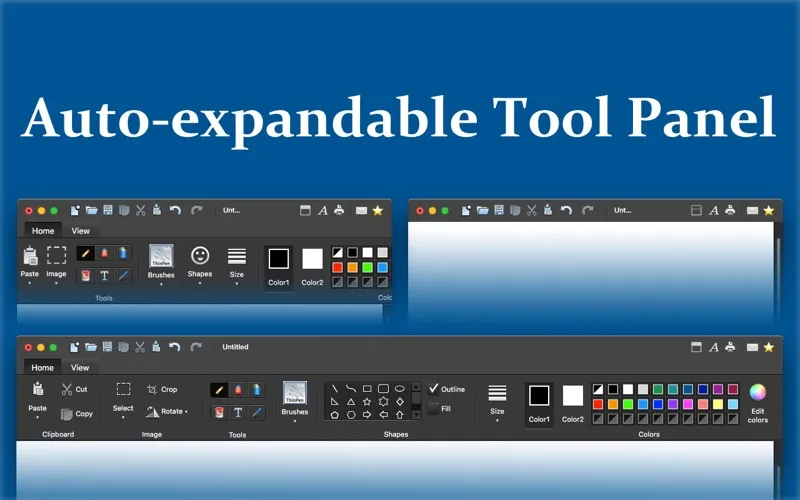
You get a place to sketch ideas, color pictures, and add your own marks to photos. You can draw freehand with pencil, watercolor, crayon, and calligraphy-style brushes, or build a picture from ready-made shapes. Drawing choices stay visible in a ribbon across the top of the window.
When an image needs adjusting, you can crop unwanted areas, flip it, or rotate and resize selected parts. You can add text, fill areas with color, and reuse colors already in your picture. Undo and redo let you revise your work as you go.
You can keep several pictures open at once and print your work. Supported image formats include PNG, TIFF, BMP, JPEG, and GIF. If you want your pictures without a watermark, you’ll need to purchase the app.
-
Sketch in different styles
You can give simple drawings watercolor, crayon, ink, or calligraphy-style marks without switching apps.
-
Make photos your own
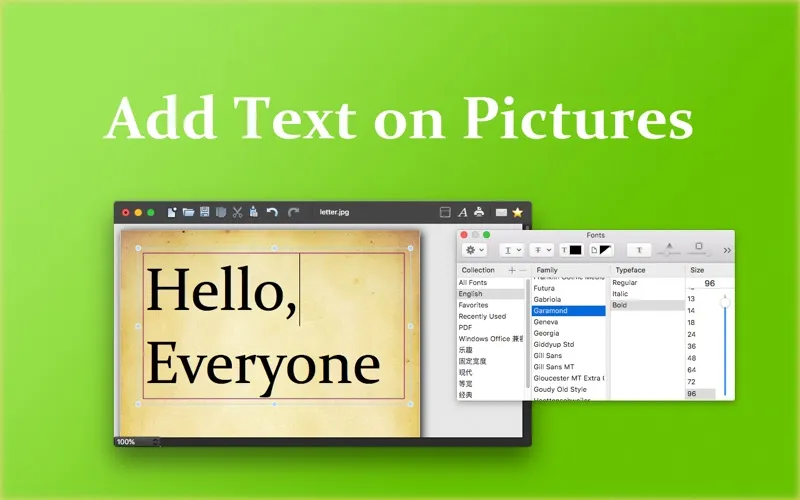
You can add text, shapes, and freehand designs to pictures you already have.
-
Rework parts of a picture
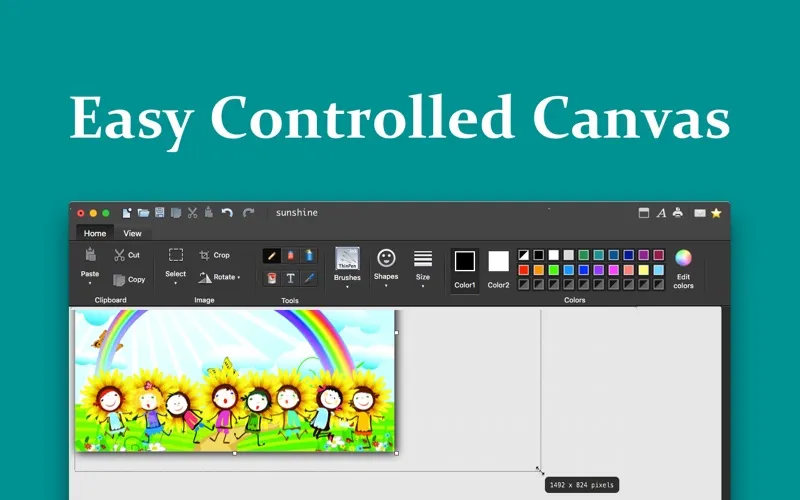
You can select an area to move, resize, rotate, or crop rather than starting the whole image again.
-
Keep your colors consistent
You can sample colors from your picture and return to recently used colors as you draw.
Best for
- You want a digital sketchpad for casual drawing
- You need to add text or designs to photos
- You enjoy coloring and simple creative projects
Skip it if
You can skip it if you only need to view pictures, not draw on or edit them.
Screenshots
From the developer
Please purchase to remove watermark if you like Paint X. Paint X is a classic painting application to draw, color, and edit pictures. You can use Paint X like a digital sketchpad to make simple pictures, creative projects, or to add text and designs to other pictures, such as those taken with your digital camera.Read the full description
Alternatives to Paint X
Other apps to draw & paint illustrations. See all