Paint raster
Paint raster is a raster image editor you can use for basic drawing, annotated screenshots, and click-by-click visual instructions.
by Tien Thinh Vu
What you get
You can draw, explain screen actions, and prepare images for sharing.
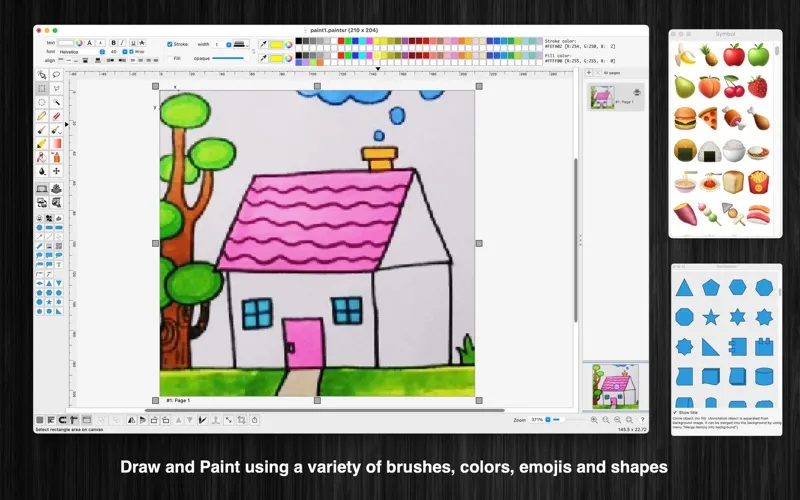
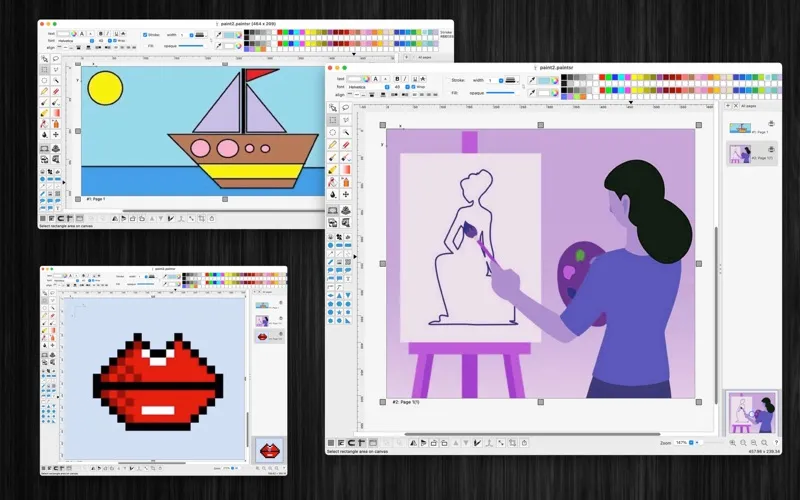
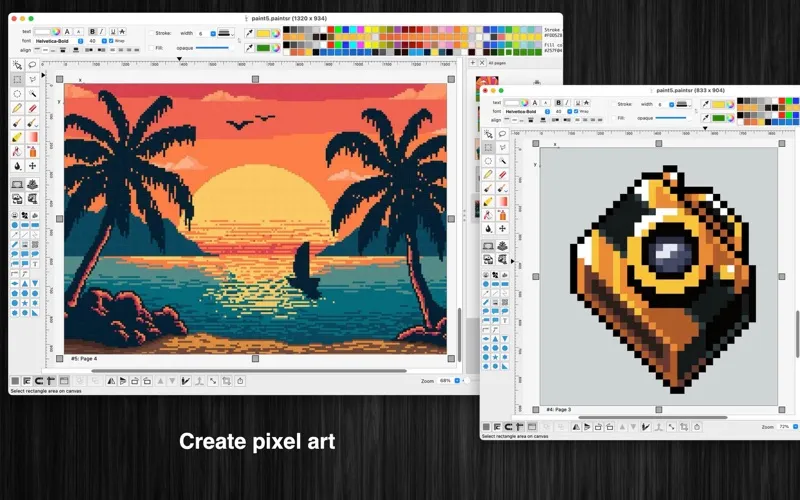
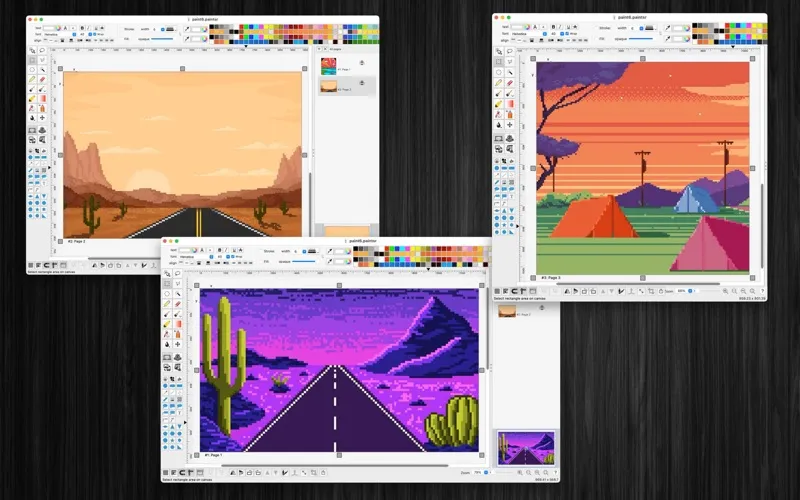
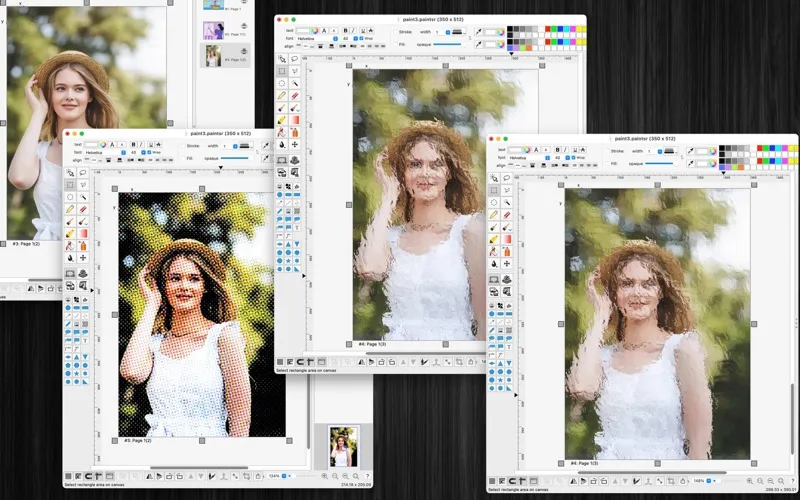
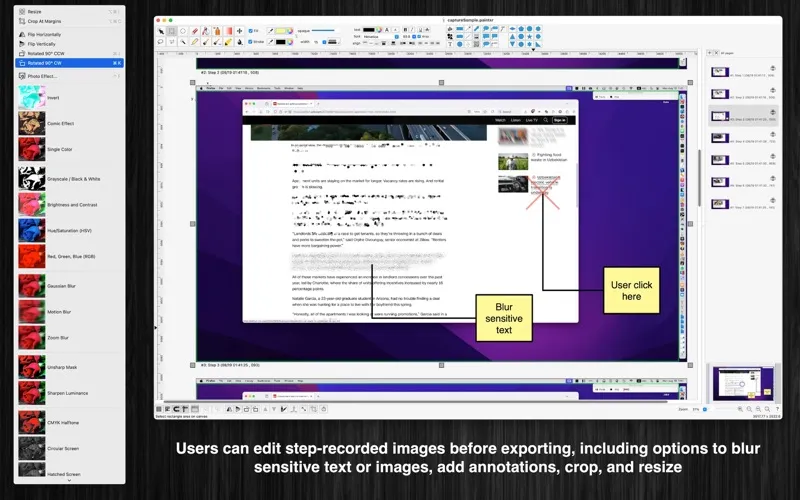
You can create simple drawings, correct individual pixels, and mark up images with text and shapes. Selection tools let you work on specific areas, so you can blur a section, adjust its colors, or apply an effect without changing the whole image. Save your work in the app’s paintsr format when you want to keep annotation objects editable.
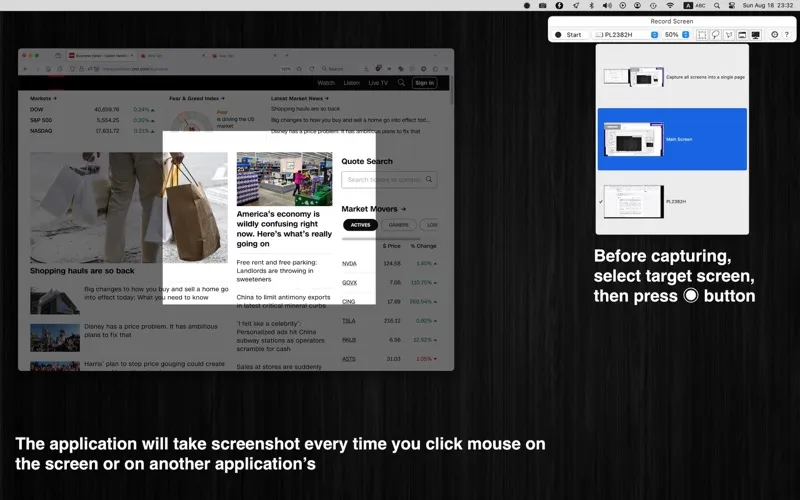
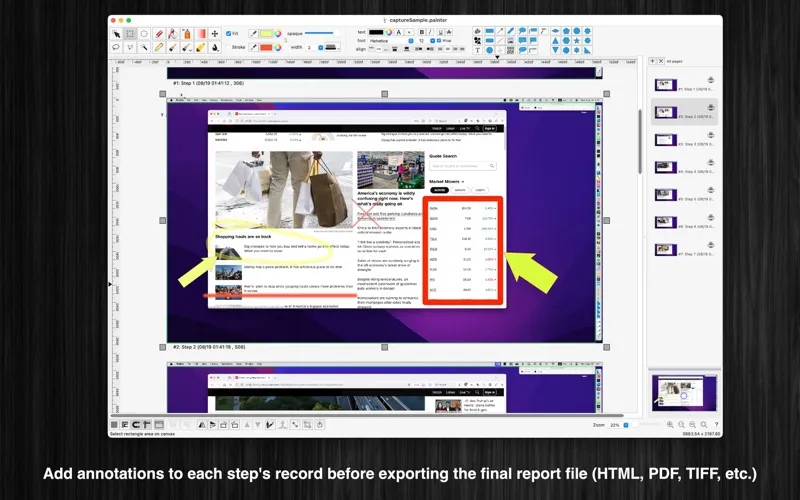
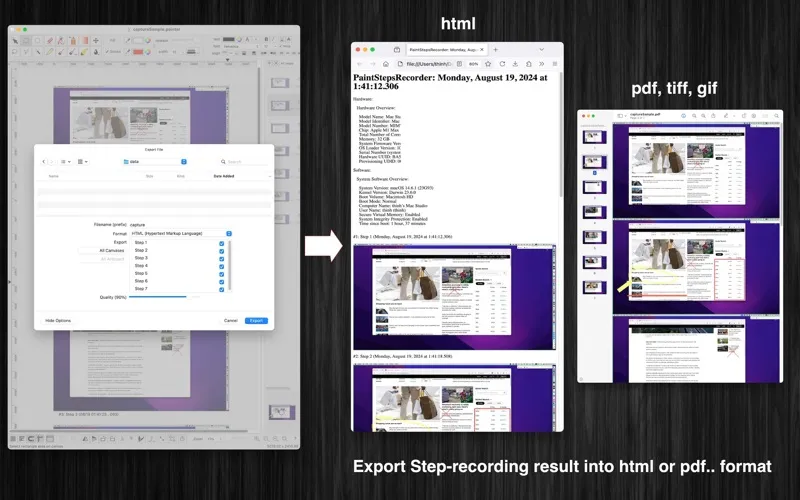
When you need to explain a computer task, you can capture a sequence of images triggered by your left-clicks, including clicks in other app windows. You can then annotate those steps and export a report for instructions or troubleshooting.
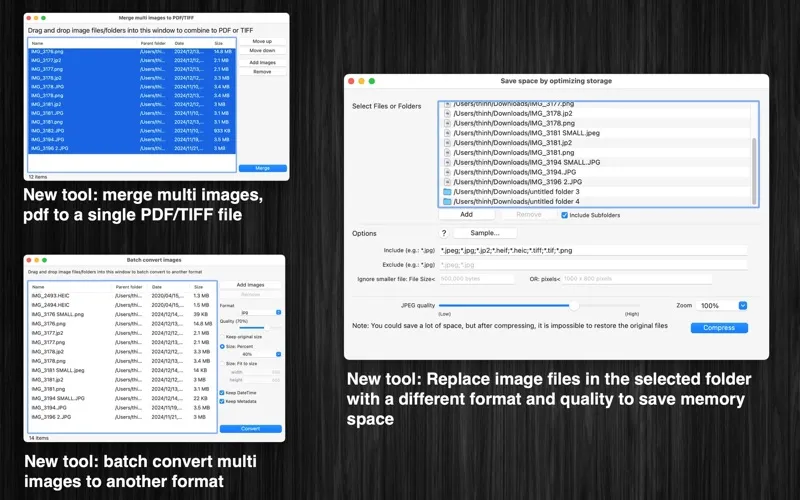
You can also convert multiple images at once, replace files with smaller versions by changing format and quality, or combine images and PDFs into one PDF or TIFF. Image dimensions and recorded-image counts are limited unless you upgrade to Pro.
-
Make precise image corrections
You can edit individual pixels or limit color changes and effects to a selected area.
-
Explain tasks visually
You can capture images as you left-click through a task, then annotate the sequence for instructions or troubleshooting.
-
Keep annotations editable
You can save in paintsr format to revise independent text and shape objects later.
-
Prepare files together
You can batch-convert images or combine multiple images and PDFs into a single PDF or TIFF.
-
Reduce image storage
You can replace images in a selected folder with versions using a different format and quality to reduce storage use.
Best for
- You need annotated, step-by-step computer instructions
- You want basic drawing and pixel-level corrections
- You need to convert or combine multiple image files
Skip it if
You need continuous screen video rather than a sequence of click-triggered images.
Screenshots
From the developer
"Paint raster" is an user-friendly raster editing application with screen-step-recording function. (* The image size, the number of recorded images per session is limited. You can upgrade to the Pro version to remove this limitation.Read the full description
Alternatives to Paint raster
Other apps to draw & paint illustrations. See all