
DisplayBuddy
Control settings across monitors
DisplayBuddy lets you control compatible external monitors from your Mac’s menu bar. It’s for you if you regularly adjust display settings or use multiple screens.
by sids7 · 91% positive (1,108)
What you get
You can adjust your monitors without reaching for their buttons.
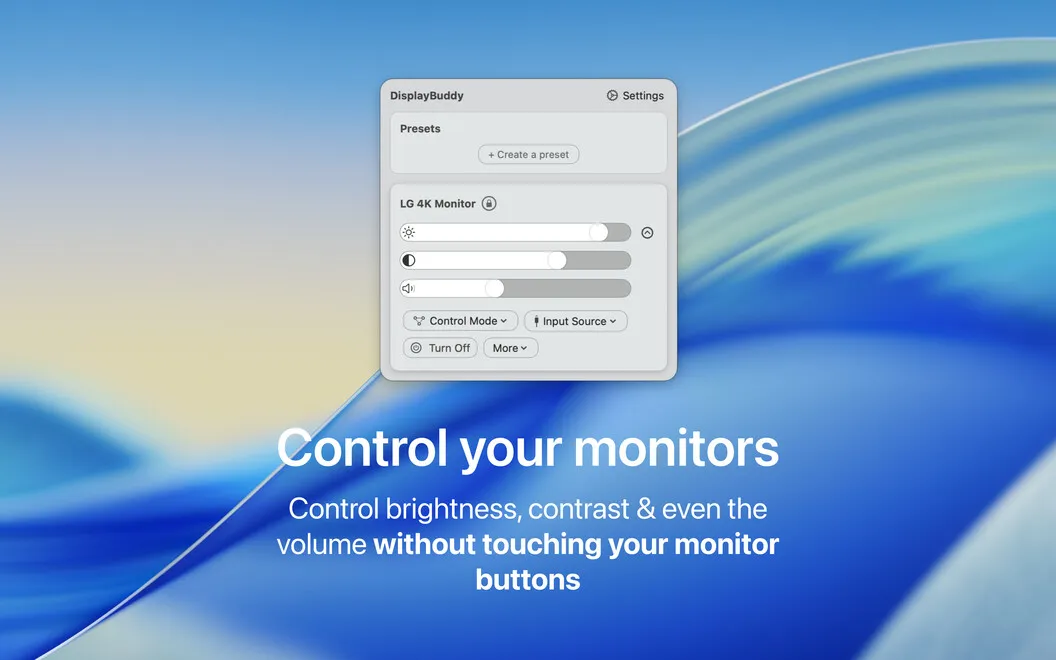
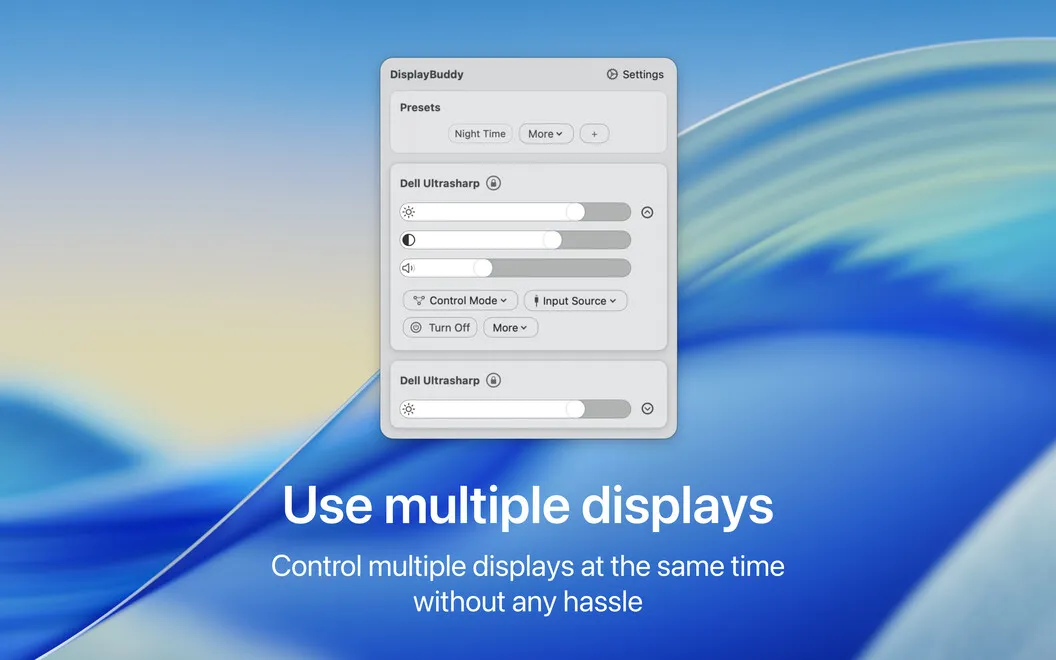
DisplayBuddy gives you access to your compatible external monitors’ settings from your Mac’s menu bar. You can change brightness, contrast, and volume without finding the buttons beneath or behind each screen. If you use several displays, you can control them from your Mac rather than working through their physical menus.
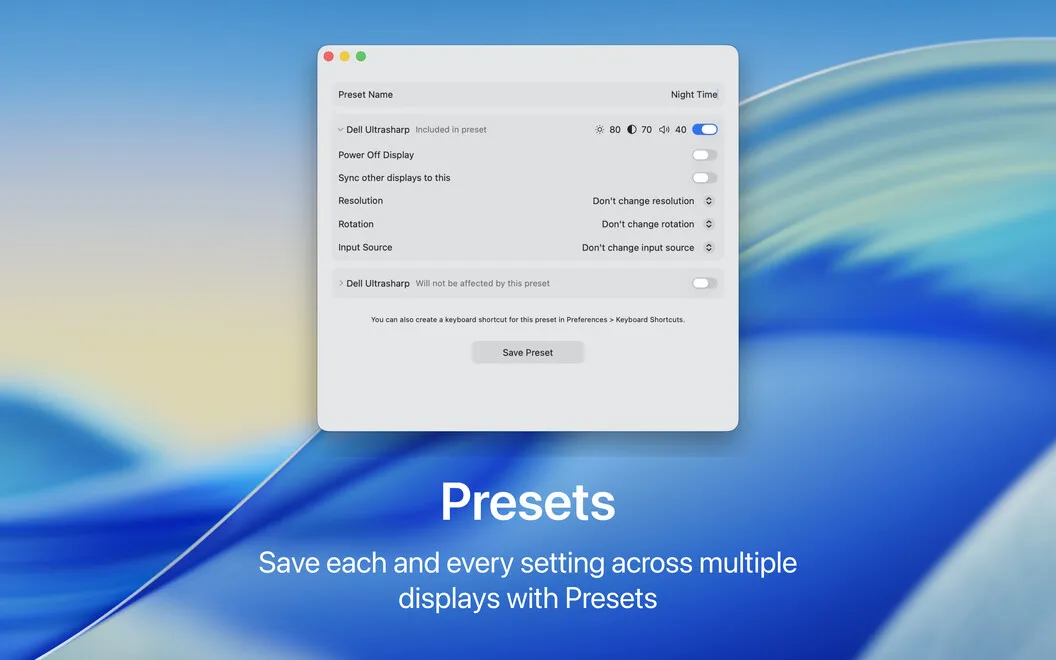
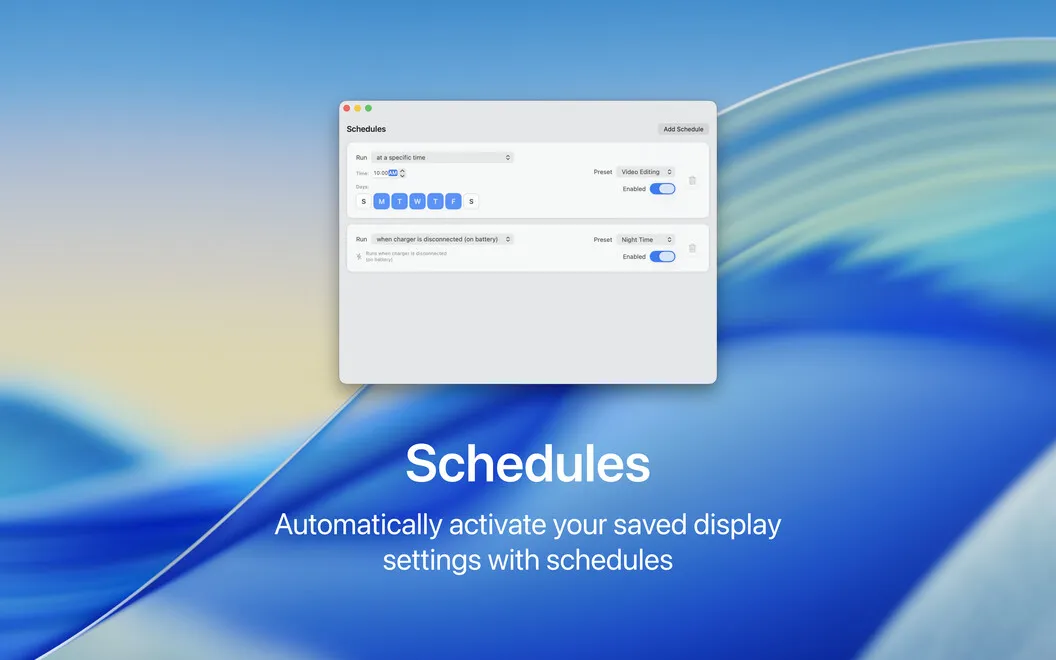
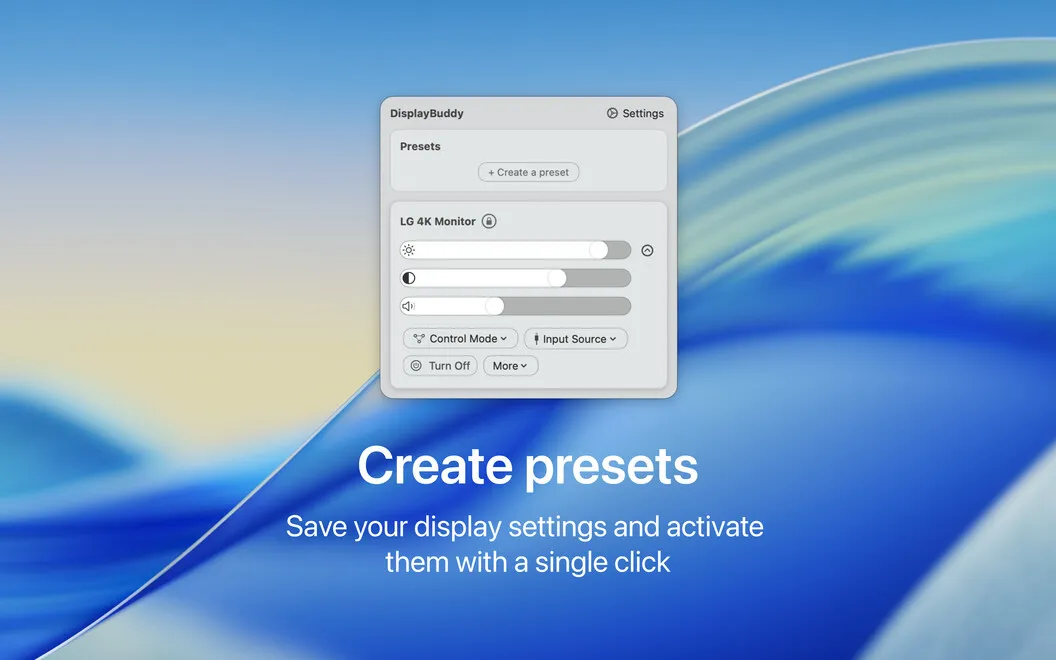
You can save your preferred settings as presets, then return to them when your lighting or activity changes. For example, you could keep separate settings for daytime work, evening viewing, and gaming instead of repeatedly adjusting the same values by hand.
You can also switch a display’s input to HDMI, DisplayPort, or another available source. Custom keyboard shortcuts let you make display adjustments without leaving the keyboard. Your monitors need to be compatible, so the value depends on the screens you connect.
-
Leave monitor buttons alone
You can adjust brightness, contrast, and volume from your Mac’s menu bar.
-
Reuse your preferred settings
You can save presets for different lighting conditions and activities instead of rebuilding the same setup.
-
Control several screens
You can manage multiple compatible external displays without navigating each monitor’s physical controls.
-
Switch display sources
You can select HDMI, DisplayPort, or another available input from your Mac.
-
Keep your hands typing
You can assign custom keyboard shortcuts to adjust your displays without reaching for the mouse.
Best for
- You work with multiple external monitors
- You frequently change brightness as room lighting changes
- You switch a monitor between input sources
Skip it if
You don’t need it if you only use your Mac’s built-in screen or your external monitors aren’t compatible.
Screenshots
From the developer
Control external monitors connected to your Mac easily with this helpful tool. DisplayBuddy allows you to adjust display settings directly from your menu bar, without needing to touch the physical control buttons.Read the full description
Alternatives to DisplayBuddy
Other apps to control external displays & brightness. See all