
Vivid
Double display brightness
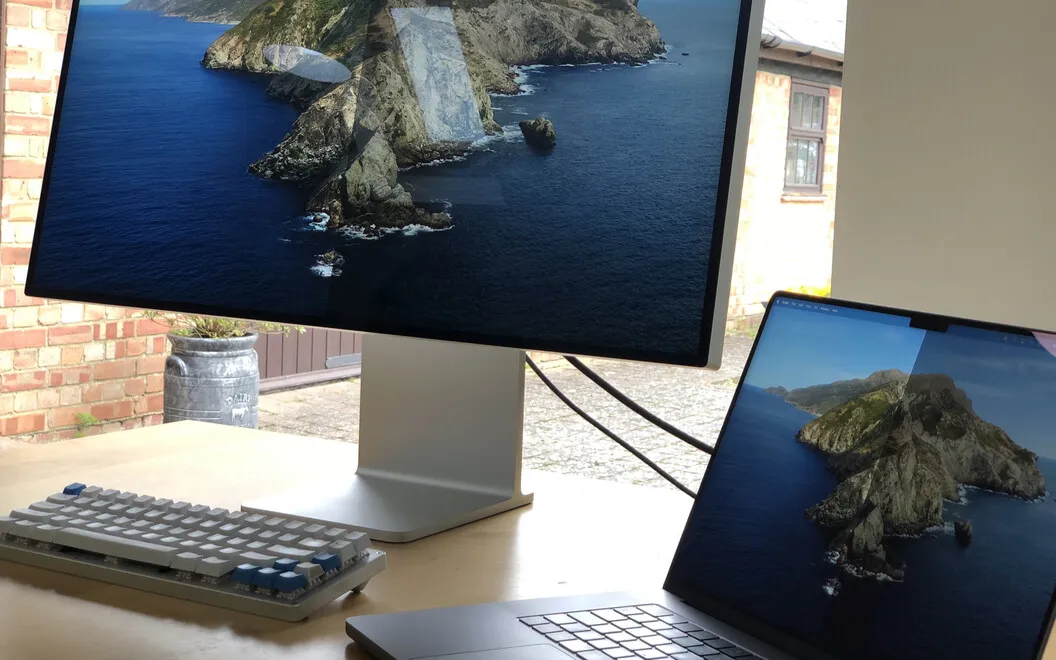
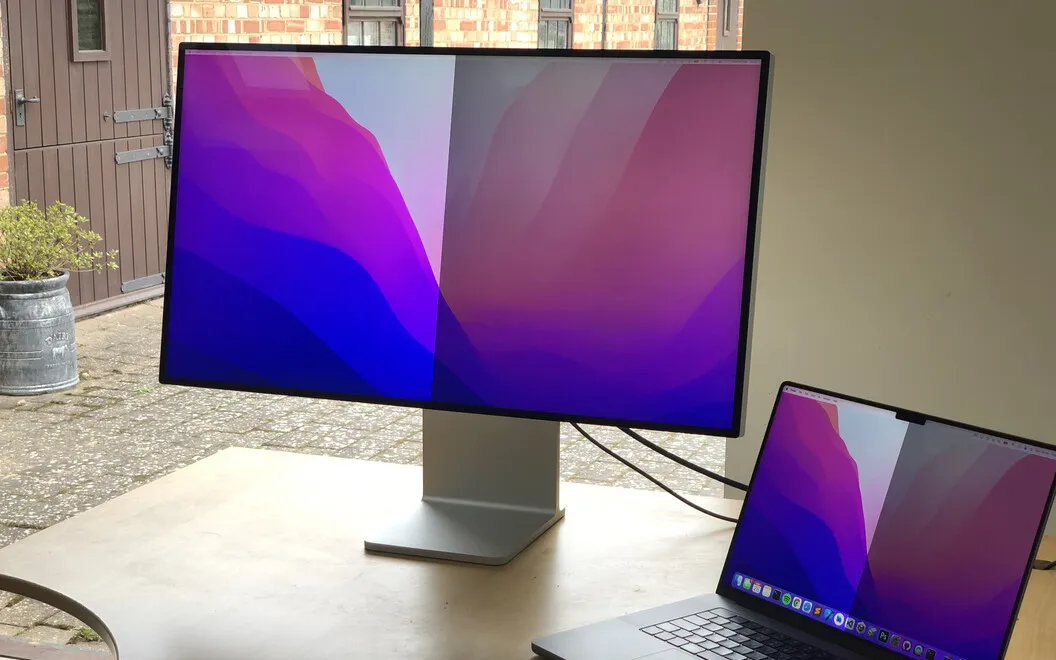
Vivid lets you double the display brightness of your M1 MacBook Pro or Pro Display XDR when the normal maximum isn’t enough, particularly in bright surroundings.
by GetVivid · 85% positive (445)
What you get
You get a brighter screen for working in bright light.
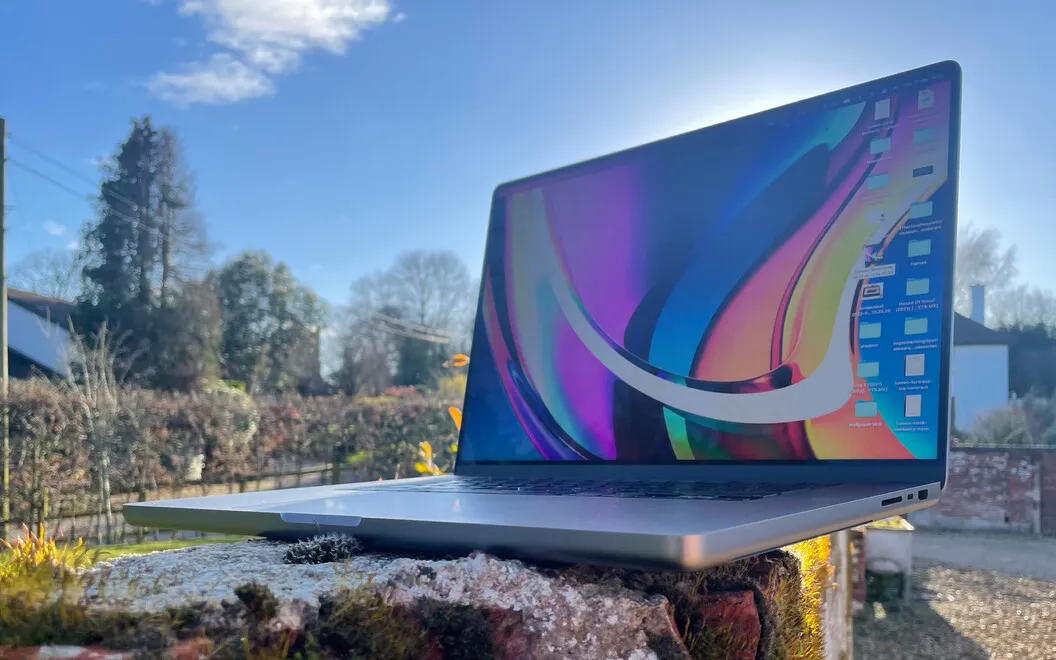
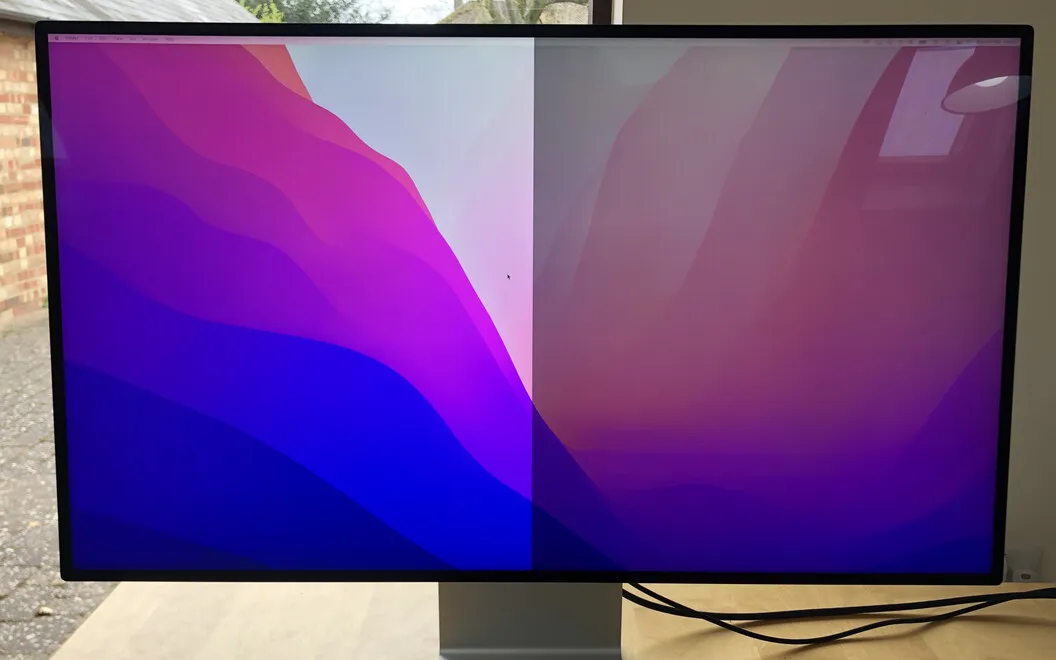
Vivid gives you up to twice the usual display brightness on your M1 MacBook Pro or Pro Display XDR. You can use brightness normally reserved for HDR media across your everyday work, making emails, documents, and presentations easier to see in bright surroundings.
You keep using your Mac’s regular brightness keys, so there are no new shortcuts to learn. You can brighten the whole display or just your active window, depending on what you need to see. If you regularly work outdoors, you can have Vivid start at login; otherwise, turn it on when the normal maximum falls short.
You can switch the extra brightness off from the menu bar when you move somewhere darker. That matters because higher brightness can consume more battery power and become tiring for your eyes in dim light.
-
See better in sunlight
You can push your supported display beyond its normal brightness limit to make outdoor work easier to see.
-
Keep familiar controls
You adjust the brighter display with the same Mac brightness keys you already use.
-
Brighten only your work
You can limit the brightness boost to your active window rather than the whole screen.
-
Return to normal quickly
You can turn off the boost from the menu bar when you no longer need it.
Best for
- You work outdoors on an M1 MacBook Pro
- You need more brightness from your Pro Display XDR
- You review work on location during photo or video shoots
Skip it if
You don’t need Vivid if your display is already bright enough or you don’t use an M1 MacBook Pro or Pro Display XDR.
Screenshots
From the developer
Vivid doubles the brightness of your M1 MacBook Pro and Pro Display XDR. The app simply unlocks the brightness built into your machine for HDR media. Install Vivid and adjust the display brightness with the same keyboard keys as before — but get brighter results!Read the full description
Alternatives to Vivid
Other apps to control external displays & brightness. See all
 DisplayBuddy
Control settings across monitors
Setapp
91% · 1,108 ratings
DisplayBuddy
Control settings across monitors
Setapp
91% · 1,108 ratings
 GapSucker
One cursor, zero dead ends
Sold separately
GapSucker
One cursor, zero dead ends
Sold separately
 LG Screen Manager (LG Monitor)
Mac App Store
LG Screen Manager (LG Monitor)
Mac App Store
 MonitorControl Lite
Mac App Store
MonitorControl Lite
Mac App Store
 Evenlight
Control app’s brightness
Setapp
85% · 33 ratings
Evenlight
Control app’s brightness
Setapp
85% · 33 ratings
 Slidr
Trackpad controls for Mac
Sold separately
Slidr
Trackpad controls for Mac
Sold separately