LG Screen Manager (LG Monitor)
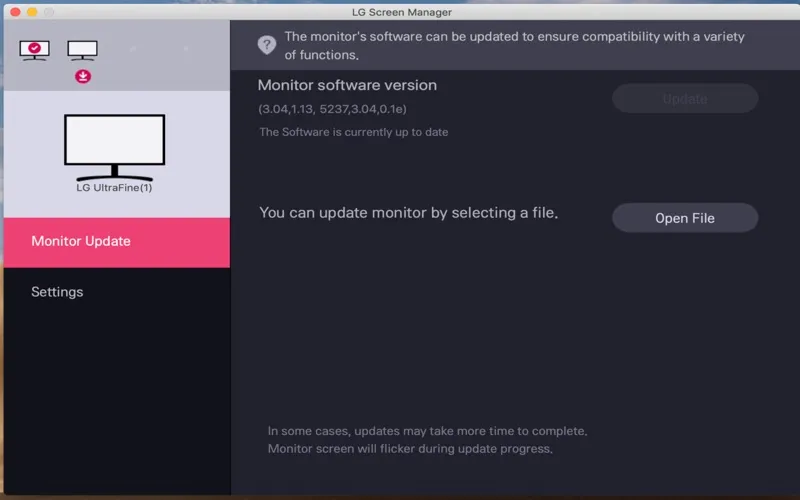
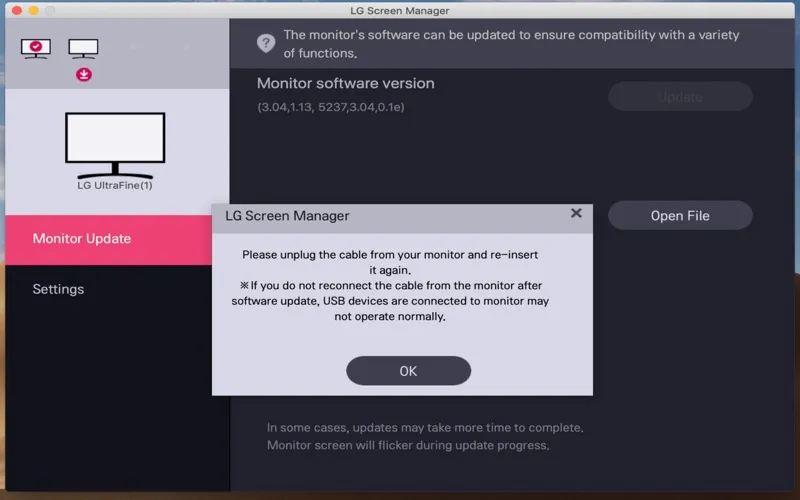
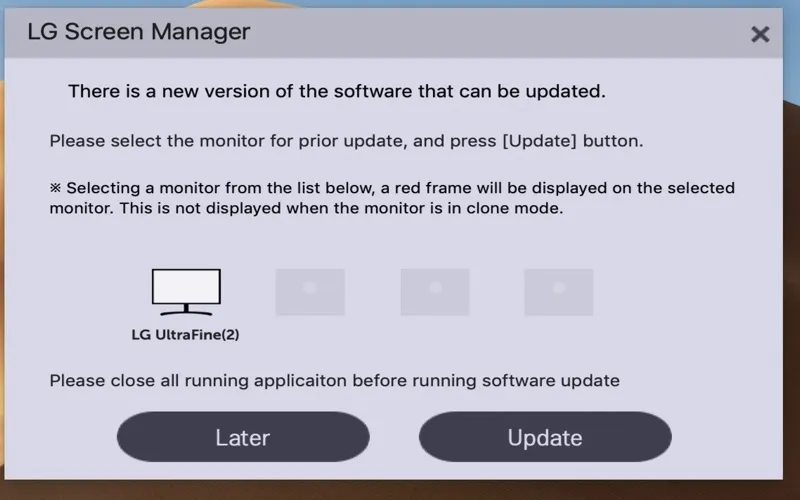
LG Screen Manager lets you view connected LG monitor information and update monitor software. It is for you if you own one of four supported LG models.
by LG Electronics, Inc.
What you get
View your LG monitor details and update its software.
With LG Screen Manager, you can view information about your connected LG monitors and update the software on supported models. You get a dedicated place to check your display details and handle monitor software updates, rather than a general-purpose display adjustment tool.
Before you use it, check your monitor’s model number. You need an LG 22MD4KA, 27MD5KA, 24MD4KL, or 27MD5KL; compatibility is limited to those four models, not the entire LG monitor range.
If you own a supported display, the practical value is straightforward: you can see its information and update its software. The supplied description does not list brightness controls or other display adjustments.
-
Update your monitor software
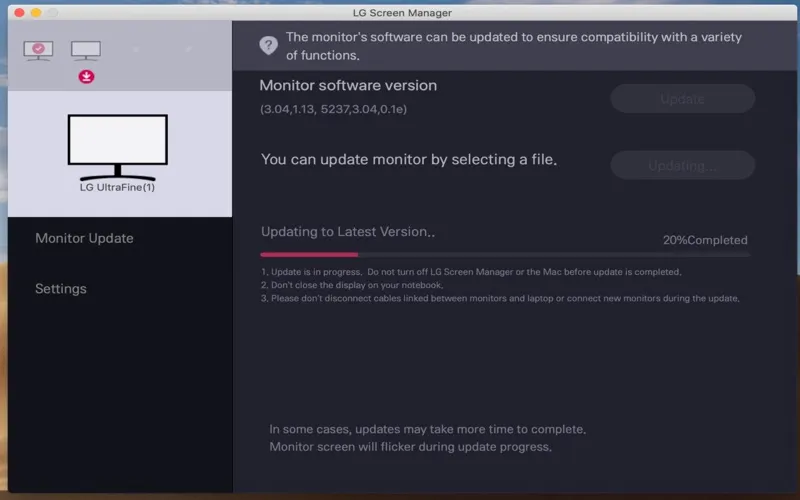
You can update the monitor software on a supported LG display.
-
Check connected monitor details
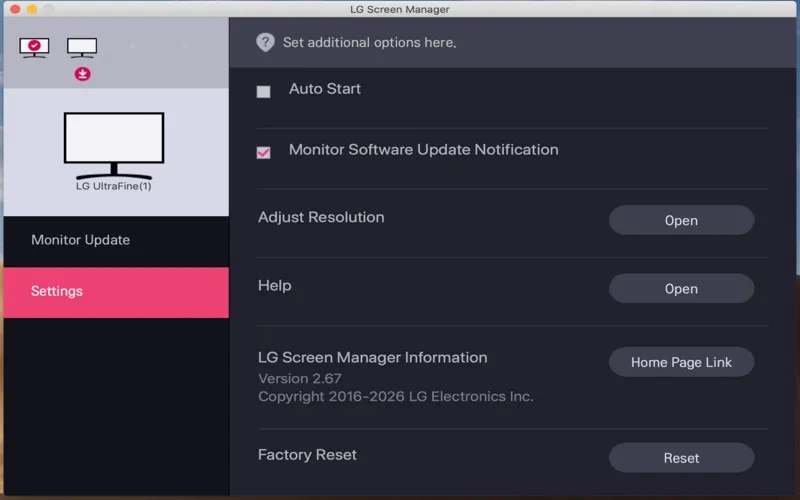
You can view information about your connected LG monitors in the app.
-
Check whether yours qualifies
You have an explicit compatibility list: LG 22MD4KA, 27MD5KA, 24MD4KL, and 27MD5KL.
Best for
- You own one of the four supported LG monitors
- You need to update your supported monitor’s software
- You want to check connected LG monitor information
Skip it if
You do not need this app if your monitor is not one of the four supported LG models.
Screenshots
From the developer
LG Screen Manager is an application that provide monitor software update feature. LG Screen Manager displays all connected LG monitor information. This software is compatible with supported LG monitors only. *Supported monitors 22MD4KA 27MD5KA 24MD4KL 27MD5KLRead the full description
Alternatives to LG Screen Manager (LG Monitor)
Other apps to control external displays & brightness. See all
 DisplayBuddy
Control settings across monitors
Setapp
91% · 1,108 ratings
DisplayBuddy
Control settings across monitors
Setapp
91% · 1,108 ratings
 Vivid
Double display brightness
Setapp
85% · 445 ratings
Vivid
Double display brightness
Setapp
85% · 445 ratings
 GapSucker
One cursor, zero dead ends
Sold separately
GapSucker
One cursor, zero dead ends
Sold separately
 MonitorControl Lite
Mac App Store
MonitorControl Lite
Mac App Store
 Evenlight
Control app’s brightness
Setapp
85% · 33 ratings
Evenlight
Control app’s brightness
Setapp
85% · 33 ratings
 Slidr
Trackpad controls for Mac
Sold separately
Slidr
Trackpad controls for Mac
Sold separately