Slidr
Trackpad controls for Mac
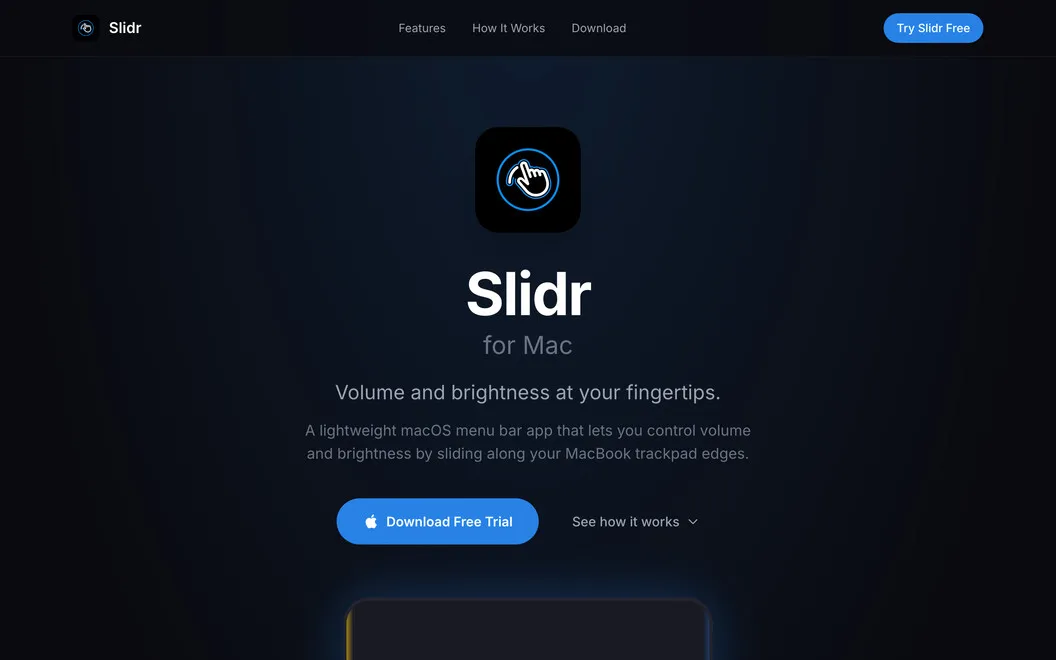
Slidr gives you trackpad gestures for Mac volume, display brightness, and middle click. It suits you if you prefer keeping your fingers on the trackpad instead of reaching for keys or menus.
by Zaki Qadus
What you get
Adjust your Mac’s volume and brightness without leaving the trackpad.
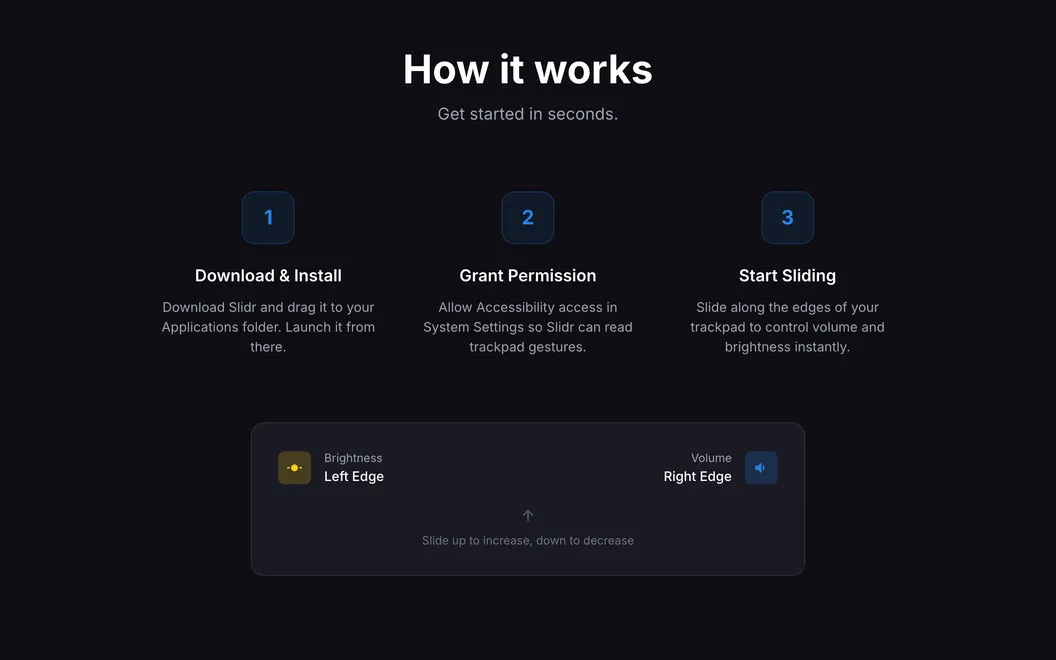
With Slidr, you can change sound levels and screen brightness while keeping your fingers on the trackpad. Swipe along the right edge for volume or the left edge for brightness, rather than reaching for keys or opening menus. If your external monitor supports DDC, you can adjust its brightness from your MacBook trackpad too.
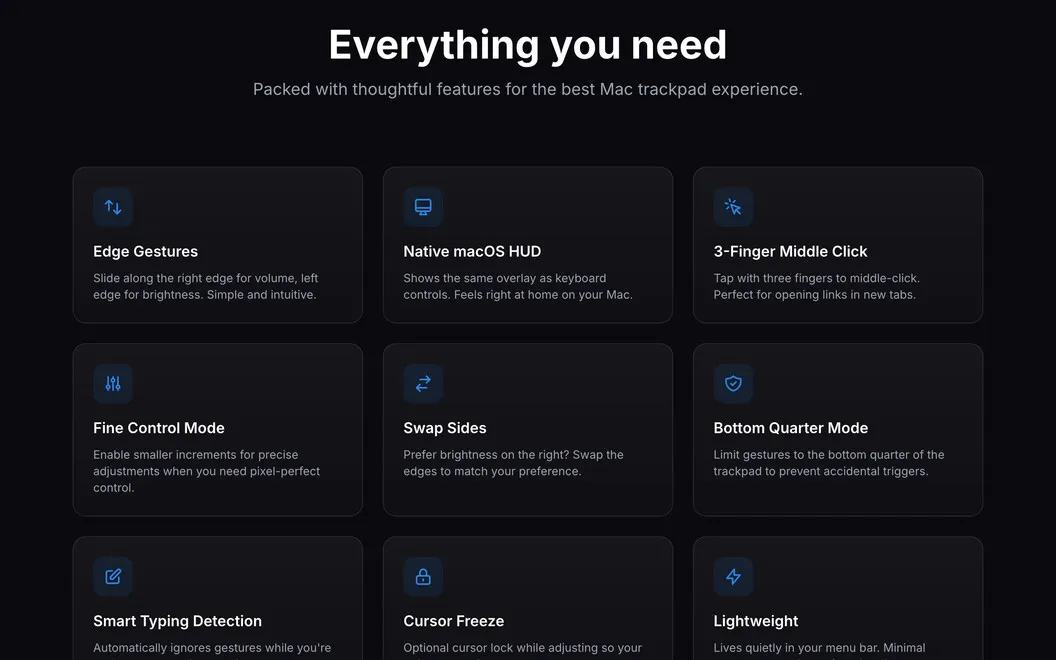
You can adapt the gestures to how you work: swap sides, require modifier keys, or restrict swipes to particular trackpad areas. Typing detection helps reduce unintended changes, while haptic feedback lets you feel each adjustment. When you need smaller changes, you can use fine adjustment mode and freeze the cursor while adjusting.
You also get an optional three-finger tap for middle click. Slidr stays in your menu bar and can launch when you log in, so you don’t need to open it before making adjustments.
-
Keep your fingers in place
You can change volume and brightness with trackpad edge swipes instead of using keys or menus.
-
Leave monitor buttons alone
You can adjust a DDC-compatible external display’s brightness from your MacBook trackpad.
-
Reduce accidental changes
You get typing detection and can require modifier keys or limit where gestures respond.
-
Make smaller adjustments
You can fine-tune levels and keep the cursor still while adjusting them.
-
Middle-click without a mouse
You can use a three-finger trackpad tap for middle click.
Best for
- You prefer trackpad gestures to keyboard controls
- You use a DDC-compatible external monitor
- You want middle click on your trackpad
Skip it if
You don’t need it if keyboard volume and brightness controls already suit you and you have no use for trackpad middle click.
Screenshots
From the developer
Slidr is a trackpad control app for Mac that turns simple edge swipes into fast volume and brightness controls. Slide along the right edge for volume or the left edge for brightness. It feels oddly natural. Like your Mac forgot to ship with it.Read the full description
Alternatives to Slidr
Other apps to automate with shortcuts & gestures. See all
 BetterTouchTool
Save time with custom actions
Setapp
98% · 3,322 ratings
BetterTouchTool
Save time with custom actions
Setapp
98% · 3,322 ratings
 PopClip
Use instant text actions
Setapp
98% · 1,359 ratings
PopClip
Use instant text actions
Setapp
98% · 1,359 ratings
 KeyCue
Work faster with shortcuts
Setapp
90% · 164 ratings
KeyCue
Work faster with shortcuts
Setapp
90% · 164 ratings
 Paletro
Access app menu commands
Setapp
98% · 474 ratings
Paletro
Access app menu commands
Setapp
98% · 474 ratings
 Keysmith
Create a shortcut for any action
Setapp
95% · 491 ratings
Keysmith
Create a shortcut for any action
Setapp
95% · 491 ratings
 iBoysoft MagicMenu
Expand your Mac’s right click
Setapp
88% · 422 ratings
iBoysoft MagicMenu
Expand your Mac’s right click
Setapp
88% · 422 ratings