EPSViewer
XPS, PDF, Ai, INDD
You can use EPSViewer to inspect design and print files on your Mac without Adobe apps, whether you’re checking client artwork or opening an unfamiliar attachment.
by Abdusodik Saidov
What you get
You can inspect artwork and catch print problems without opening Adobe apps.
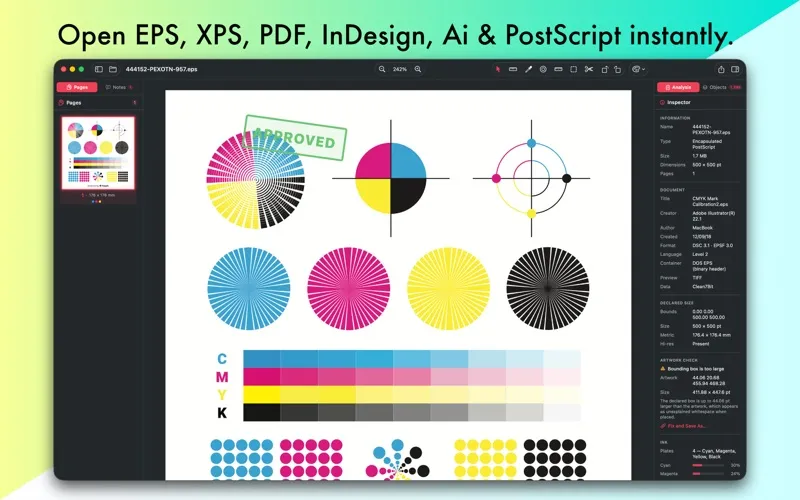
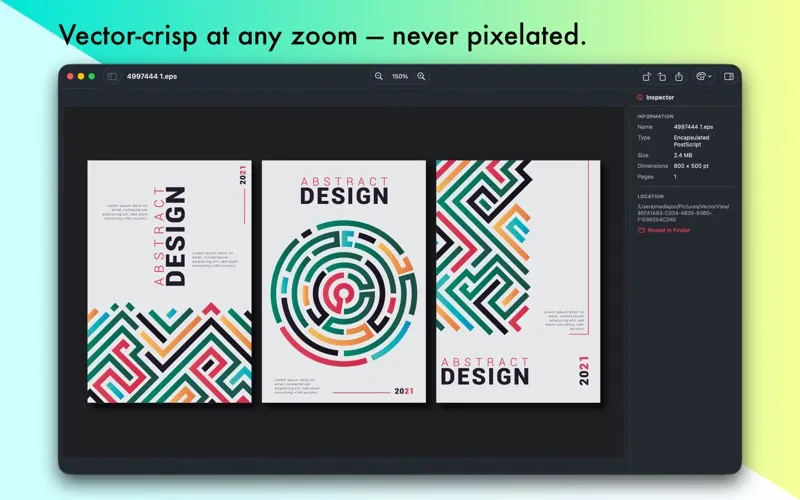
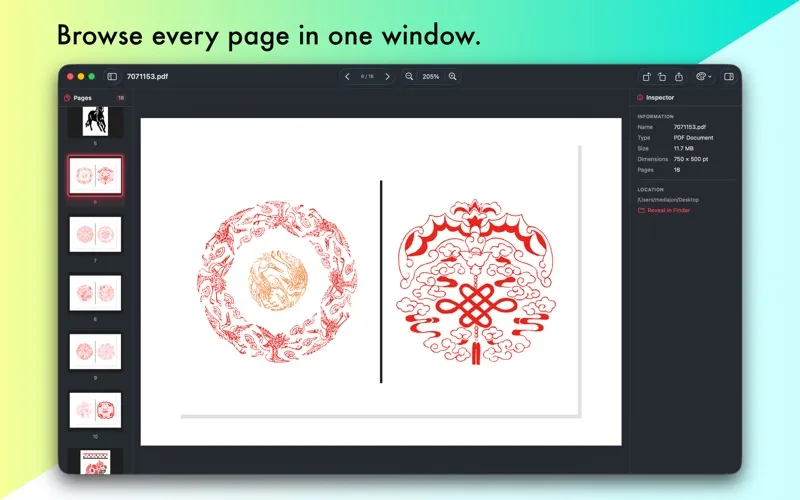
You can open EPS, PostScript, Illustrator, InDesign, XPS and PDF files without installing Adobe apps. You can zoom into vector artwork without blurring lines or text, measure dimensions and angles, and check bleed and trim areas before passing a file along.
For EPS, PostScript, PDF and Illustrator files, you can spot production problems such as missing fonts, low-resolution images, excessive ink coverage and incorrect artwork boundaries. You can inspect individual printing plates, including named spot colors, and gather your findings into a preflight report. Your files stay on your Mac during rendering and analysis.
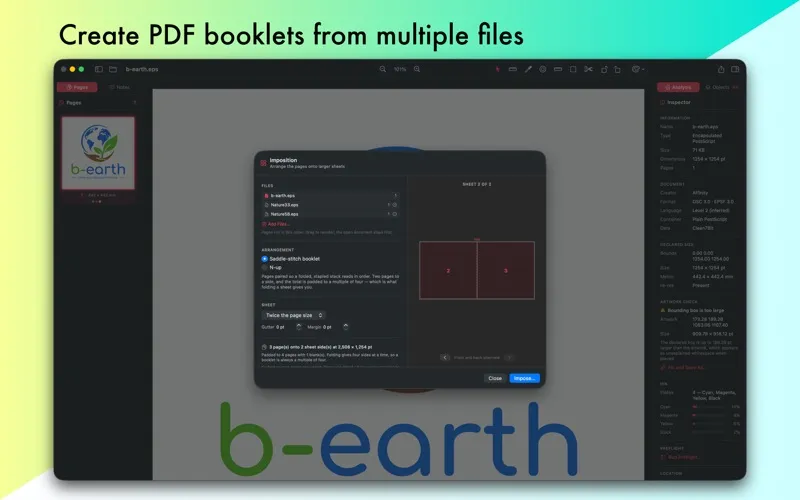
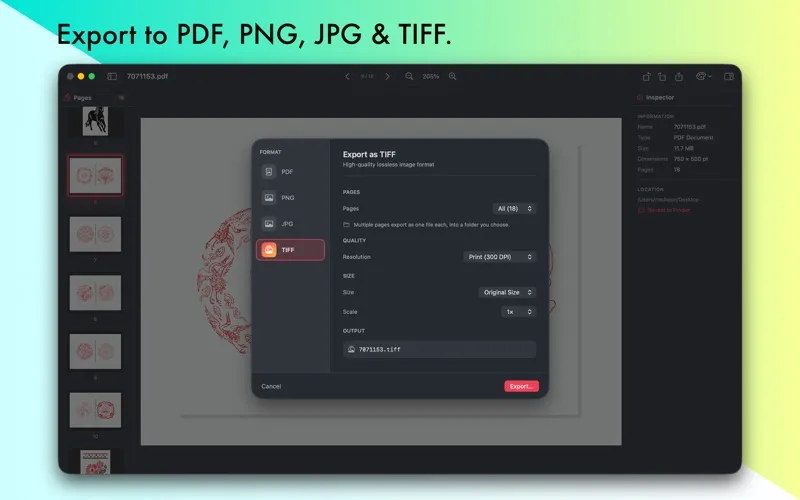
You can leave review notes without changing the original, export annotated PDFs that recipients can reply to, and convert pages to PDF, PNG, JPG or TIFF. You can also save a corrected copy of a file with faulty artwork boundaries. The free trial allows three file openings daily and all checks; acting on results requires Pro.
-
Inspect without Adobe apps
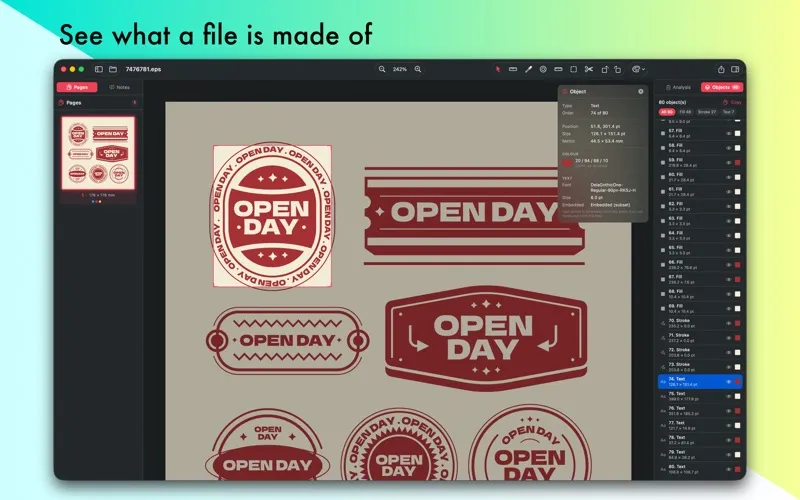
You can open unfamiliar design attachments and examine vector details without installing Illustrator or InDesign.
-
Catch print problems early
You can identify missing fonts, low-resolution images, excessive ink coverage and unexpected printing plates before sending artwork to press.
-
Keep review feedback attached
You can mark up artwork without altering the original and export PDF notes that recipients can read and reply to.
-
Get usable copies
You can export selected pages or entire documents as PDF, PNG, JPG or TIFF, with control over resolution and size.
-
Keep client files local
You can inspect and analyze sensitive artwork without sending your files off your Mac.
Best for
- You review client artwork before printing
- You check logos and vector files without Adobe apps
- You receive design attachments you cannot otherwise open
Skip it if
You need to create or extensively edit artwork rather than inspect, annotate, check or export existing files.
Screenshots
From the developer
Open EPS, XPS, PostScript, Illustrator, InDesign and PDF files instantly — no Adobe apps required. Crisp vector rendering, prepress checks, and export to PDF, PNG, JPG, or TIFF.Read the full description
Alternatives to EPSViewer
Other apps to preview files without opening. See all