GIPHY Capture. The GIF Maker
GIPHY Capture is a free Mac app for making short GIFs. You can capture moments, adjust their playback, and add animated captions before saving or sharing them.
by Giphy, Inc.
What you get
Turn short moments into looping GIFs you can save and share.
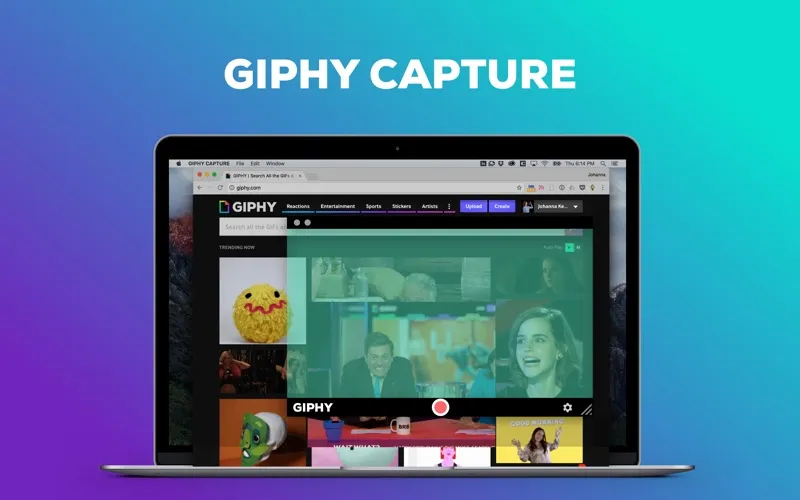
You get a way to turn a short moment into a GIF on your Mac, whether you want to send a favorite video moment to a friend or keep it for later. You start and stop capture with a click, with recordings up to 30 seconds long.
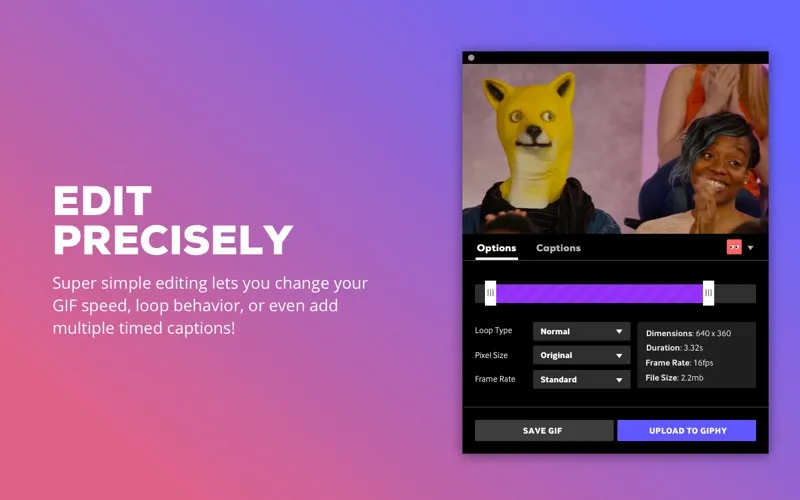
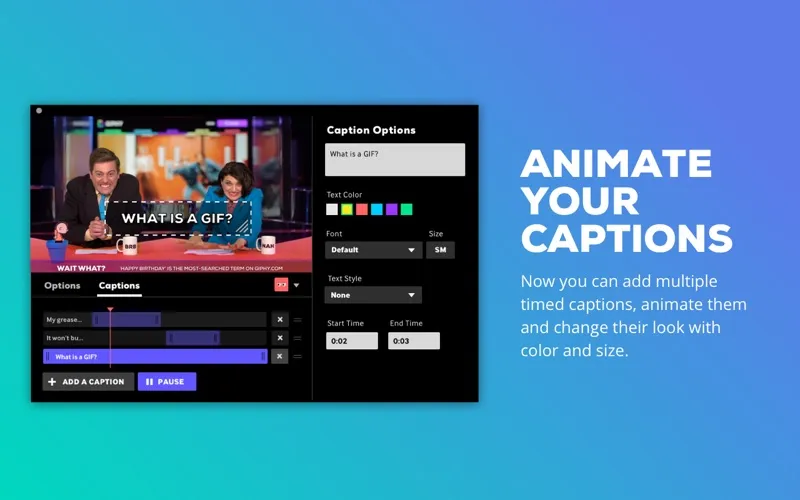
You can choose how your GIF loops and adjust its frame rate to change how the motion looks. Add captions, style the text, and animate it to give your clip context. Before saving, you can check the expected file size.
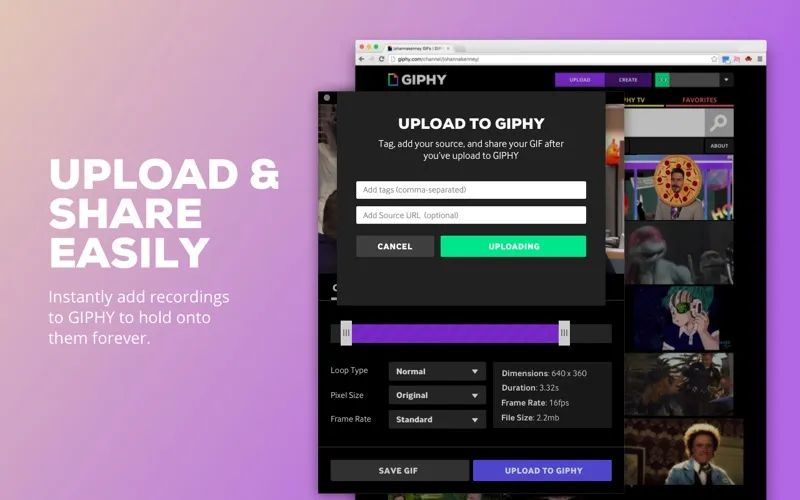
When you're done, you can save your GIF, email it, or upload it to GIPHY so you can find and share it again later.
-
Capture a short moment
You can start and stop a capture with a click to make GIFs up to 30 seconds long.
-
Control the motion
You can choose a loop style and adjust the frame rate to get the playback you want.
-
Give your GIF context
You can add, style, and animate captions to explain the moment or add a comment.
-
Know the size beforehand
You can preview your GIF's file size before saving it.
-
Keep or share it
You can save your GIF for later, email it, or upload it to GIPHY for future access and sharing.
Best for
- You want to send short video moments as GIFs
- You want looping clips with animated captions
- You want to keep your GIF creations on GIPHY
Skip it if
You don't need it if you want to record clips longer than 30 seconds rather than make short GIFs.
Screenshots
From the developer
GIPHY Capture is the best way to create GIFs on your Mac. This free app is simple, powerful, and easy enough for pretty much anyone. CAPTURE INSTANTLY • Create your GIF with just a couple clicks. • Click to start, click to stop! • Capture GIFs up to 30 seconds long.Read the full description
Alternatives to GIPHY Capture. The GIF Maker
Other apps to make GIFs. See all