OmniPlayer
MKV Video Player
OmniPlayer is a Mac media player for you if you watch videos or listen to audio in varied formats, including MKV, MP4, FLAC, and MP3.
by 成浩 吴
What you get
Watch your videos with readable subtitles and sound that stays in sync.
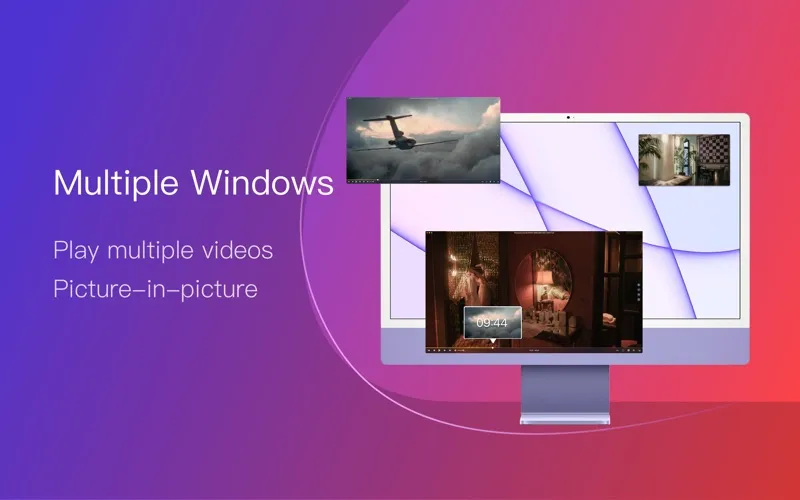
You can play a wide range of video and audio files on your Mac, including MKV movies, 4K videos, and lossless music. You can also open media from network servers or online addresses, including YouTube and Vimeo page links, rather than watching only files stored locally.
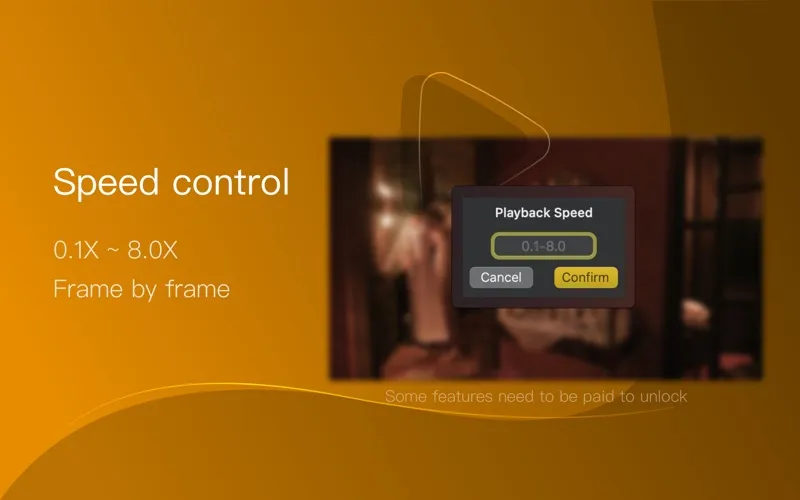
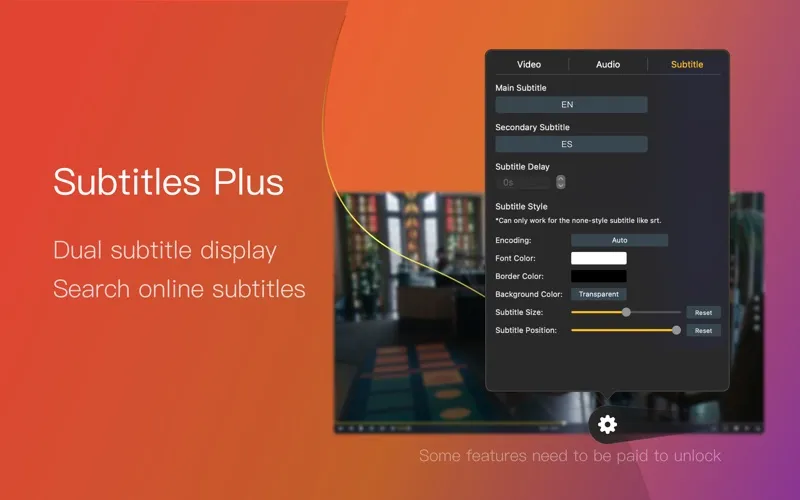
You get ways to fix common viewing annoyances: adjust audio delay when speech falls out of sync, choose another audio track, and load subtitles from your Mac or search for them online. You can change subtitle size and color, correct garbled characters, and adjust the picture’s brightness or aspect ratio. Playback speeds from 0.25× to 4× let you slow down details or move through material faster.
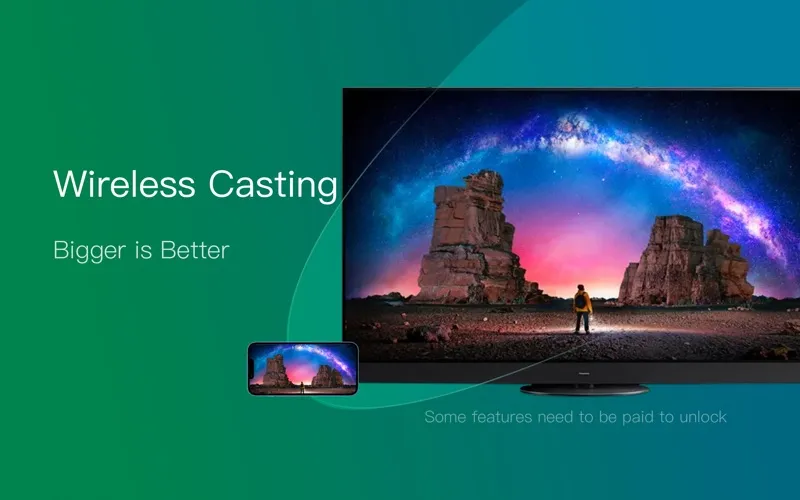
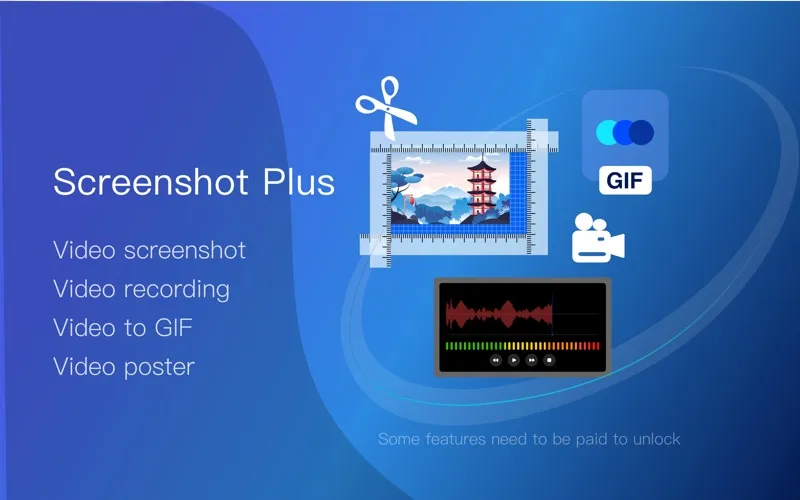
You can return to your saved playback position, capture stills, or turn a video moment into a GIF up to 60 seconds long. For a larger view, you can send playback to compatible DLNA, Chromecast, or Roku devices.
-
Play varied media files
You can watch MKV and other video formats, plus listen to standard and lossless audio, in one player.
-
Make dialogue easier to follow
You can find and load subtitles, adjust their appearance, and correct audio delay when speech and video drift apart.
-
Watch at your pace
You can slow playback to 0.25×, speed it up to 4×, and return to your saved position.
-
Keep a video moment
You can capture a still image or create a GIF lasting up to 60 seconds.
-
Watch on a larger screen
You can send playback to compatible devices using DLNA, Chromecast, or Roku.
Best for
- You watch downloaded videos in mixed formats
- You need adjustable subtitles or audio synchronization
- You play media from local files and network servers
Skip it if
You probably do not need it if your current player handles your files and you do not need subtitle adjustments or wireless playback.
Screenshots
From the developer
Supported Formats: Videos: mkv, rmvb, rm, avi, mov, wmv, flv, f4v, f4p, f4a, f4b, swf, mpg, mpeg, mpeg1, mpeg2, m1v, m2v, mpv, mp4, mpeg4, m4v, 3gp, 3gpp, 3g2, 3gp2, m2p, ps, ts, m2ts, mts, mt2s, ogm, ogv, divx, dv, asf, wtv, webm, m3u, m3u8 etc.Read the full description
Alternatives to OmniPlayer
Other apps to play any video format. See all