InSpec
The inspector that remembers
InSpec is a standalone Mac CSS editor for live web pages. You can use it to refine website styles, keep edits across sessions, and save changes back to source files.
by Benjamin Dansby
What you get
You can refine live website styles without losing your edits.
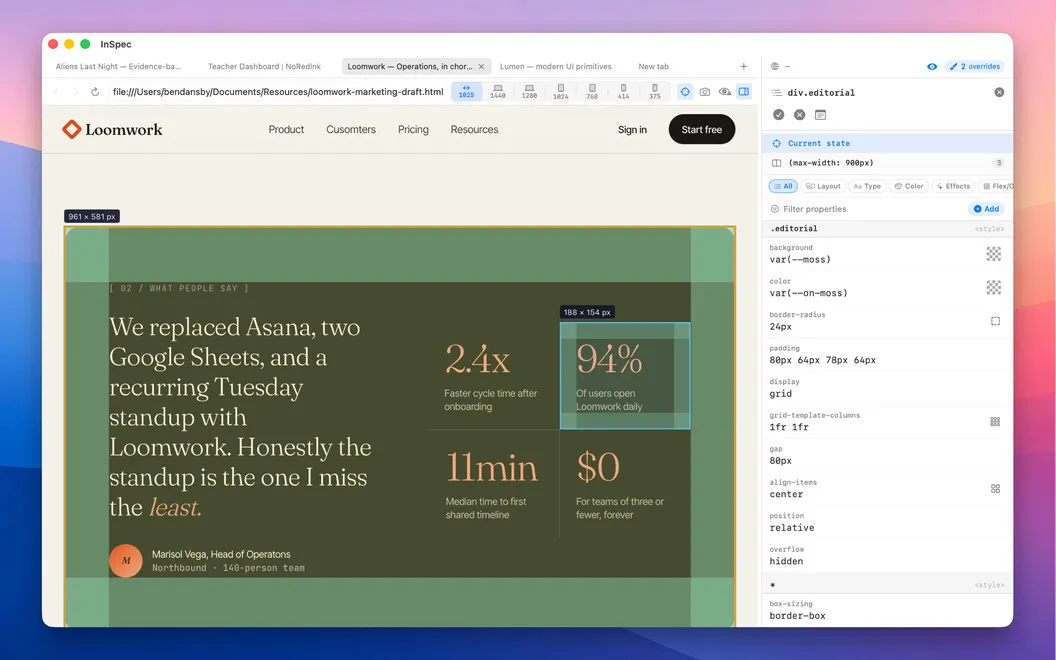
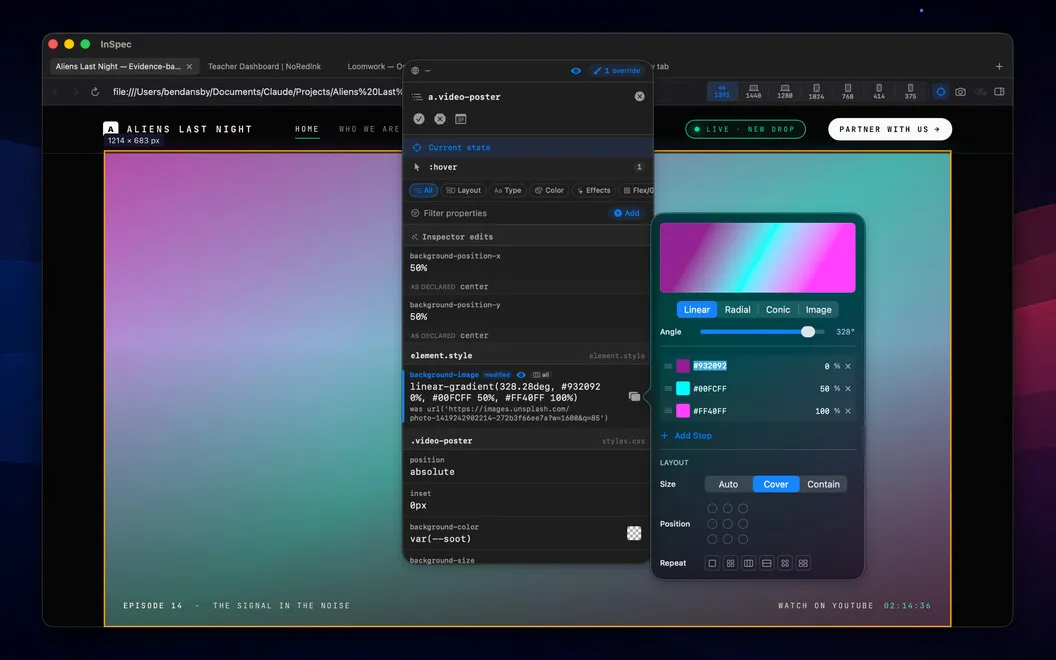
You can adjust a live page’s appearance and keep your work when you reload, close a tab, or quit and reopen InSpec. Click an element to see the CSS rules that apply to it, then change spacing, sizing, colors, and other styles with visual controls in a dedicated Mac window.
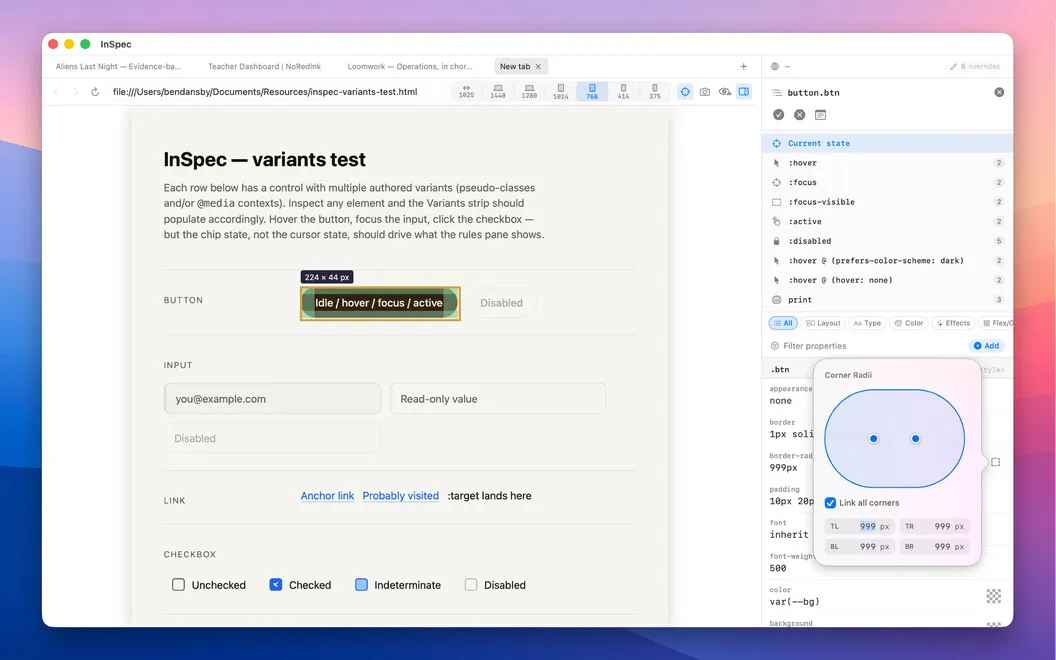
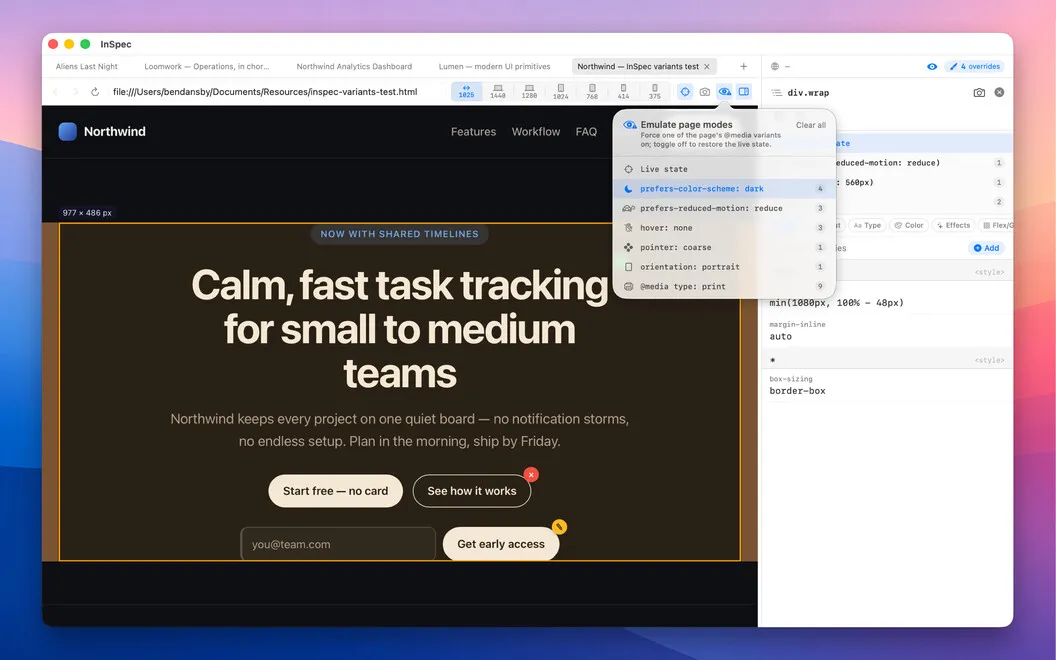
You can check and edit hover, keyboard-focus, and dark-mode appearances without holding keys or freezing the page. That lets you work on the states visitors actually encounter, rather than only the default view. When you’re satisfied, you can copy the edited CSS or save changes directly to the appropriate stylesheet or HTML file, avoiding manual transcription.
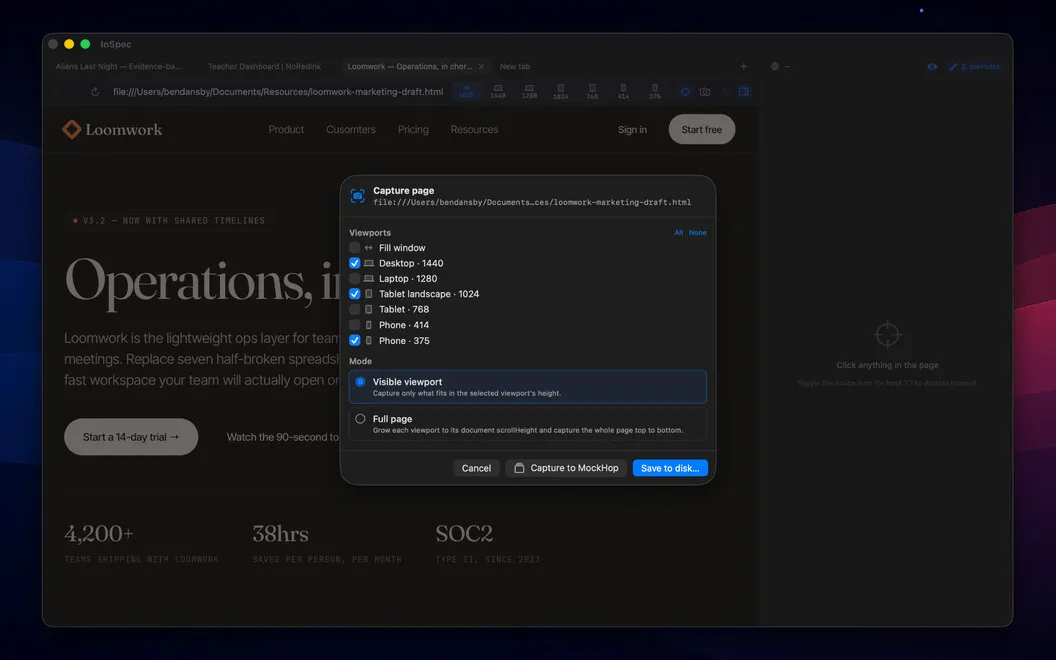
For feedback or documentation, you can capture the page at a chosen viewport size and include annotations in the image. You get a record of how the page looked at mobile, tablet, or desktop dimensions.
-
Keep your styling work
You can return to your edits after reloads, closed tabs, or an app restart.
-
Check interactive states
You can refine hover, keyboard-focus, and dark-mode styles without holding keys or freezing the page.
-
Avoid retyping changes
You can save edits to the appropriate stylesheet or HTML file, or copy the CSS for pasting.
-
Share the exact view
You can capture pages at chosen viewport sizes with annotations included for feedback and documentation.
Best for
- You develop websites and repeatedly tweak CSS
- You need to check hover, focus, and dark-mode styling
- You hand off annotated page captures to developers or clients
Skip it if
You probably don’t need it if you rarely edit CSS and your browser’s temporary styling tools are enough.
Screenshots
From the developer
InSpec is a standalone Mac CSS editor for live web pages. Click any element to see every matching ruleset, edit declarations with real visual controls, and save your changes straight back to the right stylesheet — or into the HTML itself.Read the full description
Alternatives to InSpec
Other apps to build & debug websites. See all